John Smith

John Smith

Author  ·  John Smith

50 Articles

How to Power Off Android Phone: Quick Steps

To power off your Android phone, use the standard Power button method first: hold the Power key and tap Power off when the menu appears. This is the fastest, most reliable option on most devices, including Samsung, Google Pixel, and many others. If your screen is frozen or the buttons won’t respond, you’ll also get...

How to Pair AirPods to Android: Step-by-Step Setup

Pairing AirPods to Android is straightforward—and faster if you do it the right way the first time. This step-by-step guide walks you through connecting your AirPods, switching audio output when needed, and handling the common Bluetooth hiccups. If you want a clean, reliable connection on Android, these instructions will get you there. Pairing AirPods to...

How to Lock Apps on Android: Step-by-Step Methods

Want to lock apps on Android fast and for real? The best method depends on whether you need device-level protection (screen pinning or app pinning) or app-by-app security (built-in app lock or a trusted third-party lock). This guide answers exactly how to lock apps on Android with clear, step-by-step options you can use immediately. Locking...

How to Leave a Group Chat on Android: Step-by-Step

Want to know how to leave a group chat on Android? This step-by-step guide tells you the exact taps to exit a group in popular Android messaging apps and confirms what happens to your messages afterward. If the exit option isn’t showing, it explains the fastest workaround so you can get out without guesswork. To...

How to Find a Lost Android Phone: Fast Recovery Steps

If you’ve lost an Android phone, the fastest way to find it is to use Google’s Find My Device immediately while it’s still online. This step-by-step recovery plan shows how to pinpoint its location, make it ring, lock it, and protect your data within minutes. Follow these actions first for the best chance of getting...

How Do You Turn Safe Mode Off on an Android?

If you’re trying to turn Safe Mode off on an Android, the fastest fix is a normal restart—boot the phone as usual and Safe Mode should disappear. If it won’t, the issue is almost always a stuck hardware button, so release or troubleshoot the Power/Volume keys before restarting again. Follow these steps and you’ll get...

Latest Versions of Android: What’s Current and What’s Next

Android 15 is the latest version of Android you can install right now, and it’s the clear pick if you want the newest features and security updates. This guide spells out what’s current, which devices support it, and what Android versions are next on the roadmap—so you know exactly what to upgrade to and when....

How to Transfer Content From Android to iPhone: Step-by-Step

Need to transfer content from Android to iPhone fast and without guesswork? This step-by-step guide shows the quickest method to move your contacts, photos, calendars, and messages to your new iPhone with minimal downtime. Follow the instructions in order, and you’ll know exactly what to do before you start, during the transfer, and after it...

How to Transfer Android to iPhone: Step-by-Step Guide

Need to transfer Android to iPhone fast and without losing your photos, contacts, and messages? This step-by-step guide gives you the quickest path using Apple’s tools, so you know exactly what to move and what to verify before you switch. Follow it in order, and you’ll end up with your new iPhone set up correctly—no...

How to Search a Picture on Google on Android

Searching a picture on Google from your Android phone is the fastest way to find where it appears, what it is, and similar images. Follow the steps to upload the photo (or use the camera) and run a Google Lens reverse image search in minutes. If you want the quickest results from the most common...

How to Search a Photo on Google on Android

Search a photo on Google on Android in minutes with the fastest method: use Google Lens from the Photos app or the Google app to identify the image and find matching results. This walkthrough tells you exactly where to tap, what permissions you may need, and how to switch from “search” to “search for similar”...

How to Reset an Android Phone: Step-by-Step

Need to reset an Android phone fast and safely? This step-by-step guide walks you through the exact reset options—factory reset and recovery mode—so you can restore your device or fix persistent issues without guesswork. Follow the instructions that match your situation, and you’ll be back up and running in minutes. To reset your Android phone,...

How to Remove an Application From Android: Step-by-Step

Need to remove an application from Android? Follow these step-by-step instructions to uninstall the app cleanly—whether it’s from Settings, the Play Store, or your app drawer. You’ll also learn what to do when the app won’t uninstall, so the removal actually sticks. Uninstalling an app on Android is usually a 10–30 second process from your...

How to Hide Apps on Android: Simple Methods That Work

Need to hide apps on Android fast and still keep them usable? For most people, the best option is to use Android’s built-in features—like app hiding on your device or hiding apps in the launcher—because it’s quick, reliable, and doesn’t require extra installs. If your goal is stronger concealment than simple hiding, we’ll walk you...

How to Factory Reset Android: Step-by-Step Guide

Need a clear, step-by-step way to factory reset your Android? This guide walks you through the fastest reliable method—using Android’s built-in reset options—so you can wipe the device safely and restore factory settings. If you’re locked out or the phone won’t boot, it also shows how to complete the reset using Recovery Mode. Factory resetting...

How to Clear the Cache in Android: Step-by-Step Guide

Need to clear the cache in Android fast? Follow this step-by-step guide to remove app cache safely and fix common issues like lag and storage bloat. You’ll learn the quickest way to clear cache per app through Android Settings, plus how to proceed when the problem persists. Clearing the cache on Android is usually the...

Do Not Disturb Android: How to Enable and Fix It Fast

Want to turn on Do Not Disturb Android and stop it from messing up calls and notifications? This guide gives a fast, step-by-step path to enable Do Not Disturb on your phone, then fixes the most common failures—stuck “on,” exceptions not working, or alerts still breaking through. You’ll know exactly what to tap and what...

Do AirPods Work With Android? Compatibility and Setup Tips

Yes—AirPods do work with Android, but you won’t get the full “Apple experience” unless you use the right setup. This guide answers whether basic audio and mic calls work reliably on Android, and shows the fastest way to pair them, fix common connection hiccups, and configure controls. If you want a near-flawless experience, we’ll also...

How to Turn Off Safe Mode on Android: Quick Steps

Need to know how to turn off Safe Mode on Android? If Safe Mode is blocking apps or downloads, the fastest fix is usually a forced restart that boots you back into normal operation. Follow these quick steps to exit Safe Mode immediately and prevent it from coming back. To turn off Safe Mode on...

How to Transfer Data from Android to iPhone

Want to transfer data from Android to iPhone without losing photos, contacts, or messages? If you use Apple’s “Move to iOS” app, the process is the fastest, most reliable path for most people upgrading to a new iPhone. This guide walks you through the exact steps—and the few common failure points—so you can finish the...

How to Screenshot on Android: Simple Methods to Capture Your Screen

Learn how to screenshot on Android fast with the simplest method that works on the most devices: the Power + Volume Down button. If your phone doesn’t respond or you need more control, the article walks you through alternative built-in options like gesture and screenshot tools from system settings. Get clear, step-by-step instructions to capture...

Can You Use Apple Watch With Android? Compatibility Explained

Yes—you can use an Apple Watch with an Android phone only in limited ways, because Apple Watch’s core features require iPhone pairing. If you want full functionality like notifications, call/SMS support, app access, and seamless workout syncing, the clear winner is an iPhone. If you’re okay with a reduced setup and using it mainly as...

Can You Screen Record on Android? Quick Guide

Yes—screen recording on Android is possible, and you can start it quickly if your phone supports the built-in screen recorder or if you use a reliable third-party app. This quick guide answers whether you can screen record on Android, then shows the fastest way to do it based on your device. You’ll be recording in...

How to Split Screen on Android: Step-by-Step Setup

Want to split screen on Android and have two apps running side by side? This step-by-step guide walks you through the fastest setup method—so you know exactly where the Split Screen option lives and how to choose each app. If your device supports it, you’ll be up and running in minutes; if it doesn’t, you’ll...

Can You FaceTime From iPhone to Android? What to Know

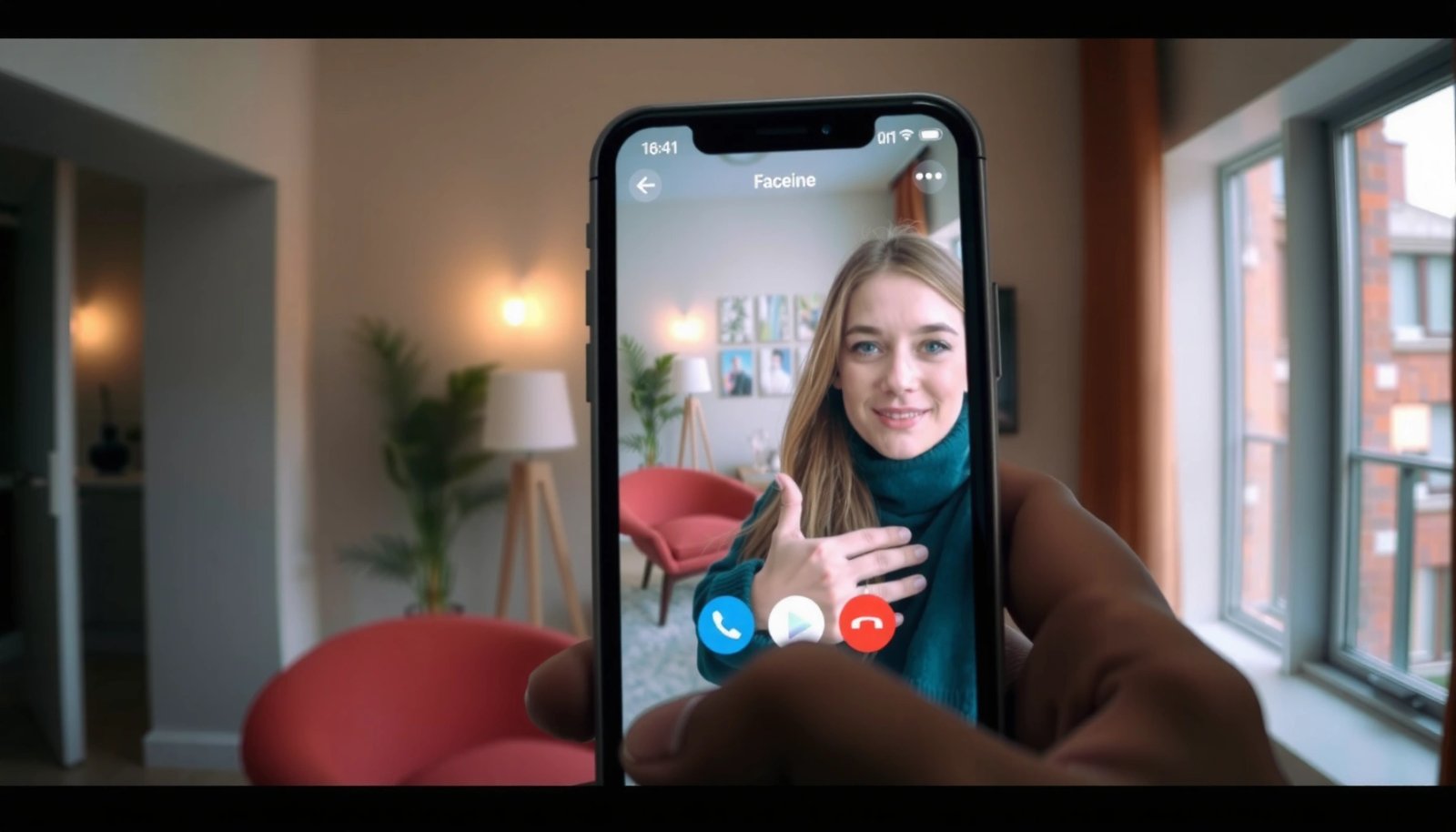
You can’t directly FaceTime from an iPhone to an Android phone, because FaceTime is an Apple-only app. If you want an iPhone-to-Android video call anyway, your best path is using an alternative like WhatsApp, Google Duo, or a similar cross-platform service. Here’s what to know about the options, the requirements, and which one will actually...

How to Shift Contacts From Android to iPhone: Step-by-Step

Want a reliable way to shift contacts from Android to iPhone without losing names or numbers? This step-by-step guide walks you through the fastest, most dependable transfer method—so you’ll know exactly what to tap on both phones. If you follow the instructions in order, your contacts will land on your iPhone and be ready to...

Can iPhone Share Location With Android? (Yes, Here’s How)

Yes—iPhone can share location with Android, and it works reliably when you use Apple’s “Share My Location” from iOS to an Android phone via a link or sign-in flow. This guide answers the exact question of whether cross-platform location sharing is possible and shows the fastest setup steps to make it happen. You’ll know what...

How to Screenshot on Android Phone: Quick Methods

Need to know how to screenshot on an Android phone fast? The quickest method depends on your device’s buttons or built-in shortcuts, and you’ll get the exact steps for both in minutes. If you prefer speed over menus, we’ll show the fastest button combo and when to use swipe or gesture options instead. You can...
Can Android Facetime With iPhone? (Here’s What Works)

Can Android facetime with iPhone? Yes—but only if you use Apple’s FaceTime-compatible options like FaceTime links or an iPhone-based gateway; a standard Android device can’t “FaceTime” like an iPhone does. The workable paths, what you’ll need on each side, and the situations where it won’t connect are the deciding factors. Yes, Android can join some...

How to Screenshot on Android: Step-by-Step Guide

You can learn how to screenshot on Android in minutes with the fastest, most reliable method: use the Power + Volume Down buttons. This step-by-step guide walks you through capturing your screen, confirming the screenshot, and finding it afterward. If your device uses a different shortcut, you’ll also see the alternate options that match your...

Can Android Facetime to iPhone? Here’s What Works

Yes—Android can place a FaceTime call to an iPhone, but only in one workable way: using Apple’s FaceTime link that the iPhone can join, or relying on a cross-platform alternative like Google Meet when you need full control from Android. If you’re trying to FaceTime directly from a native Android app to an iPhone contact,...

How to Reset Android Phone When Locked

If your Android phone is locked and you need to reset it, the fastest, most reliable route is using Recovery Mode to perform a factory reset. This method bypasses the screen lock without needing the password, but it will wipe your data. You’ll also get the exact button sequence and the final steps to restart...

Can an Android Phone FaceTime With an iPhone?

Can an Android phone FaceTime with an iPhone? The answer is no—Android can’t use Apple’s FaceTime app or connect to FaceTime calls the way iPhones do. You can still achieve the same goal (video calling with an iPhone) only by switching to cross-platform apps like WhatsApp, Google Meet, or Zoom, depending on what you both...

How to Remove Installed Apps From Android: Step-by-Step

Want to remove installed apps from Android fast? Follow these step-by-step instructions to uninstall apps cleanly, whether they’re downloaded from the Play Store or stubborn system apps. You’ll see exactly where to tap in Settings, what to do if the Uninstall option is missing, and how to confirm the app is fully gone. To remove...

Who Owns Android System? (Google’s Role Explained)

Google effectively owns Android’s direction and infrastructure because it controls the platform’s source code releases, update pipeline, and licensing through Android Open Source Project governance. However, the operating system isn’t controlled by a single company at the device level—phone makers and carriers ship customized Android builds under their own terms. This article answers who owns...

How to Reduce Android System OS Storage: Practical Fixes

If your Android System OS is eating too much storage, the fastest win is using cache/updates cleanup plus uninstalling or disabling what you don’t need—without risking your core OS files. This guide shows the exact, practical steps to reduce Android system OS storage on both stock and common OEM builds, including what to delete, what...

Who Owns Android OS? Key Players Explained

Google owns Android OS in the strictest sense: it controls the core code through the Android Open Source Project and the Android brand. But on the ground, the day-to-day “owner” of your device is the handset maker and its carriers, which decide the software customization, updates, and preloads. This article answers who owns Android OS—Google,...

How to Recover Deleted Messages on Android

Want to recover deleted messages on Android? Your best shot is to act immediately: restore from your app’s built-in backup (like Google Messages backup) if it exists, or use a reputable Android recovery tool before the space is overwritten. If the messages were deleted long ago or no backup was enabled, recovery is unlikely—so this...

Who Is the Android Owner? Key Identity and Ownership Explained

The Android owner is the person or organization that is legally responsible for the device and its account—typically the account holder tied to the Google services on that phone or tablet. This guide delivers the direct verdict on who counts as the “android owner” in real-world scenarios, from device registration and app purchases to carrier...

How to Record Phone Calls on Android: Easy Steps & Settings

Want to record phone calls on Android? The fastest, most reliable method is to use the right built-in option or a compliant call-recording app based on your Android version and carrier, because many devices block recording by default. Follow the exact steps and settings that actually turn recording on—so you can start capturing calls the...

Where to Watch Movies on Android for Free APK (Safe Options)

Finding where to watch movies on Android for free APKs isn’t safe by default, but you can get a clear answer on which options are actually worth using. This guide tells you the best legitimate paths to stream or download without gambling on shady APKs, malware, or copyright trouble. If you want free movie watching...

How to Record Audio on Android: Step-by-Step Guide

Recording audio on Android is straightforward when you use the right built-in tools. This step-by-step guide shows exactly how to record audio on your Android phone, from choosing a microphone and setting input levels to saving and sharing your file. You’ll get a working method that holds up whether you’re capturing a voice memo or...

Where Are My Downloads on Android? Find Downloaded Files Fast

Looking for where your downloads are on Android? Most of the time, you’ll find them quickly in the Downloads folder via the Files app—or, if your device uses it, in your browser’s Downloads section. We’ll point you to the exact location and show the fastest way to open the file you just downloaded, even when...
How to Reboot Android Phone: Simple Steps That Work

Need to reboot your Android phone fast—what actually works without guessing? Follow these simple steps to restart and, if needed, perform a proper hard reboot to clear temporary glitches and restore responsiveness. You’ll be back up and running in minutes, with the exact reboot method matched to what’s wrong with your device. Rebooting an Android...

What Is the Best Android Phone? Top Picks by Budget and Needs

The best Android phone depends on your budget and must-have priorities, and this guide picks a clear winner in each category rather than hedging. We’ll tell you exactly which Android model to buy if you want the best overall value, the best under-$500 performance, or the most reliable flagship experience. By the end, you’ll know...
How to Print From Your Android Phone: Step-by-Step Guide

Printing from your Android phone is fastest and simplest when you use your printer’s built-in Wi‑Fi or cloud printing feature. This step-by-step guide shows you exactly how to send a photo or document from Android to paper—setting up the connection, choosing the right printer, and fixing common print failures. By the end, you’ll know the...

What Is an Android? Simple Explanation and Key Features

An Android is a mobile operating system (not a person or robot) from Google that powers millions of smartphones and tablets. If you want a simple, direct answer to “what is an android,” this guide explains it in plain language and breaks down the key features—apps from the Google Play Store, customization, and security updates....

How to Mirror Android to TV: Step-by-Step Setup

Want to mirror Android to TV and get your screen on the big display with minimal hassle? This step-by-step guide tells you exactly how to do Android-to-TV mirroring and which method to use so it connects reliably the first time. Follow it end to end to start mirroring fast—whether you’re using Chromecast, a smart TV...

How to Use Android Auto: Step-by-Step Setup and Tips

Want to know how to use Android Auto? This step-by-step guide gets you from first setup to working voice commands, navigation, music, and calls in minutes, with clear fixes when things don’t connect. If you want the fastest route to hands-free driving without guesswork, follow these setup steps and pro tips to make Android Auto...

How to Migrate Android Contacts to iPhone: Step-by-Step

If you’re trying to migrate Android contacts to iPhone, the fastest, most reliable route is to use the official Google Account sync—then verify everything once on iOS. This step-by-step guide tells you exactly what to tap on Android, what to set on your iPhone, and how to confirm no contacts are missing. Follow it and...