
You can’t Facetime an Android phone directly in the standard way, because Apple’s FaceTime is built for Apple devices only. If you’re trying to video chat with someone on Android, the practical winner is using an open alternative like Google Meet or WhatsApp instead. This guide shows exactly what works for Android-to-iPhone and iPhone-to-Android video calls—so you know the fastest path to a real connection.
No—FaceTime isn’t available on Android phones, so you can’t install or join FaceTime calls the “normal” way. The practical solution is to use an Apple-compatible workaround (when possible) or switch to a cross-platform video calling app like WhatsApp or Google Meet for iPhone↔Android communication.
Introduction

FaceTime is one of Apple’s most recognizable video-calling features, but it’s also one of the most “closed” services in the Apple ecosystem. If you’re trying to FaceTime an Android user (or bring an Android user into a FaceTime call), the answer is straightforward: you can’t do it directly through FaceTime itself. That said, you still have workable options—some rely on Apple devices on one side, while others use modern video-calling apps designed to connect across iOS and Android with minimal setup friction.
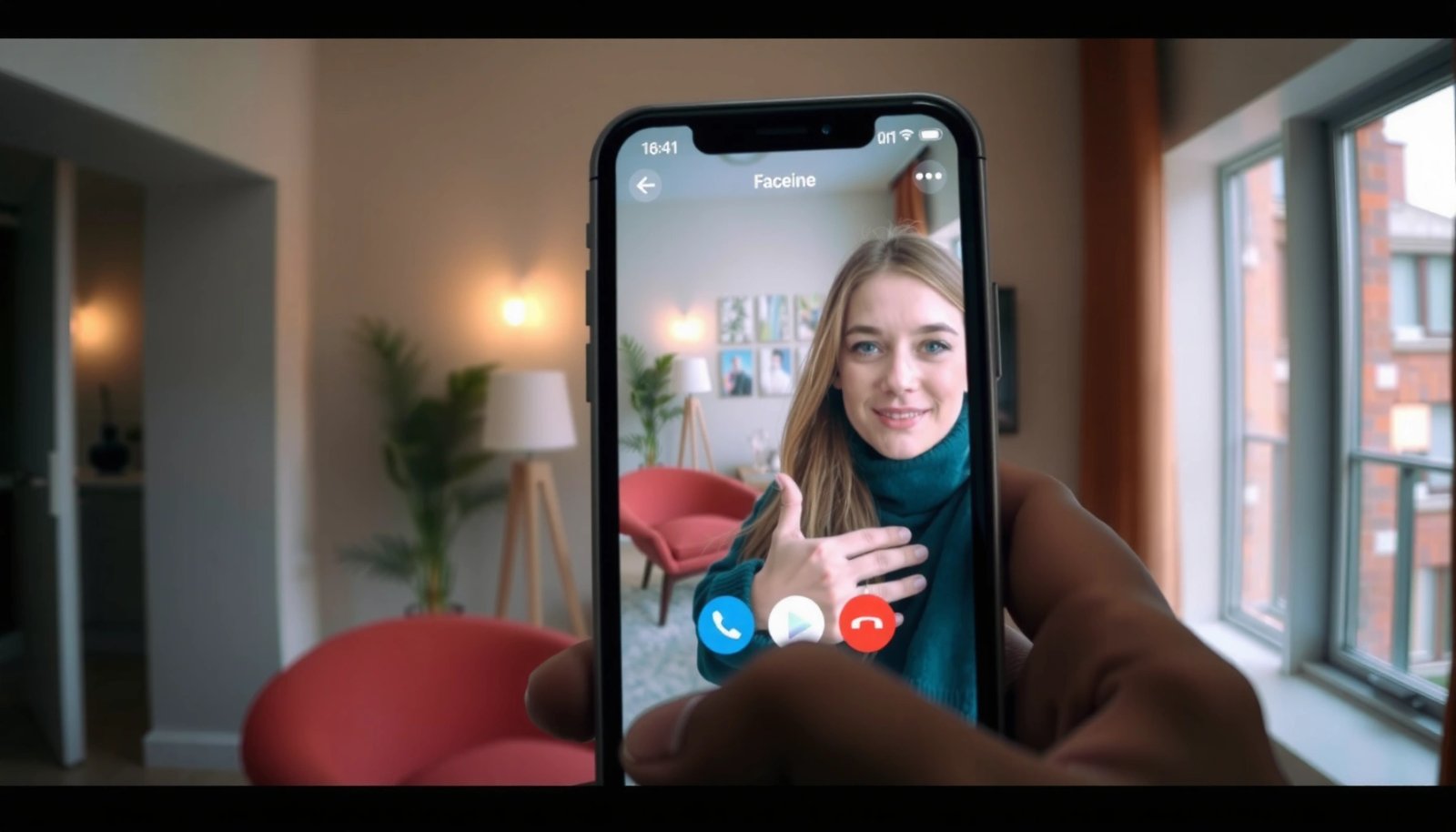
What “FaceTime on Android” Really Means
People often search for “FaceTime on Android” in three different ways, and it helps to separate them:
- FaceTime is an Apple service and isn’t available as an Android app
- Android users can’t join FaceTime calls the usual way
- You’ll need an alternative method to video chat
In other words, “FaceTime on Android” usually translates to either (1) an Android user joining a call initiated from an iPhone, or (2) an Android user replacing FaceTime entirely with something that works with the iPhone contact. Those are different problems—and the fixes differ as well.
Use Apple’s Alternatives for Video Calls
If you want to stay as close as possible to Apple’s video calling experience, your best approach is to use Apple-supported calling options (on devices that can actually run them). The key point is that Apple-only features won’t magically become available on Android.
- Try FaceTime links only if they’re supported for your device/case
- Consider Apple ecosystem options that may include cross-device calling
- If FaceTime is the goal, you may need an iPhone or iPad on one end
What this means in practice: if the iPhone side has to remain Apple-native, you may need an iPhone/iPad “hub” to initiate or bridge the conversation. For example, you can keep the FaceTime experience on Apple devices, while Android users join using a separate app—then align on a shared meeting link, schedule, or workflow so the conversation stays smooth.
Best Workarounds to Call an iPhone User
For most real-world scenarios (family, customer support, sales outreach, or internal team check-ins), the cleanest answer is to use a cross-platform video app that both iPhone and Android can join without special workarounds. The goal is not to replicate FaceTime 1:1, but to get reliable, professional video calls between the two platforms.
- Use WhatsApp, Google Meet, or similar apps for cross-platform calling
- Create a shared link or use contacts to keep setup simple
- Confirm both sides are using the same app and connection method
If you’re coordinating with someone who’s used to FaceTime, a good “business-friendly” approach is:
- Send a single meeting link (for Meet-type apps), or
- Use a contact-based workflow (for WhatsApp-type apps), and
- Do a quick test call—especially if the call is time-sensitive (e.g., onboarding, coaching, or a client demo).
Cross-platform options at a glance
To choose the best alternative, look at two factors first: access ease (how quickly your iPhone contact can join) and group calling capacity (if more than two people might join).
Cross-Platform Video Call Options (iPhone ↔ Android)
| # | App (Android + iOS) | Typical Join Method | Native App Required | Max Video Participants (Typical Plan) |
|---|---|---|---|---|
| 1 | Google Meet | Invite link | Yes (recommended) | Up to 100 |
| 2 | Zoom | Meeting link / ID | Yes (or browser) | Up to 100 |
| 3 | Microsoft Teams | Calendar invite | Yes | Up to 100 |
| 4 | Webex | Meeting link / invite | Yes | Up to 100 |
| 5 | Contact / group chat | Yes | Up to 8 | |
| 6 | Facebook Messenger | Chat call | Yes | Typically small groups |
| 7 | Jitsi Meet (self-hosted / public rooms) | Room link | No (browser possible) | Scales via server |
How to use this table:
- If you need large meetings, prioritize Meet/Zoom/Teams/Webex.
- If you’re doing quick, relationship-focused calls, WhatsApp is often easiest.
- If you want control and link-based calling for teams, Jitsi Meet can fit—especially when browser access matters.
Limitations and What to Expect
Even with the best workaround, it’s important to set the right expectations.
- You can’t expect the same FaceTime features on Android
FaceTime includes Apple-specific UI patterns, call handling, and device integration that don’t exist on Android in the same way.
- Some features (like iPhone-specific UI) won’t carry over
You may see different controls, different audio routing behavior, and different participant experiences depending on the app.
- Video quality depends on the app and network, not FaceTime
In cross-platform calls, the bottlenecks are typically:
- network stability (latency and packet loss),
- device microphone/camera performance,
- and each app’s video codec and adaptation.
The takeaway is simple: FaceTime is not replaceable as a “brand experience,” but the underlying goal—reliable video communication—can still be achieved with strong alternatives.
Troubleshooting Tips for Cross-Platform Video Calls
When iPhone and Android users coordinate, failures usually come down to permissions, network, or app version differences. Use this checklist to reduce call friction:
- Check microphone/camera permissions on Android
If Android hasn’t granted camera/mic access, video may fail or fall back to audio-only. Also verify the correct camera is selected if multiple cameras exist.
- Test your Wi‑Fi or switch to mobile data if needed
Wi‑Fi can be excellent, but restrictive enterprise networks sometimes block media. If the call won’t connect, switching to mobile data is a fast diagnostic step.
- Update the app and restart the call if it won’t connect
Outdated apps can break compatibility. If the call won’t start, close the app fully, update, relaunch, and try again—especially before escalating to a support ticket.
Pro tip for business calls: conduct a 30-second “pre-call” test: confirm audio, confirm camera, then leave the room and rejoin so both devices load the final media session correctly.
Conclusion
FaceTime can’t be installed or used normally on Android phones, so you can’t directly FaceTime an Android user. However, you can still make professional iPhone↔Android video calls by using cross-platform apps—most commonly WhatsApp for ease and Google Meet/Zoom/Microsoft Teams for larger, link-based meetings. Try one of these alternatives today, and if you must keep Apple-native FaceTime features, consider using an iPhone or iPad as the calling hub to bridge the workflow.
Frequently Asked Questions
Can you FaceTime an Android phone from iPhone?
FaceTime is primarily designed for Apple devices, so you can’t directly FaceTime an Android phone using the built-in FaceTime app. However, you can sometimes share an invite link to join a video call if the other person is using a supported client or browser—availability can vary by region and account settings. For a reliable option, most people use cross-platform apps like WhatsApp, Google Meet, or Zoom instead of FaceTime for Android users.
How can I join a FaceTime call on Android?
In most cases, you can’t join a FaceTime call from an Android phone using the FaceTime app because Android doesn’t support native FaceTime. If the caller provides a FaceTime link, you may be able to join from a web browser on Android (when links are enabled for your situation). If links aren’t available, the practical workaround is to use an Android-friendly video calling app and share the meeting details.
Why doesn’t FaceTime work on Android phones?
Apple built FaceTime for its own ecosystem (iPhone, iPad, and Mac), which is why Android phones don’t have the FaceTime app. This limitation means Android users often can’t connect using FaceTime protocols the same way Apple devices do. While Apple has expanded some calling features via links, “full FaceTime for Android” isn’t generally supported like it is between Apple devices.
What are the best alternatives to FaceTime for calling Android users?
If you need to video chat with an Android phone, WhatsApp, Google Meet, and Zoom are among the most reliable cross-platform choices. These apps support both iOS and Android, work over Wi‑Fi and mobile data, and usually don’t require special hardware or Apple-only accounts. If you want something simple, choose an app where both sides can join quickly with a link or meeting code.
Which video call apps work seamlessly between iPhone and Android?
For smooth iPhone-to-Android calling, Google Meet, WhatsApp, and Microsoft Teams are popular because they support both operating systems and offer straightforward joining. Google Meet is especially convenient for link-based access, while WhatsApp is great for contact-based calling and sharing. If you’re trying to replace “can you FaceTime android phones” workflows, these platforms are the most practical options to avoid compatibility issues.
References
- Google Scholar Google Scholar
https://scholar.google.com/scholar?q=can+you+facetime+on+android - Google Scholar Google Scholar
https://scholar.google.com/scholar?q=FaceTime+Android+support - Google Scholar Google Scholar
https://scholar.google.com/scholar?q=Apple+FaceTime+availability+Apple+devices+only - https://scholar.google.com/scholar?q=FaceTime+interoperability+with+Android Google Scholar
https://scholar.google.com/scholar?q=FaceTime+interoperability+with+Android - Google Scholar Google Scholar
https://scholar.google.com/scholar?q=FaceTime+web+client+Android - Google Scholar Google Scholar
https://scholar.google.com/scholar?q=video+calling+platform+interoperability+FaceTime - Google Scholar Google Scholar
https://scholar.google.com/scholar?q=Apple+FaceTime+requirements+iOS+iPadOS+macOS - Google Scholar Google Scholar
https://scholar.google.com/scholar?q=why+FaceTime+doesn%27t+work+on+Android - Google Scholar Google Scholar
https://scholar.google.com/scholar?q=network+effects+closed+communication+platforms+FaceTime - Google Scholar Google Scholar
https://scholar.google.com/scholar?q=cross-platform+video+calling+gatekeeping+Apple+FaceTime