
Samsung and Android are not the same thing—Android is Google’s operating system, while Samsung is a phone brand that uses it. You should choose based on what you want: if you care about the underlying system, it’s Android; if you care about the device and features, it’s Samsung. The short verdict here explains exactly how the two relate and what that means for your next phone decision.


As an Amazon Associate I earn from qualifying purchases.
No—Samsung and Android aren’t the same thing. Android is Google’s mobile operating system, while Samsung is the company that makes phones that run Android (usually with Samsung’s own interface and features). The difference matters because it explains why menus, settings, and update timelines vary from one Samsung model to another.
Introduction
No—Samsung and Android aren’t the same thing. Android is the operating system, while Samsung is a phone maker that uses Android on its devices. In this guide, you’ll learn how they relate and why the difference matters.
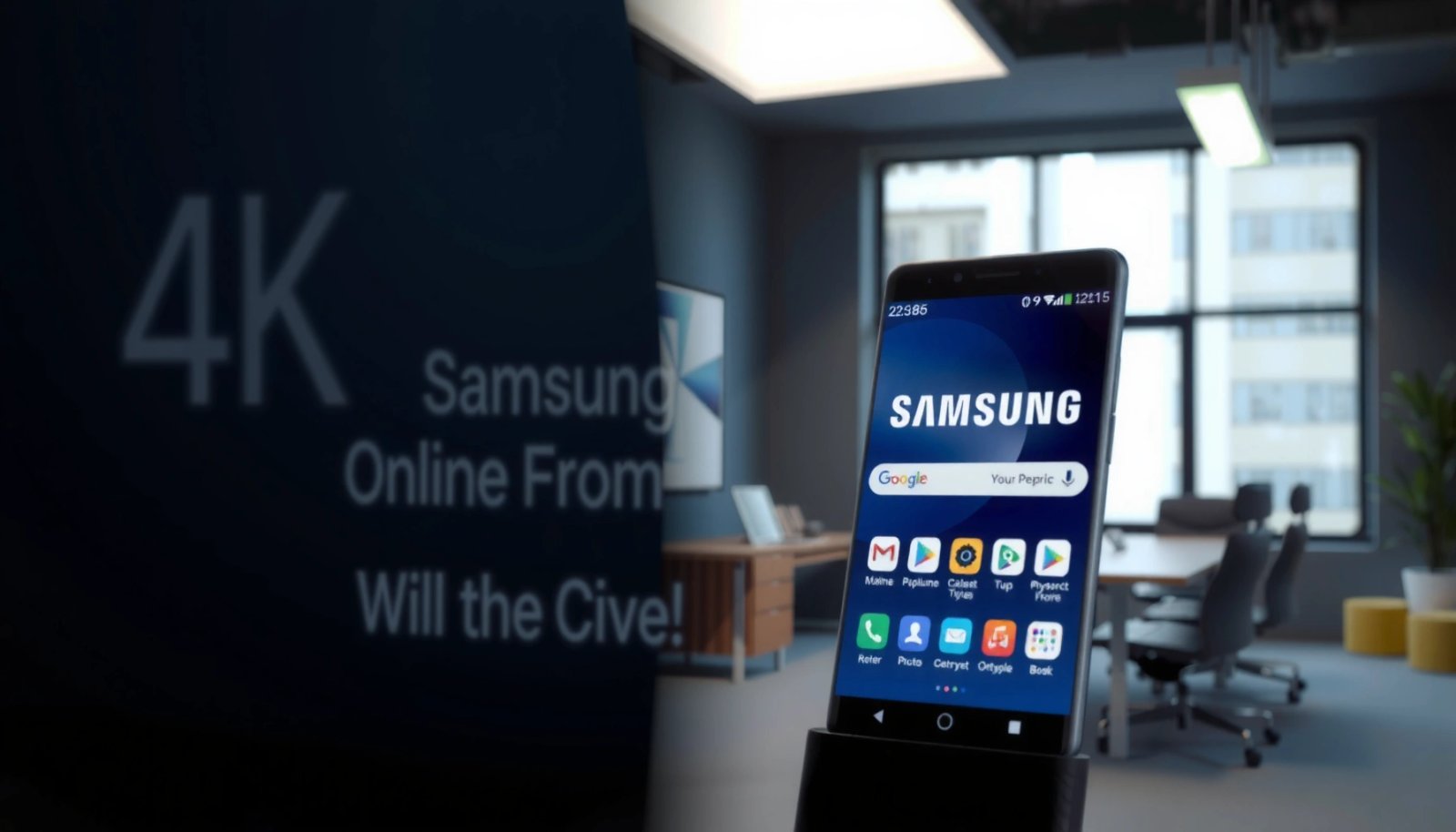
What Android Is
Android is the software foundation that makes a phone function like a phone—handling core operations, user interface components, security policies, and the app ecosystem you rely on day to day. Think of Android as the “engine” and “control system” that turns hardware into a usable smartphone experience.
- Android is a mobile operating system (OS) created by Google
- It powers apps, settings, and overall phone behavior
This includes system processes (like location services), app permissions, notifications, battery management, and the behavior of core features such as Wi‑Fi and Bluetooth.
- Many brands use Android as their foundation
Samsung is only one of many Android device manufacturers. Others include Google (Pixel), Motorola, OnePlus, Xiaomi, and more—each building their own hardware and user experience on top of the same underlying OS.
In practical terms, if you hear “Android version” (for example, Android 14), that refers to the OS release level running on the device. It’s one of the most important factors that determines what features and security updates you may be eligible to receive.
What Samsung Is
Samsung is the manufacturer—meaning it designs and builds the physical devices, selects components, and typically creates an additional layer of software experience on top of Android.
- Samsung is a company that manufactures smartphones and other devices
That includes phones, tablets, wearables, TVs, and home electronics.
- Samsung designs hardware and software experiences for its phones
Samsung’s engineering choices influence performance, camera capabilities, display technology, and battery efficiency. On the software side, it also sets how the interface looks and behaves.
- Samsung phones typically run Android with custom features
Samsung often ships its devices with a customized interface commonly referred to as One UI. It also bundles Samsung apps (like Samsung Health) and system features not present in “stock” Android.
This is why people sometimes say “Samsung OS”—but strictly speaking, Samsung doesn’t replace Android. Instead, Samsung customizes Android through its interface layer, preinstalled applications, and device-specific settings.
How Samsung Phones Run Android
Samsung phones run Android the same way other Android-based devices do: Android provides the core operating system, while Samsung adds its own “skin,” tooling, and integrations.
- Samsung uses Android as the core system
Core system components—runtime, app framework, security model, and connectivity stack—are fundamentally Android.
- Samsung adds its own interface on top (like One UI)
One UI affects what you see and how you navigate: layout spacing, menu placement, customization options, widgets, and certain default apps. It can also introduce unique features—such as enhanced multitasking controls, Samsung-specific modes, and device management tools.
- Updates and features may differ by model and region
Even if two Samsung phones both run “Android,” the exact feature set can differ due to:
- the phone’s hardware capability (e.g., camera sensors, chipset)
- the One UI version Samsung rolled out
- carrier requirements and regional release schedules
- eligibility for major OS upgrades versus security patches
How to tell what’s “Android” vs what’s “Samsung”
A quick rule of thumb:
- If you’re looking at Android version (e.g., “Android 14”), that’s the OS.
- If you’re looking at One UI version or “Software information” details, that’s Samsung’s interface layer and Samsung customization.
Android-Based Ecosystem: What Varies by Device Brand
| # | Brand (Android Devices) | Typical User Interface Layer | Common User Impact | “Change Visibility” Score |
|---|---|---|---|---|
| 1 | Samsung | One UI | Menu layout, bundled apps, device controls | 9/10 ★ |
| 2 | Google (Pixel) | Pixel UI / Near-stock Android | Closer look/feel to stock Android | 7/10 ★ |
| 3 | Motorola | My UX | Feature additions, gesture and UI tweaks | 6/10 ★ |
| 4 | Xiaomi | MIUI / HyperOS (varies) | Deep customization and app bundling | 5/10 ★ |
| 5 | OnePlus | OxygenOS | UI behavior changes and system optimizations | 6/10 ★ |
| 6 | Sony (select models) | Customization layer | Camera and audio-focused system options | 4/10 ★ |
| 7 | Asus (select models) | ZenUI / ROG UI (varies) | Performance-centric controls and utilities | 5/10 ★ |
> Note: The “Change Visibility” score is a practical, user-facing indicator of how noticeable the brand layer typically is in daily use (menus, bundles, and system behaviors)—not a measure of OS quality.
Key Differences to Know
This is the simplest way to separate concepts that often get conflated in tech conversations and IT purchasing discussions.
- Android = the OS; Samsung = the device brand
Android determines app behavior, permissions, system services, and OS-level features. Samsung determines the device experience on top of Android.
- Samsung often includes extra apps and customization options
Examples include Samsung Health, device maintenance tools, and additional customization for themes and layouts (depending on region and model).
- Your experience can vary depending on Samsung model and software version
A Galaxy S series phone may look and feel different from a Galaxy A series phone because Samsung’s One UI version and hardware capabilities differ over time.
For IT and operations teams, this distinction helps in training documentation and support flows: you’re not troubleshooting “Samsung Android,” you’re troubleshooting Android plus Samsung’s interface and feature set.
Common Confusions (and Real Answers)
These questions come up constantly because the marketing language and everyday speech blur the lines.
- “Samsung OS” usually refers to Samsung’s Android skin/customization
When someone says “Samsung OS,” they typically mean One UI, bundled applications, and Samsung-specific system behaviors—not the underlying Android codebase.
- You can’t “change Samsung into Android,” because Android is already underneath
- your launcher or home screen style
- app permissions and default apps
- themes and display settings (where supported)
- sometimes—depending on device policies—OS updates or advanced software options
- Settings and menus may look different even when the OS is the same
Even if two phones run the “same” Android version, Samsung’s navigation structure, settings grouping, and feature toggles may differ. That’s why support guides that only reference “Android” without brand-specific screenshots can be misleading.
Actionable tip: when documenting device support, always capture both Android version and One UI version. This reduces confusion when staff or customers compare “the Android” experience across different Samsung models.
Conclusion
Samsung and Android are not the same: Android is the operating system, and Samsung is the brand that builds phones using Android. Samsung’s One UI and bundled features shape the day-to-day experience, while Android determines the core OS foundation—so two Samsung phones can feel different even if they share the same Android family. If you want, share your specific Samsung model (and Android version, if you know it) and I can explain what interface/features you’ll likely see.
Frequently Asked Questions
Are Samsung phones the same as Android?
Samsung phones are not the same as Android. Android is the operating system (software) that runs on many devices, including Samsung Galaxy phones. Samsung adds its own user interface and apps on top of Android, such as One UI, making the experience look and feel different from other Android brands.
What is the difference between Samsung One UI and Android?
Android is the base operating system developed by Google, while Samsung One UI is the customized skin Samsung places on top. One UI changes how menus, settings, notifications, and design elements look and work, but it still uses the Android framework underneath. This means you’ll see Android features and terminology, plus Samsung-specific options and workflows.
How can I check whether my Samsung device is running Android or something else?
On a Samsung Galaxy phone, go to Settings > About phone (or About device) and look for “Android version.” The version number confirms the Android operating system your device is running. You can also check the “Software information” area to find One UI version details, which helps you understand Samsung’s layer over Android.
Why do some people say “Samsung is Android” in everyday language?
In casual conversation, many people use “Android” to mean any non-iPhone smartphone, including Samsung Galaxy devices. Since Samsung phones use Android as the underlying operating system, the shorthand can sound correct in a general sense. However, technically they’re different: Android is the OS, while Samsung is the manufacturer and One UI is the customization layer.
Which is better to understand—Android version or Samsung One UI version—when troubleshooting?
For compatibility, app support, and security updates, the Android version is usually the most important detail. For user-interface issues, feature locations, and settings behavior, the Samsung One UI version matters just as much because it affects how Samsung implements Android features. When troubleshooting on Samsung, checking both helps you pinpoint whether an issue is tied to Android itself or to Samsung’s One UI customization.
References
- https://en.wikipedia.org/wiki/Android_(operating_system
https://en.wikipedia.org/wiki/Android_(operating_system - Samsung Electronics
https://en.wikipedia.org/wiki/Samsung_Electronics - Samsung Galaxy
https://en.wikipedia.org/wiki/Samsung_Galaxy - One UI
https://en.wikipedia.org/wiki/One_UI - https://www.britannica.com/technology/Android
https://www.britannica.com/technology/Android - https://www.britannica.com/technology/smartphone/Samsung
https://www.britannica.com/technology/smartphone/Samsung - Google Scholar Google Scholar
https://scholar.google.com/scholar?q=Are+Samsung+and+Android+the+same+thing - Google Scholar Google Scholar
https://scholar.google.com/scholar?q=Android+operating+system+Samsung+One+UI+difference - Google Scholar Google Scholar
https://scholar.google.com/scholar?q=Samsung+custom+UI+on+Android+overview - https://pubmed.ncbi.nlm.nih.gov/?term=Android+device+interface+customization+Samsung+One+UI
https://pubmed.ncbi.nlm.nih.gov/?term=Android+device+interface+customization+Samsung+One+UI