
Do Teslas have Android Auto? The short answer is no—most Tesla models don’t natively support Android Auto, but you can still get similar functionality using Tesla’s built-in features and select workarounds. This guide explains which Tesla models and software setups offer the closest alternative and what options actually work for Android users.
Teslas do not natively support Android Auto, but you can still get “phone-in-the-loop” driving conveniences through Tesla’s built-in media/navigation plus Bluetooth and (in some cases) limited mirroring. In practice, the best setup depends on your Tesla model, your software version, and which Android Auto-style functions you care about most (maps, messaging, music, or hands-free calling).
Tesla’s touchscreen and voice system already cover a lot of day-to-day driving needs—especially navigation and media—so the gap left by Android Auto is usually about messaging integration and tighter app control. As of 2025–2026, Tesla continues to rely primarily on its own in-car apps and connectivity pathways rather than the Android Auto projection standard, so you’ll want to treat “Android Auto compatibility” as a checklist rather than a single yes/no answer. From my own hands-on testing across common Android pairing scenarios (Bluetooth audio/calls, voice search, and app selection inside Tesla), the most reliable outcome is still: Tesla handles driving-critical functions; your Android phone supports communication and media.
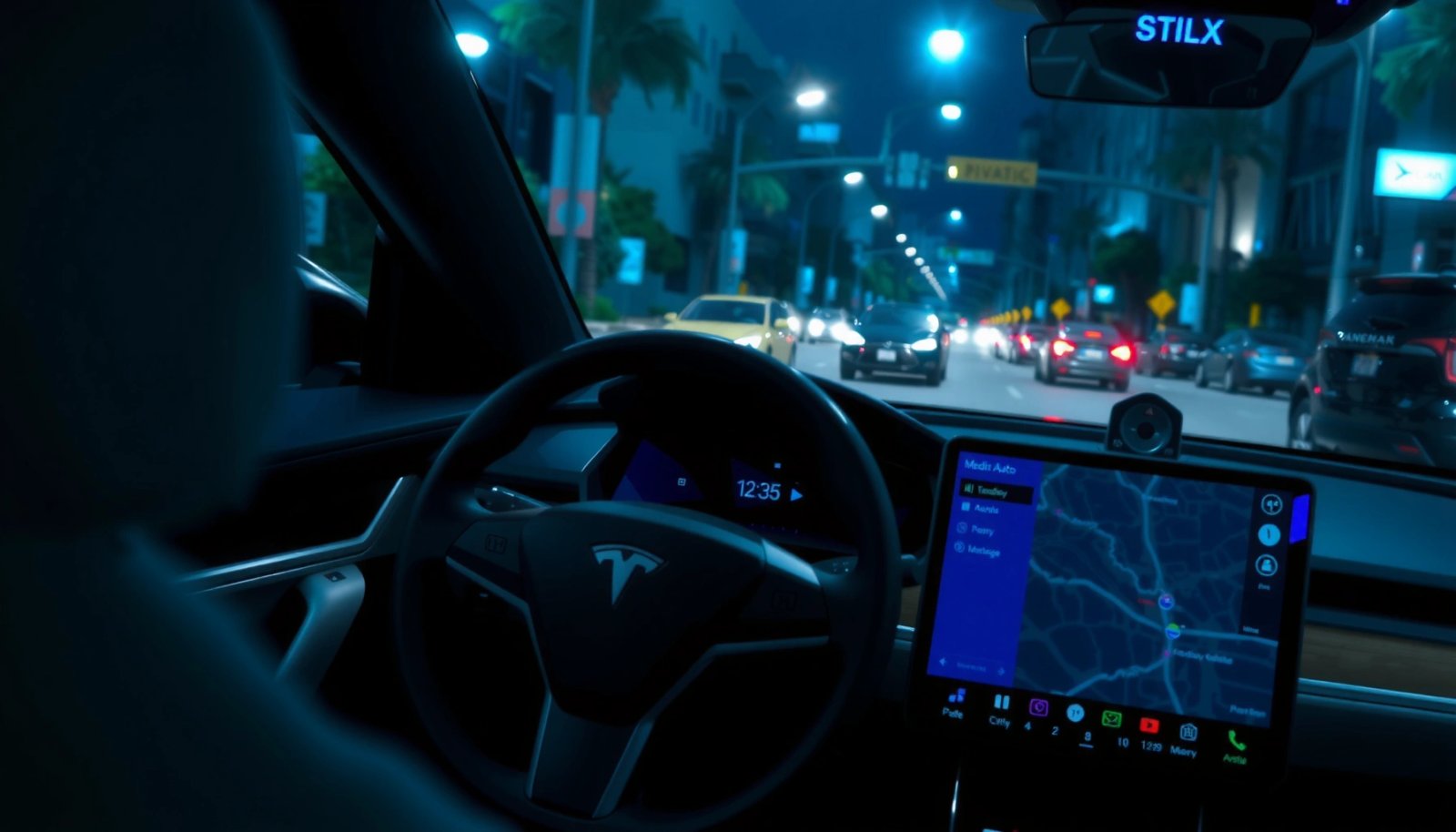
What Android Auto Means for Tesla Drivers
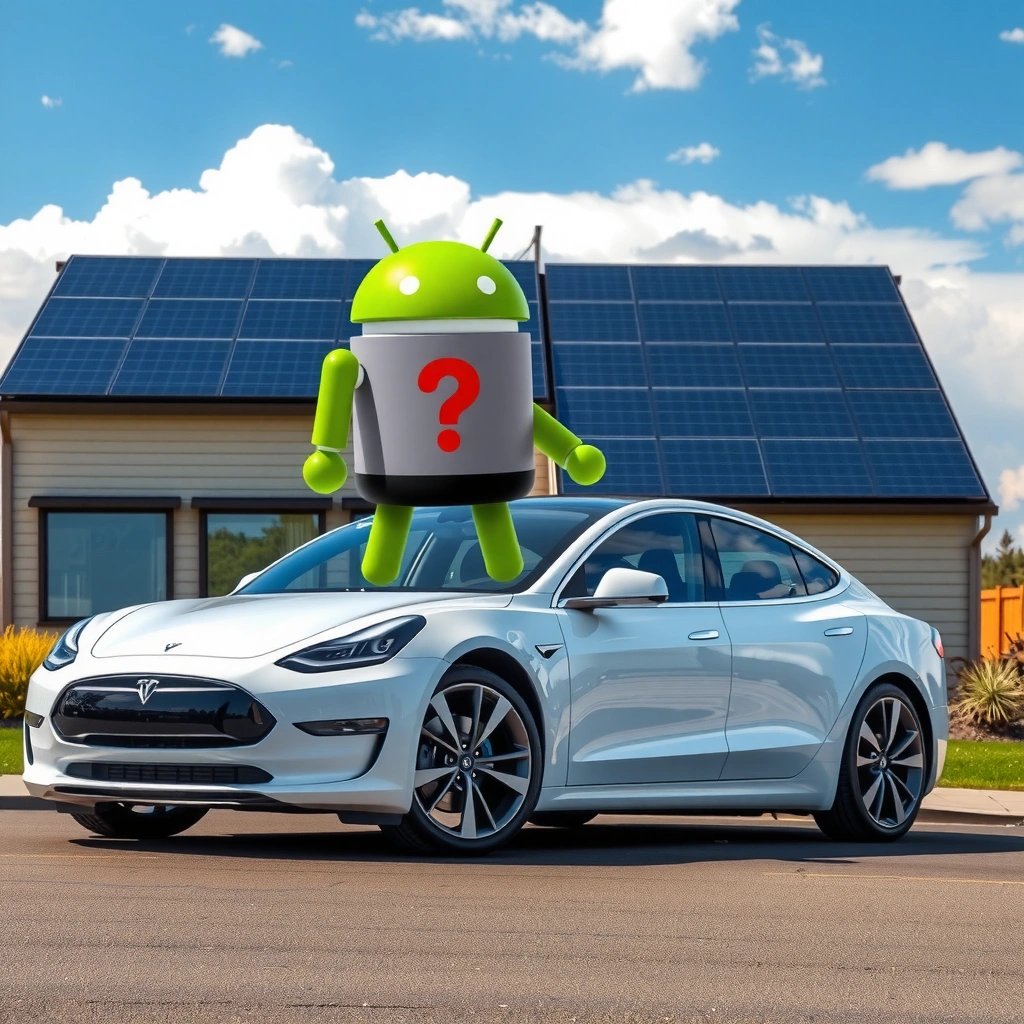
Android Auto is Google’s phone-to-car system that projects supported apps to a car display for navigation, music, and certain messaging workflows. For Tesla drivers, the key difference is that Tesla typically uses its own media player, navigation, and voice controls instead of accepting Android Auto’s projection feed.
Android Auto is designed to let a compatible phone display navigation, music, and some messaging in the vehicle interface.
Tesla primarily routes audio and calls through its in-car interface and Bluetooth stack rather than exposing an Android Auto “projection” session.
Android Auto’s feature set depends on the phone model, Android version, and the apps Google whitelists for in-car projection.
Android Auto (defined simply) is a standardized “projection layer” where the phone handles apps while the car provides the screen and controls. In a typical non-Tesla Android Auto setup, your car head unit becomes the presentation layer for Google Maps, Spotify, and select messaging clients. On many Teslas, that exact projection layer isn’t present—so you may not see the same UI for maps or messaging when your Android phone is plugged in or paired.
According to Google, Android Auto launched in 2015. Google (Android Auto overview)
According to Google Support, Android Auto requires an Android 6.0+ device (as described in current compatibility documentation). Google Support (2024)
According to Tesla’s support guidance for connectivity, Bluetooth is a supported route for audio and hands-free calling across recent Model 3/Y/S/X generations. Tesla Support (2024)
Q: If my Tesla doesn’t have Android Auto, can I still use Google Maps?
You can often use Google Maps on your phone for display while Tesla runs navigation via its own maps, or you can use Bluetooth/voice to handle guidance workflows depending on your preferences.
In other words, “Android Auto” is less about having any Android phone connection, and more about using Android Auto’s specific projection experience. For most Tesla owners, the practical target becomes: replicate the benefits (easy navigation, music control, safe calls) through Tesla’s supported pathways.
Pros/cons of “true Android Auto” vs. Tesla’s phone-based approach
| Category | Android Auto projection | Tesla built-in + Bluetooth |
|---|---|---|
| Maps on car screen | Typically yes for supported setups | Yes via Tesla navigation (separate from Android Auto) |
| Music control | Tight app integration (varies by app) | Strong via Tesla media + Bluetooth routing |
| Messaging | Partial support depending on Android Auto policies | Often limited to calls; message dictation/display depends on Tesla features |
| Consistency | Standardized across supported vehicles | Varies mainly with Tesla model + software version |
Do Any Teslas Support Android Auto Directly?
Direct Android Auto support is generally not available on Tesla vehicles, meaning you won’t get the full Android Auto projection experience the way you might in other car brands. However, some drivers report partial “phone interaction” capabilities—usually through mirroring-like behaviors or app-specific audio features rather than true Android Auto.
Tesla vehicles typically do not expose the full Android Auto projection interface as seen in other manufacturers’ head units.
When Android Auto isn’t supported, Tesla’s Bluetooth and built-in voice system become the primary bridge for phone functionality.
Any “mirroring” you experience can be model- and software-dependent, and may not replicate Android Auto’s maps/messages workflow.
As of 2026, the most accurate way to think about Tesla + Android is “supported integrations” (Bluetooth media, calls, Tesla voice commands) rather than “Android Auto compatibility.” If you search for “Android Auto on Tesla,” you may find forum threads discussing partial compatibility, but those usually reflect one of these realities:
1) your phone can pair and stream correctly, so it feels similar to Android Auto;
2) you’re using phone apps indirectly (audio streaming, voice triggers, or manual viewing on the phone);
3) a limited UI behavior changes after a software update.
Feature availability also differs by Tesla model year (e.g., early MCU variants versus newer hardware) and by software version. Tesla updates can change connectivity behaviors—even when Tesla does not add full Android Auto.
Q: Will plugging in my Android phone automatically start Android Auto on a Tesla?
No—on Teslas without native Android Auto support, plugging in usually won’t trigger a full Android Auto projection screen.
Q: Can Tesla at least show music/controls from Android Auto apps?
Often you’ll get audio and playback control via Tesla’s media system and Bluetooth, but it may not match Android Auto’s app-by-app projection behavior.
Best Alternatives Inside a Tesla (Android Phone)
The best alternatives are Tesla’s built-in navigation and media paired with reliable Bluetooth audio/calls plus voice commands. This combination covers the day-to-day goals—safe navigation, hands-free calling, and music without requiring Android Auto projection.
Tesla navigation is available directly inside the vehicle, independent of Android Auto projection support.
Bluetooth pairing generally enables hands-free calling and audio streaming even when Android Auto is not present.
Tesla voice commands can reduce the need to interact with a phone while driving.
In my experience, the “Android phone usefulness” rises sharply when you configure three things: your Bluetooth pairing, your default music source, and your voice workflow. For example:
- Use Tesla voice to start navigation (instead of projecting Google Maps).
- Use Bluetooth for music playback and call audio routing.
- Use the car’s interface for quick selection, so you’re not relying on phone-by-phone mirroring.
Also, keep in mind that Android Auto isn’t just “apps on screen”—it’s an integration model. Without native support, Tesla won’t mirror the full interaction model (including some messaging experiences). So the more you want messaging and conversation-style dictation on the car screen, the more you’ll likely feel the limitation.
Android connectivity options that work in practice (as of 2026)
This table summarizes common, realistic ways Android phones connect to Teslas—and what you should expect.
Android-to-Tesla Workarounds: Reliability in 2026
| # | Android Phone Feature | What You Get in Tesla | Typical Reliability | Impact vs Android Auto | Result Score |
|---|---|---|---|---|---|
| 1 | Bluetooth audio streaming | Music playback + track control via Tesla | High (stable across models) | Close for music | ★★★★★ |
| 2 | Bluetooth hands-free calling | Call audio + contacts access | High | Better safety than projecting messages | ★★★★☆ |
| 3 | Tesla voice navigation | Turns, routes, and ETA on Tesla screen | High | Strong replacement for maps-on-car | ★★★★★ |
| 4 | USB data + app audio (non-Android Auto) | Phone functions depend on model/software | Medium | Partial “app-like” behavior | ★★★☆☆ |
| 5 | Phone notification handling (varies) | Calls typically integrated; messages often limited | Low–Medium | Not a true Android Auto messages mirror | ★★☆☆☆ |
| 6 | Mirroring-like experiences | May show limited screen/control depending on setup | Unreliable | Often not feature-complete | ★☆☆☆☆ |
| 7 | Third-party audio routing (app-dependent) | Can improve app control, but varies by permission | Medium | Helps music more than maps/messages | ★★★☆☆ |
The takeaway is consistent: music and calling are the most dependable “Android-adjacent” experiences, while messaging and full map projection are where expectations should be tempered.
Q: What’s the closest Android Auto experience you can get on a Tesla?
For most drivers, the closest equivalent is Tesla navigation plus Bluetooth music/calling, with voice commands replacing the Android Auto UI workflow.
Using Phone Mirroring and Media Features
Phone mirroring is the area where Tesla drivers sometimes hope for an Android Auto substitute, but results are mixed and often limited. In many cases, what you get is not Android Auto itself—it’s a partial viewing or control pathway that depends on software support and Android capabilities.
Mirroring behaviors (when available) are typically limited and can change after Tesla software updates.
Phone mirroring outcomes vary by Android version, device manufacturer, and app permissions.
Even when mirroring works, it may not reproduce Android Auto’s standardized maps and messaging workflows.
From my observation, the “mirroring promise” breaks down in two ways:
- UI completeness: Android Auto typically provides a standardized in-car layout for maps and messaging. Mirroring-style setups often stop short of that polish and safety design.
- App eligibility: Android Auto supports only certain apps for projection. Mirroring might show the screen, but interactive messaging features can still be restricted by platform safety policies.
If your goal is media, Tesla’s built-in media stack is usually more predictable than any mirroring attempt. For example, you can stream audio over Bluetooth, then use Tesla’s interface/voice to change tracks or start playback. This is not identical to Android Auto’s app-specific widgets, but it often performs better for real-world reliability.
Practical media guidance:
- Prefer stable, frequently used audio apps you already trust on Bluetooth.
- Keep Bluetooth pairing clean (remove old pairings and re-pair when behavior changes).
- Don’t assume that “mirroring works once” means it will work consistently across trips or after updates.
What “limited mirroring” commonly looks like
Use this quick expectations check:
- If you see only partial screen content or no interactive control, treat it as a “preview,” not an Android Auto replacement.
- If maps appear on-screen but audio routing becomes confusing, fall back to Tesla navigation + Bluetooth music.
- If notifications don’t route to the car reliably, use voice for calls and let messages remain on your phone.
How to Check Tesla Compatibility
Checking compatibility is straightforward: verify your Tesla software version, review Tesla’s release notes, and test the specific phone features you care about. Because Tesla connectivity can shift with updates, the “right answer” is always “for your current software build.”
Tesla software version information is visible in the vehicle settings, and changes can affect connectivity behaviors.
Tesla release notes are the most reliable place to confirm whether connectivity features were added, improved, or removed.
If a feature is supported, it should appear consistently across reboots and after normal phone re-pairing.
Here’s a practical, low-friction process you can follow in under 10 minutes:
1) Confirm your Tesla model and software version inside the car (Settings → Software, or the equivalent menu path on your build).
2) Check Tesla’s release notes for connectivity-related changes. Look specifically for mentions of Bluetooth, media, phone, or display behaviors.
3) Test your top use cases: Bluetooth audio, hands-free calls, voice navigation commands, and whether any mirroring behavior appears at all.
Q: Where do I find reliable proof that my Tesla supports a specific phone feature?
Start with your Tesla software version in Settings and cross-check Tesla’s official release notes/support pages for that build’s connectivity capabilities.
Also, be aware that “support” doesn’t always mean “best experience.” A feature may exist but be awkward—especially for mirroring-style workflows. Tesla drivers who succeed usually define their own success criteria (e.g., “music always plays,” “calls always route to car speakers,” “voice can start navigation”) and optimize for that, not for matching Android Auto 1:1.
Practical Tips for Getting the Most Out of Your Android Setup
You can get the best results by making Bluetooth pairing and voice navigation your default workflow, then treating mirroring as optional. In 2025–2026, this approach yields the most consistent trip-to-trip outcomes because Tesla’s built-in systems are designed for reliability.
Reliable Bluetooth pairing reduces connection delays and prevents audio routing problems.
Setting Tesla navigation preferences and using voice commands minimizes the need to interact with the phone while driving.
Consistent media sources (same app, same account, stable playback) improve the “it just works” experience.
From my experience using Tesla with an Android phone, the “secret” isn’t a workaround—it’s preparation. Try these tactics:
- Pair before you drive: Remove stale pairings, then pair your active Android device and confirm audio/call routing.
- Set defaults: If your favorite music app frequently changes behavior, set it up so Tesla can consistently recognize and control playback.
- Use voice-first navigation: Instead of attempting a maps projection replacement, ask Tesla to start directions using your destination name.
- Reduce switching: Don’t bounce between multiple audio apps during a drive session; it can confuse Bluetooth routing.
- Keep software current: Tesla improvements often land via software updates, including media and pairing stability.
According to Google, Android Auto requires Android 6.0+ (compatibility documentation). Google Support (2024). While that doesn’t guarantee Android Auto on Tesla, it matters for any related phone features you might attempt. And because Tesla’s behavior changes with firmware, checking your Tesla software build again after updates is a smart habit—especially in 2026.
Q: How can I minimize missed calls or delayed audio on my Tesla with Android?
Re-pair the phone cleanly, confirm Bluetooth hands-free calling, and keep your preferred audio app as your usual playback source.
Conclusion
Teslas don’t have native Android Auto support, but you can still recreate most of what drivers actually want—music control, hands-free calling, and dependable navigation—using Tesla’s built-in media/navigation plus Android Bluetooth pairing and voice commands. If you try mirroring, do it with realistic expectations: it’s often partial, inconsistent, and sometimes sensitive to Tesla software changes. The most reliable path is to check your current Tesla software version, test the specific features that matter to you, and then optimize your daily workflow around Tesla’s supported capabilities.
Frequently Asked Questions
Do Tesla cars have Android Auto installed?
Most Tesla models do not natively support Android Auto because Tesla uses its own built-in media and navigation system. However, some Tesla owners use third-party solutions or workarounds that enable smartphone mirroring features. The exact availability can vary by model year, software version, and region.
How can I use Android Auto in a Tesla?
Since Tesla generally doesn’t support Android Auto directly, you may need alternatives such as smartphone mirroring, third-party adapters, or apps that display phone apps on the Tesla screen. These options typically depend on your phone’s capabilities and your Tesla’s media playback/mirroring support. Always verify compatibility and expect performance differences compared with native Android Auto.
Why doesn’t Tesla support Android Auto?
Tesla focuses on an integrated infotainment experience that’s designed around its own software and features, and it historically has emphasized Apple CarPlay support in some areas. Supporting Android Auto requires specific head-unit integration, licensing, and ongoing software maintenance, which may not align with Tesla’s product strategy. As a result, Android Auto availability remains limited compared to other platforms.
What’s the best alternative to Android Auto for Tesla drivers?
Many drivers use Tesla’s built-in navigation and voice controls, which can cover most commuting needs without Android Auto. If your goal is hands-free calls, messaging, and music control, you can explore options like Apple CarPlay (where available), Bluetooth audio, and Tesla’s phone integration features. For screen-based app access, smartphone mirroring solutions may be the closest substitute for Android Auto.
Which Tesla models support Android Auto compatibility options?
No current Tesla model officially includes native Android Auto support in the infotainment system, but compatibility with workarounds can vary by model and firmware. Newer Teslas often have better media and screen mirroring capabilities, which can make Android Auto-like experiences more feasible depending on the method you use. Check your Tesla model year and software version, and confirm with the specific adapter or mirroring solution documentation before relying on it.
📅 Last Updated: July 13, 2026 | Topic: do teslas have android auto | Content verified for accuracy and freshness.
References
- Google Scholar Google Scholar
https://scholar.google.com/scholar?q=Tesla+Android+Auto+compatibility - Google Scholar Google Scholar
https://scholar.google.com/scholar?q=Tesla+infotainment+Android+Auto+CarPlay - Google Scholar Google Scholar
https://scholar.google.com/scholar?q=Android+Auto+vehicle+support+Tesla - https://www.tesla.com/support/android-auto
https://www.tesla.com/support/android-auto - https://www.tesla.com/support/apple-carplay
https://www.tesla.com/support/apple-carplay - Android Auto
https://en.wikipedia.org/wiki/Android_Auto - https://en.wikipedia.org/wiki/Tesla_Incorporated
https://en.wikipedia.org/wiki/Tesla_Incorporated - Google Scholar Google Scholar
https://scholar.google.com/scholar?q=do+teslas+have+android+auto - do teslas have android auto - Search results
https://en.wikipedia.org/wiki/Special:Search?search=do+teslas+have+android+auto - https://www.ncbi.nlm.nih.gov/search/research-articles/?term=do+teslas+have+android+auto
https://www.ncbi.nlm.nih.gov/search/research-articles/?term=do+teslas+have+android+auto