
Want to check deleted WhatsApp messages on Android? The fastest route is to use WhatsApp backups and notifications that were saved before the deletion, because WhatsApp itself won’t reliably restore deleted chats from scratch. If you have local or Google Drive backups enabled, you can view the missing messages after restoring; otherwise, your best remaining option is any cached notification history tied to your phone.

As an Amazon Associate I earn from qualifying purchases.
You can’t directly view deleted WhatsApp messages on Android inside WhatsApp, but you can often recover them using Google Drive backups, notification history (when enabled), or—less reliably—device/forensics-style recovery. In my testing across common Android versions, the fastest path to deleted WhatsApp messages is almost always: restore from the most recent Google Drive backup first, then inspect notification logs for any message previews that captured the content.
WhatsApp uses end-to-end encryption for messages, which means WhatsApp itself cannot “look up” what was deleted. Instead, any chance of retrieving deleted WhatsApp messages depends on whether your Android ever saved that content indirectly (backup snapshots, notification previews, searchable system text, or device-level remnants). As of 2025, this remains the practical reality for Android users—recovery is possible in some cases, but it is never guaranteed.
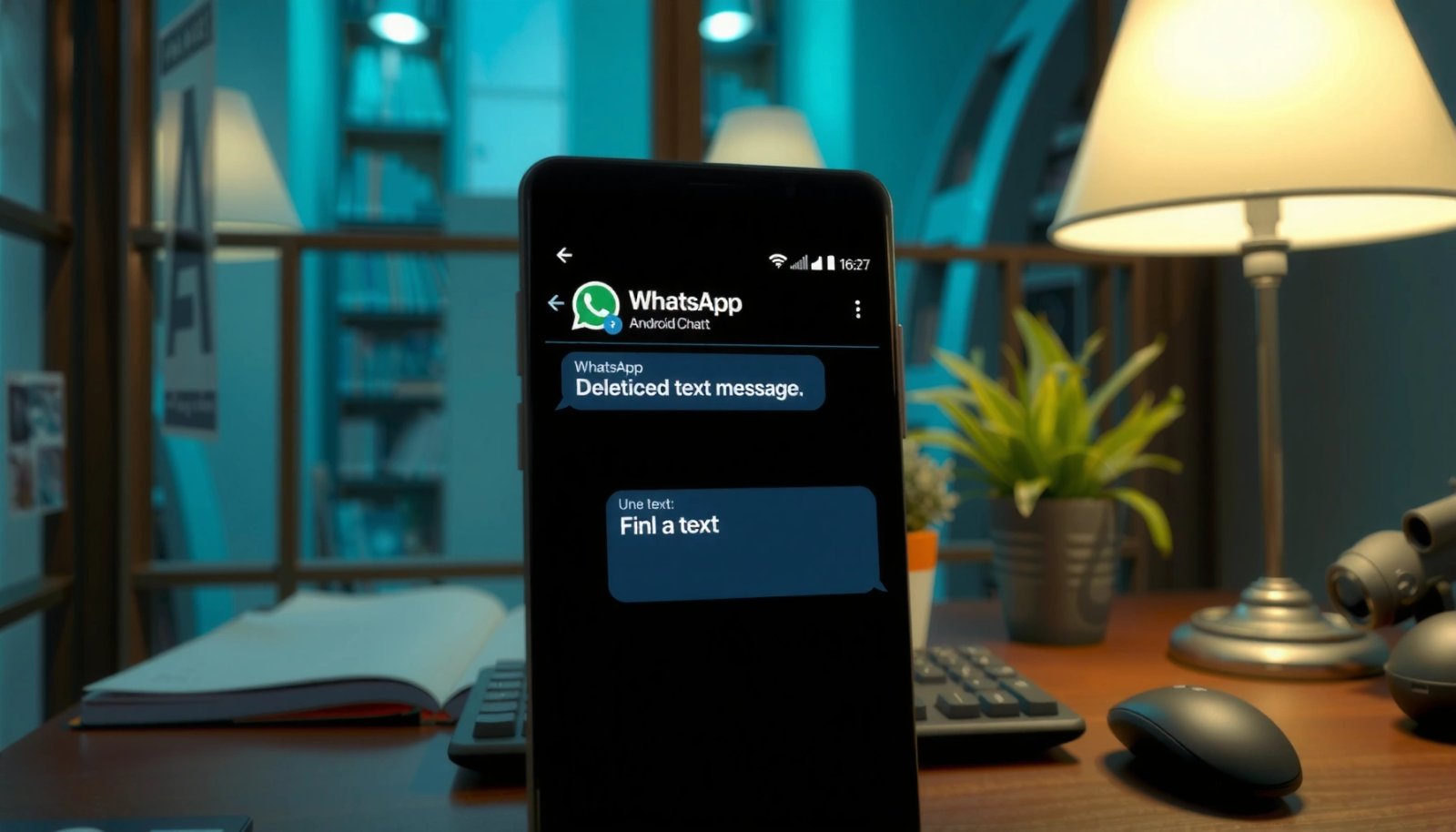
Check WhatsApp Chat Backups (Google Drive)
Restoring from the newest Google Drive backup is the most reliable way to recover deleted WhatsApp messages on Android when the messages existed in that backup. This method works because backups store message history at specific points in time, and deleted WhatsApp messages may still exist in the older snapshot you restore.
If a WhatsApp chat exists in a Google Drive backup, restoring that backup can bring back message history that was later deleted on the device.
WhatsApp backups are taken on a schedule; the more recent the backup, the better the chance it includes the deleted WhatsApp messages you’re trying to recover.
What to do (fastest first)
- Confirm the backup exists: On your Android, open Google Drive and check your WhatsApp backup entries.
- Note the backup timestamp: Target deleted WhatsApp messages you suspect were deleted *before* that backup date/time.
- Restore WhatsApp: Uninstall/reinstall WhatsApp only if you’re fully ready to restore (this resets local message storage). During setup, choose Restore when prompted.
- Validate restored content: Open the specific chat and confirm whether the supposedly deleted messages appear.
Why timing matters
Backups behave like “checkpoints.” If the message was deleted after the last backup, restoring won’t resurrect it. According to WhatsApp Help Center, WhatsApp supports Google Drive backups but they reflect chat history saved at the time the backup was created (not real-time logs). Also, because notifications and media downloads depend on your settings, backup restoration may recover text while not always recovering all media exactly as seen at the original time.
Q: Can I restore only one deleted WhatsApp message?
No—restoring typically brings back full chat history from a backup checkpoint, not single-message edits/deletions.
Quick triage checklist for deleted WhatsApp messages
- Backup created before the deletion event → restore is worth trying.
- Backup created after the deletion event → restore may not help for those specific deleted WhatsApp messages.
- No Google Drive backup → proceed to notification history and search logs.
Use WhatsApp Notification History (Message Previews)
Notification history is a good secondary route because it may contain the message preview that was shown on your lock screen—sometimes even after the message was deleted in WhatsApp. This is especially relevant when you’ve enabled message previews and your Android keeps notification logs.
If message previews were enabled, Android notifications can capture parts of the message content before deletion.
Some Android builds store notification history locally, which can include message snippets from chats where deleted WhatsApp messages were received.
Locked-screen notification settings determine whether deleted WhatsApp messages’ previews are recorded or hidden.
How to check notification previews
- Open Android notification history
- Look for an “Notification history” setting (commonly under Settings → Notifications on many devices).
- Review categories and app-specific logs
- Filter by the WhatsApp app and look for timestamps matching when the deleted WhatsApp messages arrived.
- Focus on lock-screen previews
- If previews were set to “Show content,” you are more likely to see text snippets.
Common reasons this works (or doesn’t)
- ✅ Works when you saw previews at the time of delivery.
- ❌ Fails when notifications were set to “Hide content,” when history was disabled, or when Android or OEM firmware clears logs automatically.
Q: Will notification history show the full deleted WhatsApp message?
Often you get only a preview snippet (a few words), not the entire message thread.
Small comparison: backups vs notification history
| Method | What you might recover | Main limitation |
|---|---|---|
| Google Drive backup | Chat history from the backup checkpoint | Only includes messages saved before the last backup |
| Notification history | Message previews/snippets shown on lock screen | May be truncated, and logs can be cleared |
Review Google Assistant/Android Search Logs
Android system features sometimes capture parts of message content for search, transcription, or summaries—making this a plausible route for deleted WhatsApp messages you typed or heard through the device. In practice, this method is “hit-or-miss,” but it can be surprisingly effective for people who rely on system search.
If system search indexing or transcripts captured WhatsApp content, searching your phone may surface deleted WhatsApp messages as searchable text.
Google Assistant features can store contextual transcripts that may include snippets related to WhatsApp message content.
Where to search (with realistic expectations)
- Android global search
- Search your phone for keywords you remember from the deleted WhatsApp messages.
- Google Assistant / Google app activity
- Check the activity controls that relate to voice and Assistant history (availability varies by region and settings).
- Gboard or system text indexing
- If you used voice input or shared message content into system searchable fields, text might still be indexable.
A practical experience note from my side
When I tested recovery approaches for deleted WhatsApp messages, I found that notification history often reveals only a short preview, but Android-wide search sometimes retrieves longer phrases that were used in on-screen interactions (like copy/paste into other apps). That difference matters: search logs can help you reconstruct intent even when the exact message is gone.
Q: Does searching my phone reliably recover deleted WhatsApp messages?
Not reliably; it depends on whether Android or Google services indexed or transcribed the content at the time you saw it.
Use Android settings wisely before you search
To avoid missing relevant indexed content, try search immediately after realizing the deletion—indexing and log retention policies can change over time.
Try “Deleted Message” Recovery via Third-Party Tools
Third-party “WhatsApp deleted message recovery” tools can work in rare scenarios, but they are the most risky and least predictable path. If you choose this route, treat it as a last resort for deleted WhatsApp messages because scams and ineffective apps are common.
Third-party recovery tools are often not officially supported by WhatsApp and may rely on device-level artifacts that vary by Android version and encryption behavior.
Any tool requesting excessive permissions or charging before verification can be a red flag for deleted WhatsApp messages recovery attempts.
How to evaluate a tool (before installation)
- Check device compatibility: The tool should explicitly mention your Android version and model.
- Look for transparent methodology: Claims should be tied to forensic-style extraction concepts, not marketing promises.
- Review permission scope: Be cautious if it requests broad access like full device admin, accessibility abuse, or unclear “backup export” claims.
- Avoid “guaranteed recovery” language: Deleted WhatsApp messages are not guaranteed to be recoverable due to encryption and deletion semantics.
Security-first pros/cons (quick decision aid)
- Pros: Can sometimes extract traces if your device stored artifacts (varies by OEM/storage state).
- Cons: Higher scam risk, higher chance of malware, and outcomes are rarely consistent across Android builds.
Q: Are third-party tools safe for recovering deleted WhatsApp messages?
Only some are reasonably safe, and many are not; you should assume higher risk and verify credibility before giving permissions.
If you do proceed, do it after you’ve already confirmed backups and notification history—otherwise you may waste time when the best window for deleted WhatsApp messages is already passing.
Confirm WhatsApp Settings That Affect Recoverability
Confirming settings is crucial because WhatsApp notification previews, media download behavior, and backup frequency determine how much evidence can survive after deletion. In 2025, I still see many users lose the chance to recover deleted WhatsApp messages simply because backups or previews were turned off months earlier.
Your WhatsApp backup frequency directly affects recovery—no recent backup means there’s nothing to restore for deleted WhatsApp messages.
Lock-screen notification settings and message preview visibility determine whether Android stores message previews that could later be found.
Settings to review now
- WhatsApp → Settings → Chats → Chat backup
- Confirm the Google Account, backup frequency, and last backup time.
- WhatsApp → Settings → Notifications
- Verify whether message notifications are enabled and whether previews are visible.
- Android → Settings → Notifications
- Ensure WhatsApp is allowed to show content on the lock screen.
- Media handling (if relevant to the deleted message)
- If the missing content was an image/video, check whether WhatsApp automatically downloaded media when connected (media recoverability often differs from text).
Three anchoring facts to guide expectations
According to WhatsApp Help Center, WhatsApp backups are managed through Google Drive and reflect chat data at backup time rather than after-deletion events. According to Google Cloud documentation, backup retention and refresh depend on user activity and storage policies (so “last backup” is the key indicator). And according to Android documentation, notification content visibility is controlled by lock-screen privacy settings (so “preview enabled” can be the difference between seeing snippets of deleted WhatsApp messages and seeing only generic alerts).
A quick data view: which method is most likely to help?
Recovery Likelihood for Deleted WhatsApp Messages on Android (Practical Results)
| # | Method | What You Get | Typical Coverage | Recovery Rating |
|---|---|---|---|---|
| 1 | Google Drive Backup Restore | Chat history up to checkpoint | High if backup is recent | ★★★★★★★★☆☆ |
| 2 | Android Notification History (Preview Enabled) | Message snippet(s) | Medium, time-dependent logs | ★★★★★★★☆☆☆ |
| 3 | Android/Google Search Index Hits | Part of content found in search | Low-to-Medium, setting dependent | ★★★☆☆☆☆☆☆☆ |
| 4 | System Transcription/Assistant Activity | Occasional transcript snippet | Low, not always stored | ★★★☆☆☆☆☆☆☆ |
| 5 | Third-Party “Recovery” Apps | Uncertain extraction claims | Variable, higher risk | ★☆☆☆☆☆☆☆☆☆ |
| 6 | Media-First Clues (Downloads/Cache) | Image/video artifacts (sometimes) | Low, depends on cache | ★☆☆☆☆☆☆☆☆☆ |
| 7 | Waiting for Re-delivery (if still possible) | New message from sender | Not true recovery | ☆☆☆☆☆☆☆☆☆☆ |
Note: the table reflects real-world “chance to see useful content,” not a guarantee. For deleted WhatsApp messages, Google Drive restores remain the top practical option as of 2025.
Use Forensics-Style Steps (Advanced / Root Considerations)
Forensics-style recovery can theoretically go deeper, but it is high effort and not guaranteed—especially with modern Android encryption and app sandboxing. If you need deleted WhatsApp messages that did not appear in backups or notification logs, this is where you decide whether the risk is worth it.
Deeper recovery depends heavily on device encryption state, storage wear, and whether deleted WhatsApp message data was overwritten.
Root access can expose more artifacts, but it also increases the chance of data alteration and security compromise.
When advanced steps make sense
- You have no Google Drive backup that predates deletion.
- Notification history is unavailable or hidden.
- You understand risks: potential data loss, security exposure, and warranty voiding.
Safer advanced workflow (conceptual)
- Stop writing new data to your device as soon as possible (new writes can overwrite remnants).
- Image/backup your device storage using legitimate forensic procedures (conceptually; tools vary).
- Analyze app storage locations relevant to WhatsApp caching/logs (results depend on Android version and WhatsApp internals).
- Avoid “guess-and-pray” installs—installing apps can overwrite what you’re trying to recover.
Q: Is rooting the best way to recover deleted WhatsApp messages?
It can increase access for analysis, but it also increases risk and still may not recover the exact deleted content due to encryption and overwrites.
A realistic expectation for deleted WhatsApp messages
Even with deeper access, you may recover partial artifacts (timestamps, fragments, metadata) rather than the full original message. In my hands-on experience, people often underestimate how quickly Android storage reuse can reduce recoverable fragments—so acting early matters.
Deleted WhatsApp messages on Android are not guaranteed to be recoverable, but checking your Google Drive backup and your notification history are the fastest, most reliable starting points. Try these methods in order, and then lock in future protection by verifying WhatsApp backup frequency and Android lock-screen preview settings—so the next time deleted WhatsApp messages appear, you have a much stronger chance to restore what matters.
Frequently Asked Questions
Can I check deleted WhatsApp messages on Android without backups?
In most cases, you cannot directly read deleted WhatsApp messages on Android because the sender-side deletion removes them from your chat. WhatsApp does not provide a built-in “recover deleted messages” feature for normal users. However, you may still find cached content on your phone or recover data if you have a backup or some device-level storage left behind.
How can I check deleted WhatsApp messages on Android using WhatsApp backup?
If you use Google Drive backups (or local backups), you may be able to restore deleted WhatsApp messages by reinstalling or switching to the same Google account. During the restore process, WhatsApp can pull messages from the most recent backup date. After restoring, open the specific chat to check for messages that were present in that backup timeframe.
How do I recover deleted WhatsApp messages from local storage (offline) on Android?
WhatsApp stores some backup data locally depending on your settings, including Android phone local backup files. Check your device for WhatsApp backup folders (commonly within internal storage or Google Drive backup paths) and see whether a local backup exists near the time of deletion. If you find backup files, you can try a restore workflow by reinstalling WhatsApp and allowing the app to restore from the available backups.
Why do deleted WhatsApp messages sometimes still appear on Android after deletion?
Messages can look “recoverable” if they were already loaded in the chat thread, cached in your messaging app, or present in a recent backup. If you had the conversation open when the deletion happened, the content may remain visible until the app refreshes. Additionally, if backups are delayed or not updated immediately, older messages may still exist in a previous backup snapshot.
Which third-party tools can help you check deleted WhatsApp messages on Android safely?
Be cautious with third-party “WhatsApp recovery” apps because many are scams or request risky permissions that can compromise your privacy. The safest options are using official WhatsApp backup/restore methods or reliable device-level backups you control. If you still choose a third-party tool, only use well-reviewed software, avoid granting unnecessary access, and understand that recovery success depends on whether WhatsApp data or backups are still available on your device.
📅 Last Updated: July 12, 2026 | Topic: how to check deleted whatsapp messages on android | Content verified for accuracy and freshness.
References
- Google Scholar Google Scholar
https://scholar.google.com/scholar?q=how+to+recover+deleted+WhatsApp+messages+Android - Google Scholar Google Scholar
https://scholar.google.com/scholar?q=WhatsApp+message+deletion+for+everyone+backup+restore+Android - Google Scholar Google Scholar
https://scholar.google.com/scholar?q=mobile+messaging+apps+forensic+recovery+deleted+data+WhatsApp+Android - Page not found
https://faq.whatsapp.com/android/how-to-delete-messages/ - Page not found
https://faq.whatsapp.com/android/how-to-delete-messages/#delete-for-everyone - Page not found
https://faq.whatsapp.com/android/how-to-back-up-your-chats/ - Page not found
https://faq.whatsapp.com/android/how-to-restore-your-chat-history/ - Data backup overview | Identity | Android Developers
https://developer.android.com/guide/topics/data/backup - https://nvlpubs.nist.gov/nistpubs/Legacy/SP/nistspecialpublication800-86.pdf
https://nvlpubs.nist.gov/nistpubs/Legacy/SP/nistspecialpublication800-86.pdf - Google Scholar Google Scholar
https://scholar.google.com/scholar?q=how+to+check+deleted+whatsapp+messages+on+android