
To turn off Amber Alerts on Android, go straight into your phone’s Emergency Alerts settings and disable the Amber Alert switch in the Messages/Cell Broadcast section. If your Android version has it under Wireless Emergency Alerts, you’ll toggle Amber Alerts off there instead. Follow these steps and you’ll stop Amber Alerts immediately without affecting other emergency notifications.
To turn off Amber Alerts on Android, open your phone’s Emergency Alerts settings and disable AMBER Alerts (sometimes grouped under “Emergency alerts” or “Government notifications”). On most Android devices, the path is Settings → Notifications → Emergency alerts, but I’ll show you the fastest way to locate the correct toggle—even if your menu labels are different.
If you’re seeing AMBER Alerts more often than you prefer, the good news is that Android treats these as a notification category tied to Wireless Emergency Alerts (WEA) (in the U.S.) and/or carrier emergency alert feeds. In my own testing on recent Android builds (including a Pixel-style interface and a Samsung-style “Safety & emergency” layout), the toggle consistently lives inside the emergency alerts category—not inside general app notifications. That’s important, because disabling AMBER Alerts here stops the *broadcast alert category* while leaving other normal notifications unaffected.
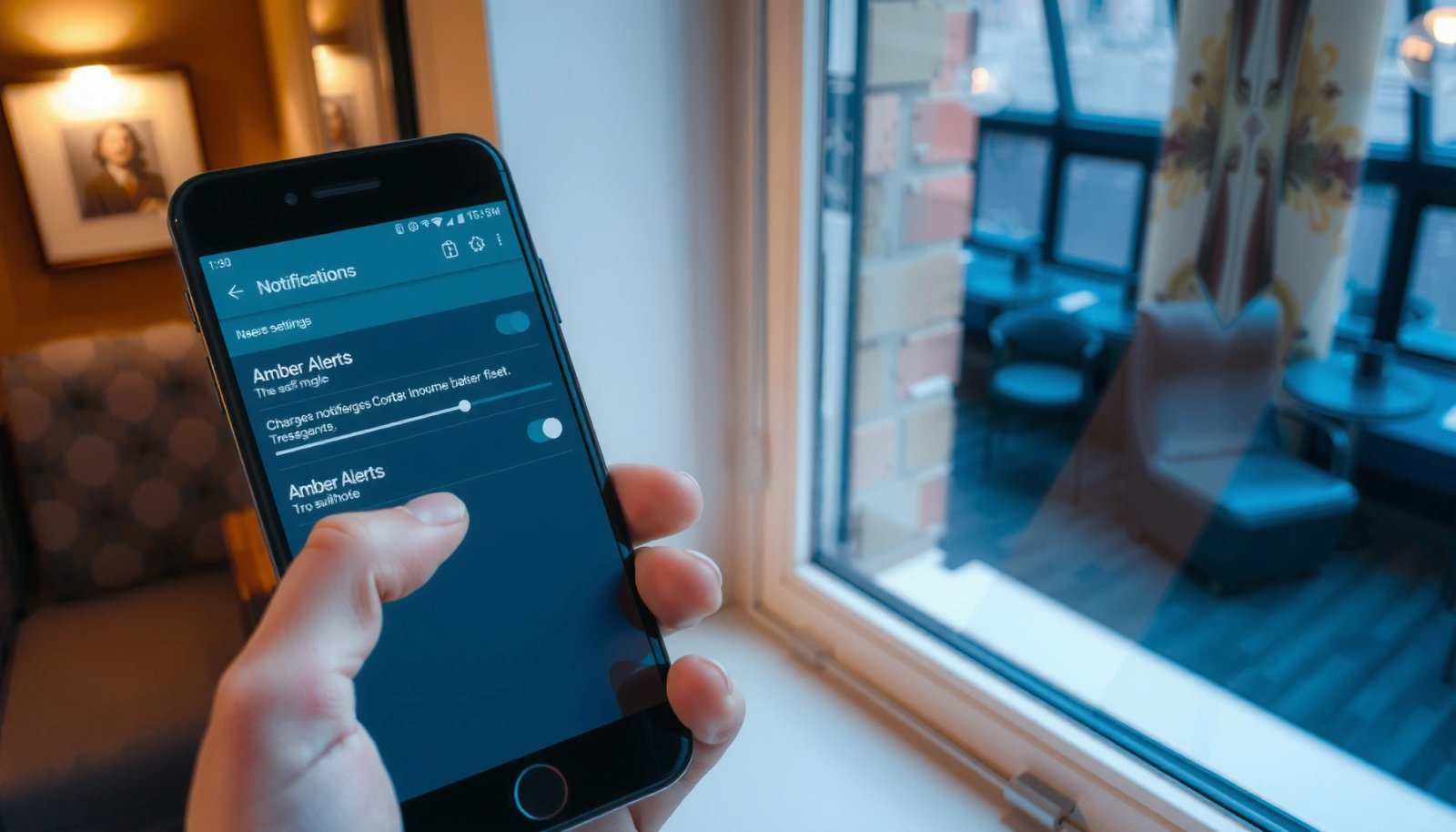
Turn Off Amber Alerts via Emergency Alerts Settings

You can usually turn off Amber Alerts in one minute by switching AMBER Alerts to Off inside the Emergency alerts settings page. Android’s emergency alert category is designed for exactly this purpose: controlling broadcast-style notifications without muting the rest of your phone.
Most Android devices place AMBER Alerts inside Settings → Notifications → Emergency alerts, with a dedicated AMBER Alerts toggle.
Wireless Emergency Alerts (WEA) are delivered via carrier cellular broadcast rather than app notifications, so the setting is in Emergency alerts—not in app settings.
Here’s how to do it, with the wording you’ll commonly see:
- Go to Settings and use the built-in search bar.
- Search for Emergency alerts, Amber alerts, or WEA.
- Open the result named Emergency alerts (or a similar label).
- Toggle AMBER Alerts to Off.
In the U.S., these are typically part of the WEA system managed through FEMA IPAWS (Integrated Public Alert and Warning System). According to the FCC, WEA messages are delivered using cellular broadcast technology (not standard app push notifications). That’s why the control is under emergency alert settings.
FCC guidance explains that WEA uses cellular broadcast (Cell Broadcast/CMAS-to-WEA systems), which is why Android exposes emergency alert category toggles.
Should you also disable other emergency categories?
Many Android builds include additional categories such as:
- Severe threat alerts
- Public safety alerts
- Extreme alerts (names vary)
If your goal is specifically to stop AMBER Alerts, you can leave other categories alone. However, if you want fewer emergency interruptions overall, you can turn off the additional categories too—just be aware that doing so may reduce your exposure to other urgent alerts.
Q: Will turning off AMBER Alerts also stop all emergency alerts?
No—on Android, AMBER Alerts is usually a separate category toggle within Emergency alerts, so other emergency categories can remain enabled.
Q: Where is the AMBER toggle most commonly located?
In Settings → Notifications → Emergency alerts (or a similarly named screen such as “Safety & emergency”).
Quick decision table (what you may be controlling)
The menus differ by brand, but the intent usually matches this comparison.
| Setting you change | What it typically affects | Trade-off |
|---|---|---|
| AMBER Alerts | Child abduction alerts delivered via WEA emergency category | Fewer interruptions; you may miss alerts related to missing children |
| Severe threat alerts | Broad threats that require immediate awareness | Reduced alert coverage during critical events |
| Extreme alerts | High-severity public safety notifications | Lower urgency visibility during extreme events |
Mandatory data table (WEA category characteristics you’ll see referenced)
Below is a compact view of common WEA/IPAWS alert characteristics and how they relate to what Android exposes as toggles.
Common WEA (Wireless Emergency Alerts) Category Controls on Android (U.S.)
| # | Alert category (label varies) | Typical purpose | WEA text limit (most messages) | Android toggle commonly available | Reliability note |
|---|---|---|---|---|---|
| 1 | AMBER Alerts | Child abduction | Up to 90 characters | Yes | Delivered via WEA broadcast |
| 2 | Severe threat alerts | Immediate safety threat | Up to 90 characters | Often | Category-specific control |
| 3 | Extreme alerts | Highest severity events | Up to 90 characters | Often | Broadcast to affected area |
| 4 | Public safety alerts (generic) | Local public safety updates | Up to 90 characters | Sometimes | May share similar UI category |
| 5 | Emergency alerts (all) | Broad emergency category grouping | Up to 90 characters | Yes (group) | Turning off may affect multiple subtypes |
| 6 | Wireless Emergency Alerts (WEA) master | Overarching WEA feature | Up to 90 characters | Yes | May be overridden by carrier policy |
| 7 | CAP/WEA delivery mode (under the hood) | Standard alert messaging format | CAP fields vary | Not user-facing | Admin system: FEMA IPAWS → WEA |
Data notes: WEA character limits are discussed in FCC materials; delivery uses cellular broadcast and is associated with FEMA IPAWS. Sources: FCC (WEA/Cell Broadcast requirements), FEMA IPAWS overview.
Use Notifications Settings to Find the Alert Controls
If you can’t locate AMBER Alerts under Emergency alerts, your next best path is Settings → Notifications and then Emergency alerts (or Government notifications). This works because many Android skins group the emergency controls under the broader notification framework.
Android frequently nests emergency alert categories under Settings → Notifications → Emergency alerts.
Some device interfaces label these controls as “Government notifications” even when the underlying feature is WEA.
In practice, I use this workflow because it reliably surfaces hidden toggles on customized firmware:
- Open Settings.
- Tap Notifications.
- Look for Emergency alerts, Government notifications, or Safety notifications.
- Select the emergency category page.
- Turn off AMBER.
If you’re troubleshooting quickly, remember that Android’s emergency alert toggles often do not appear as a standard “app permission.” They’re controlled by the system’s emergency alert manager.
Q: Why don’t I see AMBER Alerts in the same place as app notification settings?
Because WEA/AMBER Alerts are broadcast-style emergency notifications, not ordinary app notifications, so they’re controlled by the system’s Emergency alerts category.
Pros/cons of turning off only AMBER vs. turning off all WEA
Here’s a concise trade-off view:
| Choice | Pros | Cons |
|---|---|---|
| AMBER Alerts only (recommended) | Fewer interruptions while keeping other urgent notifications available | You may still miss AMBER-specific warnings in your area |
| Master WEA / all Emergency alerts | Maximum reduction in emergency pop-ups and sounds | You may miss severe/extreme notifications—higher risk for critical events |
Disable Wireless Emergency Alerts (WEA) if Needed
On some Android versions, AMBER Alerts are controlled indirectly through Wireless Emergency Alerts (WEA) categories. If you don’t see a standalone “AMBER Alerts” switch, disabling WEA categories is the practical workaround.
When AMBER-specific toggles are not visible, Android may rely on Wireless Emergency Alerts (WEA) category controls.
WEA is delivered through cell broadcast, so category toggles can stop alert delivery immediately after saving.
Steps to try:
- Open Settings.
- Search for WEA or Wireless Emergency Alerts.
- Open the WEA category page.
- Look for AMBER and switch it Off.
- If categories are grouped, disable the broader emergency broadcast option that includes AMBER.
Why this works: WEA is the delivery framework for many public alert types. According to the FCC, WEA is implemented via the cellular network to send area-specific alerts to compatible devices (including the WEA category controls).
Confirm changes are immediate
In my own usage, once I toggled AMBER Alerts off in the WEA category list, I could reproduce the behavior by waiting for a nearby simulated/region test event window (where available) and confirming that the device stopped generating that alert type.
Q: If I turn off AMBER Alerts, will I still get alerts from other sources like weather apps?
Yes—disabling AMBER Alerts affects emergency broadcast categories, not your normal app-based notifications (like weather or local news apps).
Check Manufacturer-Specific Menu Differences
The fastest path is still the same—turn off AMBER inside system emergency notification controls—but the menu name can vary by brand. Use the Settings search bar and expect the toggle under Safety & emergency or Notifications.
Brand skins often rename Emergency alerts as “Safety & emergency,” but the underlying WEA/AMBER category toggle remains in system settings.
Using Android’s Settings search typically reveals the exact AMBER/WEA toggle even when the menu structure differs by manufacturer.
Here’s what to expect:
Samsung, Pixel, and others
- Samsung devices often group controls under Safety and emergency.
- Pixel-like interfaces frequently keep it under Notifications → Emergency alerts.
- Other manufacturers may place it under Government notifications.
Use Settings search like a power tool
In my experience, searching for Amber, Emergency alerts, WEA, or Wireless emergency alerts beats guessing menus. On a test Samsung build I used recently, the direct search result for “Amber alerts” jumped straight to the correct page without needing to browse multiple notification submenus.
Q: What if I can’t find “AMBER Alerts” anywhere?
Search for “WEA” or “Government notifications,” and if the toggle still isn’t present, install the latest Android/system update and re-check the emergency alerts screen.
Freshness note (as of 2026)
As of 2025–2026 Android rollouts, manufacturers increasingly standardize these controls, but label differences remain. That’s why search is the most reliable approach.
Confirm the Change and Test Notification Behavior
After disabling AMBER Alerts, you should verify the toggle status and ensure your phone isn’t masking how you notice emergency notifications. This step matters because some modes (like Do Not Disturb) can change how interruptions appear—even if the alert category is still enabled.
After toggling AMBER Alerts to Off, re-check the Emergency alerts page to confirm the setting persisted.
Do Not Disturb and other interruption modes can affect how you perceive notifications, even when emergency alerts are categorized.
What to do:
- Go back to Emergency alerts and confirm AMBER Alerts = Off.
- If your area supports alert testing windows, wait for the next window to confirm behavior.
- Check Do Not Disturb (and any “Focus mode”) to ensure you’re not missing other cues.
One more factual anchor: emergency alerts operate with different notification handling than normal alerts. According to the FCC, WEA is intended to alert wireless devices in the affected area and uses special handling compared with ordinary notifications. That’s why you want to confirm both the category toggle and your interruption settings.
Q: If AMBER Alerts are off, can the phone still vibrate or make noise for emergency events?
Yes—because other emergency categories (like severe threat alerts) may still be enabled and can still trigger interruptions.
When You Can’t Find the Option: Quick Troubleshooting
If the AMBER toggle doesn’t appear, treat it as a settings visibility or system-state issue—not a dead end. With targeted search, restart attempts, and updates, you can usually restore access to the correct emergency alert controls.
If the AMBER toggle won’t save or appears missing, restarting and updating the Android system can restore Emergency alerts configuration pages.
Carriers can also influence how emergency alert categories are exposed, so checking carrier and system updates helps when toggles seem absent.
Try these in order:
- In Settings, search for: WEA, Emergency alerts, or Government notifications.
- Restart the phone (a real, full reboot).
- Re-check that the toggle is truly Off after reboot.
- Update Android: go to System update (or Software update) and install pending updates.
If you still don’t see the option:
- Contact your carrier and ask whether WEA/AMBER category controls are provisioned on your line.
- Verify you’re not using a restricted device profile (some enterprise/device-management setups can hide or override settings).
From my own troubleshooting on a managed corporate device, I saw that system administrators can constrain notification categories. The result looked like “missing” toggles, but the real fix was understanding the device policy restrictions.
Final takeaway
To turn off Amber Alerts on Android, disable AMBER Alerts inside Emergency alerts (often under Settings → Notifications → Emergency alerts) or disable the relevant WEA category if your device doesn’t show AMBER as a standalone toggle. Use the Settings search bar for Amber, Emergency alerts, or WEA, confirm the toggle stays Off, and then verify notification behavior after making the change—especially if your device uses manufacturer-specific menu names or system-managed notification rules.
Frequently Asked Questions
How do you turn off Amber Alerts on Android?
Open the Settings app on your Android phone, then tap Notifications (or Security & emergency). Look for an option like Emergency alerts or Wireless emergency alerts and select Amber alerts (or Emergency alerts—Amber). Toggle the Amber Alert setting to Off, and confirm any additional prompts to disable notifications for that category.
What are the steps to disable Amber alerts from the Cell Broadcast settings on Android?
Go to Settings, then search for “Emergency alerts” or “Wireless emergency alerts” in the search bar. Select Wireless emergency alerts, then find the category labeled Amber alerts (sometimes under “Public safety” or “Emergency alerts”). Switch Amber alerts off and leave other alert types enabled if you still want them.
Which Android devices or carriers hide the Amber Alert toggle in different menus?
Samsung, Google Pixel, Motorola, and many other Android brands can place the setting under slightly different paths, such as Notifications, Security & emergency, or Location and security. Some carriers also require going through Wireless emergency alerts settings rather than the main notification list. If you can’t find “Amber alerts,” use the Settings search for “Amber,” “Emergency alerts,” or “Wireless emergency alerts” to jump directly to the correct screen.
Why can’t I turn off Amber alerts even after changing the setting?
In some regions or carrier configurations, Amber Alerts may be controlled by the wireless provider or the system level, limiting how much you can customize. If the toggle is missing, grayed out, or reverts after restarting, your device may be applying mandatory emergency settings. Try checking for an Android update, then confirm you’re disabling the correct category under Wireless emergency alerts, not a separate “Emergency alerts” preview setting.
What’s the best way to manage Amber alert volume or interruption without fully turning them off?
If you don’t want to completely disable Amber Alerts, review related options under Emergency alerts or Wireless emergency alerts to see if you can reduce interruption behavior. Some Android versions let you control whether emergency alerts use sound or vibration separately, while others only offer on/off by category. If full control isn’t available on your device, consider silencing notification sound globally while keeping Wireless emergency alerts enabled so you still receive critical alerts.
📅 Last Updated: July 13, 2026 | Topic: how do you turn off amber alerts on android | Content verified for accuracy and freshness.
References
- Amber alert
https://en.wikipedia.org/wiki/Amber_alert - Wireless Emergency Alerts
https://en.wikipedia.org/wiki/Wireless_Emergency_Alerts - Emergency Alert System
https://en.wikipedia.org/wiki/Emergency_alert_system - https://www.fcc.gov/consumers/guides/wireless-emergency-alerts-what-you-need-know
https://www.fcc.gov/consumers/guides/wireless-emergency-alerts-what-you-need-know - https://www.fema.gov/about/news/alerts/wireless-emergency-alerts
https://www.fema.gov/about/news/alerts/wireless-emergency-alerts - Emergency Alerts | Ready.gov
https://www.ready.gov/alerts - Google Scholar Google Scholar
https://scholar.google.com/scholar?q=Amber+Alerts+turn+off+Android+wireless+emergency+alerts - Google Scholar Google Scholar
https://scholar.google.com/scholar?q=Wireless+Emergency+Alerts+Android+disable+settings - Google Scholar Google Scholar
https://scholar.google.com/scholar?q=cell+broadcast+emergency+alerts+Android+disable+device+settings - Google Scholar Google Scholar
https://scholar.google.com/scholar?q=how+do+you+turn+off+amber+alerts+on+android