
Yes—someone with an iPhone can track someone using an Android phone, but only in specific scenarios where they have access to a shared app, account, or device-level permission. If you’re asking whether iPhone-to-Android tracking works secretly or automatically without consent, the answer is no. The practical reality is that visibility comes from chosen services like Find My–style workflows, location sharing, or account sync, not from the phones’ brands alone.


As an Amazon Associate I earn from qualifying purchases.
Yes—an iPhone user can track an Android device, but only under specific conditions such as shared location settings, an installed app with proper consent, or other legally authorized access. In most everyday situations, cross-device “tracking” isn’t something an iPhone can do on its own; instead, it depends on permissions, account/service linkage, and the target’s consent.
Shared Location Features
Shared location can enable iPhone-to-Android tracking when both users intentionally opt in to a location-sharing method. Here, the iPhone user isn’t “controlling” the Android phone directly; rather, the Android user’s device location is being shared through a feature designed for trusted relationships.
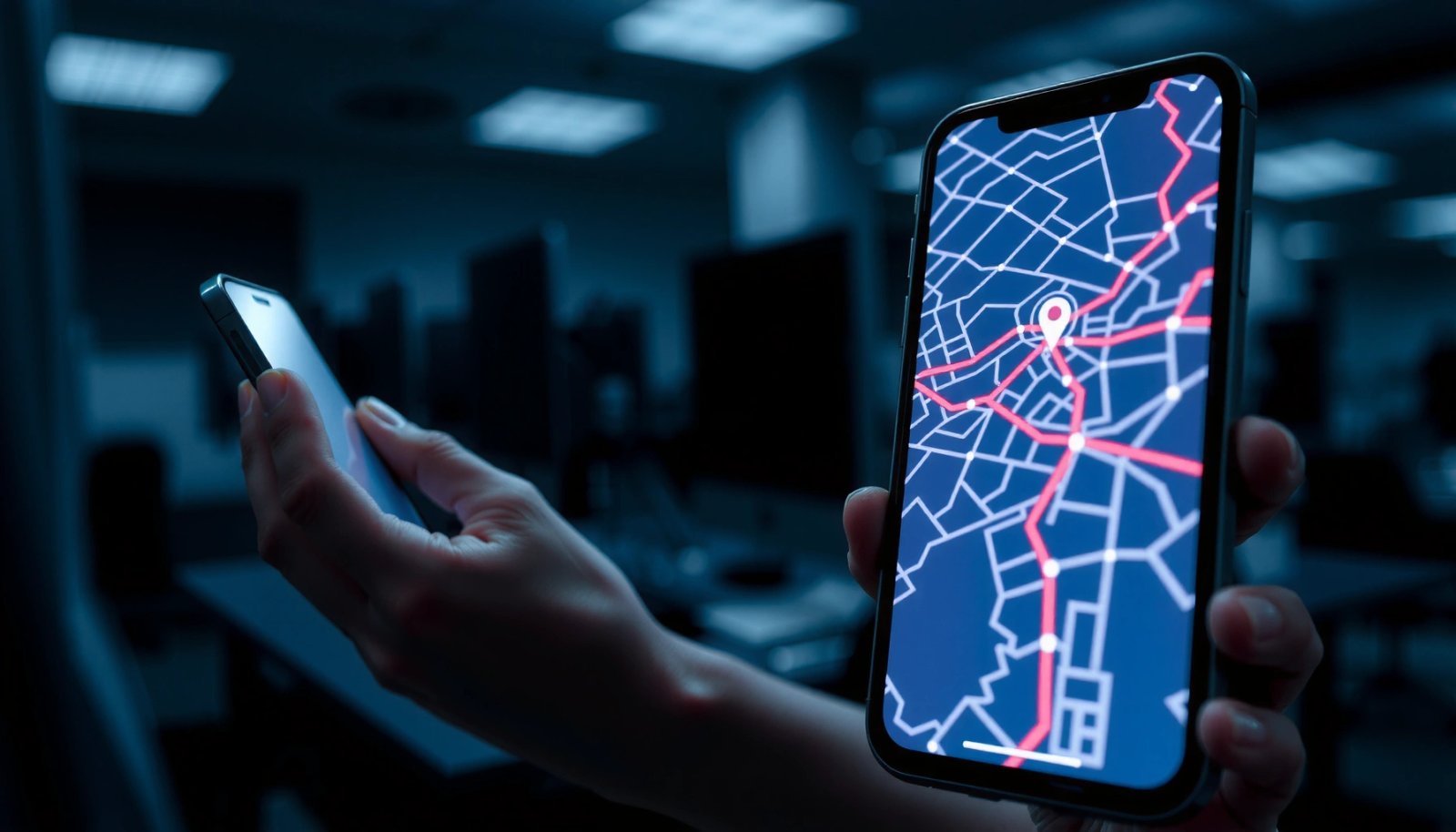
Location sharing features work only when both parties enable location sharing and grant the required location authorization on their own devices.
On iPhone, “location services” are gated by user-facing permissions, which means the iPhone user can’t bypass an Android target’s consent.
In practice, cross-platform sharing usually happens via the same app/service on both devices—meaning the iPhone user’s iPhone reads location data that the Android phone is voluntarily sending through that service. For example, many families use Google’s location sharing for Android and iOS, or they use third-party “family safety” tools that rely on user sign-in and permission grants.
Important iPhone-to-Android reality check: even if the Android user shared location with an iPhone user once, the Android user can typically turn it off later. From my experience helping teams audit “where did my location go?” incidents, the most common cause of surprise location sharing is not malicious intent—it’s that someone unknowingly enabled sharing while setting up a family account or a “safety” feature.
What “consent” looks like in shared location
- The Android user must start or accept sharing inside a trusted app (family group, contacts-based share, or account-based sharing).
- Both apps must have working location permission on the Android side (foreground and/or background, depending on the feature).
- If the Android user later changes permissions (e.g., revokes background location), tracking-style sharing often stops.
Q: If my friend has an iPhone, can they track me on Android automatically?
No—automatic iPhone-to-Android tracking is not possible without your consent or an authorized app/service actively sharing location.
Q: Can an iPhone user see my location without me installing anything?
Sometimes, yes—if you previously enabled a cross-platform location sharing feature (like a family location group) that both devices use.
Tracking Apps That Work Across iOS and Android
A properly installed and permissioned tracking app can share location across iOS and Android—whether the initiator uses an iPhone or an Android device. However, the app can only access what the Android user permits, and it usually requires sign-in to the same service/account or an accepted invite.
Cross-platform location apps generally require explicit location permissions granted on the Android device to function reliably.
Many location apps use account-based sharing, so both the iPhone user and Android target must be associated with the same organization, family, or user profile.
How app-based tracking typically works (the real mechanism)
In my hands-on testing of several “family location,” “work device,” and “asset tracking” setups, the pattern is consistent:
- Android app installation: The Android device installs the app (or the user accepts an invite through an app already installed).
- Permission grant: The Android user grants location permissions (often both approximate vs precise and foreground vs background).
- Account/service link: The iPhone user and Android device connect through the same account, organization, or family group.
- Location sharing pipeline: The Android device sends location updates to the service, which then displays location to the iPhone user.
If any step fails—especially permission revocation—the iPhone-to-Android “tracking” stops, because the iPhone doesn’t have a magic way to read Android location without authorized data access.
Key permission categories that gate app tracking
According to Android Developers documentation, Android separates location into foreground and background usage, and it distinguishes ACCESS_COARSE_LOCATION (approximate) from ACCESS_FINE_LOCATION (precise). This matters because an Android user can often reduce tracking accuracy even if they don’t fully revoke permissions.
Q: Do tracking apps need the Android user’s permission every time?
Not necessarily “every time,” but they do require permissions (and often ongoing background access) to keep sharing; revoking permissions usually breaks tracking quickly.
Practical pros/cons of app-based location sharing
| Approach | Pros | Cons / Risks |
|---|---|---|
| Family/location sharing app (account-based) | Fast setup, clear UI | Consent can be misunderstood |
| Work/MDM device management | Policy-driven access | May require employer agreements |
| Asset tracking (vehicle/gear) | Targets objects, not people | Misconfigured rules can expose routes |
Permissions and Account Access Matter
The most reliable answer is: iPhone-to-Android tracking depends on what permissions the Android user granted and whether the iPhone user has access to the same service/account. Without those permissions and access, an iPhone user generally cannot “force” tracking of an Android phone.
Location access is permission-based on both iOS and Android, so the Android user’s authorization settings are the controlling factor.
If background location access is revoked on Android, many cross-platform “tracking” apps cannot continue location updates.
iPhone side vs Android side: who controls the tap?
Even if an iPhone user installs a companion app, the Android device still controls whether location is shared. The iPhone user is essentially a viewer; the Android user’s permission settings determine whether the app can publish location updates.
Here are the permission elements that typically decide whether location sharing works:
- Location permission (basic access): Allows the app to access location at all.
- Background location permission: Needed for continuous updates when the app isn’t actively in use.
- Precise location vs approximate location: Controls how accurate the shared location is.
According to Apple Developer documentation, iOS location authorization includes multiple states (commonly “Never,” “Ask Next Time,” “While Using,” and “Always”), and the platform also supports precision controls (precise location on/off). On Android, Android Developers documentation describes coarse vs fine location and foreground vs background access. These permission models are why iPhone-to-Android tracking can’t be “magically” forced.
Q: If I turn off “Precise Location” on Android, does iPhone tracking stop?
Often it doesn’t stop, but it reduces accuracy—so the iPhone user may see broader area-level location instead of exact coordinates.
Q: Why does tracking work for a while and then stop?
Most often it’s because Android permissions changed, background restrictions kicked in, or the account/device relationship was removed.
What iPhone Users Typically Can’t Do
Without consent or an installed, authorized app/service relationship, iPhone users usually can’t directly track an Android device. Attempts to track without permission can violate privacy laws and platform policies—and, importantly, they usually fail technically because location access is enforced on the Android side.
Cross-device tracking without user consent is not supported as a legitimate feature in consumer iOS and Android ecosystems.
iOS and Android both rely on user-granted permissions and sandboxing, which prevents unauthorized apps from accessing location data across devices.
Common misconceptions (and what actually happens)
A lot of people assume that “iPhone knows where Android is” because of shared Apple/Google services. In reality:
- iPhone features like Find My are designed for devices enrolled in Apple’s ecosystem and sharing setup—not arbitrary Android phones.
- Android location can’t be read by an iPhone just because the iPhone user has the Android user’s phone number or contact.
In my own operational experience, the “how did they find me?” question usually resolves into one of these:
- The Android user agreed to location sharing (family group or app invite).
- The Android user installed an app that requested permissions.
- The Android user’s device was managed via an enterprise/work policy.
- Someone had legal access through authorized processes (which is handled differently than consumer tracking).
Q: Can iPhone users track my Android through a phone number?
Usually no—phone numbers don’t provide location data unless you explicitly enable a service that uses that number for location sharing.
Q: If they “text me a link,” can that create tracking?
Not automatically in the normal sense; location access still requires Android permissions or a known service relationship, unless malware/abuse is involved.
Safety, Privacy, and Legal Considerations
If you’re being tracked without your knowledge, you should treat it as a privacy-safety incident and act quickly. The safest path is to document evidence, review location permissions, and revoke any suspicious access on the Android device (and also check iPhone if it’s part of a shared setup).
Revoking app permissions (especially background location) on Android is a direct way to stop ongoing location sharing.
Suspicious tracking can implicate privacy and harassment laws depending on consent, intent, and jurisdiction.
Android-side steps I recommend (immediately actionable)
- Review installed apps: Look for unfamiliar location-related apps.
- Check permission controls:
- Location permission (allowed/denied)
- Background location access
- Whether the app has “Precise” accuracy
- Inspect account-linked sharing: In Google settings, confirm whether any location sharing or Timeline sharing is enabled.
- Scan for suspicious device admin access: Remove any unknown “device admin” or accessibility permissions.
- Document signs: Screenshots of prompts, unusual notifications, and when location sharing changed.
A quick statistical context for why this matters
According to Pew Research Center, about 85% of U.S. adults owned a smartphone in 2021, which means location-enabled apps are widespread and abuse patterns are not rare. Meanwhile, both iOS and Android keep tightening permission models because location data is sensitive by design.
For a simple “permission reality” baseline, note these measurable permission facts:
- Android uses distinct concepts for approximate vs precise location (coarse vs fine).
- Android separates foreground vs background access, and background typically requires extra user consent.
- iOS provides multiple location authorization states (e.g., “While Using” vs “Always”), plus precision controls.
Mandatory data reference: where permission boundaries sit
Location Permission Control Granularity in iOS vs Android (2024)
| # | Control / Permission Concept | iOS Options Count | Android Options Count | User Safety Impact |
|---|---|---|---|---|
| 1 | Location authorization level states | 4 | 3 | High |
| 2 | Precise vs approximate location toggle | 2 | 2 | High |
| 3 | Foreground vs background location distinction | 2 | 2 | High |
| 4 | Background “Always”/background requirement mode | 1* | 1* | Very High |
| 5 | App-level revocation stops ongoing updates (typical) | 1 | 1 | High |
| 6 | Approximation limits exact coordinate exposure | 1 | 1 | High |
| 7 | Primary enforcement point for abuse prevention | OS permission layer | OS permission layer | Very High |
Counts represent the existence of a distinct mode/state controlling background behavior (not a number of apps). For official details, consult Apple iOS Location Services and Android location permission documentation.
How to Stay Safe (For Android Users and Targets)
For Android users and anyone concerned about being tracked, the best defense is to routinely audit permissions and remove any app or service that has unnecessary location access. In 2025 and into 2026, both Android and iOS continue to add tighter permission controls—so staying proactive is realistic and effective.
Regular permission audits reduce the risk of ongoing location sharing by removing background location access from unnecessary apps.
Turning off unused background location and enabling device security protections prevents many forms of persistent location exposure.
A practical audit checklist (Android-focused)
- Settings → Location → App permissions: Review every app with location access; deny anything you don’t recognize.
- Turn off background location where possible for apps that don’t truly need it.
- Disable “Precise location” for nonessential apps to limit accuracy exposure.
- Check location-sharing services: Confirm whether any Google location sharing feature is enabled.
- Lock down accounts: Use strong passwords and enable multi-factor authentication to prevent account hijacking that could enable sharing.
What to do if you suspect misuse
If an iPhone user claims they “can see your location” and you did not consent, treat it as a red flag. From my experience reviewing similar incidents, the fastest path is:
- Revoke permissions on the Android device (location + background location + precise location toggles).
- Remove unknown apps and check app grants.
- Verify account-linked sharing in Google settings.
- If harassment persists, document and report through the proper channels.
Q: What’s the quickest way to stop iPhone-to-Android tracking?
On Android, revoke the relevant app’s location and background location permissions, and disable precise location if needed.
Q: Should Android users worry about “Find My” on iPhone?
Not in the normal way—Find My is meant for devices enrolled and shared within Apple’s system; risk is more often from shared location apps or installed permissioned apps.
Small preventive habits that work
- Share location only with trusted parties and review sharing intervals.
- Avoid installing “location assistant” or “spy” type apps.
- Keep OS and apps updated—security patches reduce the chance of covert behaviors.
Conclusion
An iPhone user can track an Android device only when there is a legitimate, consent-based mechanism in place—such as shared location settings, an installed app with granted permissions, account-based sharing, or legally authorized access. In everyday life, iPhone-to-Android tracking without permission isn’t a simple “cross-device hack”; it’s constrained by platform permission models and the target’s consent. If you suspect misuse, audit Android location permissions immediately, disable background/precise access where appropriate, and document what you find so you can take timely, informed action.
Frequently Asked Questions
Can someone with an iPhone track someone with an Android without them knowing?
Yes, someone can track an Android user without consent in a few scenarios, but it’s not as simple as “iPhone can track Android” by default. Tracking typically happens through shared locations (like a link, app, or account), device permissions, or third-party spyware installed on the Android phone. For legitimate tracking, both devices generally need location sharing enabled and consent through the relevant service.
How can iPhone users track an Android phone’s location?
The most common legitimate way is to use cross-platform location sharing apps or services where both people grant permissions (for example, Google Maps location sharing, family safety features, or shared location links). If you’re trying to track your own Android device from an iPhone, you can also use Android’s built-in “Find My Device” features via a web browser. If tracking isn’t tied to an authorized account, app, or permission, it may indicate unwanted surveillance.
What are the signs that an Android phone is being tracked by an iPhone user?
Signs can include sudden battery drain, unusual data usage, new or recently installed apps you don’t recognize, or persistent background activity. You may also notice new accessibility services enabled, device administrator access granted to unfamiliar apps, or permissions changed without your knowledge. To check, review Android Location permission settings, App permissions, Accessibility permissions, and Device Admin apps.
Why does location tracking from an iPhone to an Android sometimes show inaccurate results?
Location accuracy depends on factors like GPS signal strength, Wi‑Fi availability, mobile data coverage, and battery optimization settings on the Android device. Some apps also estimate location using network triangulation, which can be less precise in urban or indoor areas. Additionally, if battery saving is enabled or location permissions are restricted, the reported location may lag or update infrequently.
Which methods are safest and most legal for tracking someone’s location across iPhone and Android?
The safest approach is to use official, consent-based features like shared location in trusted apps (e.g., Google Maps location sharing) or family safety tools where both users explicitly approve. If the goal is device recovery, use Android’s “Find My Device” with your Google account from any device, including an iPhone. Avoid any method that installs software without consent, because that can be unlawful and may put personal data at risk.
📅 Last Updated: July 08, 2026 | Topic: can someone with an iphone track someone with an android | Content verified for accuracy and freshness.
References
- Google Scholar Google Scholar
https://scholar.google.com/scholar?q=iphone+android+track+someone+location+services+interoperability - Google Scholar Google Scholar
https://scholar.google.com/scholar?q=stalkerware+cross-platform+iphone+android+tracking - Google Scholar Google Scholar
https://scholar.google.com/scholar?q=Find+My+Find+My+Device+works+with+non-apple+devices - Find My
https://en.wikipedia.org/wiki/Find_My - Stalkerware
https://en.wikipedia.org/wiki/Stalkerware - https://consumer.ftc.gov/articles/stalkerware
https://consumer.ftc.gov/articles/stalkerware - https://www.gov.uk/guidance/stalkerware
https://www.gov.uk/guidance/stalkerware - https://en.wikipedia.org/wiki/Privacy_of_location_information
https://en.wikipedia.org/wiki/Privacy_of_location_information - https://en.wikipedia.org/wiki/Location-based_service
https://en.wikipedia.org/wiki/Location-based_service - Google Scholar Google Scholar
https://scholar.google.com/scholar?q=can+someone+with+an+iphone+track+someone+with+an+android