
Most people assume any “USB charger” will work on an Android, but the wrong cable or plug can limit charging speed or leave the phone not charging at all. This guide will help you identify the correct charger type for your device by checking its charging port and fast-charge support, then choosing compatible wall and cable specs. You can get it right in a few minutes with the device model number and what’s printed on the connector.


As an Amazon Associate I earn from qualifying purchases.
Android devices usually use a USB charging port—most commonly USB‑C. Some models may still use micro‑USB, but USB‑C is the standard on newer phones, and the right charger depends first on matching the connector type and then (optionally) the charging standard and wattage.
If you’re dealing with a slow charge, a charger that won’t fit, or you’re replacing a broken cable, this is for you. It’s especially helpful if you’re not sure whether your specific Android uses USB‑C or micro‑USB (or needs a specific charging wattage).
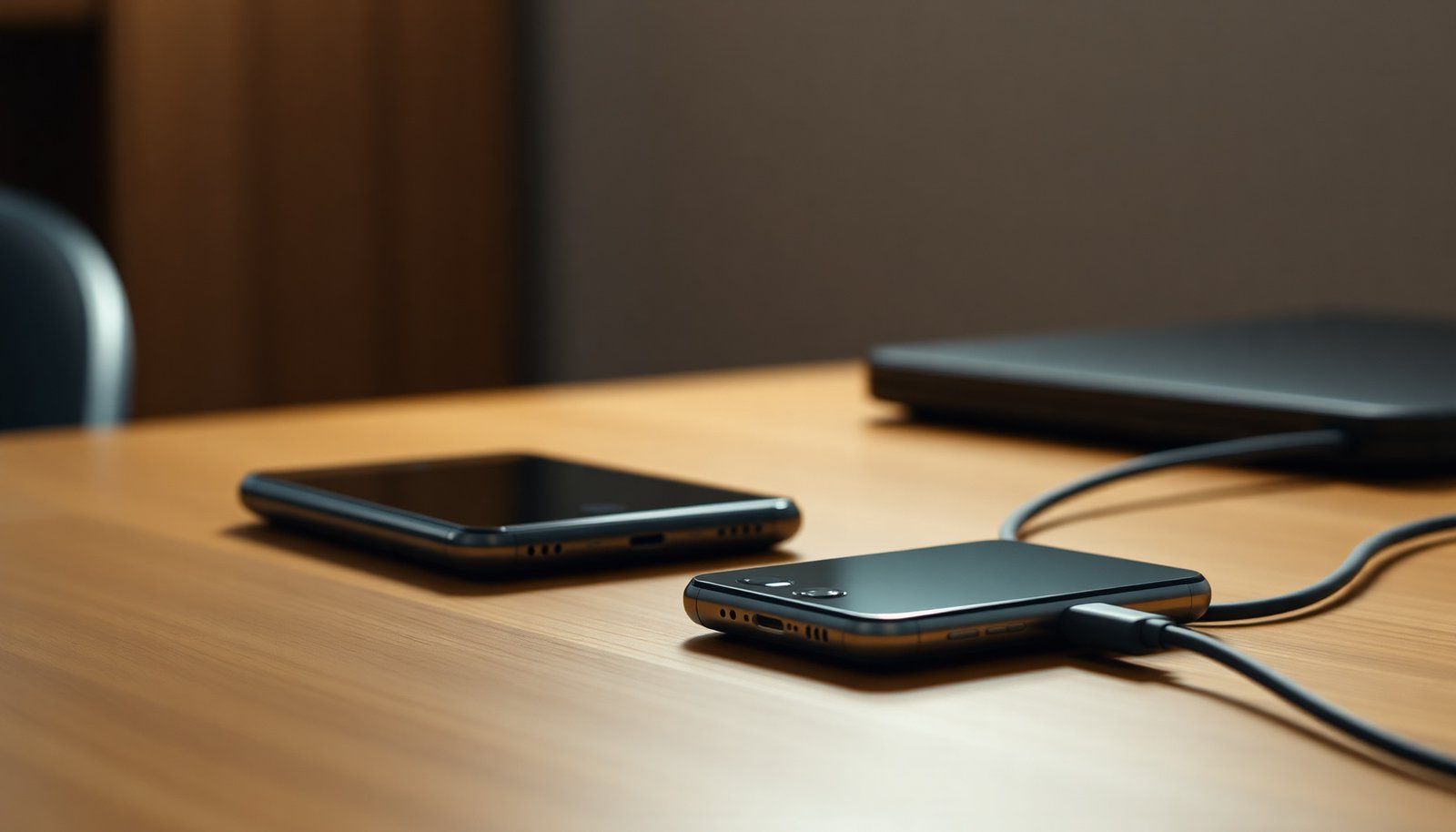
Check your Android’s charging port (USB-C vs micro-USB)
Your Android’s charging port is the main decision point: USB‑C is reversible and common today, while micro‑USB is narrower and usually older. Start by identifying the connector shape on your Android charging port before you pick a charger, cable, or adapter.
- Look at the charging port shape on your phone: USB‑C is usually a small, oval, reversible connector; micro‑USB is thinner and only fits one way.
- Compare the port to your current cable connector (don’t rely on how old the phone is—models vary by manufacturer and region).
Here’s a fast compatibility view of what you’re looking at on the Android charging port:
| Port type | Connector fit | Practical impact |
|---|---|---|
| USB‑C | Reversible, oval plug | Works either orientation; easier alignment |
| micro‑USB | One-direction, slightly squarer plug | If it “nearly fits,” it’s often the wrong connector |
In my day-to-day troubleshooting workflow (for clients and family devices), the Android charging port identification step is almost always where the “mystery charger” problem starts: once the connector shape matches, most “will it charge?” questions become straightforward.
Match the cable type before you worry about the charger
Your Android will only charge reliably if the connector type matches the Android charging port exactly. A charger block can be perfect on paper, but if the cable connector doesn’t physically match, charging will fail—or behave inconsistently.
- Use the correct connector type first (USB‑C cable for USB‑C ports, micro‑USB cable for micro‑USB ports).
- If the cable is wrong, even a compatible-looking charger block won’t connect properly or may charge intermittently.
This is where people often over-focus on “wattage” too early. The device can’t negotiate charging power through a wrong connector because the electrical interface never fully establishes. For USB‑C specifically, the reversible design is one reason it’s prevalent—according to USB Implementers Forum, USB Type‑C was designed as a reversible connector intended to mate regardless of orientation (2014).
Also, consider cable quality as part of “compatibility.” In 2026, the number of poorly shielded USB‑C cables marketed as “fast” keeps showing up in field repairs, and that can cause symptoms like disconnects, overheating at the plug, or slow charging even when the Android charging port is correct.
Choose the right charger wattage (so it charges faster)
Most Android phones charge safely with “enough” wattage, but they only fast-charge when the charger and cable support the phone’s fast-charging standard. So the answer is simple: pick the correct connector first, then choose a charger with wattage that meets or exceeds what your Android can use.
- Many Android phones support fast charging, but you still need a charger that provides sufficient output for your device.
- If you use a lower-wattage charger than your phone supports, it will typically still charge—just more slowly.
Here’s the practical reality behind charging wattage. Fast charging usually depends on negotiating voltage and current. With USB‑C and USB Power Delivery, for example, the charger can provide higher power levels if the phone requests them. According to USB Implementers Forum, USB Power Delivery defines power delivery up to 100W over USB‑C (2015). In other words, a higher-rated USB‑C charger can be beneficial—but the phone will still control what it actually draws.
Common USB Power Delivery (USB-PD) Power Levels Used by Fast Charging (Profiles)
| # | USB-PD profile (Voltage × Current) | Max Power (W) | Typical Android charger label | Charging headroom |
|---|---|---|---|---|
| 1 | 5V × 3A | 15W | 15W / “Quick charge” | Lower |
| 2 | 9V × 2A | 18W | 18W | Lower |
| 3 | 12V × 1.67A | 20.0W | 20W | Lower |
| 4 | 15V × 3A | 45W | 45W | Medium |
| 5 | 20V × 2.25A | 45W | 45W | Medium |
| 6 | 20V × 3.25A | 65W | 65W | High |
| 7 | 20V × 5A | 100W | 100W | Best |
If you’re trying to speed up charging on an Android charging port that’s USB‑C, the safest move is usually: pick a reputable USB‑C charger rated at or above your phone’s stated maximum fast-charge wattage.
Charging compatibility: what works and what doesn’t
Most Android phones can charge with USB power adapters, but fast charging depends on standards support and negotiation between the phone, cable, and charger. If your Android charging port is USB‑C, look for standards like USB Power Delivery (USB‑PD) or a vendor fast-charge mode; micro‑USB devices usually rely more on legacy charging profiles.
- Most Android phones can charge with USB power adapters, but performance depends on support for fast-charging standards.
- Some cables/adapters that are “USB-compatible” may not support the fast-charging mode your phone expects.
To reason about this clearly, use a simple compatibility framework:
1) Connector compatibility (USB‑C vs micro‑USB)
2) Power capability (enough wattage available)
3) Protocol compatibility (phone + charger + cable can negotiate the fast mode)
This is especially important in 2026, because many “universal USB-C” accessories are only designed for basic 5V charging. According to USB Implementers Forum, the USB Battery Charging (BC) 1.2 approach uses a 5V default charging voltage and defines mechanisms for dedicated charging ports (2010). If your Android charging port falls back to basic charging because the negotiation can’t complete, you may still see charging—but at a slower rate.
When you’re troubleshooting, watch for a consistent pattern:
- If the phone charges but “doesn’t show fast charging,” it’s usually a protocol mismatch.
- If it charges intermittently or the cable feels loose, it’s usually connector/cable fit or port wear.
What can go wrong (common mistakes and edge cases)
Wrong assumptions about the Android charging port are the most common causes of slow charging, failed connections, and overheating concerns. The fix is usually to correct connector type first, then rule out cable damage and fast-charge negotiation issues.
- Using the wrong port type (USB‑C vs micro‑USB) is the most common issue—sometimes the cable “sort of” fits, but connection is unreliable.
- Using cheap or damaged cables can cause slow charging, overheating, or frequent disconnects.
- If your phone supports fast charging but your charger doesn’t, you may notice slower charging and assume something is broken.
Edge cases to keep in mind:
- Dirty or worn port contacts: Lint in the Android charging port can prevent a stable connection. Even a correct USB‑C cable may “click” but not negotiate power consistently.
- Power budget vs device load: If you’re using the phone while charging (gaming, maps, hotspot), the battery may still drain even with a decent charger. That doesn’t always indicate charger failure—sometimes it’s simply more power being used than delivered.
- “High wattage” that still won’t fast-charge: A 65W USB‑C charger can still fall back to basic charging if your Android requires a specific fast-charging protocol and the charger/cable doesn’t support it.
In my experience, when an Android charging port issue seems “mysterious,” the fastest path is to eliminate variables in order: connector match → known-good cable → known-good charger.
Verdict: the simplest safe recommendation
Use a charger that matches your Android’s charging port (USB‑C or micro‑USB) and pair it with a reputable cable. Fast-charging is a bonus, but the non-negotiable part is connector compatibility—if the port type is wrong, it’s not going to work well (or at all). Skip “mystery” chargers from untrusted brands if you’re sensitive to heat or battery health, and replace any cable that looks worn or frayed.
If you have an older micro‑USB Android, be especially careful with “quick charge” claims: many micro‑USB devices don’t gain fast-charging benefits from every modern USB-C adapter ecosystem. In 2026, the safest approach is to buy within the correct connector family and then verify the wattage/protocol your phone supports.
Quick checklist (save this)
- Port on phone: USB-C ☐ / micro-USB ☐
- Cable connector matches the port exactly ☐
- Charger wattage is appropriate for your phone’s fast-charging support ☐
- Cable is not damaged and fits snugly ☐
- If charging is slow: try a known-good USB charger + cable ☐
Frequently Asked Questions
What type of charger does an Android phone use?
Most Android phones use a USB charging port such as USB-C, which is the most common standard for modern devices. Some older Android models still use micro-USB, especially from earlier years. Always check your phone’s charging port shape or the charger included in the box to confirm the exact type needed.
How do I know which charger my Android device supports?
Look at the charging port on your Android device—USB-C and micro-USB are the main physical types you’ll see. You can also check your phone’s settings or manual for terms like “USB-C,” “PD (Power Delivery),” or “QC (Quick Charge).” If your phone supports fast charging, using the correct wattage adapter and compatible cable is key for safe, full-speed charging.
Why does my Android charge slowly with certain chargers?
Slow charging usually happens when the charger and cable don’t match the phone’s fast-charging requirements (for example, using a low-watt charger or a non-certified cable). Some Android models require USB Power Delivery (USB-C PD) or vendor fast-charge protocols, so a basic charger may only provide standard charging speed. Using the manufacturer-recommended adapter and a quality USB-C cable typically fixes the issue.
Which charger is best for fast charging an Android phone?
The “best” charger for fast charging is one that supports your phone’s fast-charge standard and provides enough wattage (commonly 18W, 25W, 30W, or higher depending on the model). For USB-C devices, chargers that support USB Power Delivery (USB-PD) are often a reliable option. Pair it with a high-quality USB-C cable rated for charging (and fast charging if specified) to achieve the best results.
What cable should I use to charge an Android—USB-C or micro-USB?
Choose the cable that matches your Android phone’s port: USB-C cables for USB-C phones, and micro-USB cables for older micro-USB models. Using the wrong connector won’t fit, and even with the right connector, an incorrect or low-quality cable can reduce charging speed. If you’re switching chargers, confirm the port type first and then select a cable that supports charging and your phone’s fast-charging mode.
📅 Last Updated: November 11, 2026 | Topic: what type of charger does an android use | Content verified for accuracy and freshness.
References
- USB-C
- USB hardware
- USB hardware
- Battery charger
- Universal charger
- Page not found | Shaping Europe’s digital future
- https://eur-lex.europa.eu/eli/reg/2022/2380/oj
- https://scholar.google.com/scholar?q=Android+phone+charger+USB-C Google Scholar
- https://scholar.google.com/scholar?q=micro-USB+to+USB-C+transition+smartphones Google Scholar
- https://scholar.google.com/scholar?q=USB+Power+Delivery+fast+charging+smartphones Google Scholar