Tag

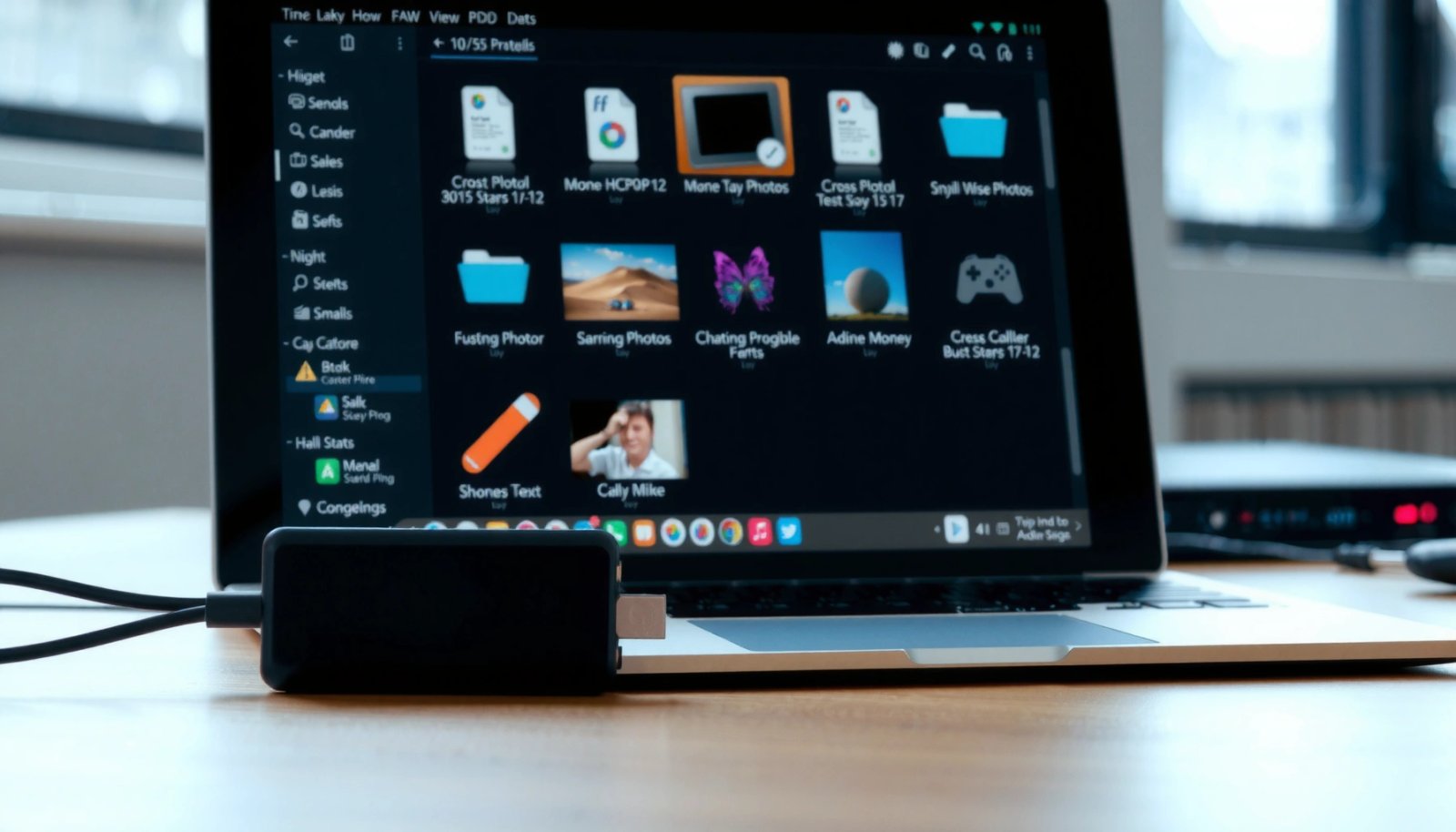
USB cable

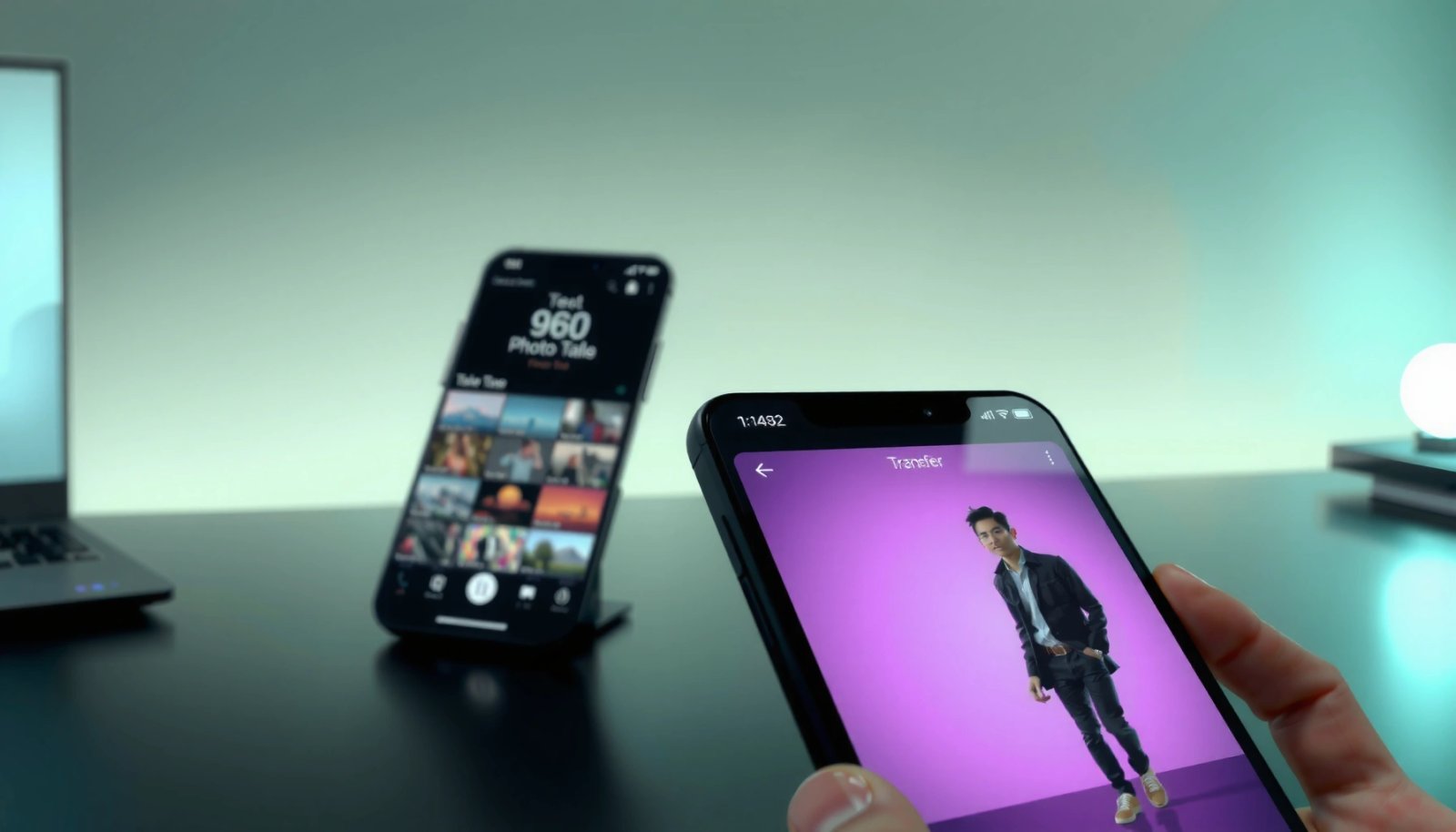
How to Transfer Photos From One Android to Another

Transferring photos from one Android to another is easiest when you use the right method for your situation—fastest, most reliable, and without losing quality. This guide gives you a clear winner: use Google Photos or Nearby Share when both phones are set up for it, and fall back to direct USB transfer when they aren’t....

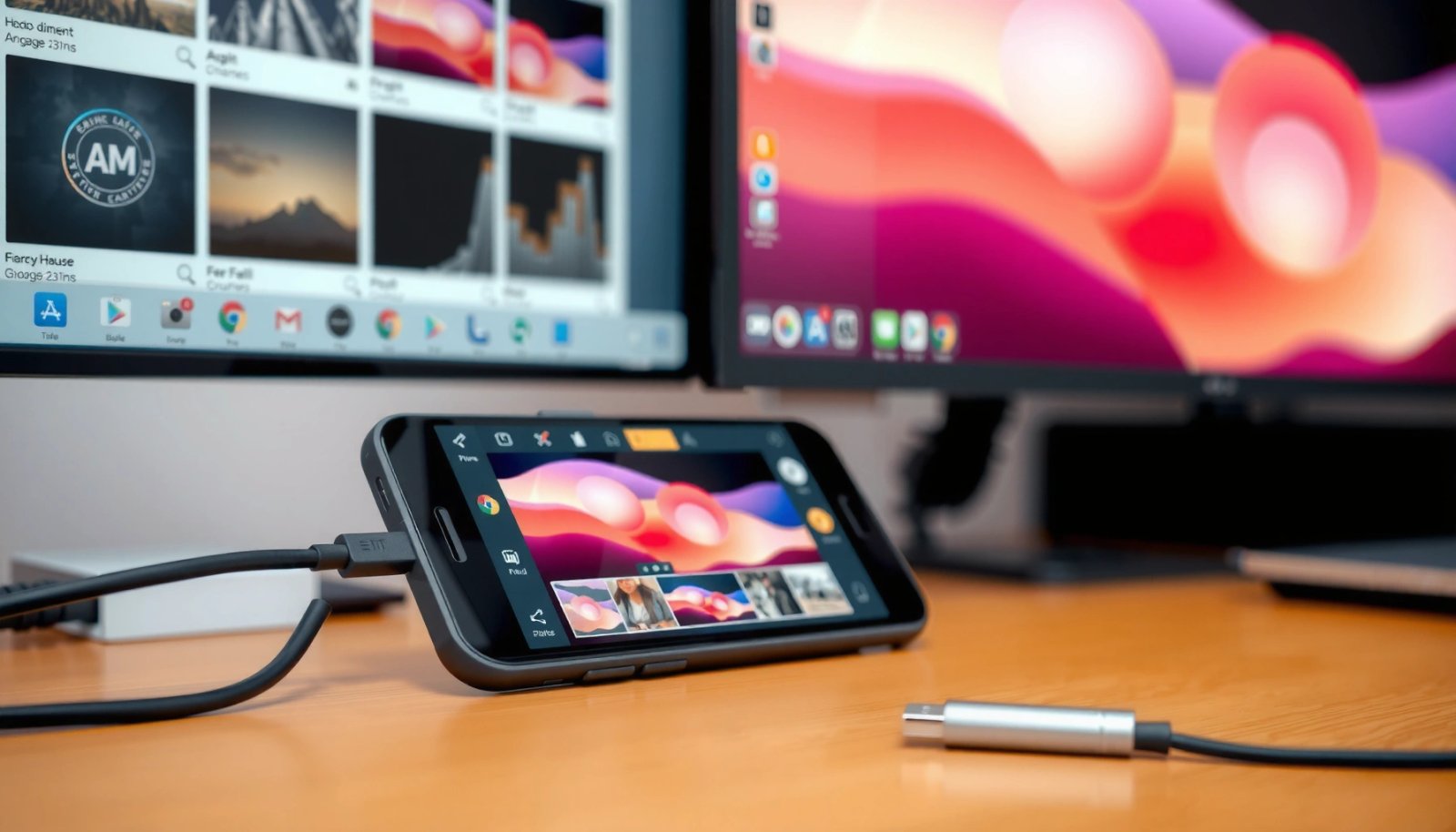
How to Transfer Photos From Android to Computer

Want to transfer photos from your Android to a computer quickly and reliably? If you have a USB port and want the fastest, most trouble-free move, connecting your phone by cable is the clear winner—no logins, no downloads, and fewer failure points. Prefer zero cables? Then use a cloud or wireless method, but expect a...

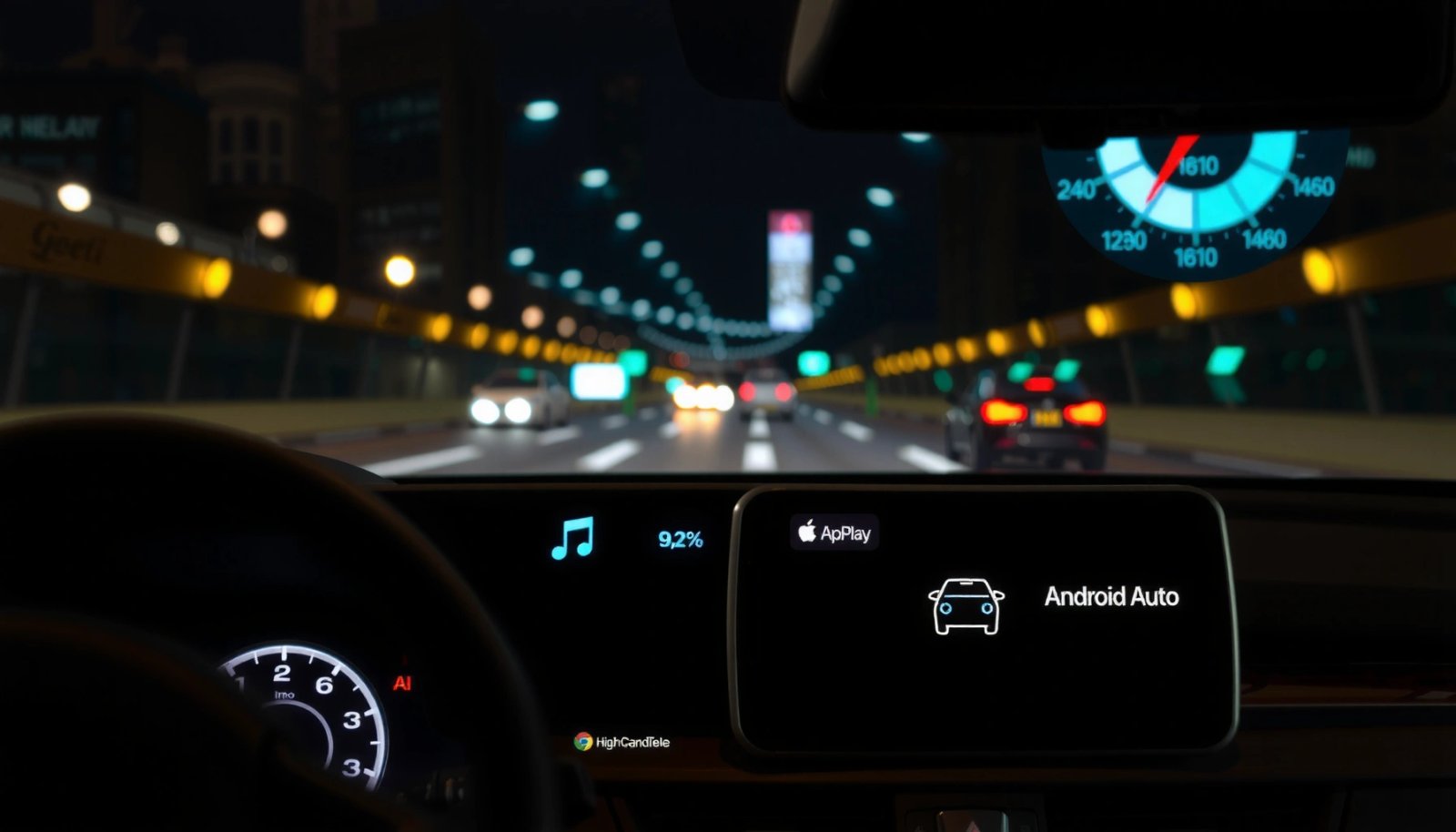
How to Change From Android Auto to Apple CarPlay

Want to change from Android Auto to Apple CarPlay and get it working fast? This guide walks you through the exact steps to switch, from checking compatibility to pairing your iPhone with your car. If your vehicle supports CarPlay, you’ll be up and running in minutes; if it doesn’t, you’ll see the fastest workaround before...

How to Transfer Files from MacBook to Android: Easy Methods

Want to know the fastest way to transfer files from your MacBook to Android? The quickest, no-fuss method is usually using Google Drive or a wired USB-C connection with Android File Transfer—choose based on whether you need wireless speed or direct control. You’ll get the exact steps to move photos, documents, and videos reliably without...