Tag

call privacy

How to Disable Caller ID on Android: Step-by-Step

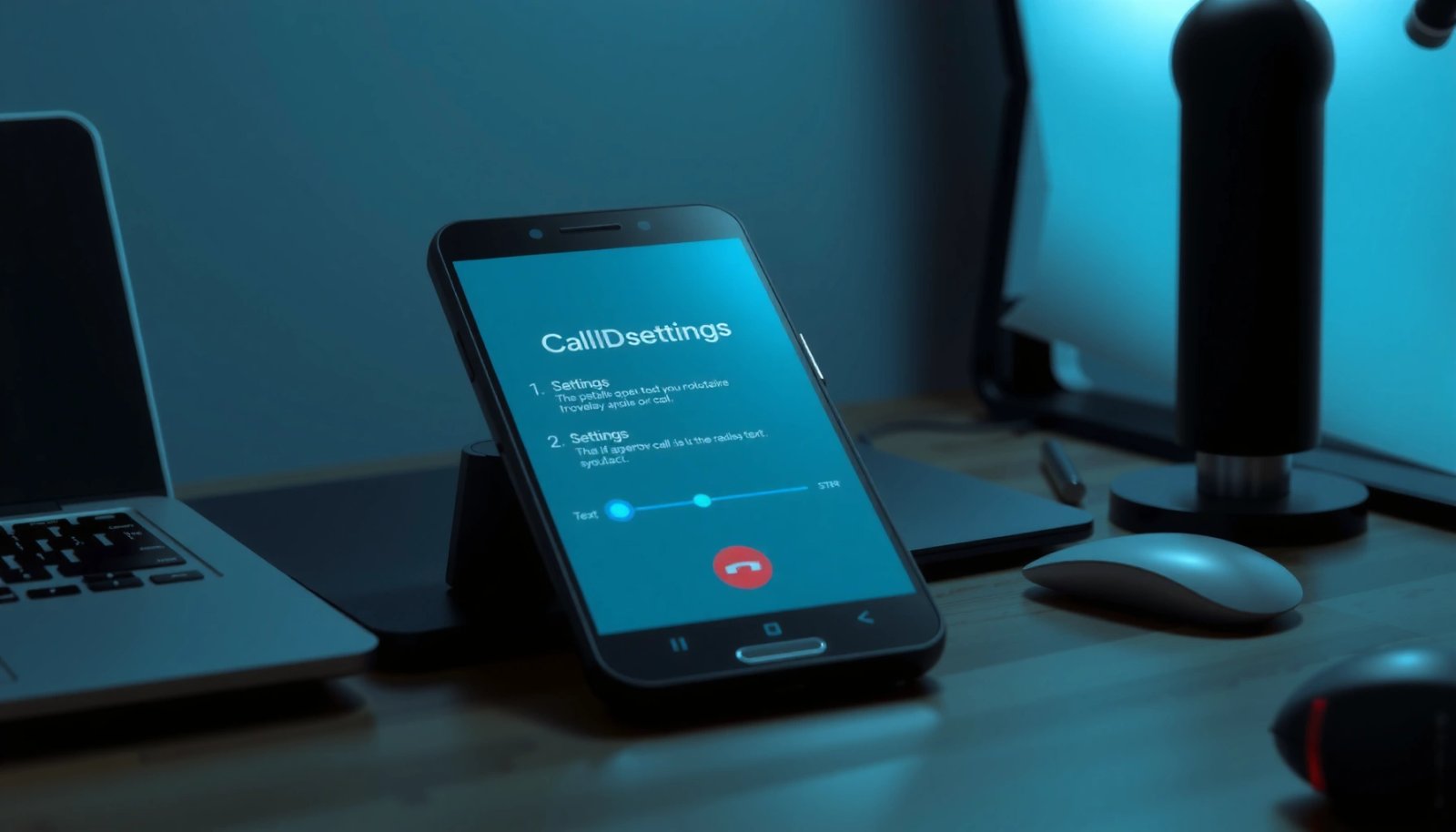
Want to disable caller ID on Android? You can hide your number for outgoing calls in just a few taps by changing the setting in your Phone app or carrier call settings. This step-by-step guide shows exactly where to go and what to select so others can’t see your caller ID. You can usually hide...
How to Call Privately on Android: Step-by-Step

Want to know how to call privately on Android step by step? This guide shows the quickest, most reliable way to place private calls using the right built-in or app-based settings, plus what to toggle for maximum privacy. Follow the instructions exactly and you’ll understand how private calling works—so your number stays hidden when it...

How to Make a Private Call from Android: Step-by-Step

Want to make a private call from Android? This step-by-step guide shows the fastest way to place calls with blocked caller ID and maximum privacy, using built-in Android controls first. You’ll get exact settings to change before you dial, plus the key checks to confirm your number won’t show. To make a private call from...

Are RTT Calls Recorded on Android? What You Need to Know

RTT (Real-Time Text) calls on Android are not universally recorded—whether they’re logged depends on your phone model, carrier, and the app or feature handling the RTT session. This guide tells you the practical answer to whether Android records RTT calls, what signals to look for, and how to reduce the chance of storage when you...

How to Make a Private Call on Android: Step-by-Step Guide

To make a private call on Android, use the built-in “Private”/Caller ID setting first, then place your call through the carrier-controlled caller ID option for the cleanest result. This step-by-step guide shows exactly where to find the setting, what to confirm before dialing, and how to verify that your number won’t appear at the other...

How to See Private Numbers on Android

Trying to see private numbers on Android? If you want the fastest, most reliable method, you’ll get the clearest answer in the form of a practical workaround: use your carrier call settings and Android’s call-blocking/Caller ID options to identify callers when masking is enabled. This guide also covers the limitations—when “Private Number” can’t be unmasked...