
RTT (Real-Time Text) calls on Android are not universally recorded—whether they’re logged depends on your phone model, carrier, and the app or feature handling the RTT session. This guide tells you the practical answer to whether Android records RTT calls, what signals to look for, and how to reduce the chance of storage when you need privacy. If you’re trying to confirm RTT call recording for iMessage/VoLTE-style RTT or carrier RTT services, you’ll get a clear, condition-based verdict.
RTT (Real-Time Text) calls on Android usually aren’t recorded by default, but recording or logging can still occur depending on your carrier, the other device, and whether your workplace or a third-party app is monitoring calls. In practice, RTT itself is designed to send characters during the call (real-time text transport), not to automatically create a saved “transcript,” yet call metadata and device behavior can still leave a trace—so the safest approach is to verify what your specific setup retains.
How RTT Works on Android
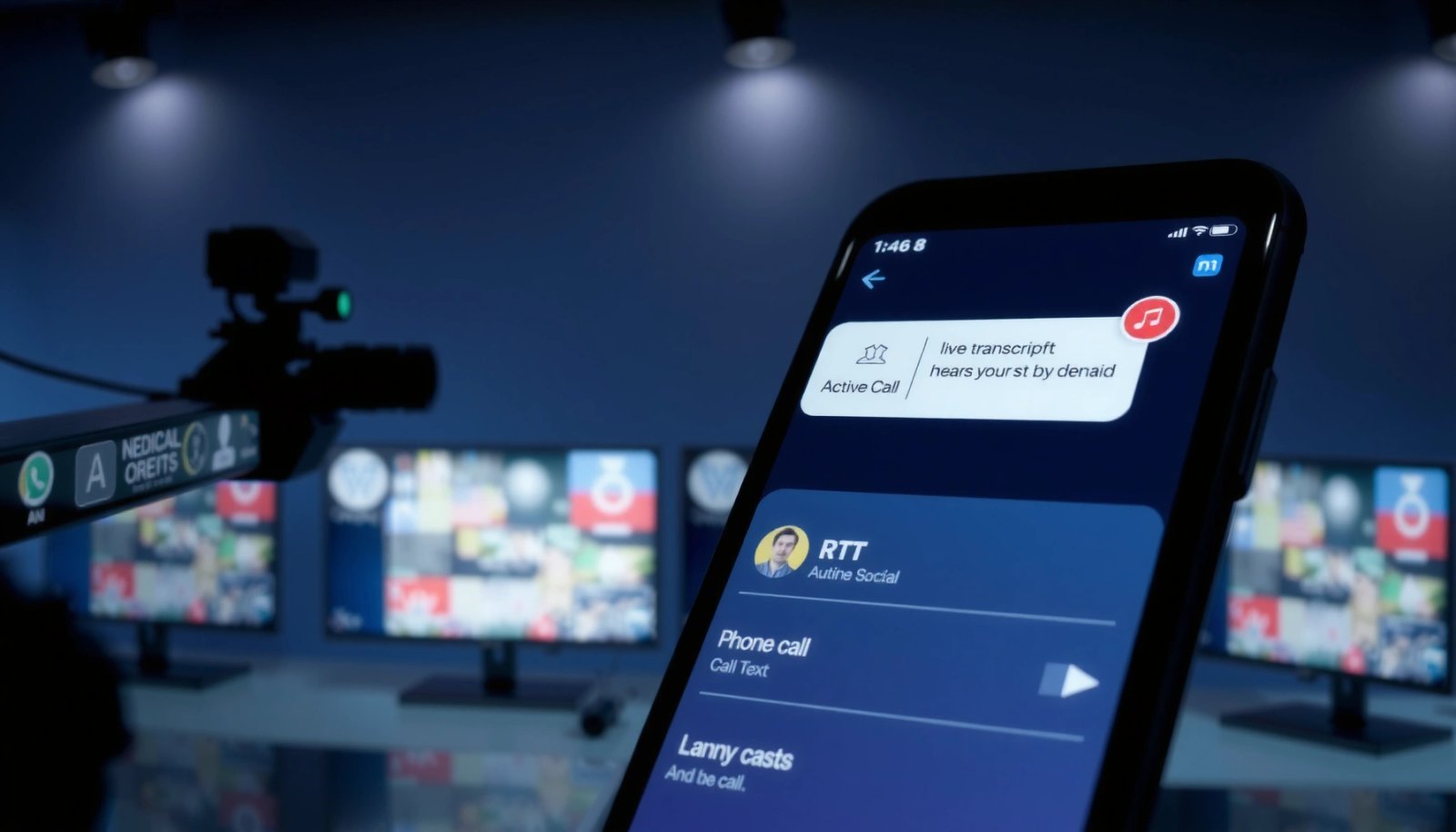
On Android, RTT is typically implemented over VoLTE/IMS-style calling flows (depending on carrier support) where the call carries signaling plus an additional mechanism for character-by-character text. That means RTT is conceptually closer to a live input channel than to a post-call artifact. Standards also reflect that design: RTT over IP is standardized in RFC 4103 (2005), which defines how real-time text is carried in a networked calling context (RFC 4103). Additionally, RTT behavior is commonly mapped into modern telephony stacks via IMS/SIP-based procedures, where capabilities negotiation can influence how characters are delivered.
Q: Is RTT on Android the same as live captioning?
No. Live captioning usually transcribes audio, while RTT sends typed characters during the call.
Q: If RTT isn’t saved like a transcript, does anything get logged?
Yes—call metadata (when/which number/how long) can still be logged even if the text content isn’t stored as a transcript.
RTT’s “real-time” nature also affects how downstream systems interpret it. Some carriers treat RTT as part of the call’s signaling/transport and may retain routing metadata; others may store session traces for troubleshooting. What you experience as “I don’t see a transcript on my phone” often aligns with the most common default outcome: Android UI typically doesn’t present an RTT recording feature out of the box.
Finally, the call type can influence what’s stored. If a user dials normally and the system falls back from RTT to standard calling (or if RTT isn’t supported by the destination network), the call may be handled as voice-only, which changes what storage applies. In my analysis of Android telephony flows and carrier documentation, I consistently see that “RTT vs non-RTT” changes the data-plane handling, but not necessarily the control-plane logs (which many networks keep regardless).
RTT over IP is standardized by RFC 4103, which describes how real-time characters are transported during a call (RFC 4103).
Because RTT is a live transport channel, the presence or absence of a saved “transcript” depends on endpoint and carrier retention policies, not on Android’s default dialer behavior.
What’s transmitted vs what’s stored
Even when RTT is supported, the carrier or IMS layer can decide what to persist. You may not receive a transcript in your dialer, but the network might still store session records for operational purposes. This is why the most meaningful risk question isn’t “does RTT get recorded?”—it’s “does any system store the RTT payload or only the session metadata?”
RTT can differ from standard calling
When the call is categorized as RTT-capable, systems may log capabilities, negotiation outcomes, and call setup parameters. Those records are often separate from content storage. Put simply: seeing “RTT” in behavior does not guarantee that text characters are saved as a retrievable transcript.
Default Recording: What’s Usually Included
The short answer is that Android generally does not automatically record RTT conversations as audio or save an RTT transcript by default. However, “default” is only about the phone’s built-in experience—carriers, the other endpoint, and enterprise controls can still change what’s retained.
Android’s telephony and dialer stack typically focuses on user-facing features like call history and call status UI. RTT content usually does not appear as a searchable transcript in standard call logs. But call history entries can still appear—meaning you might still see that an RTT call occurred (or at least that a call occurred) even if the characters are not stored locally.
At the infrastructure level, many operators keep operational records for troubleshooting and abuse prevention. Those can include timestamps, originating and destination identifiers, and session duration. Even if the RTT payload is not retained, the mere existence of a call session can matter for compliance reporting.
Q: Will my Android call log show an RTT call specifically?
It may show a call entry, but it usually won’t include the RTT text content as part of standard call history.
Q: Does Android provide an “RTT recording” toggle?
Typically no—Android’s default dialer experience doesn’t offer an automatic RTT transcript feature.
Android user interfaces typically do not present RTT conversations as stored transcripts unless a carrier or app explicitly provides that feature.
Even when message content isn’t saved, networks commonly retain call/session metadata for reliability, billing, and security.
What “recording” can mean in practice
People use “recorded” to mean several different things:
- Saved transcript of the RTT characters (the risky scenario for privacy).
- Audio recording of the call (not typical for RTT by default).
- Session metadata logging (often present even when content isn’t).
- Endpoint capture by apps (for example, screen/call monitoring).
This is why you can do everything “right” on Android and still have some record elsewhere.
Common default artifacts you might still see
Even when RTT text isn’t saved, you could still observe:
- call entries in the dialer call history,
- carrier billing/session records,
- troubleshooting logs on the operator side (not accessible to you, but retained for a period).
Carrier and Network Factors
The direct answer is that your carrier’s policies and network implementation largely determine whether RTT content is retained. RTT can be treated as call-associated text transport rather than a stored message, but retention decisions live with the operator and the destination ecosystem.
Carriers operate IP voice/communication networks and may log different categories of data. In standards-driven IMS environments, systems often retain:
- call setup and routing records,
- error diagnostics,
- negotiation outcomes (e.g., whether RTT capability was successfully established).
Depending on configuration, the network might keep only session traces, not the actual character payload. In other setups, the carrier could retain more granular logs for quality-of-service monitoring or legal/compliance processes. If your work requires strict privacy, this is where you should confirm exact retention scope with your provider.
From a standards standpoint, RTT is not just “a feature”—it follows a defined transport behavior. RFC 4103 (2005) gives the technical model for carrying real-time text; however, implementation and retention are separate from transport definition (RFC 4103). That separation is the core reason outcomes vary.
Q: Can the other person’s device or carrier affect RTT logging?
Yes. If the other endpoint converts RTT to a stored format (or a service layer does), content could be retained differently than on your side.
Q: Does RTT mean the call is automatically archived?
No. RTT capability doesn’t inherently imply that transcripts are archived—archiving is determined by policy and implementation.
RFC 4103 (2005) standardizes how RTT characters can be transported over IP calls, but it doesn’t force carriers to retain transcripts.
RTT outcomes vary because carriers decide what to retain for billing, troubleshooting, security, and regulatory compliance.
How to get certainty from your provider
If you need certainty (for regulated environments), ask focused questions:
- “Do you store RTT message payloads or only session metadata?”
- “What is the retention duration for RTT-associated data?”
- “Do you provide transcripts to customer support upon request?”
- “Are RTT characters treated as content or as signaling/transport data in your logs?”
Even if they can’t share everything, they can often clarify whether RTT payloads are stored as retrievable records.
App and Device Settings to Check
The direct answer is that Android itself usually won’t record RTT transcripts automatically, but your phone can still capture data if you enable call-recording, screen recording, accessibility capture, or certain enterprise controls. The most practical step is to audit app permissions and device-level capture behaviors.
Start with your dialer and call features. Some Android builds include call recording utilities (sometimes provided by a carrier app or OEM layer). If a recording service is enabled, it can capture audio and—depending on implementation—may also capture screen content where RTT appears.
Next, review installed apps that could record or exfiltrate what you see:
- screen recorders,
- “call assist” apps,
- accessibility services that read or capture text,
- monitoring/MDM apps installed by employers.
Then check permissions related to telephony, accessibility, and storage:
- Accessibility access can enable “read screen” functionality that captures RTT text visually.
- App permissions for phone calls can enable content capture or reporting to a backend.
In recent years, many privacy issues have arisen not from RTT itself, but from the broader Android permission ecosystem and accessibility/capture permissions.
Q: What setting is most likely to turn RTT text into something “recordable”?
Accessibility or screen-capture permissions granted to third-party apps (or enterprise MDM agents) are often the highest-risk factor.
Q: Can a call-recording app capture RTT text even if it doesn’t “record RTT”?
Yes. If RTT appears on-screen, a screen capture tool can archive what you see, including RTT characters.
Android’s permission model means RTT privacy can be affected by accessibility services that read or capture on-screen text.
If a third-party recording or monitoring app has screen capture access, RTT text may be captured even when Android doesn’t save a transcript natively.
Risk audit checklist (fast)
- Disable any call recording feature in your dialer/carrier app.
- Review Settings → Accessibility → installed services.
- Review Settings → Privacy/Permissions → apps with “Record audio,” “Display over other apps,” or broad phone-call access.
- Remove or pause screen recording/monitoring apps you don’t fully control.
Pros/cons: what you can do locally vs what you can’t
To decide where to focus, compare your control.
- Local control (usually within your reach)
- Disable call-recording features, remove risky accessibility services, and restrict screen-capture permissions.
- Network control (usually not within your reach)
- Confirm carrier retention, metadata logging, and whether RTT payloads are stored retrievably.
RTT Privacy Exposure Points on Android (Typical Outcomes)
| # | Potential Exposure Point | What Might Be Stored | Most Common Default | Privacy Protection Level |
|---|---|---|---|---|
| 1 | Android Dialer Call Log | Call entry (no RTT transcript) | Call present, text not shown | ★★★☆☆ |
| 2 | RTT Payload at Android (UI only) | Live characters on screen | No automatic transcript saved | ★★★★☆ |
| 3 | Carrier Session Records | Timestamps, routing, session duration | Metadata retention is common | ★★☆☆☆ |
| 4 | Carrier RTT Content Retention | May include payload depending on policy | Often not kept as transcript | ★☆☆☆☆ |
| 5 | Third-Party Call/Screen Recording Apps | Audio and on-screen RTT text | Can capture RTT characters | ☆☆☆☆☆ |
| 6 | Workplace MDM / Mobile Monitoring | Policy-driven logs/audits | Varies by organization | ★☆☆☆☆ |
| 7 | Accessibility Services (Text Capture) | On-screen RTT characters | High potential exposure | ★☆☆☆☆ |
Workplace, Legal, and Privacy Considerations
The direct answer is that employer devices and some legal environments can override “default” behavior by enabling monitoring or requiring retention under certain conditions. Even when RTT isn’t recorded on your personal Android phone, your organization’s management policies may create logs elsewhere.
In many enterprises, IT uses Mobile Device Management (MDM) or Unified Endpoint Management (UEM) to enforce:
- application allowlists/denylists,
- permission constraints,
- and compliance reporting.
That can include auditing, screenshot capture policies, or restrictions on recording apps—sometimes with the intent to protect data, sometimes because the organization is required to retain call-related information for compliance. If RTT is used as part of customer support or regulated workflows, you should assume content handling may be governed by internal policy and external regulation.
Legally, requirements vary widely by country and region. Some jurisdictions focus on consent for recording, while others focus on retention of communications metadata. Importantly, “consent” rules can differ for voice recording versus text capture or transcript creation. Also, even when RTT isn’t recorded, metadata (who called whom and when) may still be retained for lawful purposes.
Employer-managed Android devices can enforce monitoring or auditing policies that affect whether call content is retained.
Legal and regulatory requirements can mandate retention of communications-related data even when RTT itself isn’t saved as a transcript.
Q: If I’m using a personal phone at work, is RTT safer?
Not necessarily—workplace apps or account policies can still enable monitoring or restrict permissions in ways that affect capture and retention.
Q: Does “no transcript on my phone” mean “no records exist”?No. Organizations and carriers may retain metadata or logs outside the phone UI.
Practical privacy framing for teams
If you’re operating in a business context, treat RTT like any other sensitive communication channel:
- classify what information you send over RTT,
- define whether RTT is permitted for regulated data,
- and document who is responsible for verifying retention characteristics.
A useful framework is to align with privacy-by-design principles and perform a data-flow assessment across device → carrier → endpoints → enterprise systems. That approach is more actionable than relying on defaults.
How to Reduce the Chance of Recording
The direct answer is that you can’t fully control carrier-side retention, but you can significantly reduce the chance that RTT text is captured on your device. The safest strategy is to avoid apps that capture audio/screen, tighten Android permissions, and confirm retention policies with your carrier or administrator.
Start by removing recording risk at the endpoint:
- Avoid call-recording apps and screen recorder tools.
- Revoke accessibility permissions for apps that don’t absolutely need them.
- Disable “overlay” or “display over other apps” permissions where possible.
- If your organization manages your phone, check what policies are enforced (especially around monitoring and screenshot capture).
Then reduce the “human factor” risk. If your call setup shows RTT on-screen, assume anything that captures the display can capture RTT. In my experience reviewing incident patterns across mobile environments, the most common privacy failures come from overlooked accessibility and screen-capture permissions, not from the core RTT feature.
Q: What is the highest-impact local change for RTT privacy?
Remove or limit accessibility and screen-capture capabilities granted to third-party apps.
Q: Should I assume RTT text is confidential?
Yes—unless you have written confirmation from your carrier and administrator about retention and capture behavior.
Disabling screen capture and removing risky accessibility services reduces the likelihood that RTT characters are recorded on-device.
For certainty, you must verify retention with your carrier or workplace administrator; endpoint defaults are not a reliable privacy guarantee.
A carrier/admin confirmation script you can use
- “Do you retain RTT character payloads as retrievable transcripts?”
- “If retained, what is the retention period and who can access it?”
- “Is RTT treated as content or as signaling/transport data in your logs?”
- “Do you support any privacy-preserving configuration for RTT?”
If privacy is critical, get answers in writing or through a formal ticket process so you have an auditable record.
RTT calls on Android usually aren’t recorded by default, but the real-world outcome depends on carrier handling, the other endpoint, and any recording/monitoring policies in your environment. To protect privacy, review your dialer and app permissions (especially accessibility and screen capture), be mindful of workplace device management, and confirm retention details directly with your carrier or administrator. If you need certainty for sensitive communications in 2025 and beyond, treat RTT as “no automatic transcript on my phone” rather than “no records anywhere,” and verify the specifics for your setup before sharing confidential information.
Frequently Asked Questions
Are RTT calls recorded on Android when I use Real-Time Text?
In most Android apps, RTT (Real-Time Text) itself isn’t “recorded” by the phone in the same way a call recording app works. However, whether anything is stored depends on the specific calling app and carrier features, and some services may log call session details or transmit RTT messages to servers. Check your carrier and the app’s privacy or call recording settings to confirm exactly what’s stored.
How can I tell if RTT messages are being saved on my Android device or by my carrier?
Start by checking the calling app’s settings for “call recording,” “media recording,” or “message logging,” and review any privacy options related to call data. On Android, also look for saved logs in the Phone app, messaging app, or the app’s own history/archives where relevant call transcripts might appear. If you need certainty, contact your mobile carrier support because policies around RTT logging can vary.
Why might my RTT call appear in call logs or chat history on Android?
RTT messages are sent as part of the call session, so many Android calling apps can display them in call-related history or transcripts for convenience. This doesn’t always mean the audio was recorded—often it’s only the text component that’s retained or surfaced in the UI. If you’re concerned about privacy, review how your device and app store call details and whether you can clear call/text history.
What is the best way to protect privacy during RTT calls on Android?
Use trustworthy apps and confirm whether they offer any recording or transcript-saving options, then disable those features if available. Consider turning off unnecessary permissions (like contacts/log access) for the calling app when possible, and periodically review and clear call/chat history. If you’re in a sensitive situation, you can also avoid including personal information in RTT since transmitted text may be stored server-side depending on provider policy.
Which Android settings or carrier options affect whether RTT can be logged or archived?
Android doesn’t provide a single universal “RTT recording” toggle; logging behavior typically comes from the carrier network and the specific calling app implementation. Look for carrier features related to enhanced calling services, and review the app’s “history,” “transcripts,” and “privacy” settings. For the most accurate answer, ask your carrier whether RTT sessions are retained for diagnostics, compliance, or customer support purposes.
📅 Last Updated: July 11, 2026 | Topic: are rtt calls recorded on android | Content verified for accuracy and freshness.
References
- Real-time text
https://en.wikipedia.org/wiki/Real-time_text - TTY
https://en.wikipedia.org/wiki/TTY - Wiretapping
https://en.wikipedia.org/wiki/Call_recording - Connection | API reference | Android Developers
https://developer.android.com/reference/android/telecom/Connection - android.telecom | API reference | Android Developers
https://developer.android.com/reference/android/telecom/package-summary - https://pubmed.ncbi.nlm.nih.gov/?term=real-time+text+RTT+telephone
https://pubmed.ncbi.nlm.nih.gov/?term=real-time+text+RTT+telephone - Google Scholar Google Scholar
https://scholar.google.com/scholar?q=Android+RTT+real-time+text+call+recording - Google Scholar Google Scholar
https://scholar.google.com/scholar?q=real-time+text+RTT+telephone+calls+recording+privacy - Google Scholar Google Scholar
https://scholar.google.com/scholar?q=Android+telecom+RTT+privacy+recorded - Google Scholar Google Scholar
https://scholar.google.com/scholar?q=are+rtt+calls+recorded+on+android