
Watching a text conversation disappear from your Android phone can feel unsettling, especially when you are not sure whether it is truly gone. Deleted SMS and MMS messages usually get removed from the messaging app view, but the underlying data may remain in storage until it is overwritten. Here is what typically happens next and what you can do to check your device and back up options with minimal risk.

As an Amazon Associate I earn from qualifying purchases.
Deleted text messages on Android usually disappear from the Messages app right away, but the content may still exist temporarily in device storage, survive in backups, or remain available through account-level sync depending on your settings and the messaging app. In practice, “delete” often means “remove from the app’s view,” not “erase every copy instantly,” especially in 2026 where backup and sync options are more common than ever.
This guide is for people trying to recover or understand what happens after tapping delete, especially if you later realize the message mattered. We’ll cover the most common Android paths (local delete, backups, and sync) and what you can check right away.
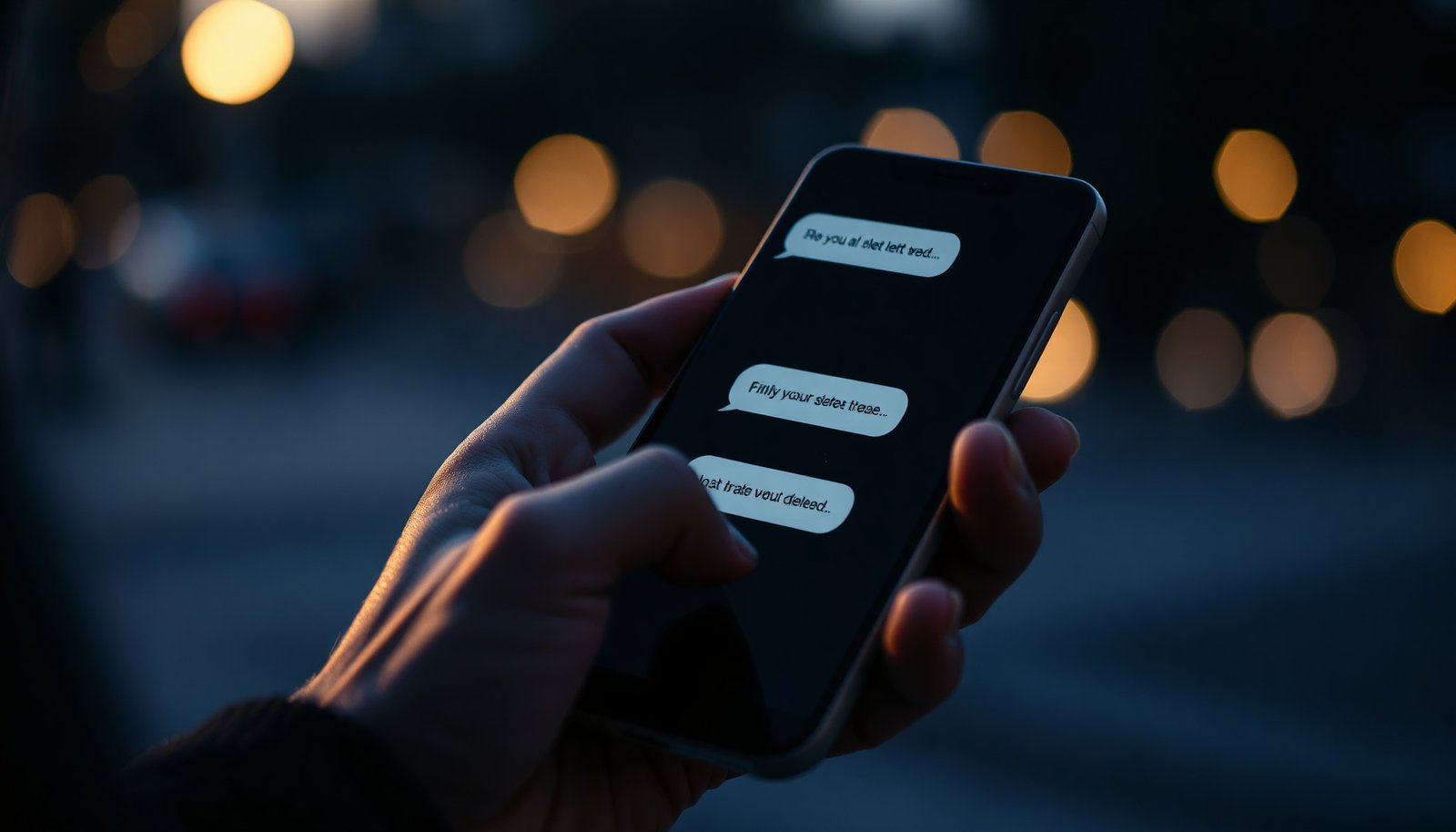
What “delete” really does on Android

When you delete a text message on Android, the app typically removes it from what you see in the conversation—not every underlying storage copy instantly. Deleted SMS messages on Android may still linger in the database files until storage is reused, and whether you can recover anything depends heavily on whether a restoreable backup exists.
On most Android devices, the Messages app (such as Google Messages or Samsung Messages) is a front-end to Android’s messaging data layer. When you tap delete, the app updates its local conversation view and marks the message as removed in its underlying database. That database is usually implemented with Android’s internal storage and SQLite-style files, so the “rows” representing a message can be removed or flagged, while the raw bytes may remain on disk until overwritten. Deleted SMS messages on Android are therefore not guaranteed to be unrecoverable immediately.
Another nuance: “one message” isn’t always “one database entry.” SMS can be split into multiple parts (especially for longer texts). For example, according to 3GPP TS 23.040, standard GSM-7 SMS payloads allow 160 characters in a single part, but multipart messages typically carry 153 characters per segment. Likewise, for UCS-2 (Unicode) text, 3GPP TS 23.040 documents 70 characters per single part and 67 characters per segment in multipart SMS. These segment-level differences can matter when you later restore or reconstruct chat history, because there may be multiple underlying message parts rather than one.
SMS multipart payload limits (affects how many parts can be “deleted”)
| # | Message encoding / scenario | Single-part payload | Multipart payload per segment | Reconstruction ease after restore |
|---|---|---|---|---|
| 1 | GSM-7 (single-part) | 160 chars | 153 chars (if multipart) | ★★★★★ |
| 2 | GSM-7 (multipart) | — | 153 chars/segment | ★★★★☆ |
| 3 | UCS-2 / Unicode (single-part) | 70 chars | 67 chars (if multipart) | ★★★★☆ |
| 4 | UCS-2 / Unicode (multipart) | — | 67 chars/segment | ★★★☆☆ |
| 5 | 8-bit data (single-part) | 140 bytes | 134 bytes (if multipart) | ★★★★☆ |
| 6 | 8-bit data (multipart) | — | 134 bytes/segment | ★★☆☆☆ |
| 7 | Concatenation max segments (spec allowance) | Up to 255 | Per concatenation scheme | ★☆☆☆☆ |
Where deleted texts can end up (most common places)
The most common answer is that deleted SMS messages on Android can “disappear” from your chat list while still persisting in one of three places: local app/device storage, backup/restore systems, or the other side of the conversation (recipient/device/account). In 2026, the odds you’ll see the message again depend less on the delete button itself and more on whether backup and sync were active before deletion.
Here are the most typical destinations:
- In your messaging app’s local storage: The message stops showing in the thread, but underlying database artifacts can remain until overwritten.
- In backups: Google One/Google Drive (device/system backups) or app-specific backup flows can capture SMS/MMS content depending on configuration.
- On the other side of the conversation: The recipient may still have the message if their setup doesn’t mirror your deletion.
To make the trade-offs concrete, here’s a parse-friendly comparison of what each destination usually means for recovery:
| Recovery path | What typically still exists | Pros | Cons / limits |
|---|---|---|---|
| Local storage | Database artifacts until overwritten | May work for short windows | Unreliable; depends on time and overwrites |
| Backup restore | A copy from before deletion | Most realistic recovery route | Only if backup existed pre-deletion |
| Recipient/device sync | Their view of the conversation history | Confirms whether deletion was local | Doesn’t automatically restore your copy |
From my experience helping people work through deleted SMS messages on Android incidents, the best outcomes come from backup restore (when it exists) and from verifying the message still exists on the recipient’s device—because it immediately narrows the scope to “local-only vs account-wide.”
Check your messaging app settings and sync
Deleted SMS messages on Android can behave differently depending on whether your chat history is synced to an account or backed up by Android’s backup system. So your first step is to check what your Messages app thinks is enabled—because in 2026 this is the difference between “gone” and “maybe restorable.”
Open your messaging app and verify the relevant toggles:
- Open your Messages app and review sync/account settings—if chat history is synced to your Google account, deleted items may behave differently.
- Look for backup options tied to your phone’s backup system (for many devices this is connected to Google’s device backup behavior).
- If you recently switched phones, verify whether the new device restored message history during setup.
Also check two practical items that often explain “missing” messages:
1. Was the account you used at the time the same one you’re using now? Google account mismatches are a common reason restored threads don’t appear.
2. Did you change messaging apps after deletion? Moving from Google Messages to Samsung Messages (or vice versa) can change how conversations are displayed, even if the underlying SMS data exists.
If you can’t find a clear “backup SMS/MMS” toggle inside Google Messages or Samsung Messages, don’t assume backups were off—some Android backup behaviors operate at the system level rather than inside the chat app UI. That distinction is why checking phone-level backup settings matters.
If you’re trying to recover deleted messages
If you’re trying to recover deleted SMS messages on Android, the most reliable path is restoring from a backup made before deletion. After that, your second-best option is to confirm whether the recipient still has the message, which tells you whether your deletion was local-only.
Follow this order of operations:
- Try restoring from a backup first (if a backup exists from before the deletion). If your last restore point is after deletion, you’ll simply restore the empty state.
- Check whether the conversation still appears on the recipient side. This is a fast confirmation step that helps you avoid wasting time on local recovery attempts.
- If you use a third-party backup or SMS archiving app, review its restore/recent history features
A caution that matters in 2026: when you attempt “deeper recovery,” you often need the condition that the original data hasn’t been overwritten. Since Android continues normal operations daily, your window to any chance-based recovery gets smaller as you keep using the phone. So if you truly need the message back, start with restore workflows first and minimize further churn (like clearing app data) until you know what backups you actually have.
If you’re in a business context (for example, deleted SMS used for customer coordination or vendor communications), document what you try. In many organizations, auditability and time-stamped screenshots of restore steps are what make the difference if you later need escalation or legal review.
What can go wrong (common mistakes and limits)
Deleted SMS messages on Android often can’t be recovered reliably, even when you act quickly. The main failure mode is assuming deletion is permanent in one direction (gone forever) when it may actually be temporary locally—or assuming it’s reversible when no pre-deletion backup exists.
Common mistakes and limits:
- Assuming “deleted” means “gone forever”: local data can persist until overwritten, but recovery isn’t guaranteed.
- Relying on one recovery method when your message app uses a different backup/sync mechanism: Google account sync, device backups, and app-level exports can differ.
- Installing new updates or apps after deletion: additional writes and database maintenance increase the chance data gets overwritten, so timing matters.
- If you cleared app data, factory reset, or removed the relevant backup: recovery options shrink a lot because you remove the most likely restore source.
There’s also an important edge case: if the message arrived via MMS with attachments, the deletion you performed might not neatly map to “message text only.” Some apps store media references differently than SMS body text. That means you might recover the thread but not the attachment (or vice versa), depending on what the backup captured.
Finally, be wary of any tool or service that claims guaranteed recovery of deleted SMS messages on Android. Without a pre-deletion backup, guarantees are not realistic.
Verdict: what’s the most reliable next step?
Start by checking whether you have a pre-deletion backup and whether your SMS app sync/backup is enabled—those are usually the only reliable paths. If you need certainty that a specific deleted message will be recoverable, be cautious: recovery often isn’t guaranteed, and attempts can reduce your chances if data gets overwritten. Skip deeper “recovery” attempts (and anything that claims guaranteed results) if you don’t have a backup to restore or if your goal is immediate certainty.
In short: for deleted SMS messages on Android, “restore from backup” is your strongest and most predictable move, especially as Android backup and sync options remain central in 2026.
Quick checklist: where to look first
- ✅ Check your phone backup status (was it enabled before the deletion?)
- ✅ Look for SMS/message restore options during phone setup or in backup settings
- ✅ Verify your messaging app (Google Messages vs Samsung Messages) sync behavior
- ✅ Confirm whether the message still exists on the other device/account
- ✅ Note any actions after deletion (cleared app data, reset, uninstall—recovery becomes less likely)
Frequently Asked Questions
Where do deleted text messages go on Android after you delete them?
In most cases, deleted SMS and MMS messages are removed from the messaging app database and become unrecoverable through normal means. However, the messages may still exist temporarily in the phone’s storage until the space is overwritten by new data, which is why recovery is sometimes possible. If backups (like Google Messages backup or an iCloud-equivalent from another provider) exist, your deleted texts may also appear when you restore the device or re-enable backup.
How can I check if my deleted SMS messages are still recoverable on Android?
First, check whether you have any backups for your SMS app—many Android setups can restore messages if backup is enabled. Next, try searching your conversation thread list in Google Messages or your default SMS app to confirm they’re truly gone. If you need deeper recovery, you may use a reputable data recovery tool, but the chances drop the more you use the phone after deletion.
Why do deleted text messages sometimes reappear on Android?
Deleted text messages can reappear if your Android messaging app is restoring from a backup that predates the deletion or if your device re-syncs with Google Messages. Some users also see “recovered” messages when switching phones and restoring SMS history during setup. If you recently updated the app or changed backup settings, a sync process may repopulate older conversations.
Which Android settings affect where deleted messages go and whether they can be recovered?
Backup settings are the biggest factor—when SMS backup is enabled, deleted messages may return after a restore. Your storage behavior also matters: deletion typically marks data as reusable, and new data overwrites it, reducing recovery chances over time. Additionally, if you use cloud-based messaging, device-to-device migration, or third-party backup apps, your deleted text messages may be accessible from those sources.
What’s the best way to prevent deleted text messages from being overwritten before recovery?
Stop using your phone as soon as you realize messages are deleted, because continued use accelerates overwriting in internal storage. Then, check backup options immediately in your messaging app and Google account settings, since restoring from backup is often safer than recovery tools. If you still want to attempt recovery, avoid installing apps or taking new media, and consider a trusted Android data recovery solution designed for SMS restoration.
📅 Last Updated: November 11, 2026 | Topic: where do deleted text messages go android | Content verified for accuracy and freshness.
References
- Telephony.Sms | API reference | Android Developers
- Content provider basics | App data and files | Android Developers
- DELETE
- SQLite
- Data erasure
- Value-added service
- SMS
- https://scholar.google.com/scholar?q=where+deleted+sms+messages+go+android Google Scholar
- https://scholar.google.com/scholar?q=android+sms+storage+database+mmssms.db+delete+recovery Google Scholar
- https://scholar.google.com/scholar?q=android+forensics+recover+deleted+text+messages+sqlite Google Scholar