Tag

android gallery

Where Is Favorites on Android? Quick Steps to Find It

Favorites on Android aren’t hiding—you can find them fast if you know where your app stores them. This guide tells you exactly where “Favorites” lives in your most common Android apps (like Contacts and browsers) and how to open it in seconds. Follow the quick steps and you’ll land on your saved favorites immediately, not...

How to View Hidden Photos on Android: Easy Steps

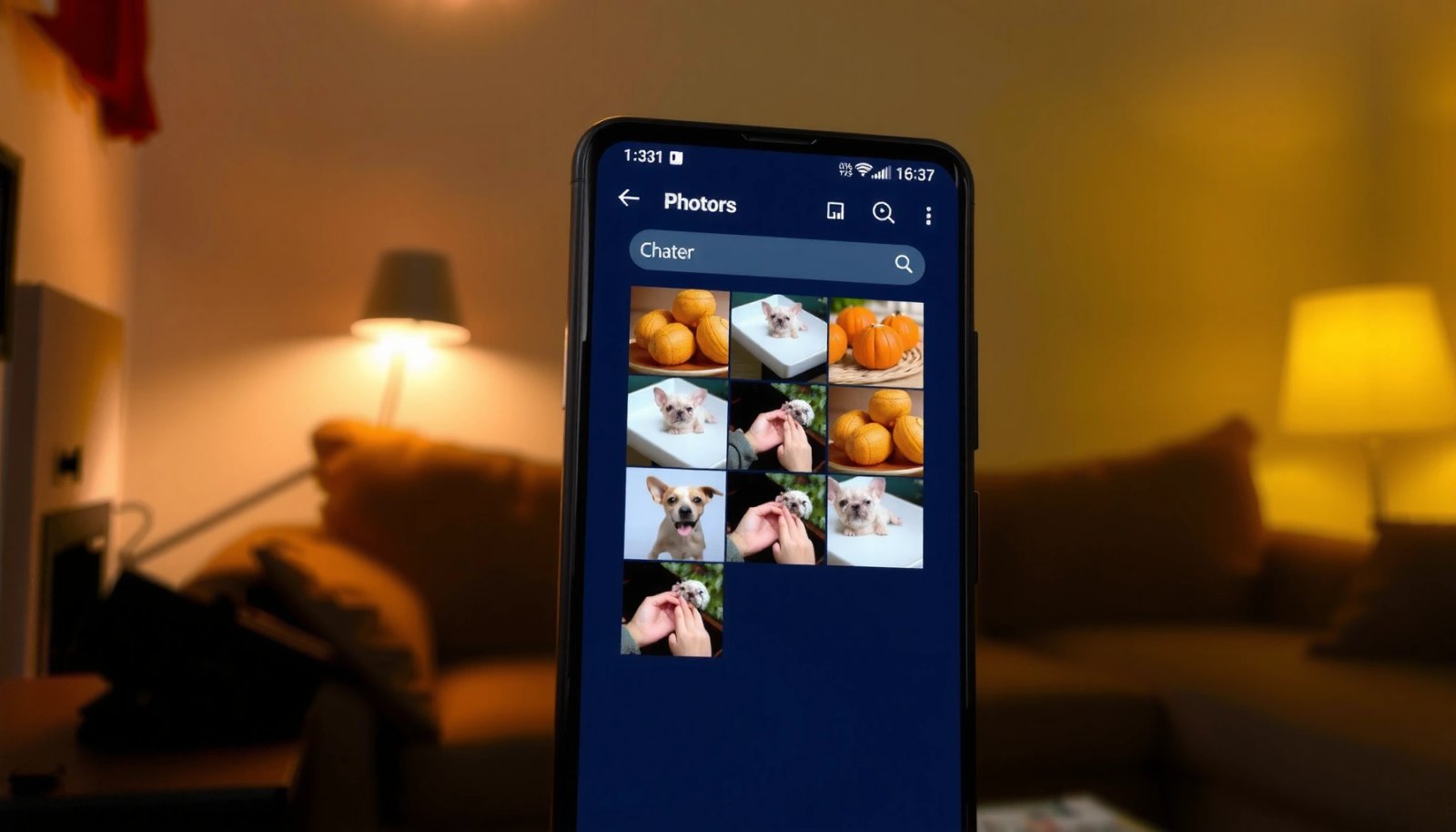
If you need to view hidden photos on Android, the fastest, most reliable route is checking the right gallery settings or the “Hidden”/“Recently hidden” folder your phone uses. This guide walks you through the exact taps to uncover those pictures safely—without guesswork or third‑party apps. You’ll also learn what to do when your hidden photos...

How to Lock a Photo So It Doesn’t Move on Android

Want to lock a photo so it doesn’t move on Android? The fastest, most reliable way is to disable or adjust how your photo is being dragged by the app—then pin it using the editor’s “Lock/Protect” or “Fix position” control when available. This guide shows exactly what to tap based on the app you’re using,...

How to Delete Pictures Permanently From Android

Want to delete pictures permanently from Android and make sure they can’t be recovered? This guide gives you the clearest, most reliable method to remove photos end-to-end—so they’re wiped from both the Gallery and the device storage. Follow the steps that match your Android version and storage setup, and you’ll know exactly what to do...

How to Crop a Picture on Android: Step-by-Step Guide

Want to crop a picture on Android fast and correctly? This step-by-step guide shows the exact taps to trim your photo using Android’s built-in tools, so you get the right frame without extra apps. Follow it and you’ll have a properly cropped image saved in the gallery in minutes, even if you’re using a newer...

How to Copy Image from Gallery in Android

Copying an image from the Android gallery is straightforward when you use the correct intent-and-URI workflow. This guide shows the fastest, most reliable way to grab a selected gallery image as a usable file or bitmap in your app. You’ll leave with working code paths for picking the image and reading its data safely across...

How Do You Find Hidden Photos on Android? Step-by-Step

If you’re trying to find hidden photos on Android, the fastest path is to check your device’s built-in Hidden/Locked folders first—then verify whether they’re stored in Google Photos or a third-party vault app. This step-by-step guide shows you exactly where hidden images are kept on common Android versions and how to open them without guessing....

How to Take Picture From Video on Android: Simple Steps

Want to take a picture from a video on Android? The fastest way is to use your phone’s built-in gallery editor to pause playback and save a frame as a photo, with no extra apps needed. If your device doesn’t let you capture frames, you’ll get reliable results by using a dedicated video-to-image extractor. Follow...

How to Send Multiple Photos on Android: Step-by-Step Guide

Need to send multiple photos on Android in one message? This step-by-step guide shows the fastest way to select and send several images at once—whether you’re using Messages, Gmail, or social apps. By the end, you’ll know exactly which taps to make and how to avoid common issues like missing attachments or broken order. Send...

How to Retrieve Photos from Cloud on Android

To retrieve photos from cloud on Android, the fastest route is using your cloud provider’s official Android app—because it restores original images with the fewest steps and the least data loss. You’ll learn exactly where to tap to view, download, and move cloud photos back to your device gallery, plus what to do when access...