
Want to know how to turn off roaming on Android—and stop paying for mobile data while you’re outside your home network? This step-by-step guide shows the fastest way to disable roaming in your Android settings, with clear taps to reach the right menu. Follow it once and you’ll have a reliable roaming cutoff in place before you cross into another carrier’s coverage.


As an Amazon Associate I earn from qualifying purchases.
To turn off roaming on Android, go to your phone’s SIM/mobile network settings and switch Roaming (especially Data roaming) to Off. Doing this stops your handset from connecting to partner networks while you’re away from your home coverage—reducing the chance of surprise roaming bills and unexpected service changes.
Check Your Android Settings Path

Roaming controls can look slightly different across Android brands (Samsung, Google Pixel, Motorola, OnePlus, etc.), but the logic is the same: you’re trying to reach the settings tied to your SIM card and mobile network.
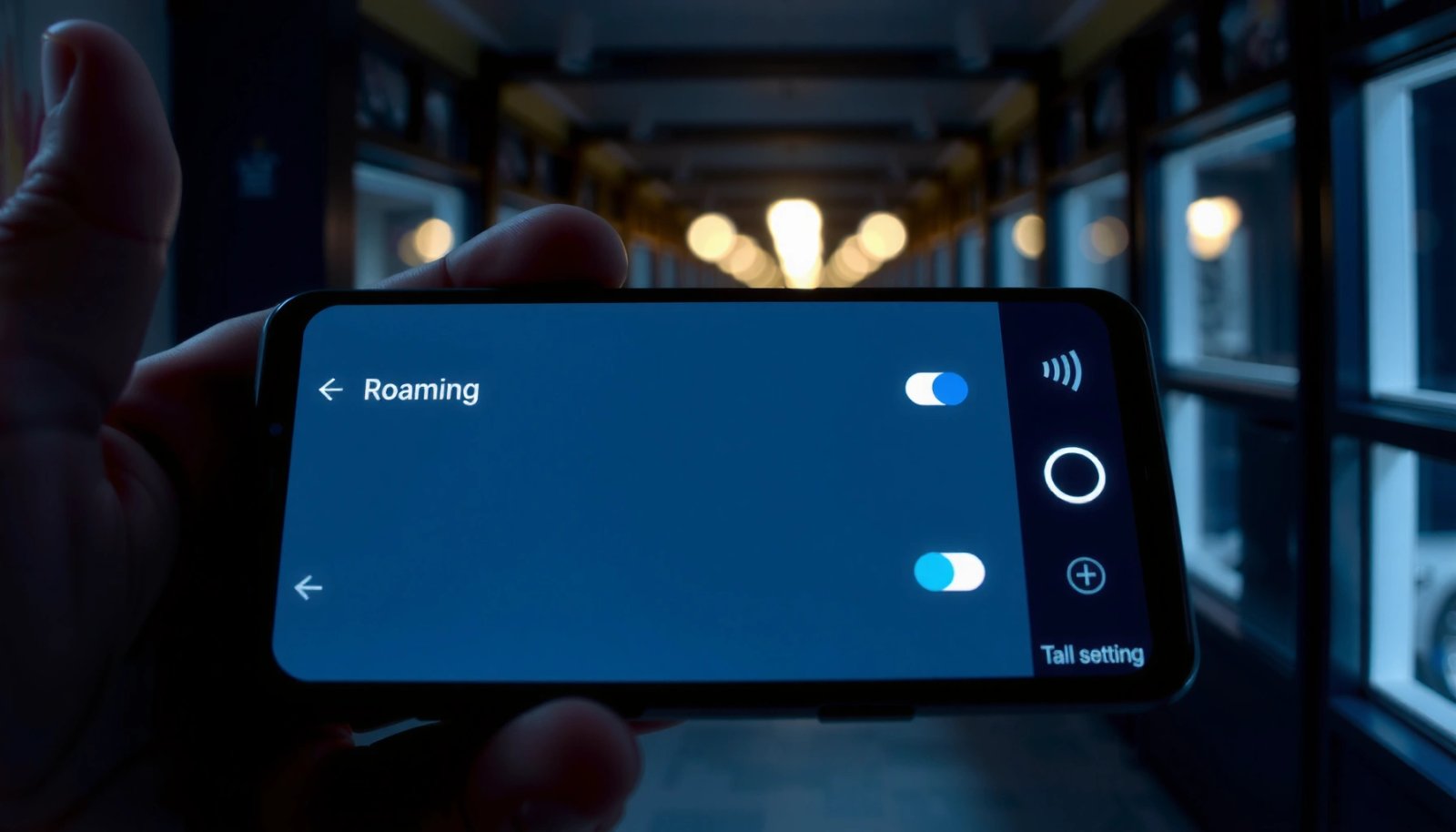
- Go to Settings and use the search bar to type Roaming. This is the fastest way to land on the correct menu without guessing.
- In most cases, you’ll find roaming options under one of these paths:
- Settings > Mobile network
- Settings > Cellular
- Settings > SIM card settings
- Pay attention to wording variations. Some devices label options as:
- Data roaming
- Roaming
- International roaming
- Voice roaming
- If you have multiple SIMs (e.g., Dual SIM), make sure you’re editing the roaming setting for the right SIM slot (SIM 1 vs SIM 2). Turning roaming off on only one line is a common reason people still see roaming activity.
Turn Off Data Roaming
The single most important step for avoiding roaming charges is disabling data roaming. Data is typically billed in units like per MB/GB or bundles charged at roaming rates, which can escalate quickly if you leave mobile data on while traveling.
- Open Settings and navigate to:
- Mobile network / Cellular / SIM card settings
- Select your SIM card (e.g., SIM 1).
- Toggle Data roaming to Off.
- If your device shows separate controls, disable roaming data specifically (e.g., “Roaming data” vs. “Data roaming”).
Why this matters: even if voice roaming is disabled by your carrier, data roaming can still allow background apps (email sync, cloud backups, social media) to use partner networks. For a safer travel setup, you generally want:
- Data roaming: Off
- Mobile data: On only if you intentionally use local Wi‑Fi or a roaming-free setup
Disable Voice Roaming (If Available)
Some carriers and Android builds expose an additional toggle for voice roaming or international roaming. Not all phones show it, but when it’s present, turning it off can prevent calls and SMS from attempting partner-network routing.
- In the same SIM/network settings area where you disabled data roaming:
- Turn off Voice roaming or International roaming if listed.
- If you see only one roaming toggle, disable the closest match to roaming behavior.
- Example: if the only option is International roaming, turning that Off is usually the best available approximation when Voice roaming isn’t separately listed.
Operational tip: If you rely on your number for authentication (banking, work apps), consider this tradeoff:
- Disabling voice roaming can reduce call/SMS roaming attempts.
- But you may still receive messages via Wi‑Fi or data-based messaging (depending on your apps). If you need maximum connectivity while preventing roaming, pair roaming off with Wi‑Fi calling (when available) and a stable Wi‑Fi connection.
Turn Off Roaming via Carrier/Network Options
Even with Android roaming toggles off, carriers sometimes manage roaming differently—especially for business plans, regional add-ons, or enterprise SIMs.
- Check your carrier’s official app (examples of common patterns):
- My Verizon
- My AT&T
- My T‑Mobile
- My Vodafone
- My [Carrier] apps from other regional providers
- Look for features like:
- Roaming controls
- Roaming add-ons
- International services
- Spend management (where roaming is part of the monitored spend category)
- If your carrier controls roaming centrally, Android settings may only show limited options—what you can change depends on what your carrier allows to be toggled client-side.
Business-grade takeaway: If you’re traveling frequently or managing multiple lines (employees, contractors, customer support numbers), treat roaming settings as a two-layer system:
- Device settings (data/voice roaming toggles)
- Carrier provisioning (roaming permissions and add-ons)
Confirm Roaming Is Disabled
After toggling roaming off, verify the outcome. Phones don’t always apply network preference changes instantly—especially after SIM provisioning updates or network resets.
- If roaming indicators don’t update right away, restart your phone.
- Then confirm using one of these signals:
- The status bar network indicator (sometimes shows “roaming” or a roaming-style icon/text)
- The signal/network name (make sure you’re not attached to a partner network listed as roaming)
- Mobile network status screens (some devices show the current network/operator details)
Practical validation steps:
- Turn on Airplane mode for 10 seconds, then turn it off (optional, but can force a network re-attachment).
- Open a lightweight app that normally uses data (e.g., a news headline fetch) while you’re away from home coverage:
- If data fails without Wi‑Fi (as expected when data roaming is off), that’s a strong sign your setting is effective.
- If your calls/SMS are still behaving like roaming, revisit voice/international roaming toggles (if your device provides them) and check your carrier app for roaming permissions.
What Turning Off Roaming Typically Stops on Android (SIM-Based)
| # | Roaming type | How carriers commonly bill | Android toggle that typically blocks it | Impact if left on |
|---|---|---|---|---|
| 1 | Data roaming | Per MB/GB and/or roaming data bundles | Data roaming / Roaming data | ★★★★★ |
| 2 | Voice roaming | Per minute for calls (outgoing/incoming) while roaming | Voice roaming / International roaming (if it covers calls) | ★★★★☆ |
| 3 | SMS roaming | Per message for texts (often lower than data, but can still add up) | International roaming (if it governs SMS) | ★★★☆☆ |
| 4 | Carrier-controlled “international services” | May enable roaming voice/data routing and associated charges | Roaming / International roaming (toggle naming varies) | ★★★★☆ |
| 5 | LTE/5G roaming attachment (network preference) | When attached to roaming partner networks, data/voice use can incur roaming rates | Data roaming Off prevents typical data sessions | ★★★★★ |
| 6 | App background usage risk | Apps can trigger network data events if roaming is allowed | Data roaming Off + restrict background data | ★★★★☆ |
| 7 | Carrier roaming bundles (if enabled) | Bundles can reduce per‑unit cost but still charge for roaming usage | Disable roaming in Android and remove roaming add-ons in carrier app | ★★★☆☆ |
Conclusion
Turning off roaming on Android is usually straightforward: disable Data roaming in your Mobile network / Cellular / SIM card settings, and disable Voice roaming or International roaming when your device/carrier offers that option. Then confirm the change—restart the phone if needed and verify your network status so you aren’t attached to a roaming partner network. Finally, if Android doesn’t show a roaming control toggle, treat your carrier app as the authoritative layer for roaming permissions and add-ons.
If you share your phone brand/model and Android version, I can provide the exact menu names to match your device.
Frequently Asked Questions
How do I turn off roaming on Android to avoid extra charges?
Open the Settings app and go to Network & internet (or Connections) → Mobile network. Tap SIMs → the SIM you use, then find Roaming and switch it off (or set “Data roaming” to Off). If your phone shows an option for “International roaming,” disable that as well to fully prevent roaming-related usage.
What is the fastest way to disable roaming data on my Android phone?
Use the Quick Settings panel if your Android version includes a “Roaming” or “Mobile data roaming” toggle—tap it to turn roaming off. Otherwise, go directly to Settings → Mobile network → SIM card → disable Data roaming. After changing the setting, toggle Airplane mode on/off or restart your phone to ensure the network settings apply cleanly.
Why can’t I turn off roaming on Android, and what should I check?
Some Android devices hide roaming controls when the carrier manages roaming permissions, or when a specific SIM profile doesn’t support the setting. Check that you’re editing the correct SIM (especially on dual-SIM phones) and look for options like “Roaming settings,” “Network mode,” or “Use carrier settings.” If the toggle is missing or won’t save, contact your mobile carrier to disable roaming on your account.
Which Android settings should I disable besides roaming to reduce accidental data abroad?
In addition to turning off Data roaming, disable background data usage for apps and turn off mobile data if you only need Wi‑Fi. You can also turn off auto-sync and set apps to not use data in the background through Settings → Apps → App data usage. For extra safety, consider using Airplane mode plus Wi‑Fi on your trip so your phone doesn’t connect to roaming networks.
What’s the best way to stop voice/SMS roaming on Android, not just data?
Roaming settings can differ for data, calls, and texts, so check both “Voice roaming” and “Data roaming” under Settings → Mobile network → SIM settings. If your Android UI doesn’t show voice/SMS roaming toggles, you may need to disable roaming at the carrier level (many carriers control call/text roaming). Confirm the change by making sure your phone shows “Home network” (not a roaming indicator) before using cellular services.
References
- https://en.wikipedia.org/wiki/Roaming_(telecommunications
https://en.wikipedia.org/wiki/Roaming_(telecommunications - Google Scholar Google Scholar
https://scholar.google.com/scholar?q=how+to+turn+off+roaming+in+android - Google Scholar Google Scholar
https://scholar.google.com/scholar?q=android+disable+data+roaming+settings - Google Scholar Google Scholar
https://scholar.google.com/scholar?q=mobile+data+roaming+turn+off+android+instructions - International Roaming: Mobile Phone Use Abroad | Federal Communications Commission
https://www.fcc.gov/consumers/guides/international-roaming - https://consumer.ftc.gov/tips-advice/business-center/guidance/cell-phone-and-roaming-charges
https://consumer.ftc.gov/tips-advice/business-center/guidance/cell-phone-and-roaming-charges - https://www.who.int/news-room/fact-sheets/detail/international-travel-and-health
https://www.who.int/news-room/fact-sheets/detail/international-travel-and-health - Home - Books - NCBI
https://www.ncbi.nlm.nih.gov/books/ - how to turn off roaming in android - Search results
https://en.wikipedia.org/wiki/Special:Search?search=how+to+turn+off+roaming+in+android - https://www.ncbi.nlm.nih.gov/search/research-articles/?term=how+to+turn+off+roaming+in+android
https://www.ncbi.nlm.nih.gov/search/research-articles/?term=how+to+turn+off+roaming+in+android