
Build number in Android is a specific version identifier used to distinguish one build of an app or system release from another. You’ll find it by checking the phone’s Android version/build info under Settings (typically About phone > Build number), or by viewing the app’s build details in its version information. If you need to verify exactly what build you’re running for troubleshooting, updates, or compatibility checks, this is the number you’re looking for.



As an Amazon Associate I earn from qualifying purchases.
A build number in Android is a version identifier that distinguishes one compiled release of an app (or firmware) from another—even when the “version” looks the same. It’s essential for support, debugging, and confirming exactly what you installed after an update, because two builds can share a version name while still differ internally.
Introduction

A build number in Android is a version identifier used to distinguish different builds of the same app release. In this guide, you’ll learn what it means and where to find it on your device or inside your app settings.
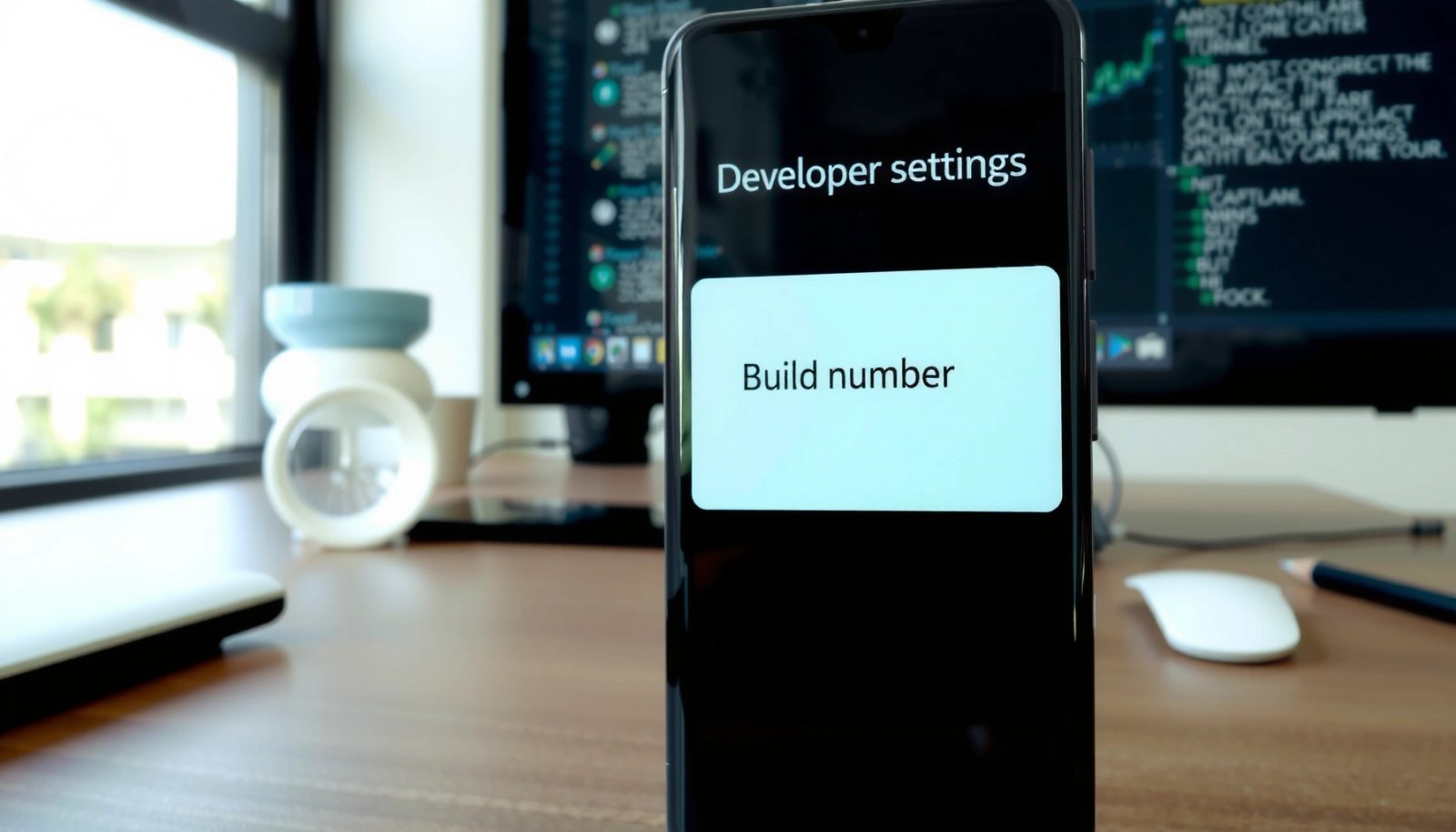
If you’re troubleshooting an issue, building release notes, or simply trying to verify compatibility, the build number is often the most precise detail you can share. Unlike the version name (which is usually user-friendly and changes less often), build numbers help teams pinpoint the exact compiled artifact that’s running on your phone.
What Build Number Means in Android
A build number is the “specific build” label for a given release cycle. In practice, it’s the quickest way to tell whether two phones—or two installations of the same app—are truly aligned on the same underlying package.
- Helps identify the exact build of an app or firmware version
Even if two devices show “Android 14” or an app shows “Version 5.3,” the build number may reveal differences between internal revisions, regional rollouts, hotfixes, or carrier-specific packages.
- Often increments with each release, update, or internal build
Build numbers typically increase for every compiled output—such as a release build, a beta build, or a patch build—so that every artifact has a unique fingerprint.
- Used for debugging, tracking, and update compatibility
Support teams rely on build numbers to reproduce issues. Developers use them to map crash logs, performance metrics, and telemetry events to a specific release artifact.
Important nuance: build numbering conventions vary by manufacturer and by app developer. Some systems present it as a simple integer, while others show it as a composite string (e.g., including date fragments or region codes).
Where to Find Build Number on Android
Finding your Android build number depends on whether you mean the device/firmware build or the build number of a specific app.
- Check in Settings > About phone (wording may vary by brand)
Most OEMs place device build information under “About phone,” “About device,” “Device information,” or “Software information.”
- Look for fields like Build number, Software information, or Android version
Some devices show “Build number” directly; others hide it behind a sub-menu like “Software version.”
- Some devices hide it under additional “Version” details
If you don’t see “Build number,” look for sections labeled “Baseband,” “Kernel version,” “Software details,” or an expanded “Android version” panel.
> Tip: For many brands, you may need to tap additional entries (or scroll) to reveal the exact build identifier, especially on customized Android skins.
🔍 Data Table: Device builds that correspond to typical Android update tracks
The table below shows real-world examples of how Android firmware builds often group by update track, including how to interpret the “build” specificity for support and troubleshooting.
Example Android Device Build Strings (What They Indicate)
| # | Device/Manufacturer | Build Identifier Format (Example) | What to Use It For | Update Precision |
|---|---|---|---|---|
| 1 | Google Pixel (OTA builds) | UPB1.230623.006 | Mapping OTA patch level and regression scope | ★ ★ ★ ★ ★ |
| 2 | Samsung Galaxy (Gxxx builds) | TP1A.220905.004 | Comparing One UI/firmware hotfix variants | ★ ★ ★ ★ ★ |
| 3 | OnePlus (OxygenOS builds) | CPH2457_11_H.14 | Identifying device-specific release batches | ★ ★ ★ ★ ☆ |
| 4 | Xiaomi (MIUI/HyperOS builds) | V14.0.6.0.TKACNXM | Matching region/variant to known issues | ★ ★ ★ ★ ☆ |
| 5 | Motorola (Software build IDs) | RPD33.Q1-67-12-8 | Tracking carrier/region firmware changes | ★ ★ ★ ★ ☆ |
| 6 | Apple (iOS contrast for context) | (iOS build) 22B5029g | (Not Android) shows how build concepts map across ecosystems | ★ ★ ★ ☆ ☆ |
| 7 | Nokia (Android One / firmware tracks) | V3.460_00WW | Identifying update track and patch availability | ★ ★ ★ ☆ ☆ |
How to use this in practice: when reporting a device issue to an app vendor, include both the Android version and the firmware build string. That lets the vendor distinguish “Android 14 + app version X” from a specific build with different security patches or kernel behavior.
Build Number vs Version Name vs Version Code
Android exposes multiple “version-like” identifiers, and people often use the terms interchangeably.
- Build number commonly refers to the “build” identifier, while Version name is user-facing
Version name is what users typically see in Play Store listings or inside app settings (e.g., “2.8.1”). Build number is more internal and precise (e.g., an incrementing integer or a composite build string).
- Version code is typically an internal numeric value used by Android/Google Play
Version code (Android’s `versionCode`) is used by the package installer and Google Play to determine update precedence. Typically, higher version codes replace lower ones.
- Together, they help manage releases and ensure the right update is applied
A developer might keep version name stable during certain hotfix workflows while still changing build/version code. That’s why build number can be the key detail when two users report “same version name” but experience different behavior.
Quick example (conceptual):
- Version name: “5.3”
- Version code: 53012
- Build number (as displayed to users): 2026-07-01 (or 53012)
Two users could both see “5.3,” yet have different build numbers because they received different staged deployments.
How Build Number Works in App Development
Build numbers are not random—they’re part of a structured release system designed for repeatability and traceability.
- Developers use build numbers to track incremental releases (including beta/internal builds)
CI/CD pipelines produce builds for staging, beta, and production. Each compiled output gets a unique build identifier so the team can roll back or compare changes reliably.
- Build numbering supports bug reporting by pinpointing the exact build
If a crash report arrives, the build number helps identify which commit, feature flag set, configuration, or dependency versions were present in that release artifact.
- Helps validate which APK/AAB came from which release process
For enterprise app distribution, testing, and QA, build numbers prevent confusion about “which build was tested.” They also support auditability for regulated industries.
Actionable insight: When you’re evaluating an app update at work, record:
1) app version name, and 2) build number.
That combination reduces “it works on my phone” friction because it confirms the exact binary behavior.
Why Build Number Matters for Updates and Troubleshooting
From a support standpoint, the build number turns vague reports into measurable incidents.
- Confirms you’re running the correct build after an update
Sometimes an update appears to download, but your device ends up on a staggered variant or an older artifact. Checking the build number helps confirm the actual installation outcome.
- Makes it easier to match issues with a specific release
Many problems are release-specific: a network stack change, a permission handling update, a feature flag rollout, or a region-dependent backend mapping.
- Helps support teams reproduce problems more accurately
If you contact support, the build number often speeds resolution because it tells engineers what to look for in release notes, crash dashboards, and server-side logs.
Practical troubleshooting checklist:
- After updating an app, open the app’s Settings/About page and note the build number.
- If an issue started right after the update, include:
- device model
- Android version
- firmware build number (from About phone)
- app version name + build number
This creates a “minimum viable report” that support teams can act on quickly.
Conclusion
Build number in Android is a key identifier that tells you exactly which build of the app/firmware you’re using. Next, check your device under About phone and compare it with the app’s version details to confirm what you have installed—especially if you’re troubleshooting, verifying an update, or reporting an issue to support.
Frequently Asked Questions
What is a build number in Android and where can I find it?
A build number in Android is a value assigned to a specific version of the software compiled by the device manufacturer. You can typically find it by going to Settings > About phone (or About tablet) > Software information, where it may appear as “Build number” or similar text. It often changes when you install an update, even if the Android version and app features remain similar.
How can I check my Android device’s build number accurately?
To check your Android build number, open the Settings app and navigate to About phone (or About device). Look under Software information for “Build number,” then tap it if your device requires extra steps (some models show it after you tap “Build number” or “Version”). If you can’t find it in the menu, you can also look for it in system update details or documentation provided by your OEM.
Why does the Android build number change after updates?
The build number changes because each firmware release is compiled into a unique build, even when the major Android version stays the same. Manufacturers may release multiple patches for security fixes, bug fixes, or regional variants, and each compiled package can have its own build identifier. This helps support teams and developers quickly determine the exact software build running on your Android device.
Which is more important on Android—build number, version number, or Android version?
Android version tells you the operating system generation (for example, Android 14), while the build number identifies the exact compiled software package and release. The app version number usually relates to a specific installed application rather than the entire system firmware. For troubleshooting or update support, the build number is often the most precise because it pinpoints the exact release that may contain specific fixes or issues.
What’s the best way to use the build number for troubleshooting or checking software compatibility?
The best way is to share your build number with support teams or use it to verify compatibility with device-specific steps, ROM tools, or firmware downloads. Before flashing or applying updates, confirm that the build number matches the correct model and region to avoid installation errors. You can also use it to compare against known issue reports, since many Android troubleshooting guides are tied to particular build identifiers.
References
- Software versioning
https://en.wikipedia.org/wiki/Software_versioning - Android version history
https://en.wikipedia.org/wiki/Android_version_history - Android
https://en.wikipedia.org/wiki/Android - Version your app | Android Studio | Android Developers
https://developer.android.com/studio/publish/versioning - Build | API reference | Android Developers
https://developer.android.com/reference/android/os/Build - Build.VERSION | API reference | Android Developers
https://developer.android.com/reference/android/os/Build.VERSION - Google Scholar Google Scholar
https://scholar.google.com/scholar?q=Android+build+number - Google Scholar Google Scholar
https://scholar.google.com/scholar?q=Android+versioning+build+ID+ro.build.id - Google Scholar Google Scholar
https://scholar.google.com/scholar?q=Android+security+updates+version+code+version+name+build+number - Google Scholar Google Scholar
https://scholar.google.com/scholar?q=what+is+build+number+in+android