Tag

USB connection

Why Is My Android Car Play Not Working? Troubleshooting Steps

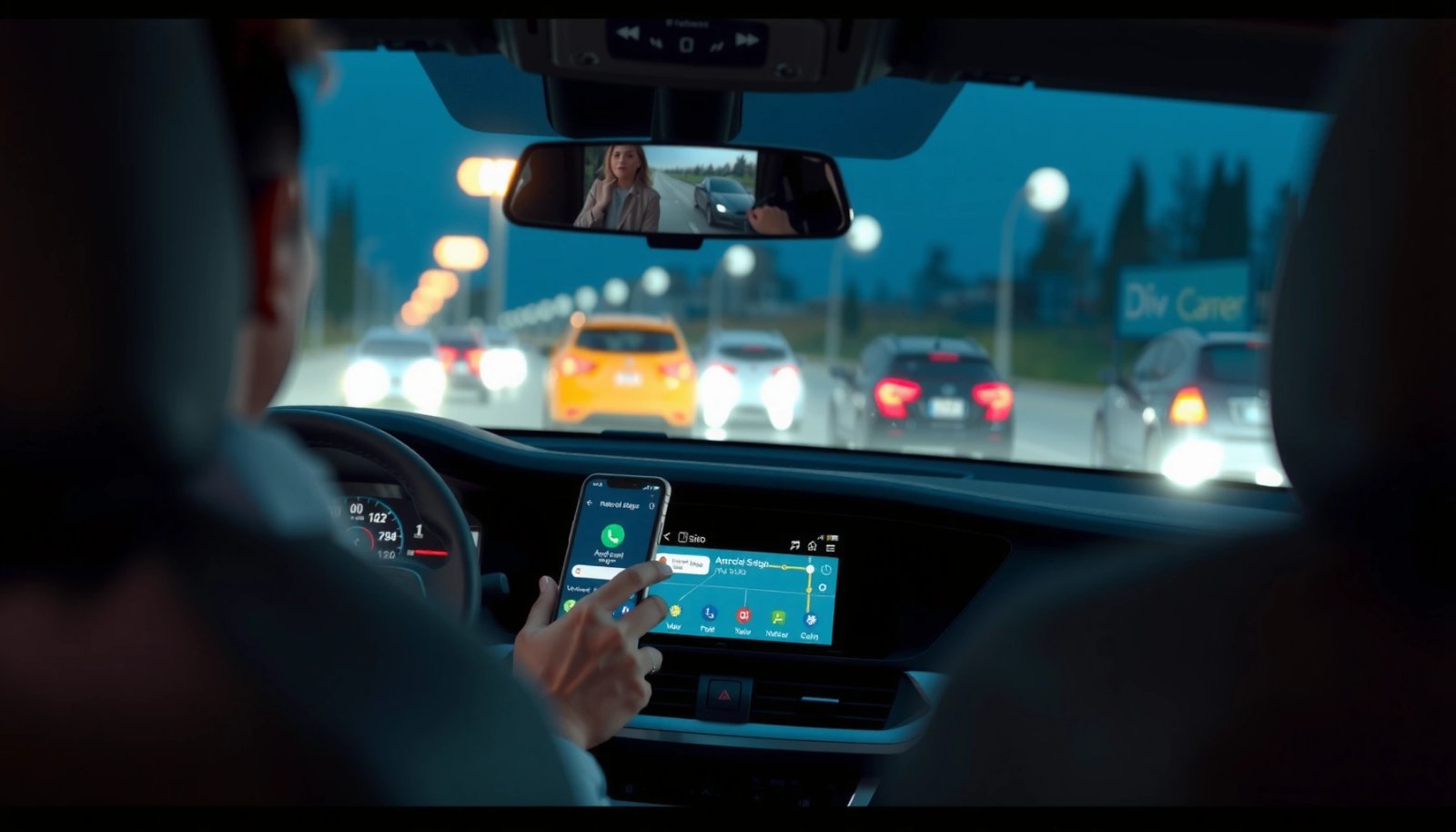
Android Auto not working is usually fixable fast once you check the basics: USB cable quality, phone permissions, and the car’s connection settings. This guide answers why your Android CarPlay (Android Auto) won’t connect or play audio and walks you through the quickest troubleshooting steps to get it working again. If you start with the...

Do Toyotas Have Android Auto? Compatibility and Setup Guide

Do Toyota vehicles have Android Auto? The quick verdict: select Toyota models do support Android Auto, but not every year or trim level does—so compatibility depends on your exact head unit and model year. This guide tells you how to check whether your Toyota is Android Auto–ready and walks you through the setup steps so...

How to Use Android Auto: Step-by-Step Setup and Tips

Want to know how to use Android Auto? This step-by-step guide gets you from first setup to working voice commands, navigation, music, and calls in minutes, with clear fixes when things don’t connect. If you want the fastest route to hands-free driving without guesswork, follow these setup steps and pro tips to make Android Auto...

Where Is USB Notification on Android Phone? Find USB Alerts

Where is the USB notification on an Android phone—and why aren’t you seeing it? Most users will find the USB alerts in the status bar (top of the screen) or the Notifications shade as soon as the cable is connected. If you still don’t get one, the article will show the fastest checks to restore...