Tag

secure folder

How to View Hidden Photos on Android: Easy Steps

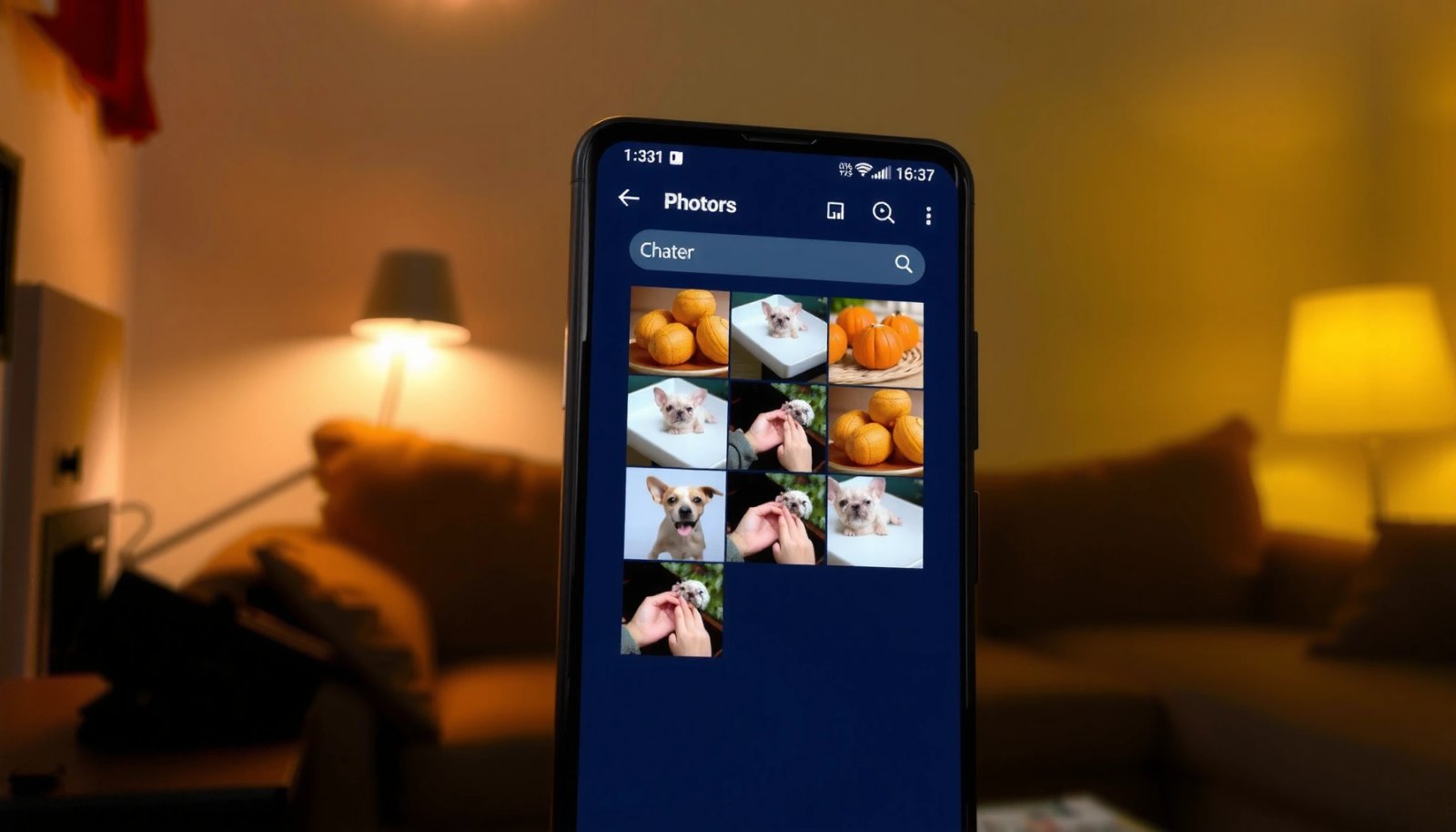
If you need to view hidden photos on Android, the fastest, most reliable route is checking the right gallery settings or the “Hidden”/“Recently hidden” folder your phone uses. This guide walks you through the exact taps to uncover those pictures safely—without guesswork or third‑party apps. You’ll also learn what to do when your hidden photos...

How to Lock the Gallery in Android

To lock the gallery in Android, use the simplest reliable method: enable biometric or PIN protection for your gallery app (or the file manager/gallery vault you’re using) and disable access to thumbnails from the lock screen. If you need true gallery hiding, the winner is a secure vault app that stores photos in an encrypted...

How to Hide a Video on Android: Simple Steps

Want to hide a video on Android fast and keep it out of sight? This guide gives the simplest, most reliable steps to conceal a video using built-in Android options and trusted methods that actually work. You’ll be able to hide the file quickly and avoid accidental playback or exposure without complicated workarounds. To hide...

How to Hide Files in Android: Practical Methods

Want to hide files in Android fast and actually keep them out of sight? This guide gives you the clearest, most reliable methods—using built-in options, file managers, or app-based hiding—so you can choose the right approach for your device and security needs. You’ll learn exactly how to hide specific files (not just folders) and what...

How to Hide an App on Android: Simple Methods That Work

Want to know how to hide an app on Android? The fastest, most reliable method depends on your goal: hide it from your app drawer with built-in options, or use a launcher/system-free workaround for stronger concealment. This guide shows the simplest methods that actually work—so you can choose the right approach and get the app...