Tag

Samsung messages

How to Recover Text Messages on Android: Simple Steps

Want to recover text messages on Android fast? Your best path is to use your device’s built-in backup and restore options first, because they’re the quickest route to getting deleted or missing SMS back. If that fails, the next fastest solution is checking your Google account and synced messaging backups before moving to recovery apps....

What Happens When You Archive a Text Message on Android?

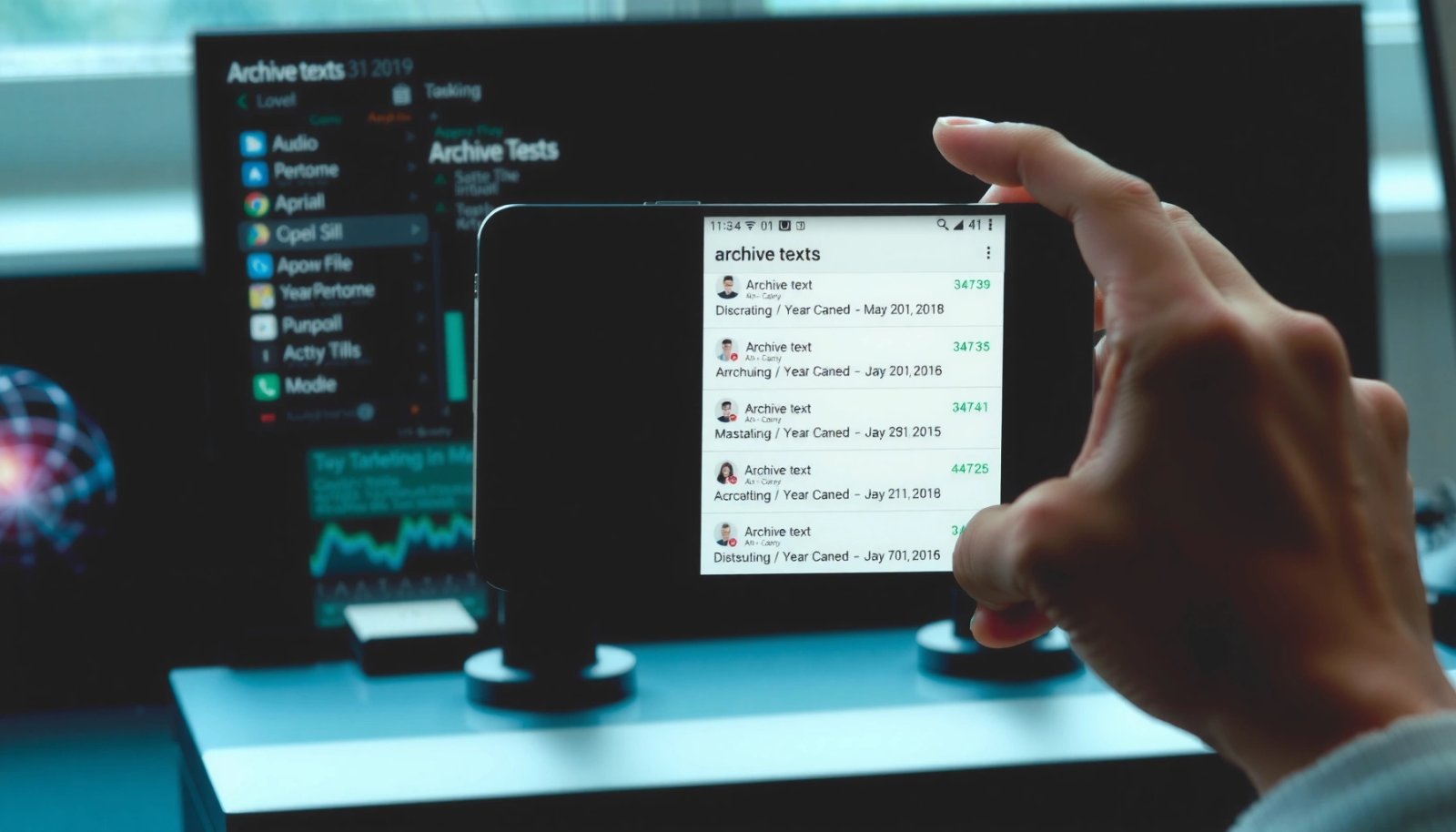
When you archive a text message on Android, it disappears from your main conversation thread list but remains in Messages and doesn’t delete the content. The chat is moved out of your inbox view, so notifications stop behaving like an active conversation, while the message stays searchable and recoverable. If you want to clear clutter...

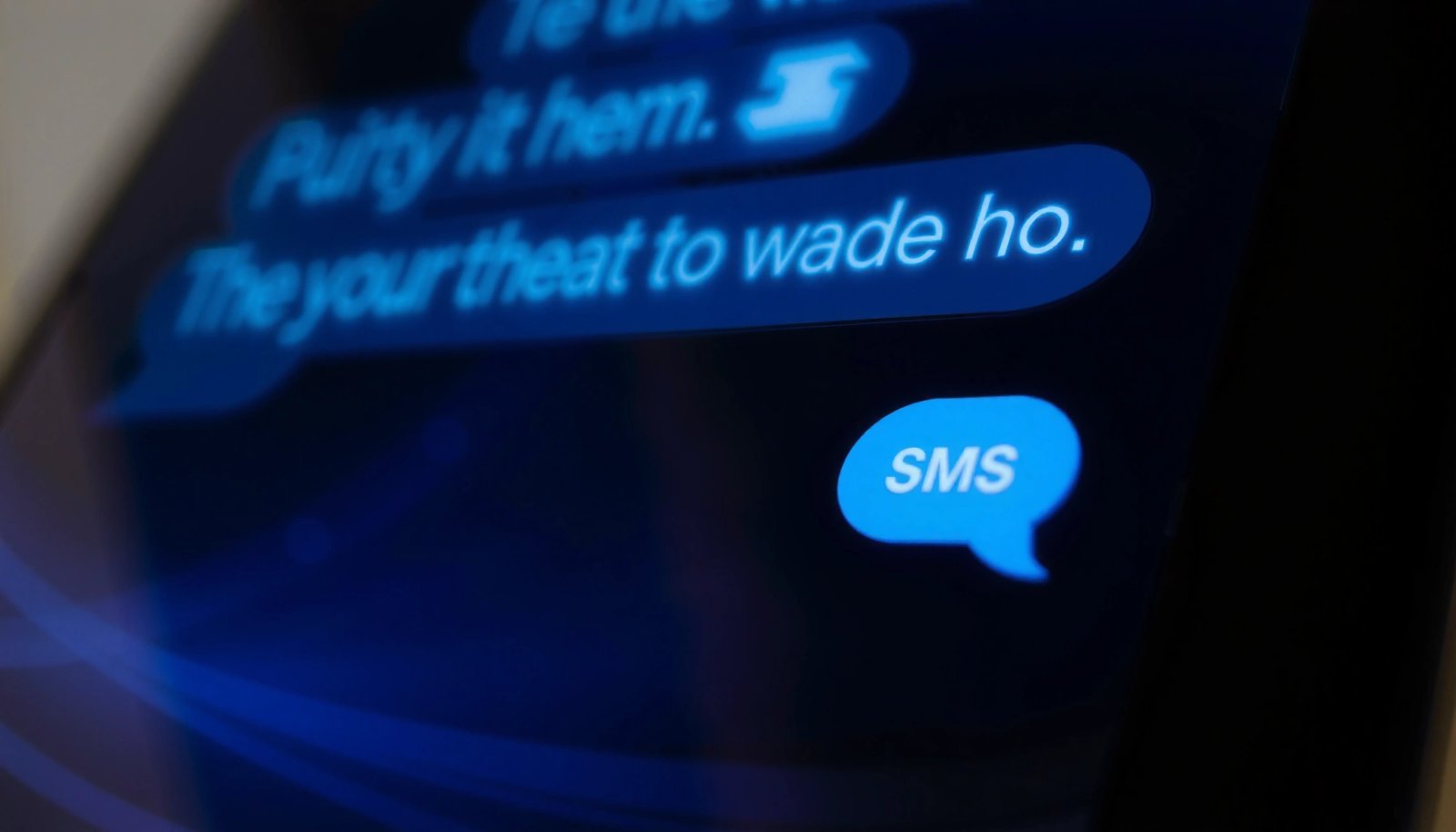
What Does Blue Bubble Mean on Text Android Samsung?

A blue bubble on Text Android Samsung messages means your text is being sent as an SMS/MMS rather than through Samsung’s chat app (like RCS). If you’re trying to figure out whether you’re using internet-based messaging or standard carrier texting, the color is the quick answer. You’ll also learn what to check on your phone...