Tag

private browsing

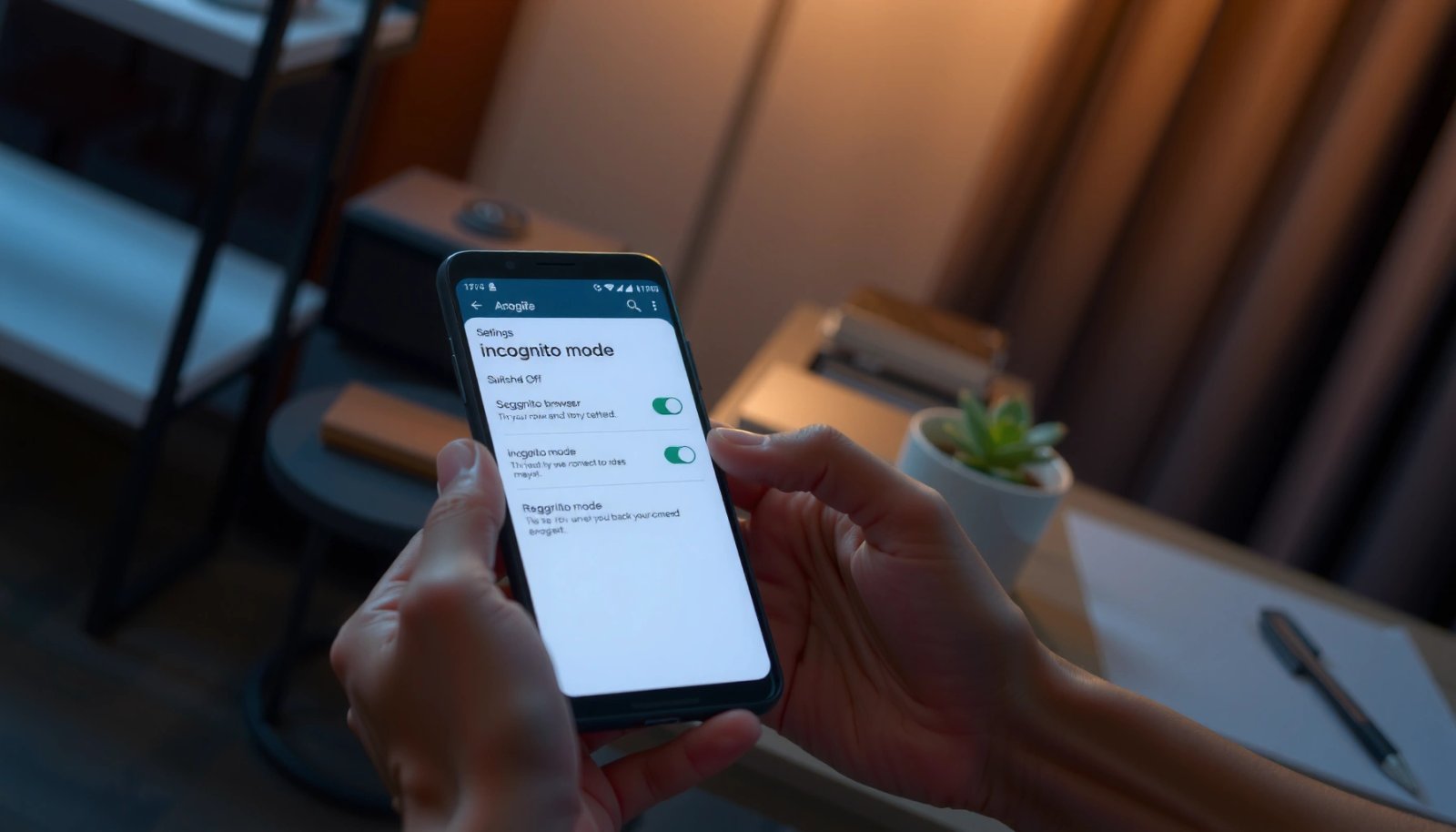
How to Get Out of Incognito Mode on Android

Want to get out of incognito mode on Android fast? The quickest fix is to close all incognito tabs or switch the browser back to regular browsing so your session stops running in private. If you still see the incognito icon, this guide shows the exact steps to fully exit incognito across Chrome and other...

How to Get Out of Incognito Mode Android: Step-by-Step

Need to know how to get out of incognito mode on Android? Here’s the direct, step-by-step method to exit incognito and stop private browsing immediately. Follow these exact taps to close the right tabs and confirm standard mode is back, without guesswork. You can exit incognito mode on Android by closing the incognito/private tab(s) and...

How to Tell if Someone Uses Incognito on Android

Want to know how to tell if someone uses incognito on Android? You can’t prove it with certainty—incognito doesn’t leave obvious “incognito mode” fingerprints in the browser—but you can detect strong indicators like missing history trails, differences in cookie/storage behavior, and device-level clues from app activity. If you need the clearest answer, focus on the...

How to Erase Android Browser History: Step-by-Step Guide

Learn how to erase Android browser history fast, without guessing, using the exact steps for Chrome, Samsung Internet, and Firefox. If you want your recent searches and visited pages removed immediately, this guide walks you through clearing history, cache, and site data in the right order. Follow these steps and you’ll regain privacy with a...

How to Turn Off Incognito Mode on Android

Want to turn off incognito mode on Android? The fastest way is to close the Incognito/Private tab(s)—then your browser exits private browsing immediately. If incognito won’t close or keeps reopening, you’ll also need to clear the browser’s “Private” session data or disable it in the app’s tab switcher. To turn off incognito mode on Android,...