Tag

OTG Android

How to Activate OTG in Android: Step-by-Step Guide

Activating OTG on Android is straightforward, and this step-by-step guide tells you exactly how to turn it on and start using USB accessories. If your phone supports OTG, you’ll know what to check and the fastest way to get a USB drive, keyboard, or controller working. Follow these steps and you’ll be troubleshooting in minutes—not...
What Is OTG on Android? (And How to Use It)

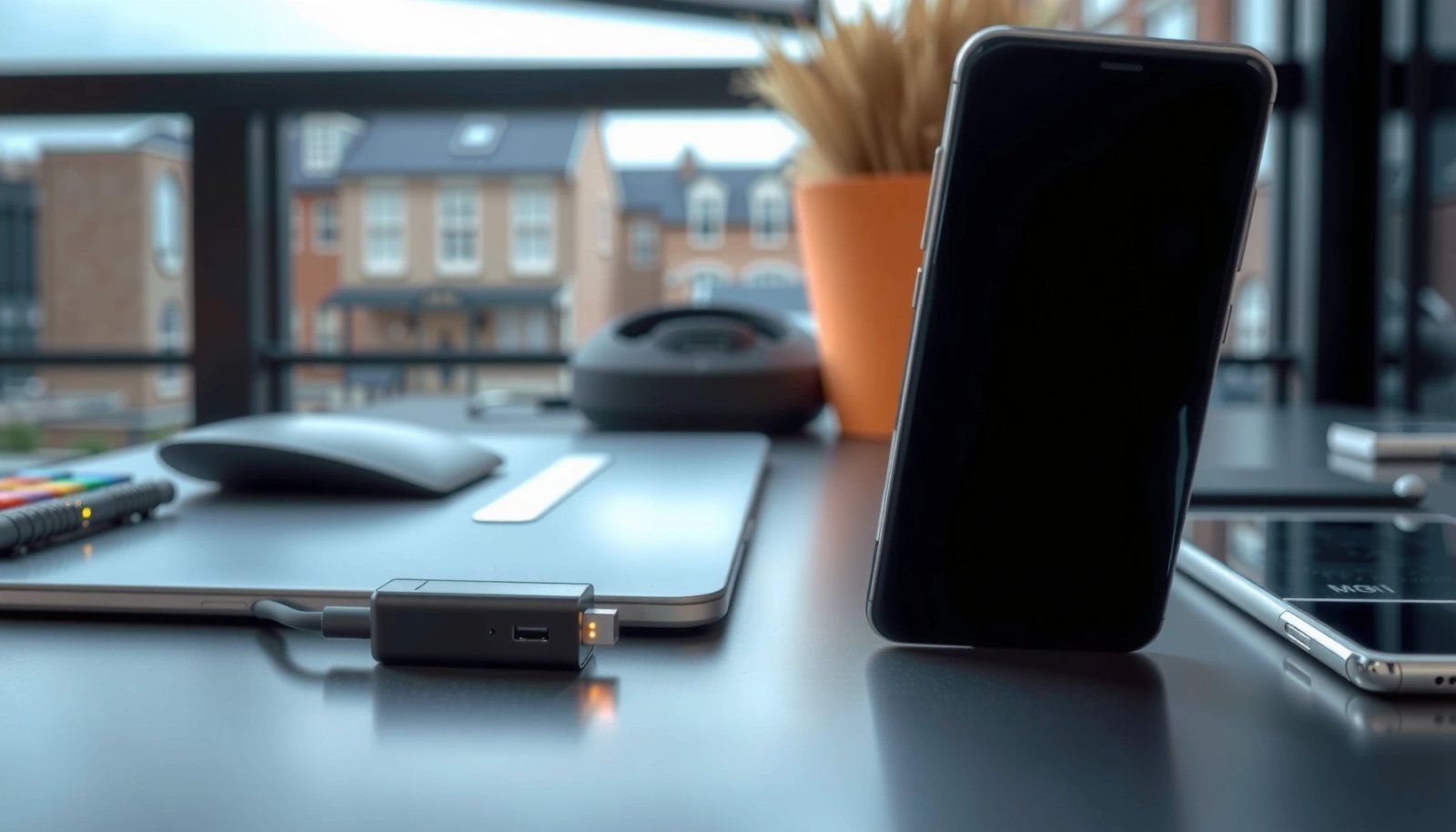
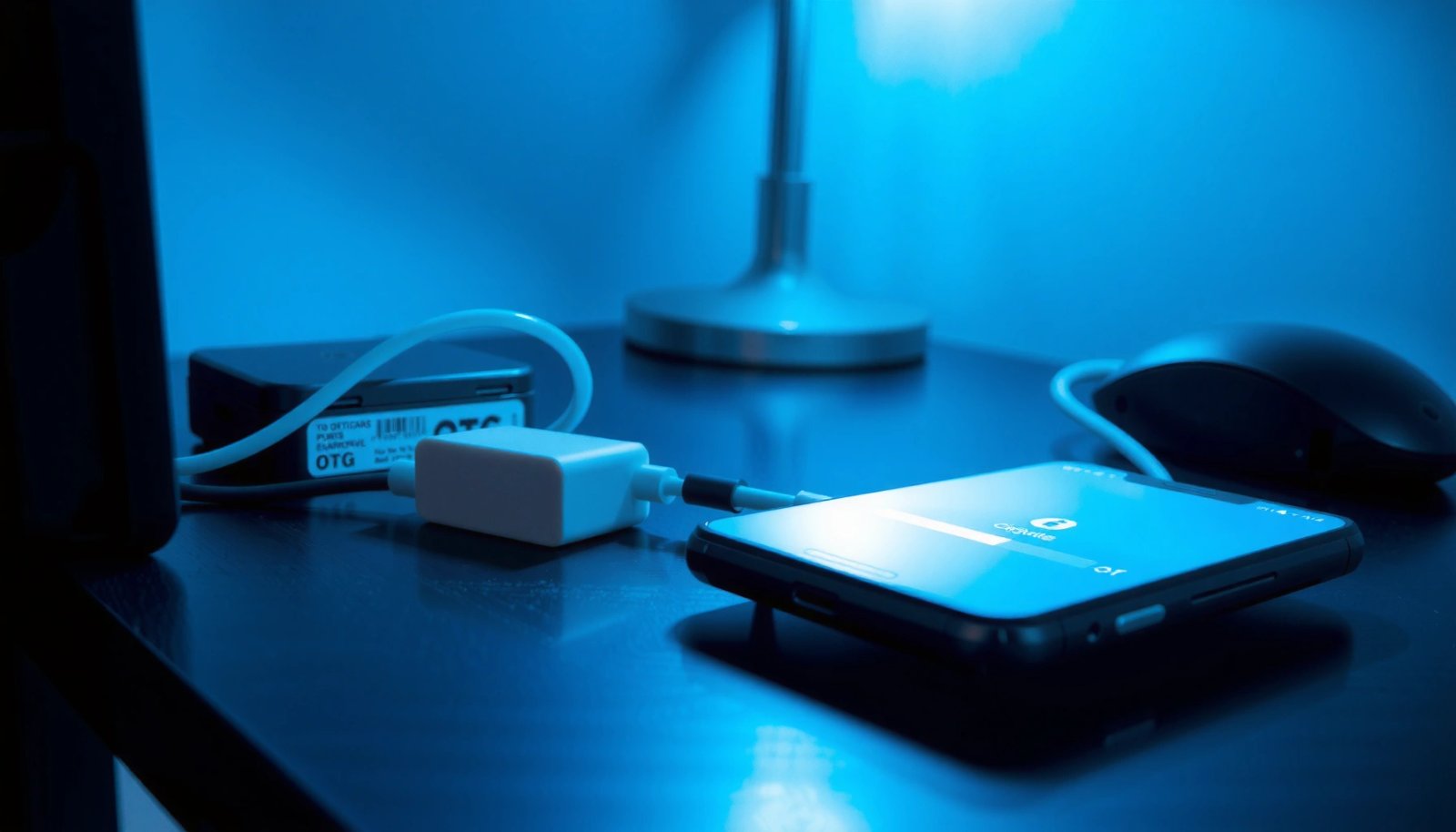
OTG on Android lets you plug in USB devices like flash drives, keyboards, and game controllers directly—without docking hardware. If your phone supports OTG and you have the right adapter, it’s the fastest way to expand what you can use. This guide explains what OTG is, how to check whether your device supports it, and...

How to Turn On OTG on Android: Quick Steps

Want to know how to turn on OTG on Android so your phone can recognize a USB device instantly? Start with the fastest check: plug the OTG adapter into your phone, confirm USB data transfer is enabled in your notification/settings, and use the correct connector for your model. If OTG still won’t work, the fix...