
Tag

mobile troubleshooting

What Does the Key Symbol Mean on Android?

The key symbol on Android typically means your device is in “security lock” or “keyguard” mode—most often tied to biometric/pin/password protection. If you’re seeing it at the lock screen or after enabling screen lock, it indicates the phone is prepared to require authentication before you can access apps. The article explains exactly why the symbol...
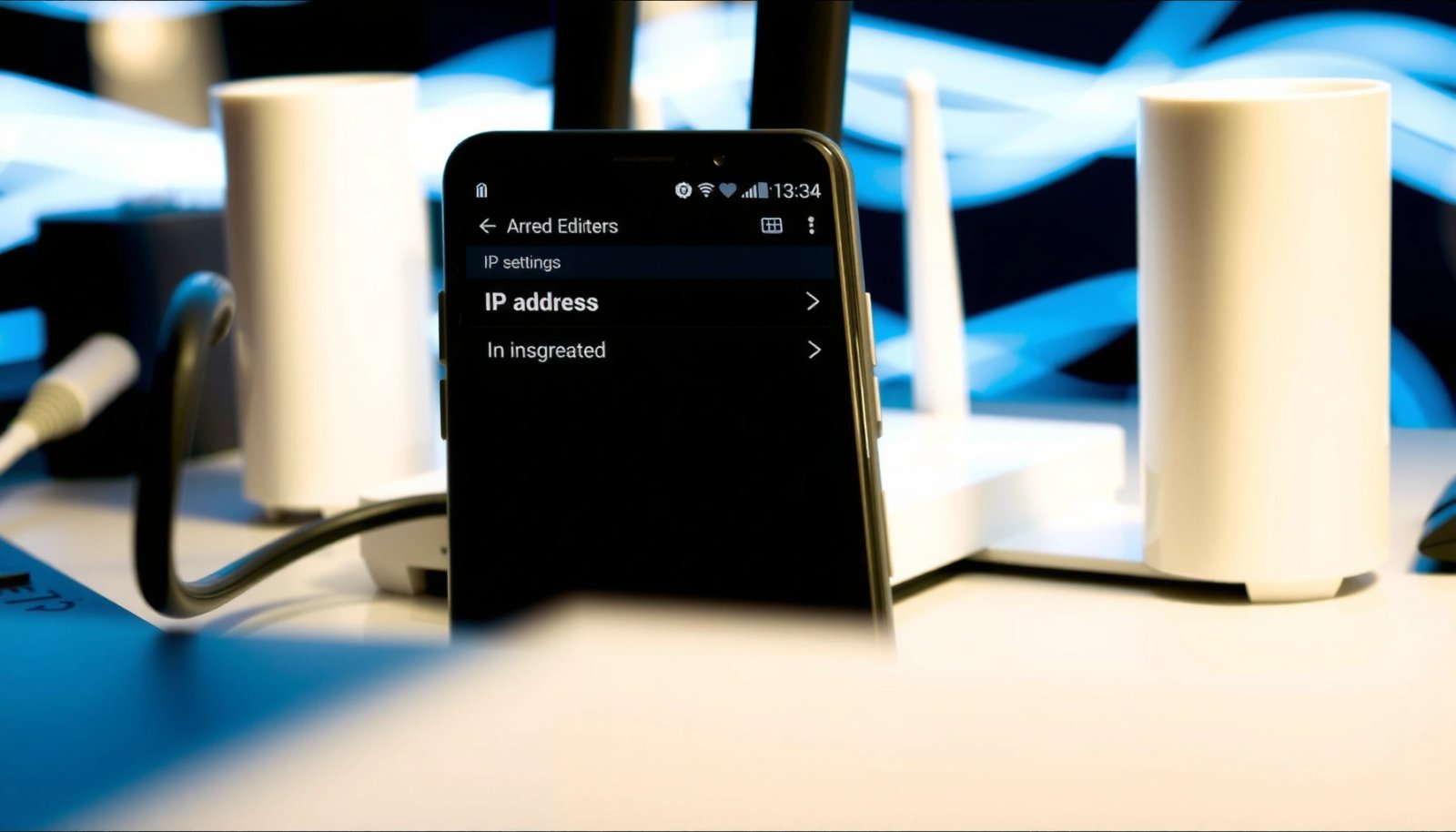

How to Check IP Address on Android Phone

Need to check your IP address on an Android phone fast? This guide shows the quickest, most reliable method to find your public and local IP addresses using built-in settings (no special apps needed). You’ll know exactly where to tap and how to confirm the IP you’re seeing in under a few minutes. You can...

Do I Need a Carrier Hub on My Android Phone?

You don’t need a carrier hub on your Android phone unless your carrier explicitly requires it for core services like account management, Wi‑Fi calling, or advanced network features. If you mainly use standard texting, calls, and mobile data, Carrier Hub usually just adds background apps you can skip. Keep it only when your carrier’s setup...