Tag

location sharing

Can an iPhone Track an Android?

An iPhone can track an Android—but only if the Android is willing to participate through an app permission, a shared location setting, or a third‑party tracking service. If you’re asking whether an iPhone can locate an unconfigured Android phone secretly, the answer is no: iOS can’t reach into Android location data without consent. The real...
Can I Share Location from iPhone to Android?

Yes—you can share your location from an iPhone to an Android, but the best method depends on whether you want a live, real-time share or a one-time pin. If both phones have the same app (most reliably Google Maps), location sharing is the fastest way to get an accurate view on Android. For instant, single-use...

Can I Track an iPhone From My Android? [Quick Answer + How-To]

Yes—you can track an iPhone from your Android, but only if the iPhone’s owner has enabled Apple’s Find My (or you have access to the Apple ID used for that device). If that’s set up, you can locate the phone using the Find My web interface from any Android browser and optionally play a sound...

How Do You Drop a Pin on an Android Phone?

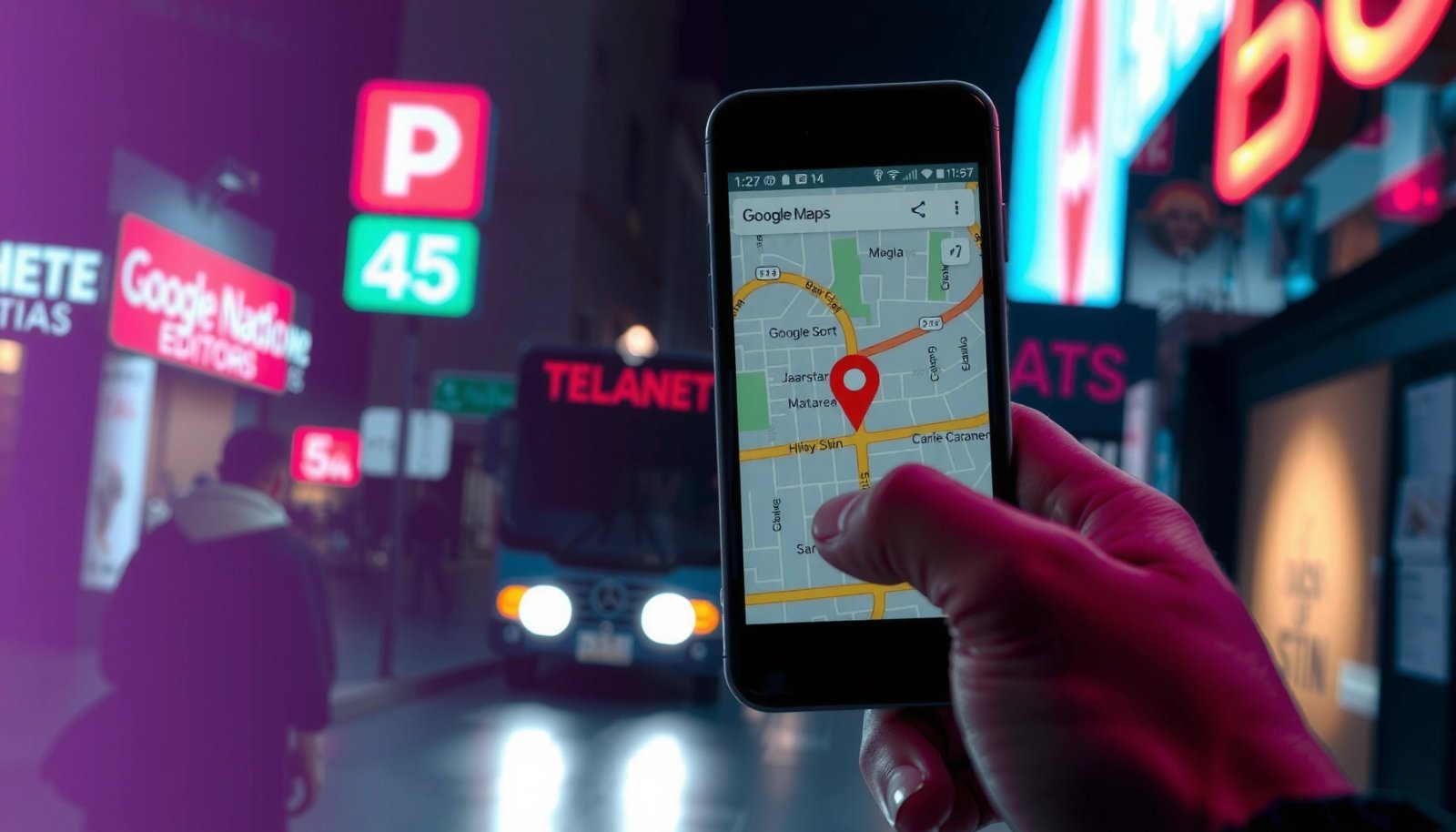
Dropping a pin on an Android phone is easiest when you use Google Maps: open the app, press and hold on the exact spot, and release to drop the pin instantly. You’ll then see the location details and a pin saved to your map for sharing or directions. If you need to do it faster...

How to Find iPhone Using an Android Phone

Want to find an iPhone using an Android phone? When your iPhone is set up with Find My, the fastest path is to use your Android to access iCloud’s Find My and pinpoint its location, make it play a sound, or put it in Lost Mode. If Find My isn’t enabled or the iPhone is...

How to Drop a Pin on Android: Step-by-Step

Learn how to drop a pin on Android in minutes, using the fastest method available in Google Maps. This step-by-step guide shows exactly where to tap, how to save the pinned location, and how to share it once the pin lands. By the end, you’ll know the quickest workflow for marking a spot on your...

How to Track an iPhone Location From Android: Step-by-Step

You can track an iPhone location from Android reliably—if the iPhone owner has enabled Apple’s “Find My” sharing or you have their shared access. This step-by-step guide shows the fastest working route to view the iPhone’s live location from your Android device and confirm it’s accurate. If “Find My” isn’t available, the article explains the...

How Do You Track an Android Phone with an iPhone?

To track an Android phone with an iPhone, the fastest, most reliable path is using Google’s “Find My Device” from your iPhone—provided the Android phone is signed into a Google account and has location services enabled. This method gives you real-time location and lets you secure the device without needing carrier access or special apps....

Can iPhone Track Android? Here’s What’s Possible

Yes—an iPhone can track an Android phone, but only in narrow, practical scenarios like using a shared Google account location setting, Apple’s Find My is not involved, or installing a pre-approved tracking app with the Android user’s consent. If you mean “can iPhone secretly locate Android without setup,” the answer is no: there’s no direct,...

Can I Track an Android With an iPhone? Quick Guide

Yes—you can track an Android using an iPhone, but only if you’re using the right method (like Google Find My Device or a shared location via a trusted app). If the Android owner has location services enabled and the correct account is connected, an iPhone can help you view the Android’s last known location and...