Tag

iPhone Android

Can iPhone See When Android Reads Text?

Yes—an iPhone can’t directly see when Android reads its text, and there’s no built-in “read” notification that confirms an Android recipient has read your message. The only exceptions are indirect signals tied to specific apps (like iMessage or certain third-party messaging features), not Android’s general texting behavior. If you want a clear read-receipt-style answer, the...

Can iPhone Users See When Android Users Read Their Texts?

iPhone users generally can’t see when Android users read their texts, and there’s no reliable “read receipt” that works across both platforms. If the Android user enables read receipts in Google Messages (and even then), iPhone typically will not receive the same confirmation. The one exception is when the conversation uses a cross-platform messaging app...

How to Add an Android to an iPhone Group Chat

You can add an Android to an iPhone group chat, but the success depends on whether the chat is an iMessage thread or an SMS/MMS group text. If it’s an iMessage group, you’ll typically need to switch to SMS/MMS (or create a new group) because iMessage-only chats won’t reliably include Android users. Follow the right...

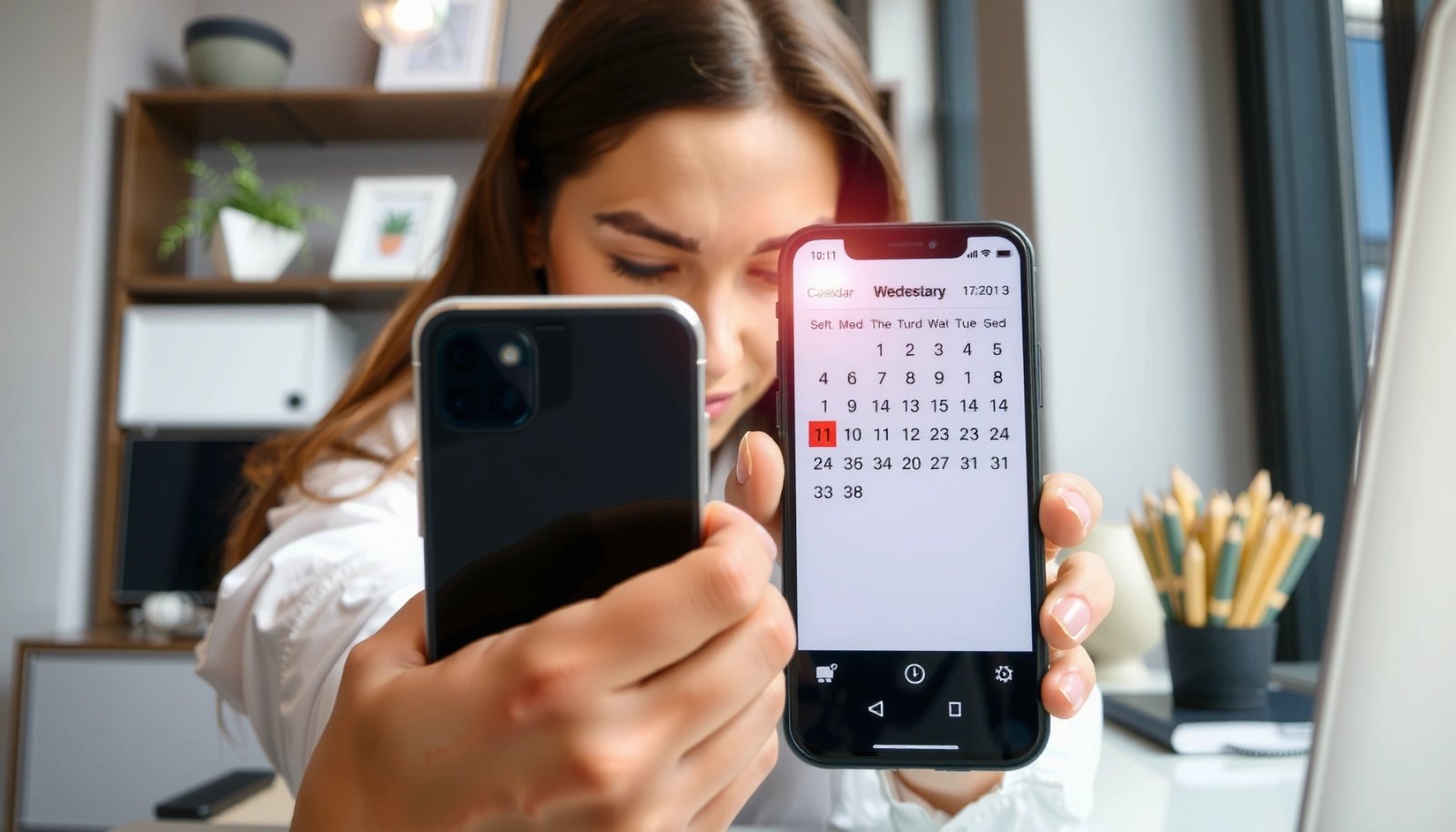
How to Share a Calendar Between iPhone and Android

Want to share a calendar between an iPhone and an Android phone without the usual syncing glitches? The fastest reliable method is to use a shared iCloud calendar (view-only where needed) or a shared Google Calendar with two-way sync, depending on which ecosystem you live in. Follow the steps for your setup and you’ll know...

Can iPhone and Android Video Chat? (Easy Steps to Connect)

Yes—you can iPhone and Android video chat, and it’s easiest when you both use the same cross-platform app (like FaceTime alternatives) and have working Wi‑Fi or mobile data. This guide walks through the exact setup steps to connect, start a call, and troubleshoot common problems so you’re video chatting fast. If you want the quickest...

How to Track an Android From an iPhone

Want to track an Android from an iPhone? The fastest, most reliable method depends on whether you have Google Find My Device access or the Android owner’s consent—so you’ll get a clear step-by-step winner for each situation. Follow the right setup and you can locate the device on a map, ring it, or secure it...

Does Apple Invites Work With Android?

Do Apple invites work with Android, and do you actually need an iPhone to join? Yes—Apple Invites can work with Android in most cases, letting Android users receive the invite details and join without switching devices. The real issue is not compatibility, but which invitation type you’re using and what the Android app/browser supports. Yes—Apple...

Can You Find an iPhone With an Android? Here’s What to Do

Yes—you can usually find an iPhone with an Android, but only if the iPhone is set up for Apple’s Find My network. If it is, you’ll use the Find My app or iCloud to locate it from your Android device. If it isn’t, your Android can’t “directly” track the iPhone, and you’ll need to switch...

How to Facetime an iPhone With Android (Quick Steps)

Want to know how to FaceTime an iPhone with Android—and whether it’s actually possible? Here’s the direct answer: you can’t join a true FaceTime call from an Android phone, but you can still connect to an iPhone using workarounds that send or receive a link-based video session. Follow these quick steps to get video calling...

How to Send Pic from iPhone to Android: Easy Methods

Send a picture from iPhone to Android fast with the one method that fits your situation: use Google Photos for the simplest universal option or AirDrop alternatives like share links when you need direct control. This guide answers how to send pic from iPhone to Android step-by-step, including what to click, what app to use,...