Tag

Home screen

How to Unhide an App on Android: Quick Fix Steps

Need to unhide an app on Android? Follow these quick fix steps to get a hidden app back on your home screen or app drawer fast. Whether it vanished due to launcher settings, app hide features, or restricted profiles, you’ll know exactly what to tap next. If an app is hidden, you can unhide it...

How Do I Move Apps on My Android Phone?

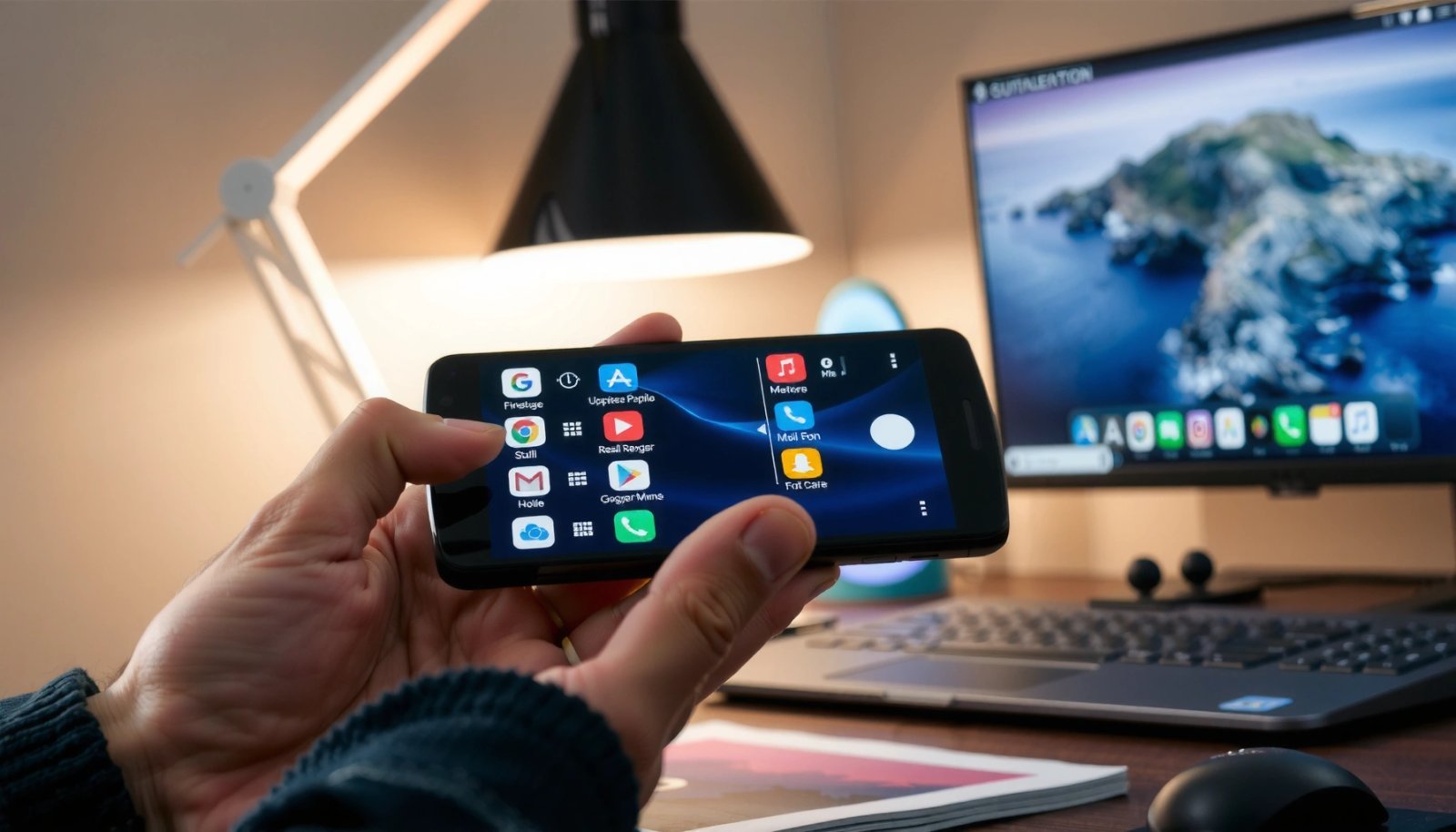
Learn how to move apps on your Android phone—quickly and correctly—so they land where you want them on your home screen or in your app drawer. You’ll get the fastest steps for both relocating icons and moving apps to a new storage location when your device supports it. By the end, you’ll know the exact...

How to Add Clock to Home Screen Android: Simple Steps

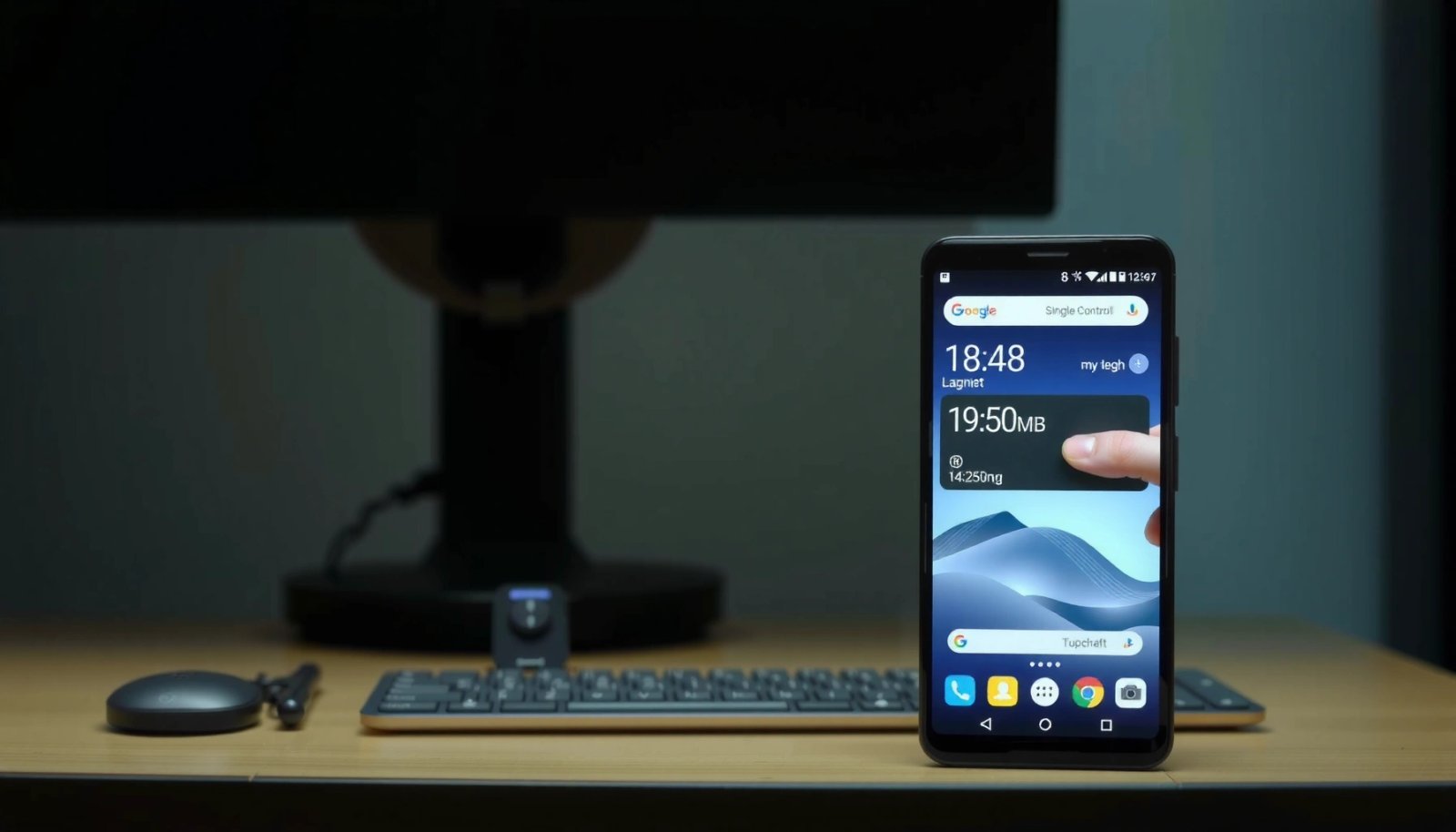
Want to add a clock to your home screen on Android? This guide walks you through the fastest, no-drama method to place a real clock widget where you can see it at a glance. You’ll get clear step-by-step instructions that work on most Android launchers, so you can finish in minutes. To add a clock...

How to Add Apps to Home Screen Android: Quick Steps

Want to add apps to the home screen on Android? You can do it in two quick taps—tap and hold an app in the App Drawer, then choose “Add to Home” to place it exactly where you want. If you’re not seeing the option, the fix is equally fast: use the home screen “+” or...

How Do You Remove Widgets from Android? Step-by-Step

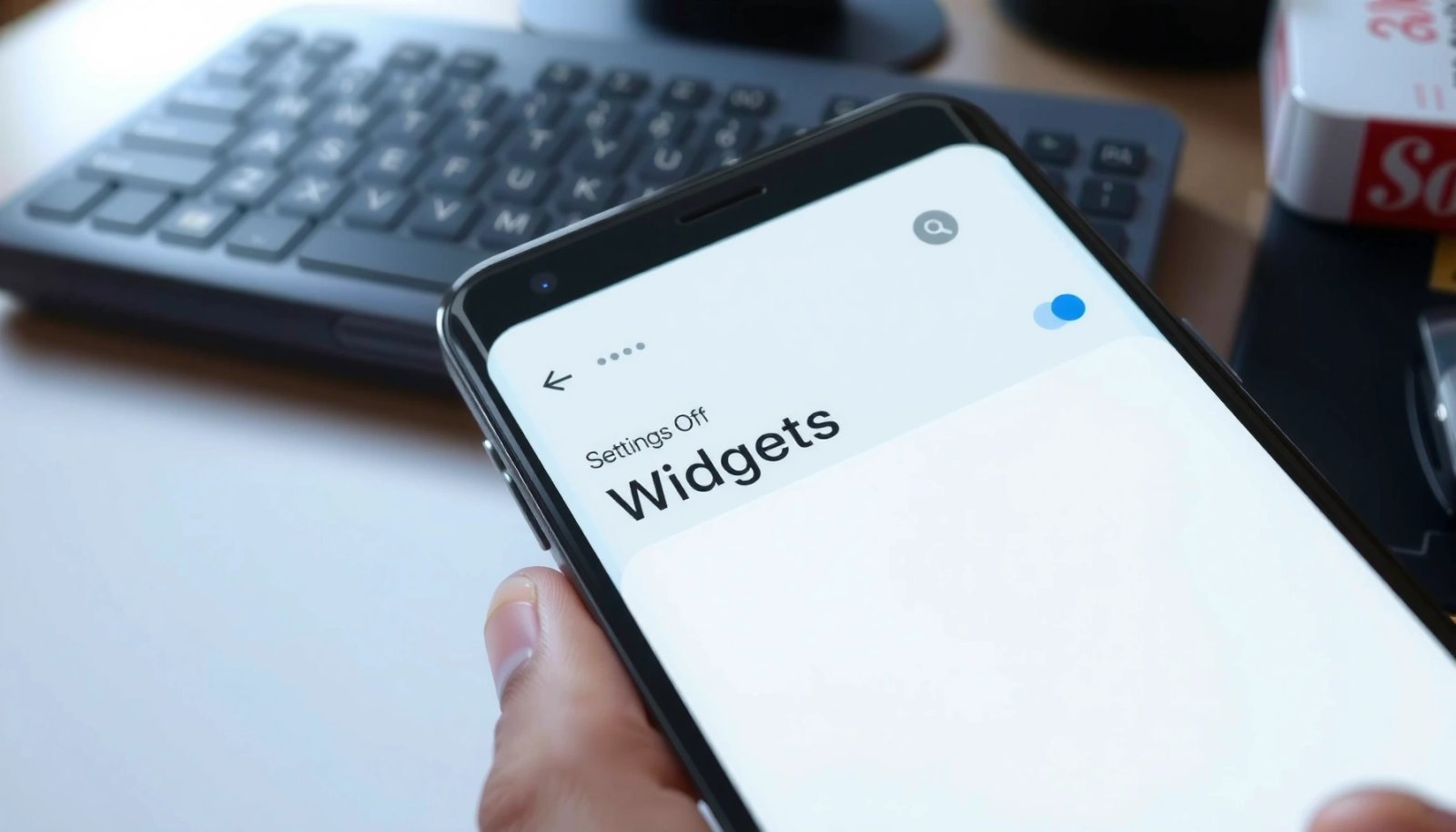
Removing widgets from Android is faster than most people think, and you’ll get it done in under a minute once you know the right gesture. This step-by-step guide shows exactly how to remove widgets from your Android home screen—along with what to do if the widget won’t drag or delete. By the end, you’ll know...

How Do I Unhide Apps on Android? Quick Steps

Wondering how do I unhide apps on Android? The fastest fix is to check your App drawer settings for “Hide apps” and disable any hidden filters. If that option isn’t available, you can unhide apps by removing them from a third-party launcher’s hide list or by turning off work/profile restrictions. To unhide apps on Android,...