Tag

google photos

How to Undelete Pictures on Android: Restore Deleted Photos

Wondering how to undelete pictures on Android and get your deleted photos back? If your photos were removed from the trash or recently deleted, the fastest win is restoring them from Google Photos’ Trash (or your gallery app’s Recently deleted folder) before they’re permanently erased. When that fails, your best next step is using Android...

How to Transfer Photos From One Android to Another

Transferring photos from one Android to another is easiest when you use the right method for your situation—fastest, most reliable, and without losing quality. This guide gives you a clear winner: use Google Photos or Nearby Share when both phones are set up for it, and fall back to direct USB transfer when they aren’t....

How to Make Photo Albums on Android: Step-by-Step Setup

Want to make photo albums on Android step by step? This guide shows the fastest setup path—so you can create, organize, and share photo albums in minutes without guessing. Follow the clear instructions and you’ll know exactly which app settings to use for clean album categories and reliable syncing. Create a photo album on Android...

How to Share Pictures From iPhone to Android: Quick Guide

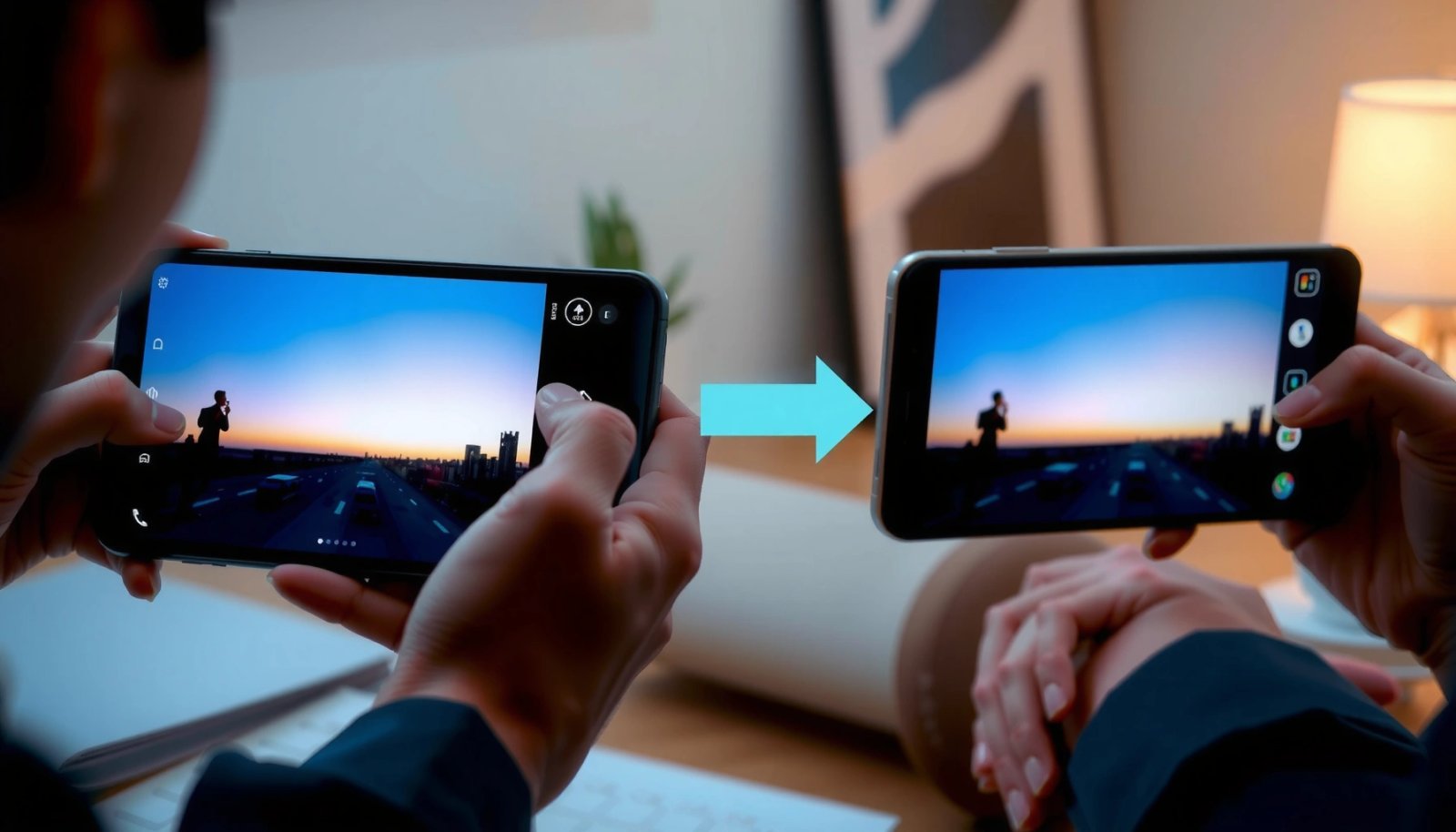
Sharing pictures from iPhone to Android is fastest and most reliable when you use Google Photos or a cloud-to-cloud transfer instead of fumbling with cables or Bluetooth. This quick guide shows you the exact steps to move your iPhone photos to your Android phone with minimal quality loss and the fewest taps. If you want...

How to Backup Photos Android: Simple Methods to Never Lose Them

Want to back up photos on Android so you never lose them? Google Photos is the clear winner if you want the simplest, most reliable automatic backup with device syncing and easy restoration. If you need full control or unlimited storage isn’t available, you’ll also see the best fallback options—manual cloud uploads and local backups—so...

How Do You Send a Picture on an Android Phone? Step-by-Step

If you’re trying to send a picture on an Android phone, the fastest method is using the Photos app’s Share button, then selecting the recipient app (Messages, email, or social media). Follow the step-by-step flow to attach the photo, choose the right contact, and send it without losing image quality. By the end, you’ll know...

How to Undo Deleted Photos on Android: Recover Lost Images

Trying to undo deleted photos on Android and recover lost images? Start with the one move that most often works—check Google Photos’ Trash and your device’s Gallery/Files Recycle Bin before anything else. If they’re not there, you’ll need a data-recovery approach, and the fastest path depends on whether you used Google Photos, Samsung Gallery, or...