Tag

Google Family Link

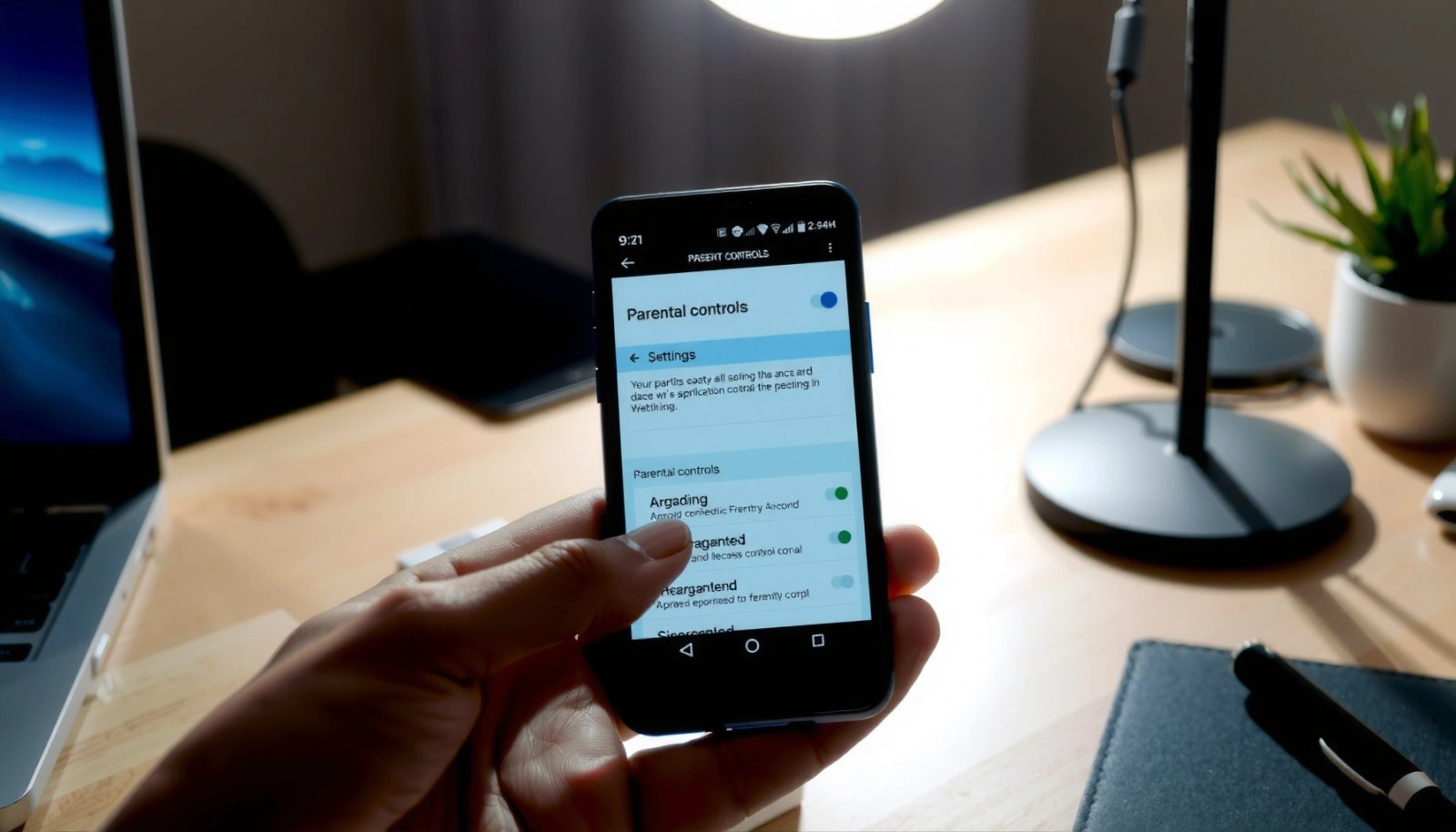
How to Turn Off Parental Controls on Android

Want to turn off parental controls on Android and regain full access? This guide gives you the fastest, most reliable method to disable the restriction—whether it’s set through Google Family Link or a device-level parental control app. Follow the steps exactly and you’ll be back to normal settings in minutes, without guesswork or looping menus....

How to Turn Off Parental Control on Android: Step-by-Step

Need to turn off parental control on Android fast? You can disable Android parental controls in a few steps using the app or Google Family Link setting that manages them. This guide walks you through the exact sequence to stop restrictions immediately—no guesswork, no wandering menus. To turn off parental control on Android, you must...

How to Block Inappropriate Content on Android

Learn how to block inappropriate content on Android with the fastest, most reliable setup using Google Family Link and built-in parental controls. If you want an immediate fix—filtering web content, restricting apps, and limiting explicit media across devices—these steps will get you there. You’ll also see how to verify the blocks are actually working so...

Does Family Link Work on iPhone and Android? Compatibility Guide

Does Family Link work on iPhone and Android? Yes—Family Link’s core controls are available on Android and can be managed from an iPhone for the parent side, but iPhone accounts can’t use the full supervision features the same way. If you’re trying to supervise an iPhone child device, you’ll need to rely on iOS screen-time...

How to Take Off Parental Controls on Android

Want to take off parental controls on Android and get your device back to full access? You’ll get the fastest, step-by-step path to remove the restrictions—whether they’re set through Google Family Link, your carrier, or a device manager. Follow the instructions correctly and you’ll know exactly what to do when the parent PIN or admin...