How to Stop Auto Download in Android: Simple Fixes
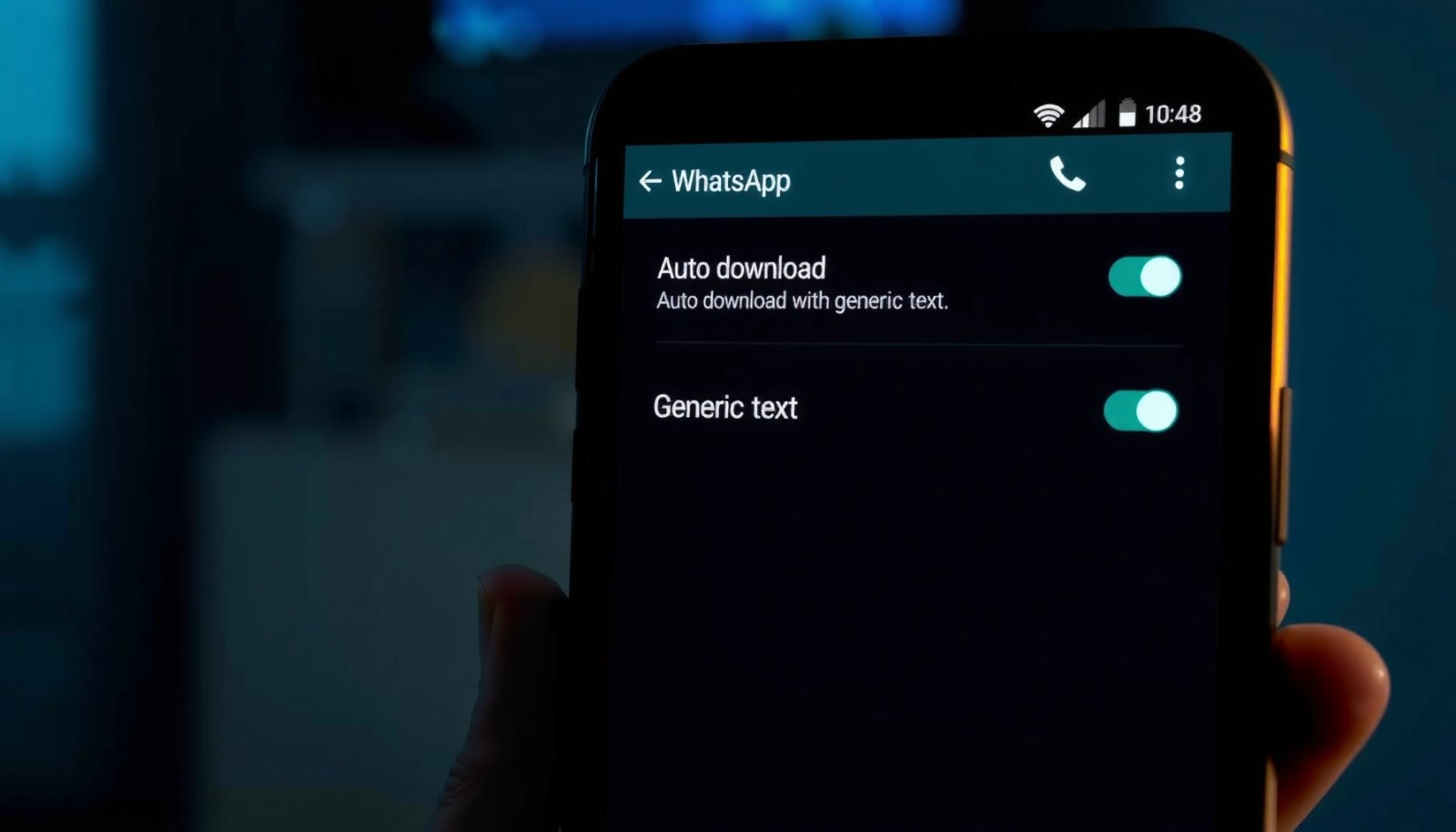
Want to stop auto download in Android? The fastest fix is to turn off “Auto-download” for apps and disable Wi‑Fi/data downloading in your downloads settings—steps that immediately stop files from pulling down automatically. If your device keeps downloading anyway, you’ll also need to check the specific app’s background download and notification permissions. Stop auto-downloads on...