Tag

call features

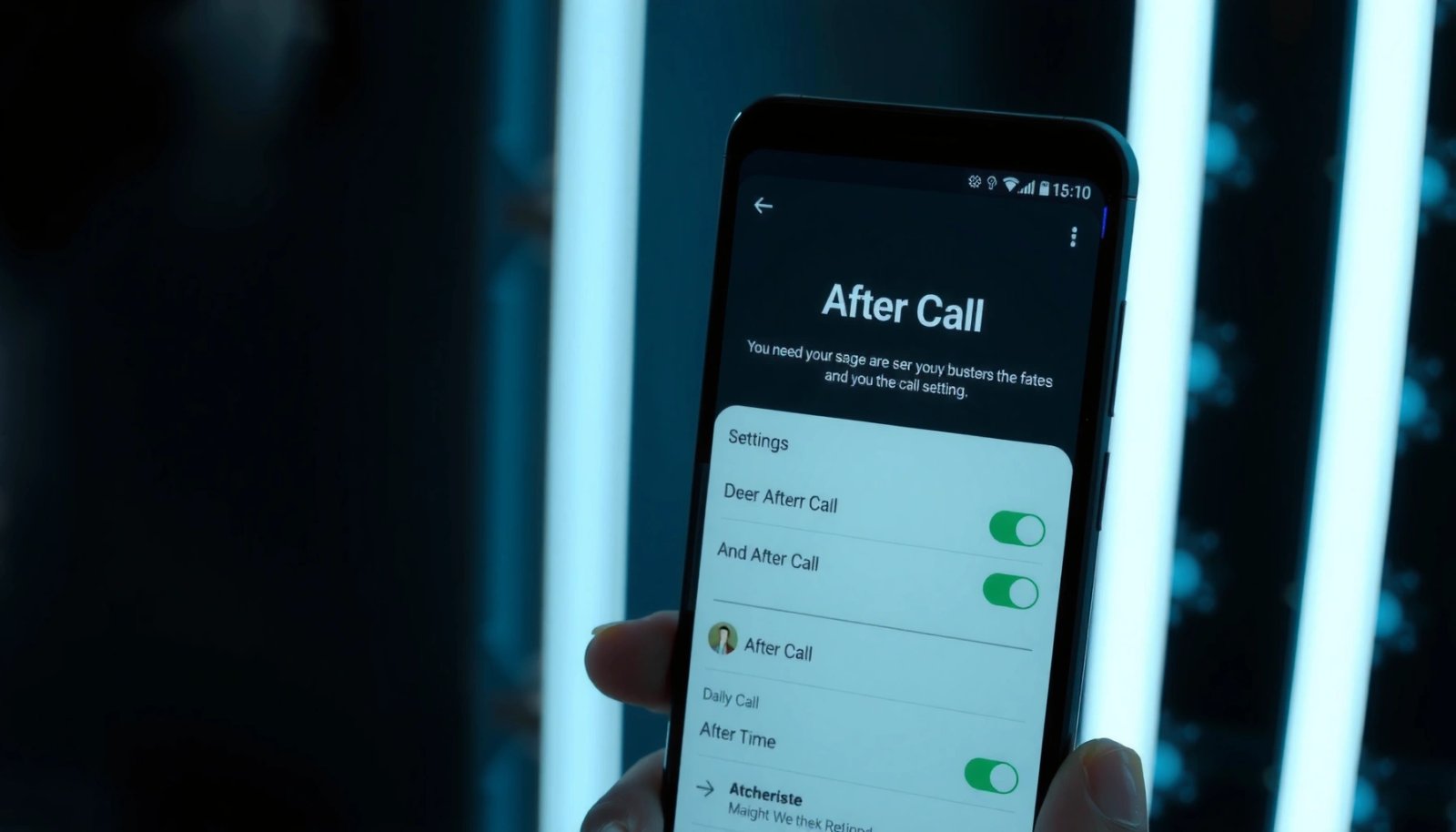
What Is After Call on Android? Key Steps and Settings

After Call on Android lets you set what happens immediately after you hang up—such as call follow‑ups, reminders, or automated actions—without digging through confusing menus. This guide tells you exactly what “After Call” means on your device and walks you through the key steps and settings to turn it on correctly. If you want the...

What Is FaceTime for Android Phones? Key Features and How It Works

FaceTime for Android phones is not an officially supported app from Apple in the same way it is on iPhone and iPad, so the practical answer depends on how you need to connect. You can still join FaceTime calls from Android using Apple’s web link or compatible browsers, but you won’t get the full Android...

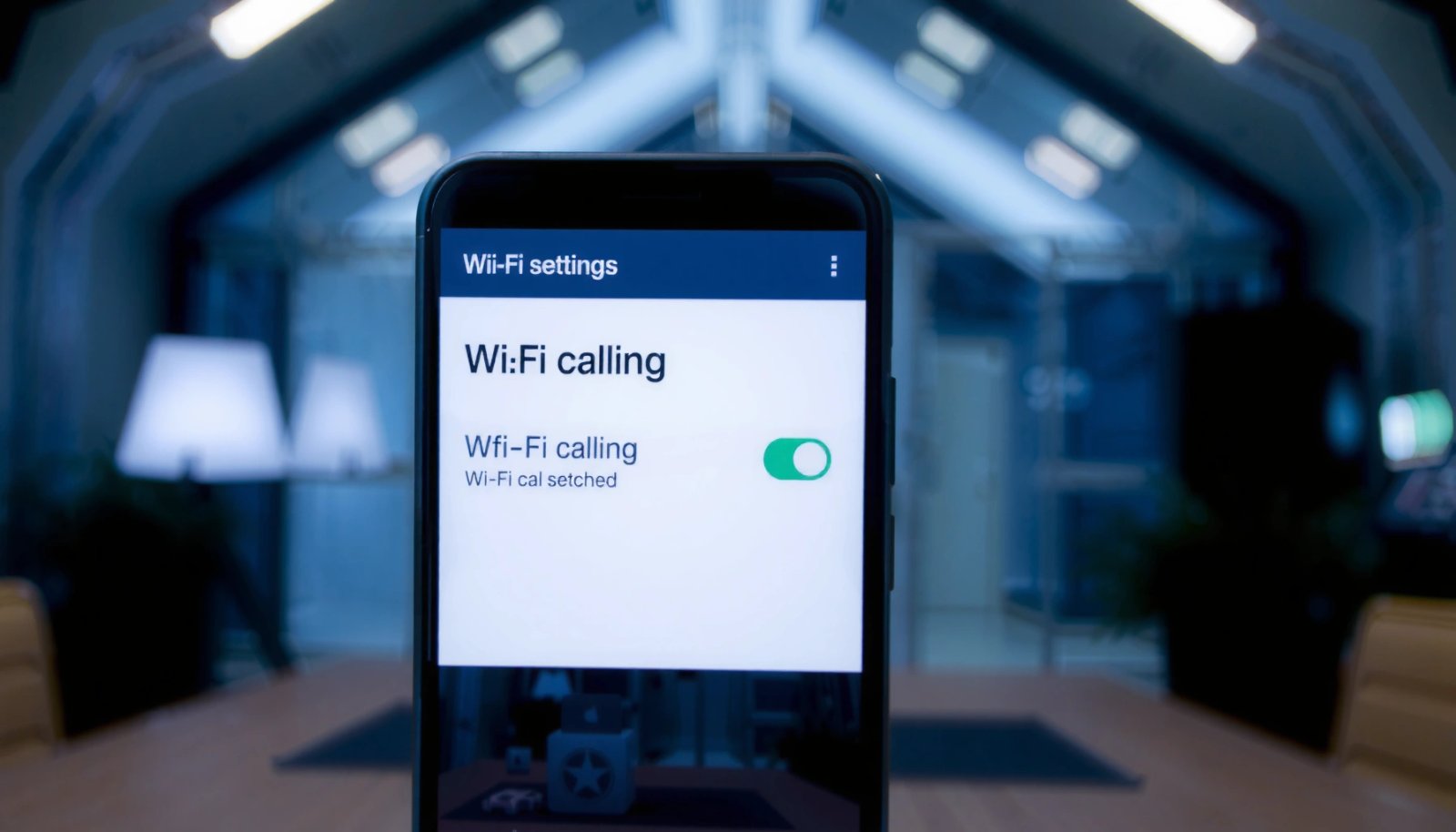
How to Turn Off Wi‑Fi Calling on Android

Want to know how to turn off Wi‑Fi calling on Android fast? This guide walks you step by step to disable Wi‑Fi Calling from your phone’s settings—so calls stop routing over Wi‑Fi. If the option isn’t where you expect, you’ll also get the exact fallback paths to find it. Turning off Wi‑Fi calling on Android...

How to Turn Off RTT Calling on Android

Want to turn off RTT calling on Android fast? This guide shows the exact steps to disable Real-Time Text so calls stop using RTT on your device. If you want RTT gone permanently (not just for one call), follow these settings to switch it off across the phone’s calling options. RTT calling (Real-Time Text) can...