Tag

battery optimization

How Do I Speed Up My Android Phone? (Quick Fixes)

Want to know how do I speed up my Android phone fast? The quickest wins usually come from clearing storage, turning off background app activity, and rebooting after updates—actions that deliver noticeable performance improvements within minutes. If your phone is lagging after a recent slowdown, these targeted quick fixes are the fastest path to smoother...
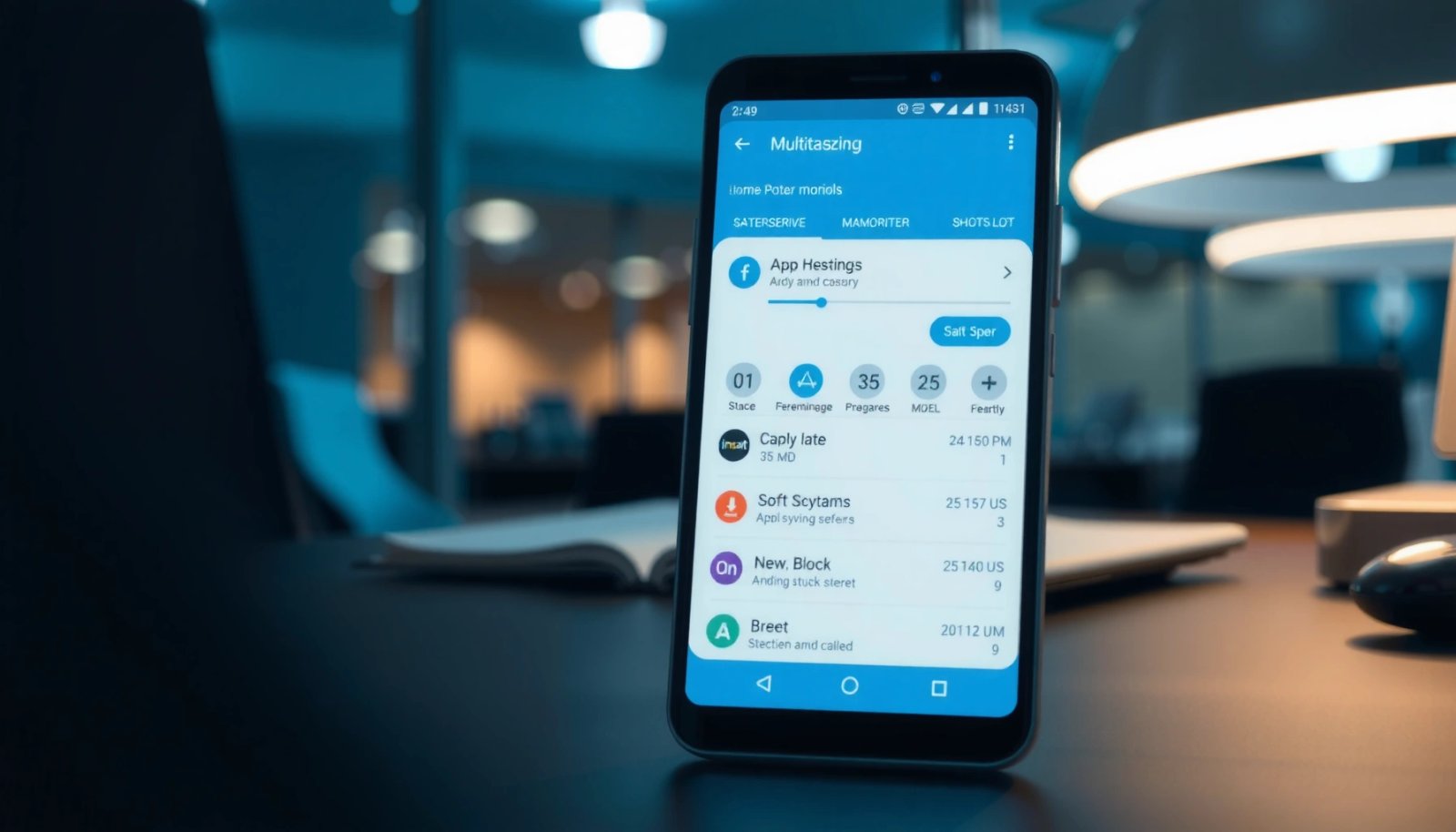
How to Stop Apps From Closing in Background on Android

If your apps are closing in the background on Android, you can stop it by tightening the system’s battery optimization and background restrictions for the affected app. This guide shows the fastest path to keep your app running—where to change Battery usage settings, app background permissions, and any “force stop” behaviors. Follow these steps and...

How to Stop Android From Optimizing Apps

Want to stop Android from optimizing apps, and keep them from getting background limits that break notifications and downloads? This guide gives you the most reliable fixes—disabling Battery optimization where it matters, adjusting app background behavior, and handling manufacturer-specific settings—so the change actually sticks. Follow these steps on your exact Android version, and you’ll regain...

Don’t Pause App for Android: Keep Your App Running

Need to know whether you should pause your Android app—and how to stop Android from pausing it? This guide answers how to keep an app running by disabling “app pause” behavior with the right battery, background, and notification settings. If you want reliable background execution instead of surprise stops, follow the steps that actually prevent...

How to Turn Off Battery Optimization on Android

Need to turn off battery optimization on Android? You can disable it fast and safely—either for a single app or across the device—so background activity isn’t throttled. Follow these steps to stop missed notifications, interrupted downloads, and delayed sync caused by Doze and battery restrictions. If you need an app to keep running reliably, you...

How to Stop Pandora From Running in the Background on Android

Learn how to stop Pandora from running in the background on Android—and keep the app from quietly consuming battery when you’re not listening. If you follow the most reliable fixes (turning off background activity, limiting battery usage, and adjusting Pandora’s in-app controls), Pandora will stop continuing in the background on most Android versions. You’ll know...

How to Stop Apps From Refreshing in the Background on Android

Want to stop apps from refreshing in the background on Android? The quickest, most effective route is to disable background activity for the specific apps causing the problem—then tighten battery and data permissions so Android can’t keep updating them. Follow these steps and your apps will stop syncing and refreshing while you’re not using them,...

How Do I Turn Off Power Saving Mode on Android?

To turn off power saving mode on Android, open your phone’s Settings and switch Battery or Battery saver to Off. This is the fastest method when you want the feature disabled immediately and normal performance restored. If your device uses a shortcut, you can also toggle Power saving directly from the Quick Settings panel. Turn...