Tag

app usage

What Is Glance App on Android? Features, Use, and Safety Tips

Glance App on Android is a lock-screen and glanceable feed feature designed to surface quick updates with minimal effort—useful if you want at-a-glass look at news, weather, and notifications. This guide tells you exactly what Glance does, which features matter, how to set it up and use it safely, and what privacy tradeoffs to watch...
How to See My Screen Time on Android: Step-by-Step

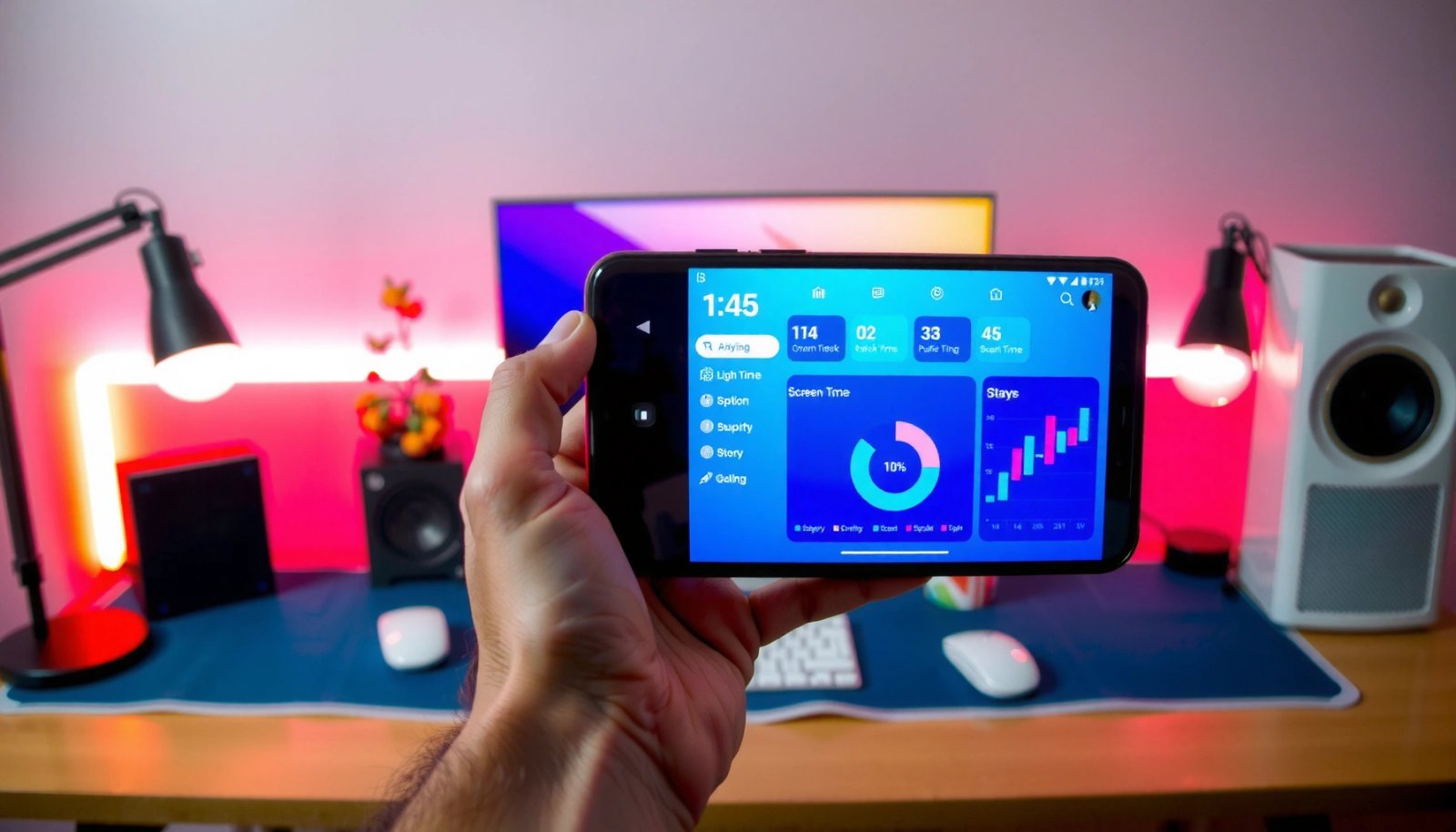
Want to see your screen time on Android? You’ll find the exact taps to open your Screen Time (Digital Wellbeing) dashboard, view daily totals, and check which apps consumed the most time. Follow these step-by-step instructions and you’ll know precisely how much screen time you’re getting—without guessing. You can see your screen time on Android...

How to Check Average Screen Time on Android

Want to know how to check average screen time on Android? You can get the exact daily average from Android’s Digital Wellbeing screen-time reports—no guessing, no third-party apps. This guide shows you where to find the metric and how to interpret it so you can understand your real screen-time habits at a glance. Open Digital...

What Is Tips App on Android? Features, Uses, and How It Works

The Tips app on Android is a built-in way to deliver bite-sized guidance—quick explanations, feature highlights, and practical suggestions—right when you need them. If you want to know exactly what it does, when it shows up, and how to use (or turn off) Tips so it doesn’t get in your way, this guide gives the...

How to Check Screen Time on Android

Need to know how to check screen time on Android? For most Android phones, the fastest path is through Digital Wellbeing, where you can see daily app usage, total screen time, and per-app breakdowns. If your device doesn’t show it clearly, we’ll also cover the backup method using Google Family Link to get reliable screen-time...