Tag

Android photo editor

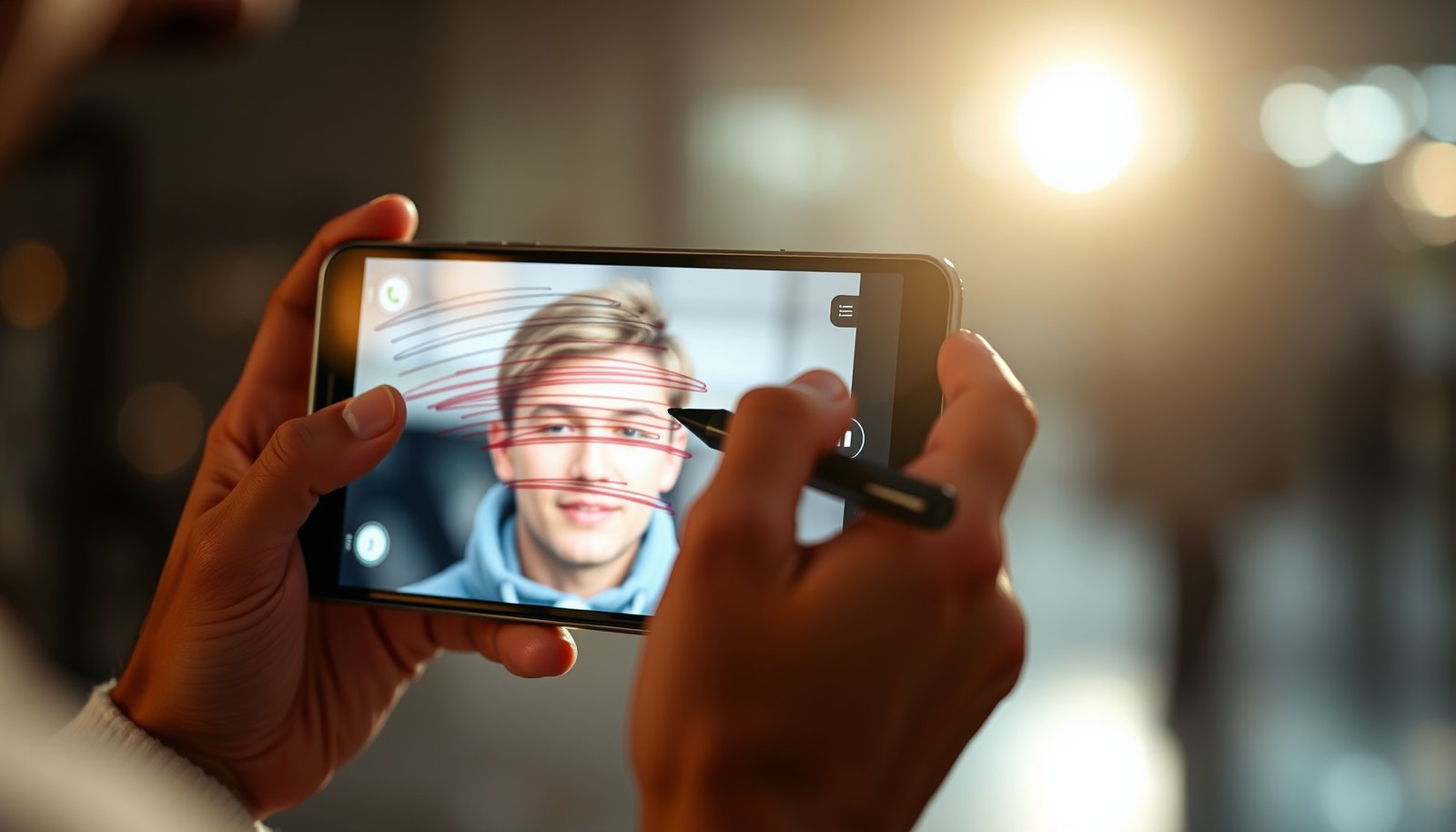
How to Draw on Photos on Android: Step-by-Step Guide

Learn how to draw on photos on Android with a step-by-step workflow you can finish in minutes. If you want the quickest path to adding lines, arrows, text, and freehand sketches, this guide walks you through the exact tools and taps to use. You’ll also get practical fixes for common problems like saving, undoing, and...
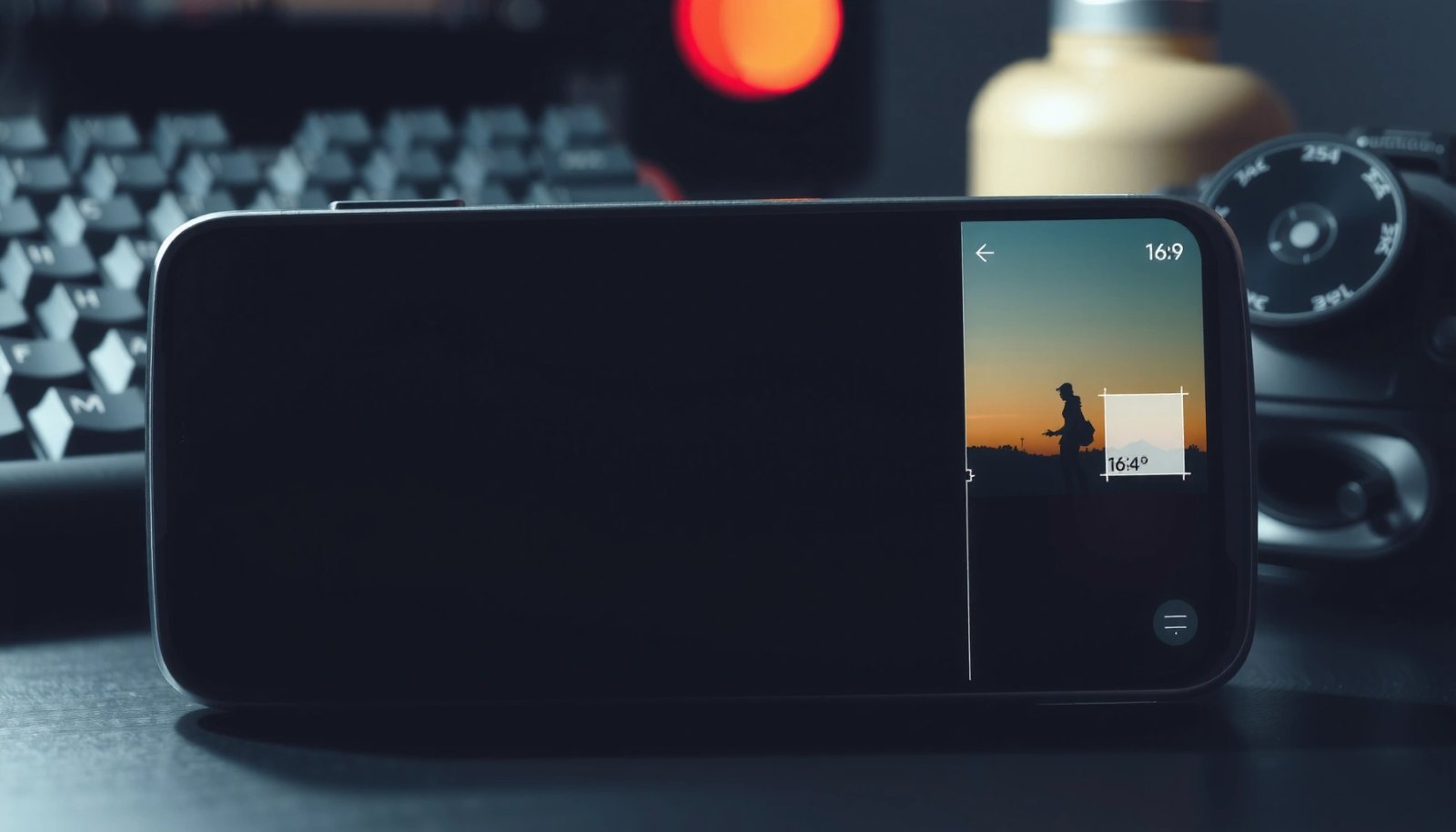
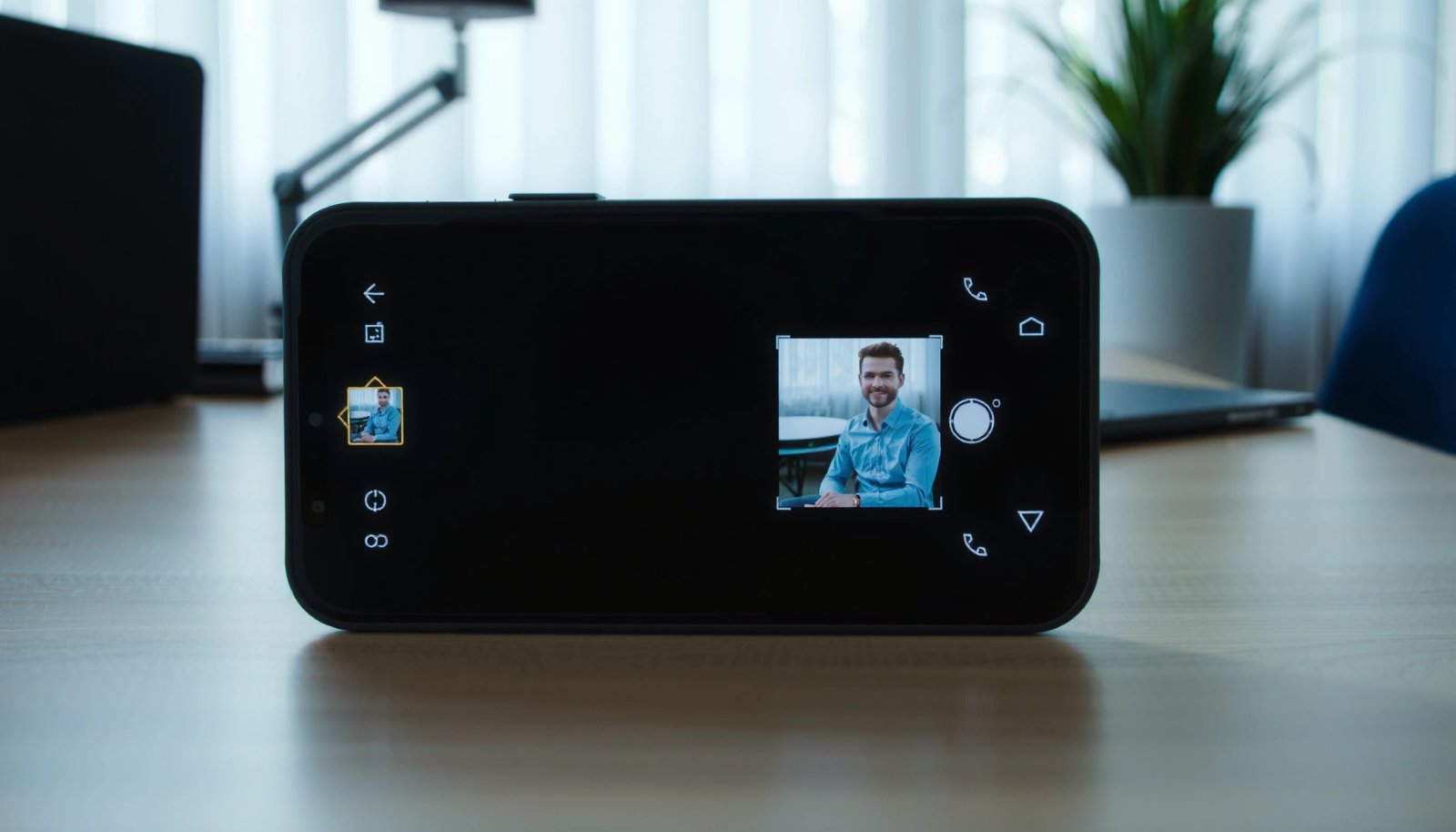
How to Crop Photo in Android: Simple Steps

Need to know how to crop a photo in Android? This guide gives you the fastest, most reliable way to trim your images—using built-in tools or a simple editor—so you can get the exact framing you want. Follow these steps to crop, reposition, and save without losing quality or wasting time. To crop a photo...

How to Change Background on a Picture on Android

Learn how to change the background on a picture on Android with the fastest, most reliable method: use a dedicated background-removal or photo editor app that lets you select the subject and replace the background in a few taps. This walkthrough answers the practical question of how to get a clean cutout and swap in...

How to Blur the Background of a Picture on Android

Want to blur the background of a picture on Android? This guide walks you through the fastest way to get a convincing portrait-style blur—using built-in Android tools or a dependable blur app—without losing subject sharpness. You’ll learn exactly which settings to choose and what to watch for so the blur looks natural, not smeared. To...

How to Add a Person to a Photo on Android: Step-by-Step

Want to add a person to a photo on Android? The fastest, most reliable way is to use a capable mobile editor with cutout/overlay tools, then position and blend the person so it looks natural. Follow this step-by-step workflow to import your images, remove the background, place the subject correctly, and export the finished result...

How to Collage Photos on Android: Step-by-Step Guide

Want to collage photos on Android without fighting settings? This step-by-step guide shows the fastest, most reliable way to combine multiple pictures into one collage using the tools already on your phone. You’ll know exactly what to tap, how to choose layouts, and how to export the final collage in minutes. Make a photo collage...

How to Add Music to a Picture on Android

Want to add music to a picture on Android? The fastest way is to use a video editor to convert your photo into a short video, then layer the audio track on top. If you only need a simple result for sharing, this method beats complex graphic apps by giving you a playable, ready-to-post file...