Tag

android phone settings

How to Turn Off Safe Mode on Android: Quick Steps

Need to know how to turn off Safe Mode on Android? If Safe Mode is blocking apps or downloads, the fastest fix is usually a forced restart that boots you back into normal operation. Follow these quick steps to exit Safe Mode immediately and prevent it from coming back. To turn off Safe Mode on...

How to Block Calls on an Android: Quick Steps

Want to block calls on an Android fast and permanently? You can stop unwanted callers in minutes using the built-in Phone app’s block feature or the contact’s call-block setting. If you need a stronger filter for spam numbers, Android’s spam and caller ID tools are the best option. This guide walks you through the quickest...

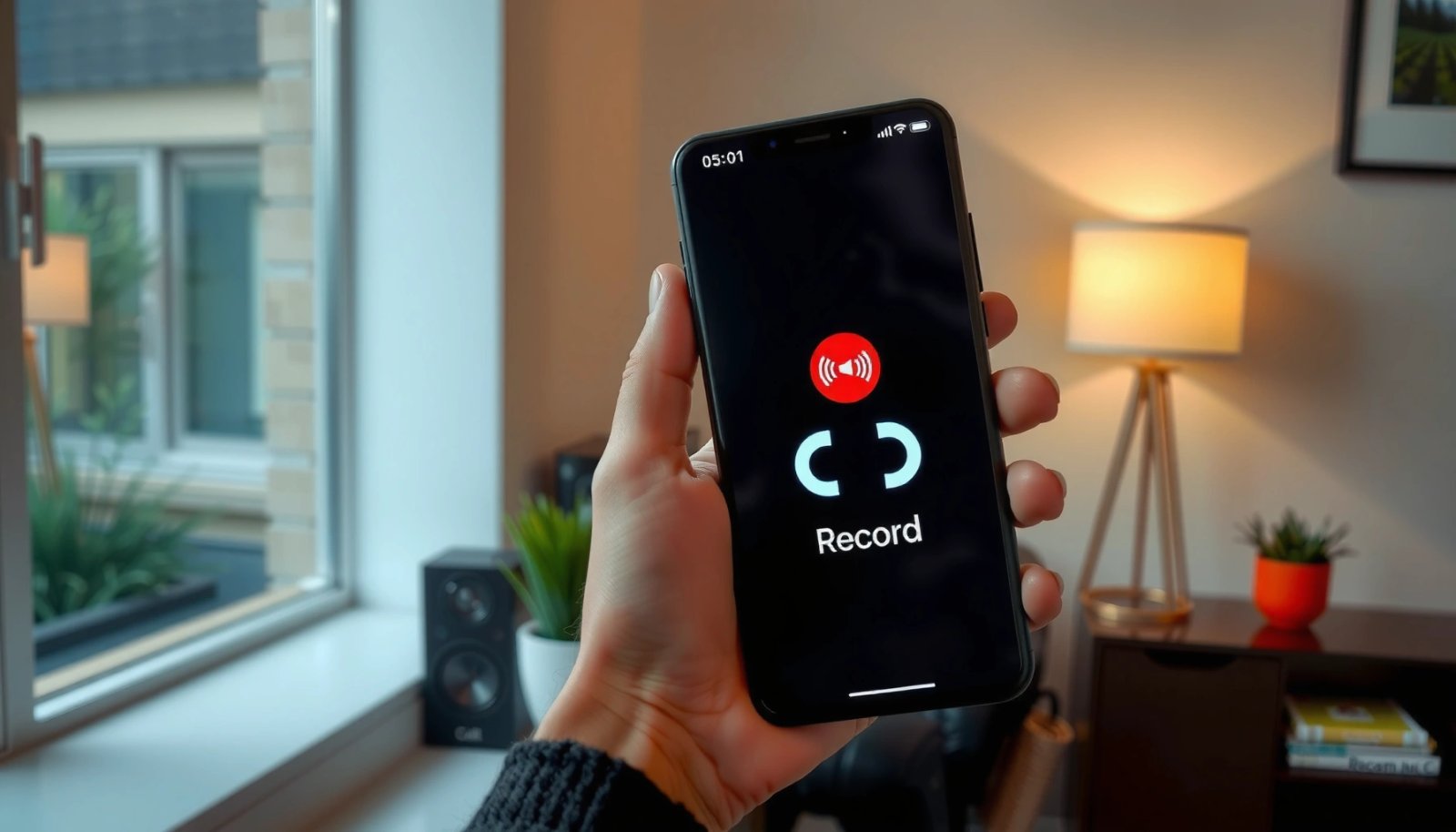
How to Record Calls on Android: Step-by-Step Guide

Want to record calls on Android? The fastest, most reliable path is to use your phone’s built-in call recording option when available, because it typically works without extra setup. If your model doesn’t include it, your best next move is to record using a compatible third-party call recorder app—then confirm legality and settings before the...

How Do You Check for App Updates on Android? (Step-by-Step)

Want to know how do you check for app updates on Android? The fastest, most reliable method is to use the Google Play Store’s Update section, where you can see what’s pending and update apps in seconds. If you want to catch changes sooner, enable auto-updates in Play Store so updates download in the background....

How Do I Close Apps on Android Phone? Quick Steps

Want to know how do I close apps on an Android phone quickly and correctly? Use the Overview/Recent Apps screen to swipe apps away—this is the fastest reliable method for most phones. If an app won’t stop, use Settings to force stop it, but only when swiping doesn’t work. This guide shows the exact steps...