Tag

android call recording

How to Remove the Call Recording Button on Android

Want to remove the call recording button on Android? This guide shows the fastest way to hide it for the call-recording app or service that’s adding it—usually by changing the app’s recording permissions, disabling its access, or turning off the recording feature. You’ll get clear, step-by-step instructions for common Android versions so the button stops...

How Can I Record Calls on Android? Methods That Work

Wondering how can i record calls on Android? The fastest method is using Google Voice in countries where it supports call recording, because it’s simple and doesn’t require root. If Google Voice isn’t available or you need local playback, your practical fallback is a call-recorder app—but only if your Android version and regional laws allow...

How to Record a Phone Call on Android: Step-by-Step Guide

You can record a phone call on Android reliably—but the best method depends on whether your Android version and carrier support built-in call recording or require a third-party app. This step-by-step guide walks you through the exact settings, permissions, and in-call controls to get a usable recording every time. Follow it once and you’ll know...

How to Record Calls on Android: Step-by-Step Guide

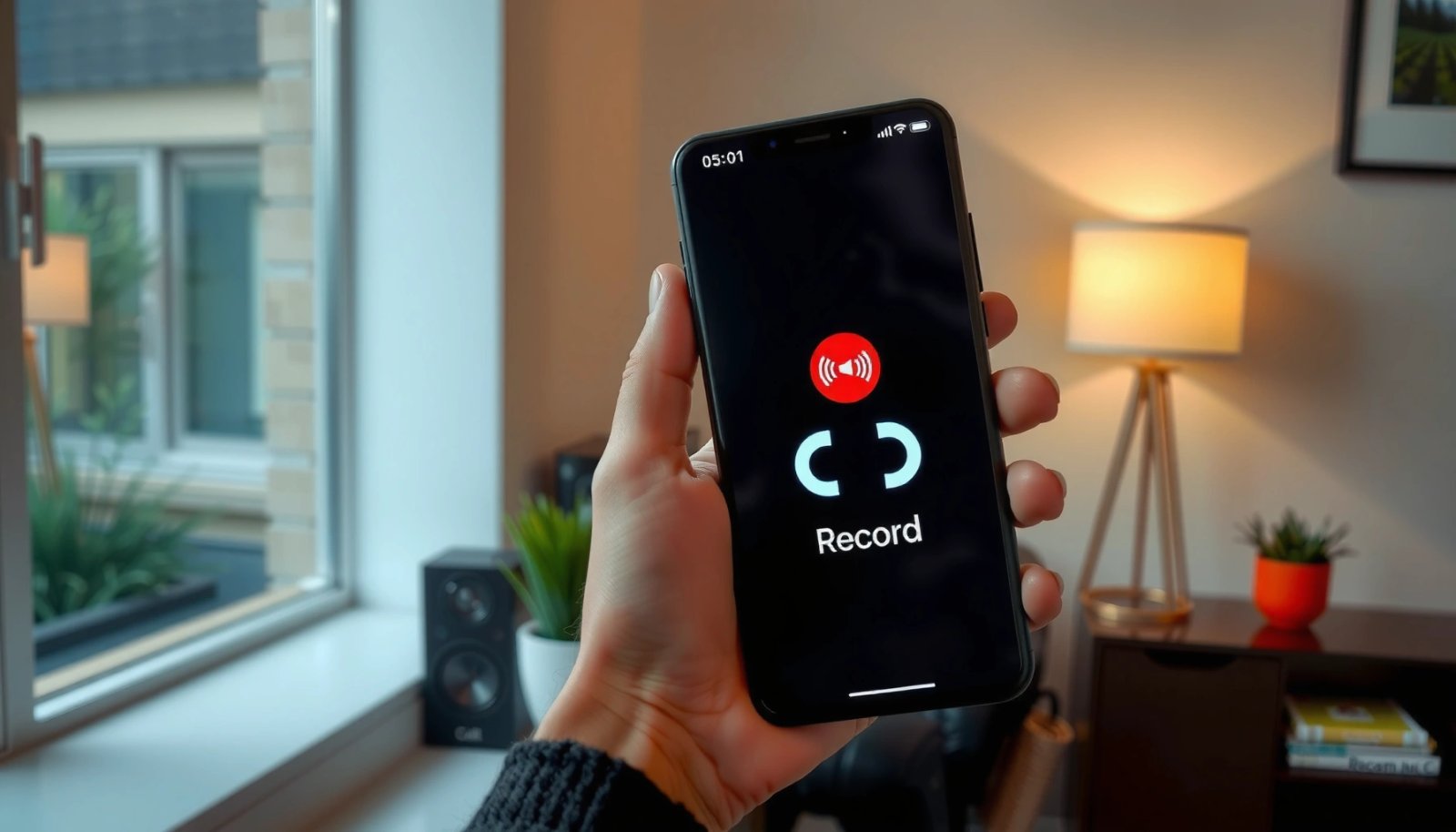
Want to record calls on Android? The fastest, most reliable path is to use your phone’s built-in call recording option when available, because it typically works without extra setup. If your model doesn’t include it, your best next move is to record using a compatible third-party call recorder app—then confirm legality and settings before the...

How to Record WhatsApp Call on Android: Step-by-Step

Want to record WhatsApp calls on Android without guesswork? This step-by-step guide shows the quickest, most reliable method that actually works on your device—so you know exactly what to tap and when. Follow it end to end and you’ll have a usable recording for your next call. You can record a WhatsApp call on Android...