Tag

accessibility features

Which Phone Is Easier to Use: iPhone or Android?

If you want to know which phone is easier to use—iPhone or Android—the answer depends on one key reality: how quickly you need to get things done with minimal tweaking. For most people who prioritize straightforward menus, consistent updates, and a “just works” setup, iPhone is the easier choice. If you want maximum customization and...
What Is Android TalkBack?

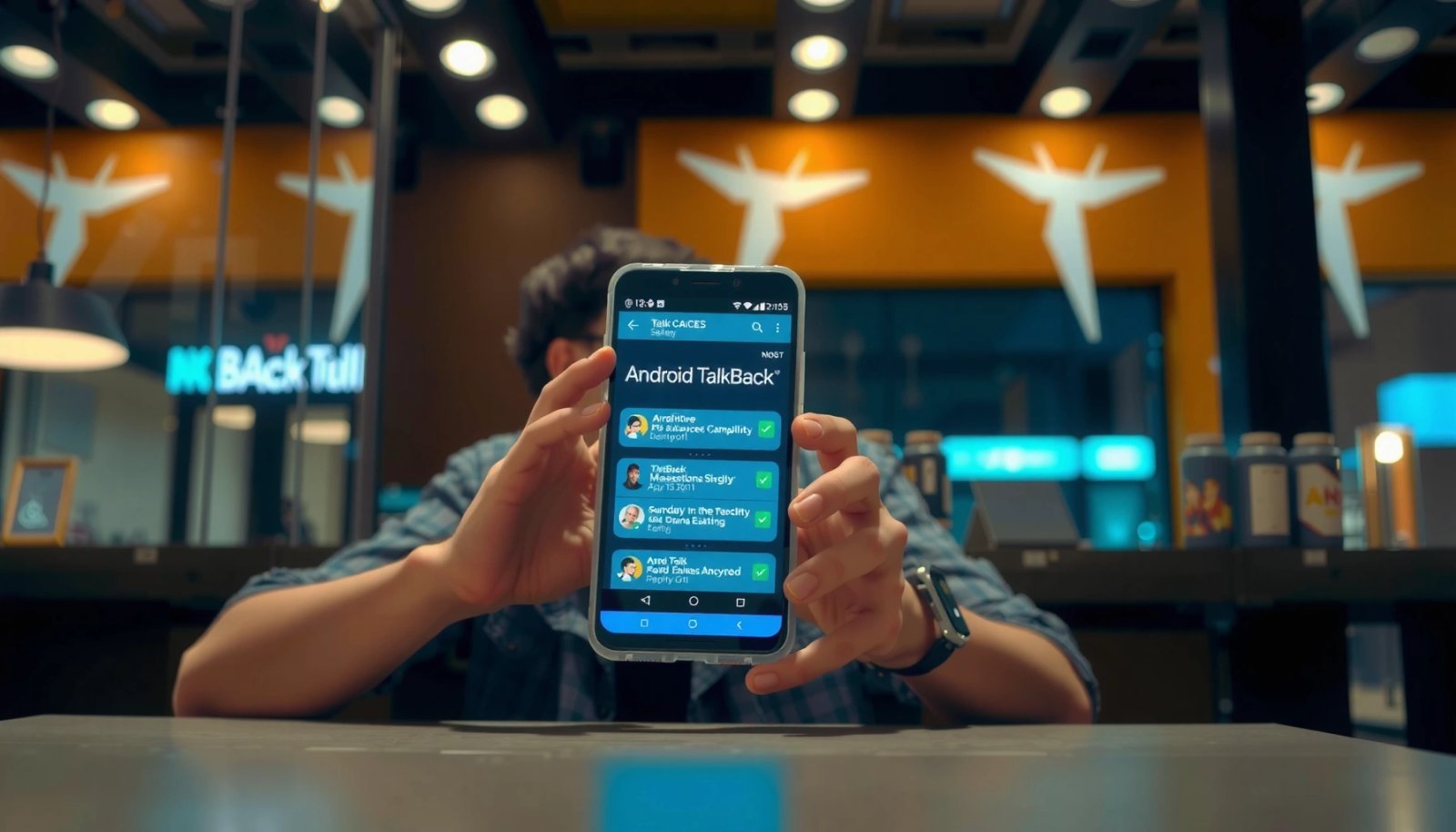
Android TalkBack is Google’s built-in screen reader that speaks what’s on your Android screen and lets you control your phone with accessibility gestures. If your search is “what is Android TalkBack,” the answer is simple: it’s the fastest way to use your device without relying on sight. Turn it on when you need spoken feedback...

What Is an RTT Call on an Android Phone? (Quick Explanation)

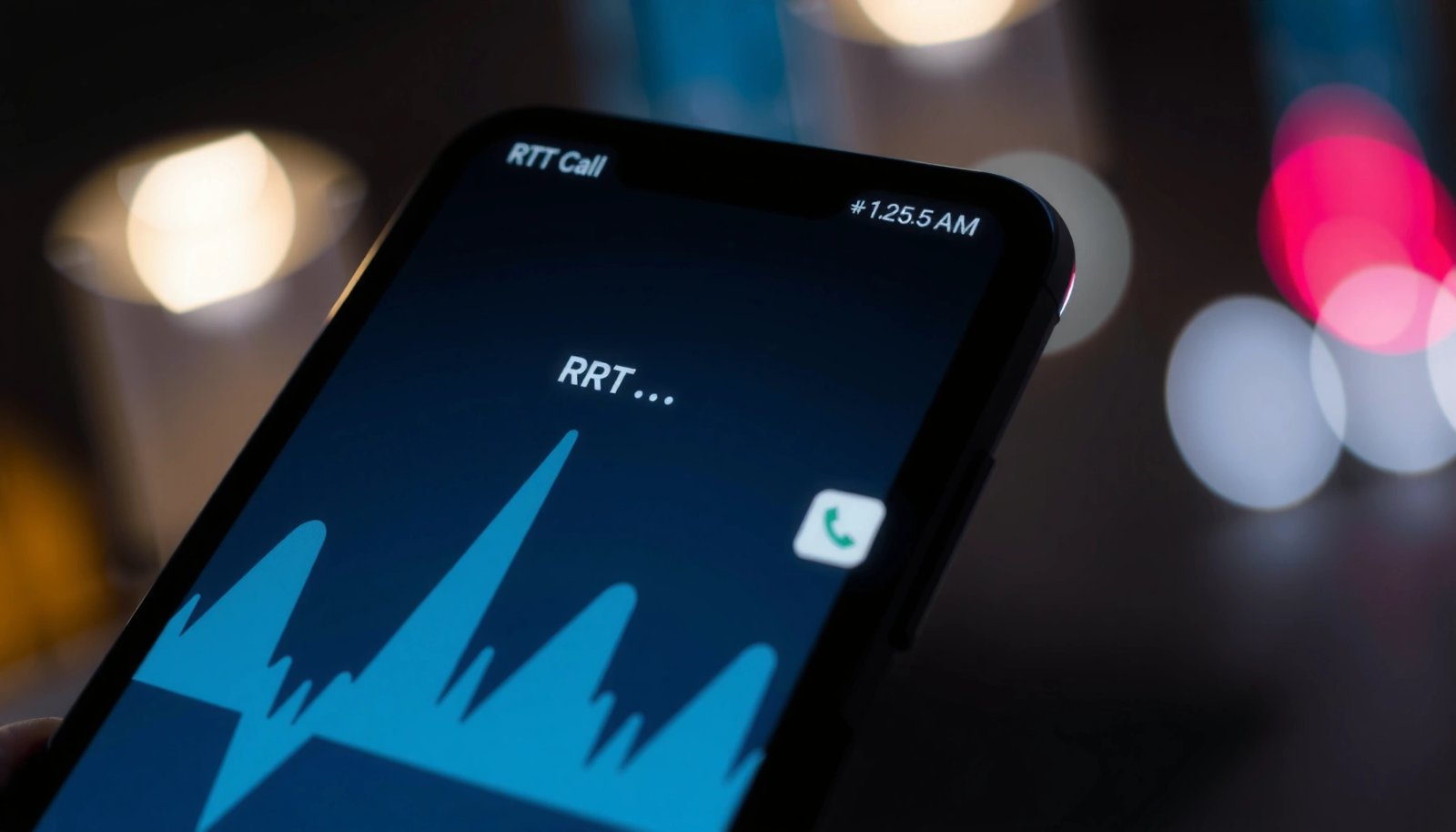
An RTT call on an Android phone is real-time text that shows what the other person types instantly during a call, instead of sending voice audio. Use it when you need accessibility or hands-free communication—especially in noisy places or if you’re hard of hearing—because it updates as you type. This quick explanation tells you exactly...

What’s Android Accessibility Suite? Features, Uses, and How It Works

Looking for what’s Android Accessibility Suite and whether it’s the right tool for making your phone easier to use? This guide gives a clear answer: the Android Accessibility Suite is the control center for assistive features like screen readers, magnification, captions, and switch access, designed to remove barriers for users with different needs. You’ll learn...