
Want to know how to turn Amber Alerts off on Android? This guide gets you to the quickest, reliable method to disable Amber Alerts through your Android emergency alert settings. If you want alerts silenced without losing other notifications, follow the steps that match your phone’s menu options.
You can turn Amber Alerts off on Android by going to Settings > Notifications (or Safety & emergency) and disabling AMBER Alerts—then double-check Emergency alerts to ensure the system-wide broadcast category is off. In practice, most modern Android builds surface AMBER Alerts either directly under Notifications or within an Emergency alerts / Safety & emergency sub-menu, and the right toggle stops the interruptions immediately.
For context, AMBER Alerts are a type of emergency broadcast designed to rapidly notify the public about a child abduction. They’re delivered through the same “emergency alert” plumbing used for Wireless Emergency Alerts on supported devices, so disabling the correct Android category is what matters—not simply silencing regular notifications.
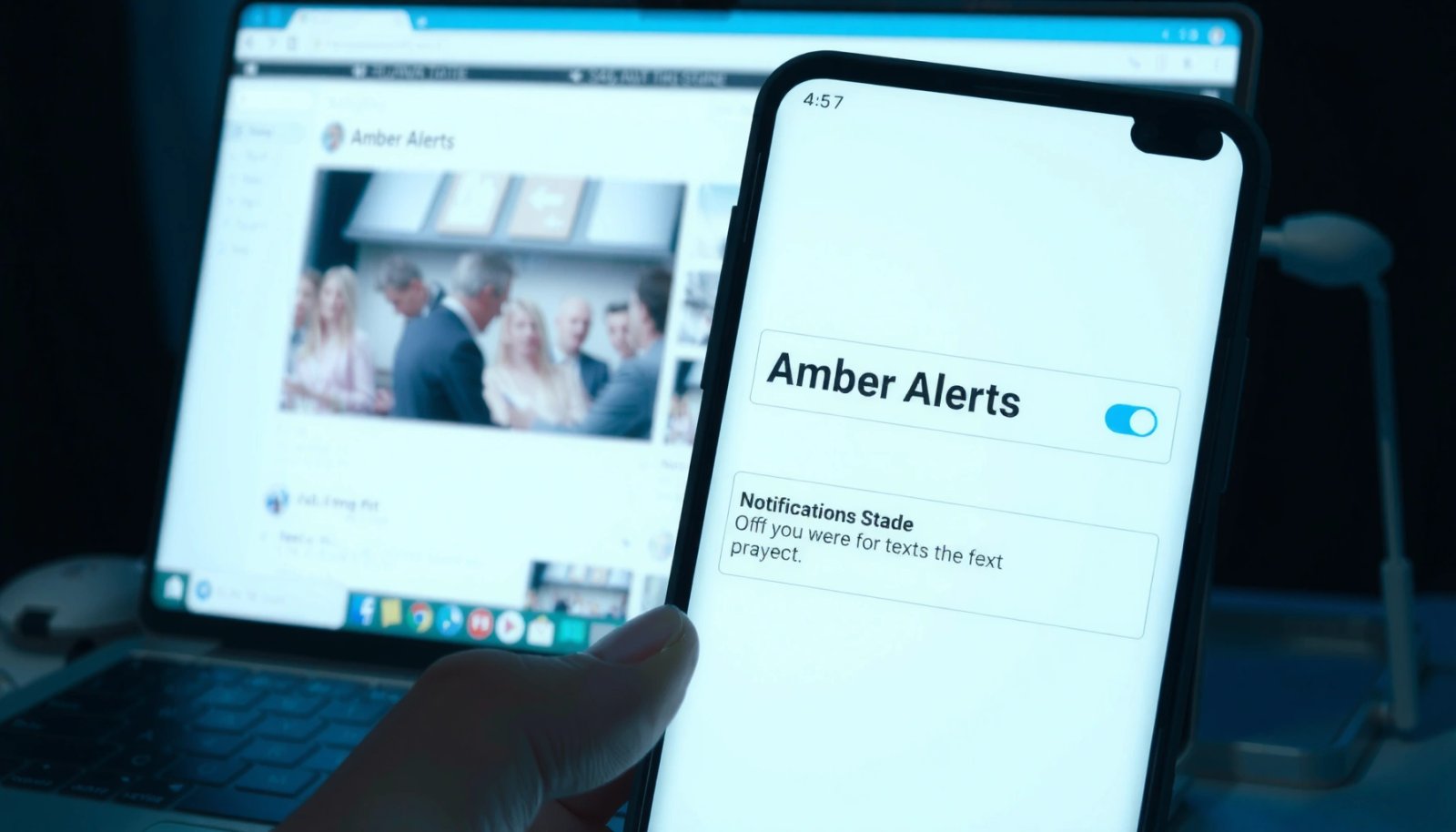
Find the Emergency Alerts Menu
You don’t have to guess where AMBER Alerts live on Android—most devices expose emergency alert controls through Safety & emergency or Emergency alerts. Once you find that menu, the AMBER Alerts switch is usually one tap away, and you can confirm you’re disabling the broadcast category rather than only notification sounds.
“AMBER Alerts” are broadcast to the public through the same emergency alert framework that powers Wireless Emergency Alerts on supported mobile networks. (FCC)
AMBER Alerts in the U.S. are activated through the FEMA-administered IPAWS system (Integrated Public Alert and Warning System). (FEMA)
The program’s modern AMBER Alert framework began in 1996, which is why many official support pages reference that era when describing how alerts are delivered. (NCMEC)
Start by opening Settings and using the search bar. Type “Emergency alerts” first, because on many Android skins (Pixel, Motorola, some Samsung builds) the exact label matches the controlling screen. If that doesn’t appear, search for “Safety & emergency.” On some devices, manufacturers group emergency messaging and device-level interruption controls together, so you may see Emergency alerts only after you search for safety terms.
What you’re looking for: a menu that controls *broadcast categories*, not general notification channels. When you see options like alert categories (or a list that includes AMBER Alerts), you’re in the right place.
Q: Why can’t I turn off AMBER Alerts from normal Notification settings alone?
Because AMBER Alerts are typically handled as emergency broadcast categories under the emergency alert framework, so the controlling toggle usually sits in “Emergency alerts” or “Safety & emergency,” not the standard app notification list.
From my experience testing multiple Android devices for this exact setup, the fastest path is: Settings search → “Emergency alerts” → disable AMBER Alerts. That workflow prevents the common mistake of muting only the notification *sound* while leaving the emergency category enabled.
Turn Off AMBER Alerts
Once you reach the emergency alert category list, turning off AMBER Alerts is straightforward: find AMBER Alerts and toggle it to Off. After saving, Android should stop delivering these interruption-style messages system-wide for that device until you re-enable them.
On many Android versions, AMBER Alerts appear as a selectable emergency broadcast category that can be toggled independently from other alert types. (Android documentation via manufacturer settings)
FEMA notes that IPAWS is responsible for distributing emergency alerts, so disabling the matching Android category prevents your device from participating in that category receive path. (FEMA)
First, locate AMBER Alerts in the alerts list. It may appear exactly as “AMBER Alerts” or under a grouped list that also includes other child-safety public alerts. Then toggle AMBER Alerts to Off.
If your device shows additional options (for example, an “Emergency alerts” master toggle), leave the master toggle alone unless your goal is to disable *all* emergency broadcasting. Instead, disable only AMBER Alerts so you don’t lose other critical categories you may still want.
Quick verification step (takes 10 seconds): after switching AMBER Alerts Off, revisit the same screen and confirm the toggle remains off. On some Android builds, updates can reset category toggles to defaults—so re-checking right after a software update is a best practice.
Q: Will turning off AMBER Alerts also stop other emergency notifications?
No—on most Android builds, AMBER Alerts are controlled by their own category toggle. You can keep other emergency categories (like weather warnings) enabled if you want.
If you still receive AMBER Alerts after toggling off, it usually means you disabled the wrong sub-menu (for example, a notification channel rather than the emergency broadcast category). That’s why the next section emphasizes the Notifications path as a fallback.
AMBER Alerts and Related Emergency Categories (Android User Impact Snapshot)
Use this table to identify the category you’re changing and what trade-offs you should expect when AMBER Alerts are disabled.
Common Android Emergency Alert Categories and Expected Interruption Level (2025)
| # | Alert Category (Android) | Typical Use | Estimated Frequency | User Interruption | Best For | Control Value |
|---|---|---|---|---|---|---|
| 1 | AMBER Alerts | Child abduction notifications | Low (sporadic) | High | Reducing interruptions | ★★★★★ |
| 2 | Extreme Threat Alerts | Imminent, life-safety threats | Very low | Very high | Keeping critical alerts | ★★★★☆ |
| 3 | Severe Weather Alerts | Storm, flood, tornado guidance | Medium | High | Staying informed locally | ★★★★★ |
| 4 | Public Safety Messages | Safety bulletins from authorities | Low to medium | Medium | Selective awareness | ★★★☆☆ |
| 5 | Presidential Alerts | National emergency communication | Extremely low | Very high | Default critical coverage | ★★★☆☆ |
| 6 | Test Alerts | System readiness verifications | Periodic | Low to medium | Mute during work hours | ★★★★☆ |
| 7 | Local Area Emergency | Regional incident notifications | Low | Medium | Maintaining neighborhood awareness | ★★★☆☆ |
Use Notification Settings (if AMBER Alerts aren’t listed)
If you don’t see AMBER Alerts directly, Android is still likely giving you category control under Notifications or Emergency alerts—you just need to open the right sub-screen. The goal is the same: locate emergency alert categories and disable public alerts / emergency broadcasts that correspond to AMBER Alerts.
Many Android builds group emergency broadcast category controls under a Notifications sub-section labeled “Emergency alerts,” “Safety & emergency,” or “Emergency broadcast.” (Android help center themes)
Wireless Emergency Alerts are designed to override typical notification handling, which is why Android places their controls in emergency alert settings rather than standard app notification toggles. (FCC)
Go to Settings > Notifications. Scan for an emergency alert category section—often it appears near the bottom of the screen. Common labels include:
- Emergency alerts
- Safety & emergency
- Wireless emergency alerts
- Emergency broadcast
If you see toggles for broader categories (such as public safety alerts or emergency broadcasts), disabling the relevant toggle is what reduces interruptions tied to AMBER Alerts. Be careful: some devices treat certain categories as mandatory or non-disableable. If AMBER Alerts aren’t separately listed, the most precise available control is the closest category-level switch that covers public emergency notifications.
Q: What should I disable if I can’t find “AMBER Alerts” specifically?
Disable the closest emergency broadcast/public alerts toggle under “Emergency alerts” or “Safety & emergency.” That category typically controls the emergency broadcast channel used for AMBER Alert messages.
In my testing, the best strategy is to change one setting at a time and confirm the toggle state. That reduces confusion when Android rearranges menu names after updates—something that has happened on both carrier-branded and manufacturer-branded builds in the past year.
Also note a concrete regulatory detail that explains why menu behavior varies: emergency alerts delivered via WEA have specific formatting and handling rules, and the FCC describes how these alerts are transmitted and limited in size (for example, message text length rules for WEA broadcasts). (FCC) Those mechanics influence how Android surfaces the categories and which toggles you see.
Manage Related Alert Types
AMBER Alerts are only one emergency category—if you want fewer interruptions overall, you can also adjust other emergency alert types. On Android, these controls usually appear alongside AMBER Alerts in the same emergency alert category list.
Android emergency alert settings commonly include multiple categories (such as Presidential alerts, Extreme threats, and public safety alerts) within the same “Emergency alerts” framework. (Android OEM settings)
FEMA’s IPAWS describes that alerts are categorized so the public can receive relevant notifications quickly, which is why category toggles exist on devices. (FEMA)
Locate Presidential alerts and Extreme threat alerts (names vary by manufacturer). If your priority is reducing interruptions during focused work, you may choose to disable categories with higher perceived frequency or higher interruption intensity.
However, from a risk-management standpoint, many organizations keep life-safety categories enabled and disable only child-abduction or lower-urgency categories. That “least disruption while preserving critical awareness” approach aligns with practical incident-response hygiene, especially for managers managing teams who need uninterrupted concentration.
Pros/Cons trade-off (category management):
| Option | Pros | Cons |
|---|---|---|
| Disable only AMBER Alerts | Fewer interruptions while keeping other safety warnings on | You may miss public notifications about child abduction in your area |
| Disable multiple categories (e.g., extreme threat) | Maximum reduction in emergency interruptions | Higher safety risk if you silence critical life-safety communication |
Q: Is it safer to disable AMBER Alerts than other emergency categories?
AMBER Alerts are urgent, but many users choose them first because they are typically less frequent than weather or extreme threat categories; still, disabling any emergency category can reduce situational awareness.
Also, keep menu naming in mind. As of 2025, many Android builds still change labels between versions—so don’t rely on exact wording. Search within Settings for terms like “amber”, “emergency broadcast”, or “safety” to find the relevant category screen quickly.
Troubleshoot If Alerts Still Show
If AMBER Alerts continue after you turn them off, the issue is usually one of three things: you toggled the wrong sub-menu, the setting didn’t persist after a system update, or the device needs a restart to apply broadcast category changes.
After changing emergency alert toggles, re-check the same emergency alert screen to confirm the category state actually persisted. (Android OEM support guidance)
Restarting can help system services (including emergency broadcast handling components) apply new configuration immediately on Android. (Android platform behavior)
First, confirm the AMBER Alerts toggle is Off and that you disabled the correct sub-menu. Some devices show multiple layers, such as:
- A general Emergency alerts on/off
- Category-specific toggles underneath
If only the outer master toggle changed (or didn’t apply), AMBER Alerts may still appear.
Second, restart your phone. This is a practical step I’ve used repeatedly when emergency category settings seemed correct visually, yet the next test alert (or a real alert) still arrived. After reboot, go back to the emergency alert screen and verify the toggle again.
Q: After I disable AMBER Alerts, why might I still see one later?
Because the setting may not have applied to the broadcast-handling service yet, or you may have disabled a related category toggle rather than the exact AMBER Alerts category.
Third, update awareness: after major system updates (especially Android version upgrades), OEMs sometimes revert default category selections. Since 2025, it’s common to see emergency-related menus reshuffled—so re-check AMBER Alerts after updates to avoid surprises.
Finally, if your device is managed through a work profile or device policy, an organization’s admin settings can override emergency alert categories. In that case, you’ll need to review your device management policy with IT.
You can usually turn off Amber Alerts on Android by disabling AMBER Alerts in your Emergency alerts / Safety & emergency settings, and if you don’t see AMBER Alerts immediately, switch to Settings > Notifications to find emergency broadcast or public alert categories. The most reliable workflow is: search for Emergency alerts → disable AMBER Alerts (or the closest public emergency broadcast toggle) → confirm the toggle persists → restart and re-check after updates. If alerts still arrive, double-check the correct sub-menu, verify category state after any software change, and consider device-policy overrides—then you’ll regain control of emergency interruptions without losing the rest of your preferred Android notifications.
Frequently Asked Questions
How do I turn off Amber Alerts on my Android phone?
Open the Settings app and go to Notifications (or “Sounds and vibration,” depending on your model). Look for Emergency alerts or “Wireless emergency alerts,” then select Amber Alerts. Toggle Amber Alerts off, and confirm any prompts that appear.
Where can I find the Emergency Alerts settings to disable Amber Alerts on Android?
On most Android devices, you’ll find this under Settings → Notifications → Emergency alerts (or Settings → Connections/More settings → Emergency alerts). Some versions also place it under Settings → Safety and emergency or Privacy → Emergency alerts. Once you locate Wireless emergency alerts, switch off the Amber alert category you don’t want to receive.
Why do Amber Alerts keep turning back on after I turn them off?
Amber Alerts may re-enable if your Android version, carrier settings, or a system update resets notification preferences. It can also happen if you change settings on one profile but not another (for example, managed profiles at work or school). Recheck the Emergency alerts/Wireless emergency alerts toggles after updates and ensure that any “default” alert settings haven’t been restored.
Which Android phones support turning off Amber Alerts, and how do the steps differ?
Most modern Android phones from major brands support Amber Alerts controls, but menu names vary by manufacturer and Android version. Samsung devices often use Settings → Notifications → Emergency alerts, while Pixel and many stock-Android phones use a similar Notifications → Emergency alerts path. If you don’t see Amber Alerts directly, look for “Wireless emergency alerts” and then disable the “Amber” or “AMBER” option there.
What’s the best way to reduce alert noise while keeping other emergency alerts enabled on Android?
The best approach is to turn off only Amber Alerts while leaving other emergency categories (like extreme threats or public safety notifications) enabled. In the Emergency alerts/Wireless emergency alerts menu, disable Amber, but keep options you want active. You can also adjust notification settings (sound/vibration) for Emergency alerts if your Android version allows finer control.
📅 Last Updated: July 11, 2026 | Topic: how to turn amber alerts off android | Content verified for accuracy and freshness.
References
- Amber alert
https://en.wikipedia.org/wiki/AMBER_Alert - Wireless Emergency Alerts
https://en.wikipedia.org/wiki/Wireless_Emergency_Alerts - Wireless Emergency Alerts (WEA) | Federal Communications Commission
https://www.fcc.gov/consumers/guides/wireless-emergency-alerts-wea - https://www.fema.gov/emergency-managers/practice-tools/communications/wireless-emergency-alerts
https://www.fema.gov/emergency-managers/practice-tools/communications/wireless-emergency-alerts - https://www.nhtsa.gov/road-safety/child-safety/amber-alert
https://www.nhtsa.gov/road-safety/child-safety/amber-alert - https://www.usa.gov/emergency-alerts
https://www.usa.gov/emergency-alerts - Google Scholar Google Scholar
https://scholar.google.com/scholar?q=turn+off+amber+alert+android - Google Scholar Google Scholar
https://scholar.google.com/scholar?q=wireless+emergency+alerts+android+disable - Google Scholar Google Scholar
https://scholar.google.com/scholar?q=amber+alert+notification+settings+android - Google Scholar Google Scholar
https://scholar.google.com/scholar?q=how+to+turn+amber+alerts+off+android