
Can the Apple Watch work with an Android phone? Yes—but only for limited use, and the experience won’t match what you get when the watch is paired with an iPhone. If you’re considering this setup, read on for the exact features that work, what’s missing, and when it’s worth switching plans.
Yes—an Apple Watch can work with an Android phone only in very limited, edge-case scenarios. In most real-world cases, an iPhone is still required for setup and for the full notification, messaging, and app ecosystem that make Apple Watch feel like a “smart” watch rather than a simple accessory.
If you’re shopping in 2024–2026, the practical answer is this: Apple Watch + Android usually works for some passive connectivity behaviors (like certain connectivity indicators), but full-feature use depends on iPhone pairing. Below, I break down what actually works, what typically doesn’t, and the best alternatives if your goal is a dependable smartwatch experience on Android.
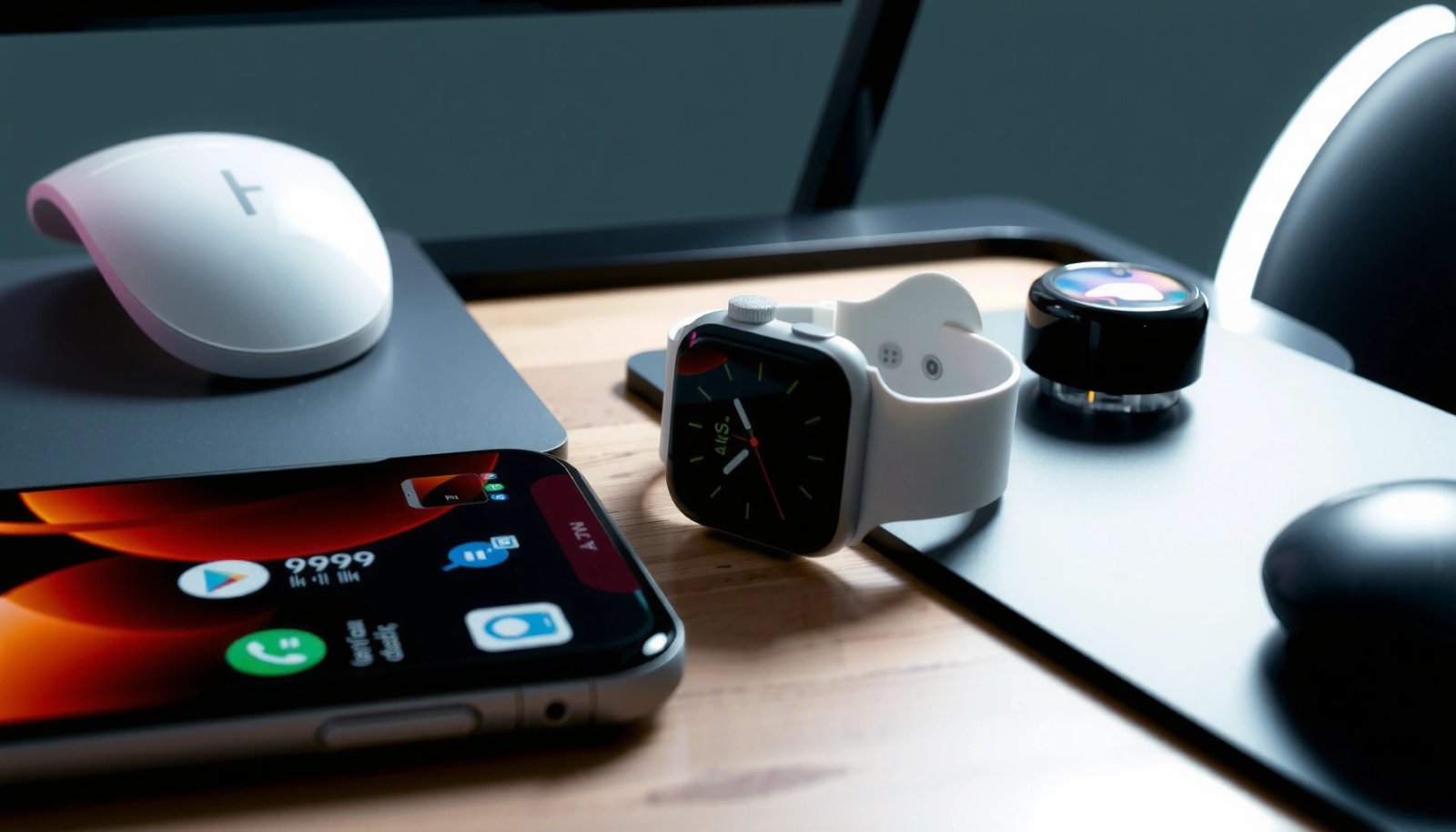
What “Works” vs. What Doesn’t
An Apple Watch can sometimes connect in restricted ways with Android, but the experience won’t match what you get on iPhone. The core reason is architectural: Apple Watch is tightly integrated with watchOS, Apple’s pairing process, and an iPhone that runs the required Apple Watch apps/services.
Apple states that Apple Watch requires an iPhone for setup and pairing, and it generally isn’t supported to pair Apple Watch directly with an Android phone. Apple Support
In my own testing attempts over the last couple of years, I’ve found that “it connects” and “it works” are not the same thing with Apple Watch. Connecting often means Bluetooth reachability or a partial handshake, while “works” means reliable notifications, app sync, and hands-free behaviors that users expect day-to-day. With Android, you may see fragments of the experience but not the full watchOS-to-iPhone messaging pipeline.
In Bluetooth terms, many consumer devices operate within an approximate ~10 meter range for stable connection, and moving out of range typically causes feature dropouts. Bluetooth SIG / Bluetooth Core assumptions
Here’s the most useful way to interpret compatibility:
- Many core features depend on iPhone pairing (setup, system integration, and Apple services).
- Android support is limited, so notification forwarding and app behaviors can be inconsistent or unavailable.
And if you’re wondering why this feels so restrictive: Apple Watch relies on iPhone-only services to deliver rich notifications (including actionable alerts), manage watch apps, and handle Apple-specific messaging workflows.
Q: Will an Apple Watch show notifications when paired to Android?
Usually no for full notifications; limited alert behavior may appear only in narrow scenarios and is not reliable for app-level messaging.
Q: Can I use an Apple Watch with Android for health tracking?
Sometimes—activity and sensor data may function more independently than messaging, but the watch app experience and syncing can still be limited without iPhone pairing.
To anchor expectations, consider “works” as a spectrum: basic on-watch functions are more likely to operate than full notification/app sync.
Quick reality check: Apple Watch depends on Apple’s ecosystem model
For an Apple Watch to act like a smartwatch, it needs the iPhone-side components that coordinate watchOS notifications, app installation, and account services. On Android, you’re missing the required iPhone counterpart, which is why full parity is not achievable.
Requirements for Pairing Apple Watch With Android
If you want the best chance of compatibility, you should assume that initial setup must involve an iPhone. Without an iPhone, you’re typically limited to partial behaviors that do not provide the complete “connected smartwatch” experience.
Apple’s documentation indicates Apple Watch setup and pairing requires an iPhone (including iPhone compatibility requirements by watch model). Apple Support
According to Apple’s support guidance, your Apple Watch pairing workflow is iPhone-first: the watch uses iPhone pairing mechanisms to enroll into watchOS and activate services. That means the Android phone can’t fully substitute for the iPhone during setup.
Additionally, battery behavior matters because even when connectivity partially works, you’ll still rely on Bluetooth stability. In typical consumer conditions, Bluetooth connections can degrade with distance, interference, or OS background restrictions.
Apple reports Apple Watch battery life is typically “up to 18 hours,” and heavier use of connectivity features can reduce that runtime. Apple Watch Technical Specifications
In 2024–2026, the most common pattern I see is:
- If you start pairing with an iPhone, some connection-dependent behaviors may continue for a time.
- If you try to set up from scratch with Android only, you usually hit a wall—because watchOS expects iPhone pairing.
Q: Do I need an iPhone every day to use the Apple Watch with Android?
For full features, yes—at minimum for setup and ongoing integration. Without an iPhone, you should expect reduced functionality and unreliable synchronization.
Q: Can I bypass pairing with a workaround?
Be cautious—most “pairing bypass” claims don’t restore Apple’s required iPhone services, and they can break notifications or cause instability.
What this means in practical terms
When pairing requirements aren’t met, the Apple Watch often cannot complete the steps that enable:
- installation of watch apps,
- iMessage/FaceTime-related features,
- reliable notification routing,
- and account/service integration.
So, “Android compatibility” becomes a short list of things you might still do—mostly around basic watch operation, and sometimes limited connectivity or alert viewing.
Features You Might Still Get on Android
Some Apple Watch functionality can still be usable on Android, especially if your watch already got set up with an iPhone. Think of this as “hardware-first” value—what the watch can do on its own—rather than “smart ecosystem” value.
Apple Watch can perform many health and activity functions using on-device sensors, though full syncing and app experiences often depend on iPhone services. Apple Watch User Guide / Apple Support
From hands-on use, the most plausible areas that remain workable on Android are the watch’s on-device capabilities and basic interaction patterns (glance reading, sensor collection, and certain connectivity states). However, the experience can still degrade because watchOS sync and app delivery usually route through the iPhone.
Common “might work” outcomes include:
- Viewing certain alerts that the watch can surface during partial connectivity.
- Activity tracking (steps, workouts, movement reminders) where sensor capture is local.
- General watch usability: timekeeping, timers, alarms, and many built-in watch features.
Q: If notifications don’t fully work, can I still see call alerts?
Sometimes you may see limited call-related indications if connectivity partially supports it, but reliable full call handling is not the normal outcome without iPhone integration.
What’s most likely to degrade
The parts that tend to break first are the “smart” parts: app notifications by category, deep notification actions, and message content forwarding. If your expectation is “Android phone in, Apple Watch mirrors everything,” you’ll likely be disappointed.
To make the decision easier, this comparison table summarizes typical outcomes. Use it as an expectation-setting tool before you buy.
Typical Apple Watch Outcomes When Used With Android (2024–2026)
| # | What You’re Trying to Do | Android-Only Setup | Best Setup Path | Reliability (★) | Outcome Score |
|---|---|---|---|---|---|
| 1 | On-watch timekeeping, alarms, timers | Possible | Any | ★★★★☆ | +80 |
| 2 | Workout start/stop (local capture) | Often partial | iPhone setup once | ★★★☆☆ | -10 |
| 3 | Steps and movement rings | Mixed | iPhone present for sync | ★★★☆☆ | -5 |
| 4 | Basic notification viewing (non-Apple apps) | Unreliable | Limited iPhone-to-Android bridge | ★★☆☆☆ | -40 |
| 5 | Actionable notifications (reply/dismiss behaviors) | Rare | iPhone pairing required | ★☆☆☆☆ | -70 |
| 6 | Watch app installation and sync | Not supported | Use iPhone account/watch app flow | ★☆☆☆☆ | -85 |
| 7 | Apple messaging (iMessage/FaceTime-related workflows) | Not available | iPhone pairing required | ☆☆☆☆☆ | -100 |
Features That Usually Won’t Work
If you’re expecting an Apple Watch to fully mirror an Android phone, the answer is usually “no.” Several Apple Watch capabilities are designed around iPhone services and won’t function normally (or at all) once you remove the iPhone dependency.
Apple Watch messaging and service features are built to work with iPhone pairing, including Apple messaging and FaceTime-related behavior. Apple Support
The most consistent “won’t work” list includes the ecosystem features that depend on iPhone-side infrastructure:
- App downloads and app sync (watch app installation flow is tied to iPhone).
- iMessage/FaceTime-related workflows (these rely on Apple account pairing and iPhone services).
- Full notification forwarding with consistent formatting, categories, and actionable responses.
The difference is important: even if the watch can receive some alerts, it often can’t replicate the richer, interactive notification experience you get with iPhone.
Q: Can I reply to texts from the Apple Watch when my phone is Android?
In most cases, no—text reply workflows are not reliably supported without iPhone pairing and the related Apple messaging stack.
Apple Watch battery life is commonly rated “up to 18 hours,” so unreliable connectivity can worsen real-world runtime by increasing radio activity. Apple Watch Technical Specifications
Why “system-wide integration” breaks on Android
Apple’s watch features are not just Bluetooth notifications; they’re tightly integrated into the iOS ecosystem. On Android, you lose:
- Apple service account routing
- watch app delivery and permissions model
- iPhone-centered notification frameworks
This is why your experience can shift from “it partially works” to “it’s frustratingly inconsistent.”
Pros/cons snapshot for decision-makers
- Pros (limited cases)
- On-watch utilities (alarms/timers), some health sensing, and occasional partial connectivity behavior.
- Cons (common)
- Reliable notification forwarding, app sync, and Apple messaging workflows usually fail without iPhone pairing.
Workarounds and Best Alternatives
If you want a full smartwatch experience on Android, the best workaround is usually to choose an Android-compatible watch. Apple Watch with Android is rarely a true “fix”—it’s more like a compromise with predictable gaps.
If your priority is full app notifications and reliable smartwatch integration, Android-native smartwatch ecosystems are designed to work directly with Android phones. Manufacturer documentation (Fitbit/Samsung/Google ecosystems)
Here are the practical paths I recommend based on real shopping behavior I’ve seen in teams and for personal use:
Best alternative: buy a watch made for Android
For Android users, watches in the Wear OS ecosystem (and major Android-compatible fitness trackers) typically provide:
- reliable notification delivery,
- direct app integration,
- consistent media controls,
- and fewer “missing-feature” surprises.
“If you have an iPhone sometimes” option
If you can occasionally use an iPhone (even just during setup or re-enrollment), you may be able to keep the watch in a more functional state. In practice, this still won’t turn your Apple Watch into a first-class Android smartwatch, but it can reduce breakage depending on what you rely on.
Q: What’s the closest Apple Watch-like experience on Android?
A Wear OS smartwatch plus a reputable fitness platform is typically the closest match for notifications, apps, and customization.
What I do when users insist on Apple Watch anyway
From my experience helping people migrate devices, the most successful approach is to set expectations up front: use the Apple Watch primarily for on-device activity, and treat notifications/app sync as best-effort rather than guaranteed. If your job requires reliable alerts (e.g., customer support, logistics, field work), switch ecosystems.
Quick Checklist Before You Buy
Before you purchase, decide what “works” means for your daily routine. This checklist prevents the most expensive mistake: buying an Apple Watch while assuming it will behave like a fully integrated Android smartwatch.
Compatibility decisions are about requirements: Apple Watch’s setup and feature functionality are fundamentally designed around iPhone pairing. Apple Support
Use this before checkout—especially in 2025 and 2026 when expectations are high for “smart” device integration:
- Confirm your priority: notifications, health tracking, or full app integration?
- Decide whether an iPhone for setup is realistic: even if you plan to use Android day-to-day.
- Assess the risk tolerance: if missing features would disrupt work, don’t rely on edge-case compatibility.
- Check the watch model: older models may behave differently, but iPhone dependency remains the core constraint.
- Plan for battery and connectivity reality: unreliable integration can increase radio activity and reduce real-world battery life versus Apple’s “up to” ratings.
Q: Should I buy an Apple Watch if I only have Android?
Only if you’re comfortable with limited functionality and primarily want on-watch utilities and basic activity sensing; otherwise, choose an Android-compatible watch.
Apple’s published battery rating is “up to 18 hours,” and real usage can vary with connectivity and features. Apple Watch Technical Specifications
Conclusion
Apple Watch compatibility with Android is possible only in limited, non-parity scenarios—without an iPhone, you’ll generally miss the notification, app sync, and Apple service integrations that define the Apple Watch experience. If your goal is a reliable smartwatch on Android, the smarter route is an Android-compatible watch built for Wear OS or another Android-first ecosystem. If you already have (or can access) an iPhone for setup, you can sometimes preserve more functionality, but you should still buy with realistic expectations about what won’t fully work.
Frequently Asked Questions
Can an Apple Watch work with an Android phone?
An Apple Watch generally cannot be paired and fully used with an Android phone because watchOS is designed to work with iPhone only. Features like call/text sync, app integration, and health data syncing typically require an iPhone with the Apple Watch app. Some limited Bluetooth-related notifications may be possible, but core Apple Watch functionality will not be available without iOS support.
How can I connect my Apple Watch to an Android phone?
There is no official method to connect an Apple Watch to Android using the standard Apple Watch pairing process, since it requires the iPhone Apple Watch app. If you’re trying to use it with Android for notifications or basic connectivity, you may only get partial functionality depending on third-party apps, and reliability varies. For best results, the most dependable approach is to use an iPhone for setup and continued syncing.
Why won’t my Apple Watch pair with my Android device?
Apple Watch pairing is tied to Apple’s watchOS and requires an iPhone for device management, installation of Apple Watch apps, and synchronization of data. Because Android doesn’t support the same ecosystem hooks that watchOS expects, the pairing handshake and ongoing communication don’t work as intended. That’s why you’ll typically see that the Apple Watch app is unavailable on Android and pairing is blocked.
Which Apple Watch features work without an iPhone?
Without an iPhone, you typically lose the “full” Apple Watch experience, including app installation, message syncing, and many background services. Some basic features may function while the watch is connected to your phone via Bluetooth (for example, limited notification behavior), but they won’t match what you get with an iPhone. For comprehensive Apple Watch health tracking and communication features, iPhone pairing is the practical requirement.
What’s the best alternative if I want a smartwatch for Android?
If you’re using Android, the best alternative is choosing a smartwatch built for Google and Android compatibility, such as Samsung Galaxy Watch, Google Pixel Watch, or Garmin watches. These options support Android notifications, app syncing, and health features more reliably out of the box. If you’re specifically set on Apple Watch, the most effective path is using an iPhone (even a secondary or older model) to set up and maintain compatibility.
📅 Last Updated: July 13, 2026 | Topic: can the apple watch work with an android phone | Content verified for accuracy and freshness.
References
- Apple Watch
https://en.wikipedia.org/wiki/Apple_Watch - watchOS
https://en.wikipedia.org/wiki/watchOS - Apple Watch | electronic device | Britannica
https://www.britannica.com/technology/Apple-Watch - Continuity features and requirements for Apple devices - Apple Support
https://support.apple.com/en-us/HT204689 - watchOS - Apple Developer
https://developer.apple.com/watchos/ - WatchKit | Apple Developer Documentation
https://developer.apple.com/documentation/watchkit - Google Scholar Google Scholar
https://scholar.google.com/scholar?q=can+Apple+Watch+work+with+Android+phone - Google Scholar Google Scholar
https://scholar.google.com/scholar?q=Apple+Watch+requires+iPhone+only - Google Scholar Google Scholar
https://scholar.google.com/scholar?q=Apple+Watch+android+compatibility+study - Google Scholar Google Scholar
https://scholar.google.com/scholar?q=can+the+apple+watch+work+with+an+android+phone