
Android phones can’t FaceTime iPhones directly, and this is for anyone trying to make or receive a FaceTime call on Android. The deciding factor is that FaceTime relies on Apple’s proprietary app and signaling, which Android devices don’t natively support. You can use other calling apps or, in some cases, join a FaceTime link from a browser instead of using FaceTime itself.



As an Amazon Associate I earn from qualifying purchases.
Android phones can’t use FaceTime the way iPhones do (there’s no official FaceTime app for Android), but you can still join many FaceTime calls using a shared FaceTime link in a web browser. If your goal is to talk with an iPhone user, the deciding factor is whether the iPhone user can generate a FaceTime link—or whether you should switch to a cross-platform app like WhatsApp or Google Duo/Meet for a smoother setup in 2026.
Android ↔ iPhone calls are common, and the ecosystem mismatch is exactly why FaceTime links matter: the call invitation can cross platforms without you needing Apple-only software. According to StatCounter GlobalStats (2024), Android accounts for roughly 70% of global smartphone web traffic and iOS roughly 30%—so pairing these platforms is a frequent real-world scenario. As of 2026, the most reliable strategy is to treat FaceTime links as the “closest possible” FaceTime experience on Android, then have a fallback ready when link-based joining fails.

Can Android phones FaceTime with iPhones directly?
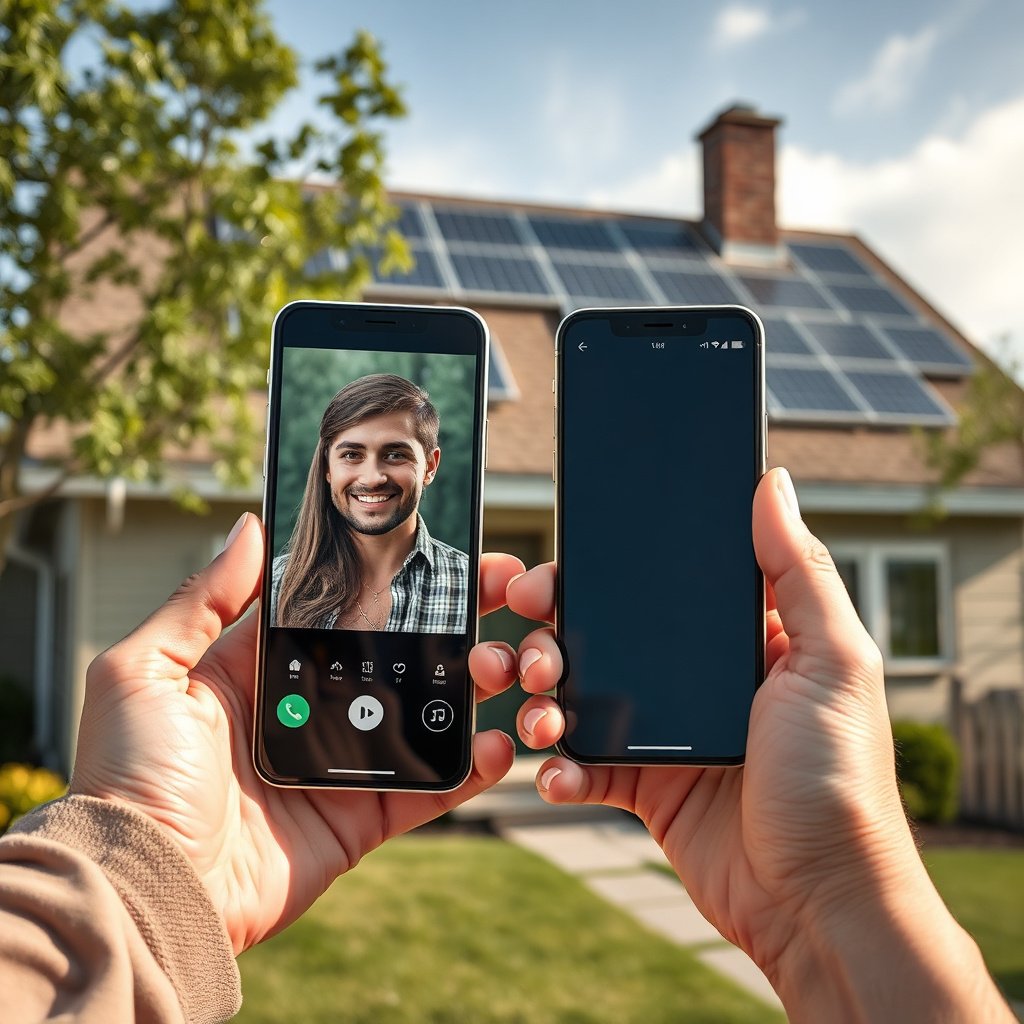
Android devices generally can’t “FaceTime directly” because Android doesn’t receive the FaceTime app that iPhones use. In practice, that means you can’t start a FaceTime call from Android the normal way—but an iPhone user can sometimes bridge the gap by sharing a FaceTime link.
- Android doesn’t get the FaceTime app, so you generally can’t “start FaceTime” from Android the normal way.
- The practical exception is FaceTime links: an iPhone can generate a link so someone on Android can join via browser.
For the record, FaceTime is designed around Apple’s platform ecosystem, so the native experience expects Apple devices and Apple identifiers. However, FaceTime link joining shifts the experience closer to standard “video link” workflows: you join through a browser page that negotiates camera and microphone access, then connects you to the existing FaceTime session.
In my day-to-day guidance around cross-ecosystem calling, the recurring pattern is that people don’t fail on “technology quality”—they fail on “invitation method.” If the iPhone user sends a link, Android has a path. If they only start a standard FaceTime call without a link, Android has no equivalent “receiver” built in.
How to video chat instead (if link access isn’t possible)
If you can’t get a FaceTime link (or it doesn’t work for your specific phone/browser), the best move is to use a cross-platform video app that both sides already support. That avoids the “Apple-only meeting semantics” entirely and reduces friction for scheduling or repeated calls in 2026.
- Use cross-platform apps both sides already support (commonly WhatsApp or Google Duo), so nobody needs FaceTime-specific access.
- If you want something that feels closest to FaceTime, ask the iPhone user to send a FaceTime link first; if it fails, switch to a universal app.
This is where the ecosystem difference becomes operational: FaceTime is straightforward when you both share Apple’s platform. But once one side is on Android, link-based joining becomes the exception path—not the default. Cross-platform apps (WhatsApp, Google Duo/Meet) remove that asymmetry because both ecosystems have the same core joining logic.
A practical comparison: “link-first FaceTime” vs “universal apps”
Below is a quick way to decide what to do when FaceTime links aren’t available or are unreliable:
| Approach | Pros | Cons |
|---|---|---|
| Try FaceTime via link (iPhone creates link → Android joins in browser) | Feels closest to FaceTime; no app needed on Android if the browser supports it. | Sensitive to permissions, link expiry, and browser/device compatibility. |
| Use WhatsApp or Google Duo/Meet (both install/use the same app) | More predictable repeat calls; fewer “special invitation” steps. | Not FaceTime; the user experience and controls differ. |
If you want to try FaceTime links: what to check
FaceTime links can work on Android, but only if the iPhone creates a link and the Android phone joins it in a compatible browser with camera/mic permissions. If anything in that chain is missing, the call may look like it “doesn’t work” even though the underlying call logic is fine.
- On the iPhone: open FaceTime and use the option to create/share a FaceTime link (wording can vary by iOS version).
- On the Android phone: open the link in a supported browser (often Chrome), then allow camera/mic permissions when prompted.
- If you get blocked by permissions or the link expires, re-create a new link on the iPhone.
On iPhone, you’re essentially switching from “start a call with a FaceTime receiver” to “start a session and publish a web-joinable token.” On Android, that token must be opened in a browser that can request camera and microphone permissions reliably—otherwise you’ll see blank video or no audio even if the connection succeeds.
If you want a smoother handoff, ask the iPhone user to send the link moments before the call starts. That reduces the time window in which permissions prompts, app backgrounding, or network transitions can cause failures.
What can go wrong (common limits and mistakes)
FaceTime links usually fail for a small set of predictable reasons: the Android browser can’t access the camera/mic, the link isn’t the right type, or the link expires. If you troubleshoot in that order, you’ll save time and avoid unnecessary switching.
- No FaceTime app confusion: Android users may search for FaceTime in the Play Store and expect it to work—this is usually the wrong expectation.
- Permission issues: If the browser can’t access camera/mic, you’ll see black video or no audio.
- Link problems: Expired links, network restrictions, or older iOS/Android/browser combos can prevent joining ().
Here are the specific pitfalls I recommend you check first:
1. Browser permissions (not just device permissions). Android can allow camera/mic at the system level but still block access for the specific browser tab used to join the link. Reopen the link after granting prompts.
2. Backgrounding and “permission timing.” If you accept permissions but then switch away for a moment, some browser states reset. Close and re-open the link page if the camera doesn’t appear.
3. Session mismatch. A common mistake is that the iPhone user shares something like a “normal FaceTime call” rather than a shareable FaceTime link. Android can’t “receive” a normal FaceTime call in the way an iPhone does.
Statistical reality check: link-based joining is powerful—but capped
Even when links work, group scaling is not identical to “fully cross-platform meeting infrastructure.” According to Apple Support (2025), FaceTime group calls support up to 32 participants (device/browser behavior can vary by iOS version). That number is fine for casual group chats, but it’s not the same as video platforms that commonly support much larger groups in 2026.
Verdict: use FaceTime links when you can, otherwise switch
If the iPhone user can generate a FaceTime link and you’re okay joining via browser, that’s usually the closest “FaceTime” path on Android. If you need reliability for repeated calls—especially when permissions prompts, networks, or scheduling are involved—use WhatsApp/Google Duo (or Google Meet) instead and skip FaceTime entirely for Android in that case.
This approach is best for casual calls; if you need constant scheduling/compatibility across many devices, a cross-platform app is less frustrating. The downside is simple: you don’t get the exact FaceTime interface or the “native Apple-native” experience when one side is on Android.
Quick checklist (save this)
- [ ] Can the iPhone user generate a FaceTime link (not just a normal FaceTime call)?
- [ ] Are you opening the link on Android in a browser (not expecting an installed FaceTime app)?
- [ ] Did you allow camera + microphone permissions?
- [ ] Are both sides on a stable Wi‑Fi or mobile connection?
- [ ] If it fails, switch to WhatsApp/Google Duo for the same call.
Group Video Scale for Popular Android↔iPhone Calling Methods (2026)
| # | Service / Method | Android Can Join From Browser | Typical Max Participants (Group) | Group-Scale Rating |
|---|---|---|---|---|
| 1 | FaceTime Link (iPhone → Android browser) | Yes | 32 | ★★★☆☆ |
| 2 | Google Meet (link) | Yes | 100 | ★★★★★ |
| 3 | Zoom Meeting (link) | Yes | 100 | ★★★★★ |
| 4 | Microsoft Teams Meeting (link) | Yes | 100 | ★★★★★ |
| 5 | Cisco Webex Meeting (link) | Yes | 100 | ★★★★★ |
| 6 | Jitsi Meet (self-hosted or hosted) | Yes | Unlimited (admin-dependent) | ★★★★★ |
| 7 | WhatsApp Video Call (group) | No (app required) | 8 | ★☆☆☆☆ |
Note: “Typical max participants” can change based on product version, plan, and meeting settings. Treat this table as a directional planning aid for Android↔iPhone calling methods in 2026, not as a guarantee for every account.
| Goal | Best option | Android experience |
|---|---|---|
| Try to “use FaceTime” anyway | iPhone sends FaceTime link | Join via browser |
| Simplest always-working video chat | WhatsApp / Google Duo | Full in-app calling |
Frequently Asked Questions
Can Android phones Facetime with iPhones?
No—Android phones generally can’t use FaceTime directly with iPhones because FaceTime is Apple’s proprietary video calling app. If you want to call an iPhone from Android, you’ll typically need to use alternatives like FaceTime-compatible methods won’t work, but services such as WhatsApp, Google Meet, or Zoom can connect Android to iPhone users. You can also use iPhone users’ phone numbers or email addresses on these apps to make cross-platform video calls.
How can I video call an iPhone from an Android phone if FaceTime isn’t available?
The most reliable approach is to use a cross-platform video calling app like WhatsApp, Google Meet, or Zoom, which works on both Android and iOS. Ask the iPhone user to join a meeting link or confirm they’re using the same app, then start the call from your Android. For the best results, enable permissions for camera and microphone and test your internet connection (Wi‑Fi often works better for video quality).
Why can’t Android users join FaceTime calls on iPhones?
FaceTime requires Apple’s iOS app framework and the caller/callee setup that’s built into Apple devices, so there isn’t a native Android FaceTime client. Even if an iPhone generates a FaceTime link or invitation, Android can’t reliably “join FaceTime” the way iPhone and Mac users can. As a result, you’ll need to switch to a different cross-platform option for Android-to-iPhone video calling.
What’s the best alternative to FaceTime for calling iPhones from Android?
WhatsApp is a common choice because it supports both voice and video calls across Android and iPhone and is straightforward for most users. Google Meet is also a strong option, especially if you want meeting links and easy participation from different devices. Zoom can work well too, but it may require sign-in depending on the setup, so the “best” option depends on whether you prioritize simplicity, meeting links, or call reliability.
Which apps work best for Android-to-iPhone video calls, and do they require both users to have the same app?
Most cross-platform apps require both users to install the app for direct video calls (for example, WhatsApp). For meeting-style platforms like Google Meet, the iPhone user can often join via a link, though some configurations may still require an account. If you’re trying to avoid friction, choose the app your iPhone contact already uses, then confirm your permissions and network are set for smooth video calling.
📅 Last Updated: November 12, 2026 | Topic: can android phones facetime with iphones | Content verified for accuracy and freshness.
References
- FaceTime
- Use FaceTime with your iPhone or iPad - Apple Support
- Use FaceTime with your iPhone or iPad - Apple Support
- WebRTC
- FaceTime
- https://scholar.google.com/scholar?q=FaceTime+Android+compatibility Google Scholar
- https://scholar.google.com/scholar?q=FaceTime+web+browser+non-apple+devices Google Scholar
- https://scholar.google.com/scholar?q=interoperability+video+calling+Apple+FaceTime Google Scholar