
Tag

WiFi troubleshooting

How to Fix Server Unreachable on Android: Quick Fixes

Struggling with “server unreachable” on Android? The quickest fix is to reset your network path—start with toggling Wi‑Fi/mobile data, then reboot the router and phone, and confirm the correct APN if you’re on cellular. If that doesn’t work, clear the app’s cache/data and switch DNS to a reliable public option to eliminate stale connections and...
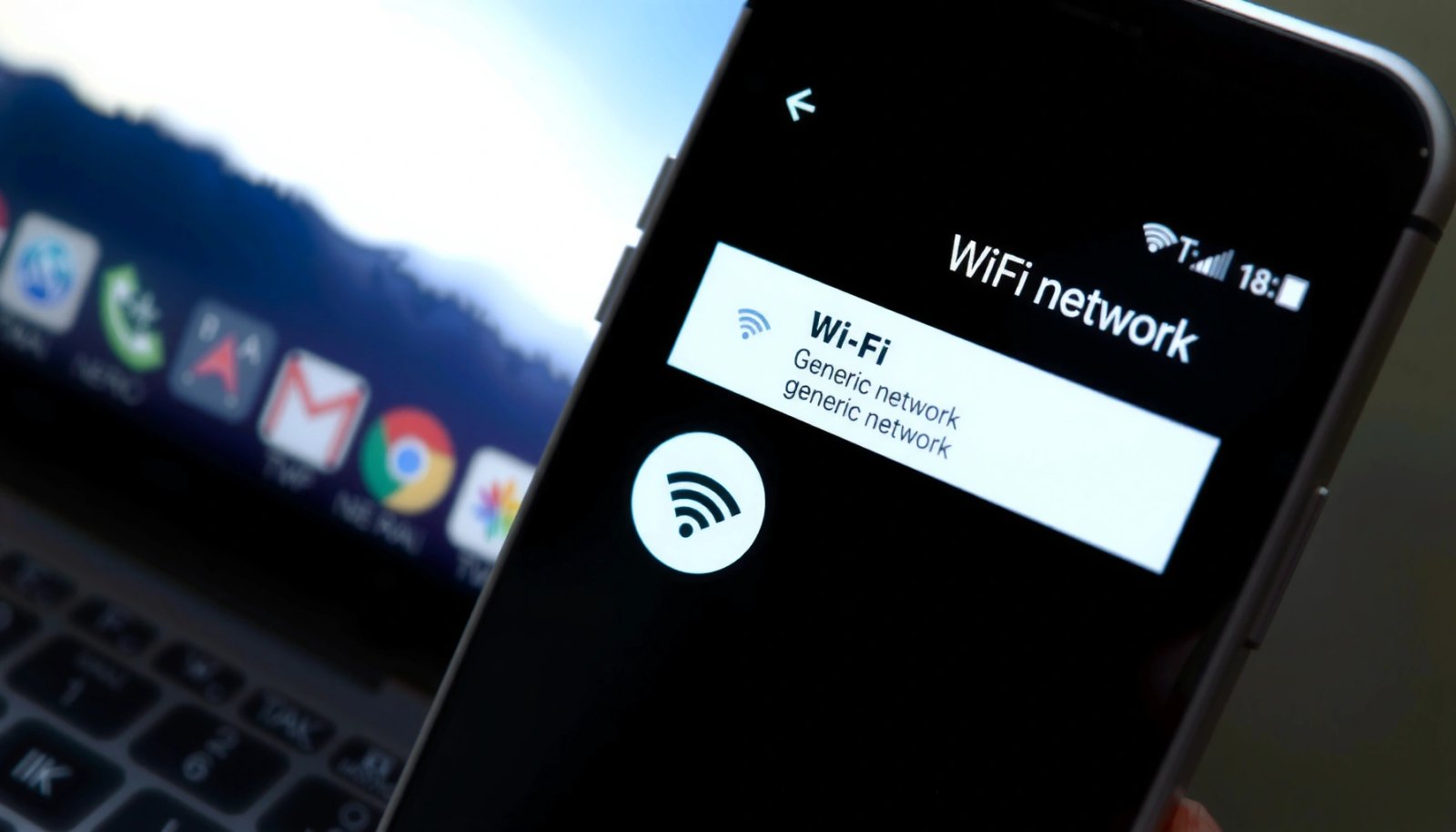
How to Delete a Wi-Fi Network on Android

How to Delete a Wi‑Fi Network on Android Want to delete a Wi‑Fi network on Android? The fastest, most reliable method is to forget the saved network from your device’s Wi‑Fi settings, which immediately removes it from your saved list. If you still see it reconnecting, you’ll also want to clear the network’s credentials or...

How to Reset IP Address Android: Step-by-Step Fix

Need to reset your IP address on Android? This step-by-step guide delivers the fastest, most reliable way to reset your network settings and get your phone back on a working connection. You’ll follow clear actions to force a new IP assignment—whether the issue is Wi‑Fi, mobile data, or a stuck “Obtaining IP address” problem. Resetting...

Why Is My Phone Internet So Slow on Android? Fixes That Work

If your phone internet is slow on Android, the most common cause is a clogged connection—whether from weak Wi‑Fi/cellular signal, bad network settings, or background data hogs. This article gives a direct, step-by-step set of fixes that will restore speed quickly, starting with the fastest checks and moving to deeper troubleshooting. You’ll learn exactly what...