Tag

voicemail setup

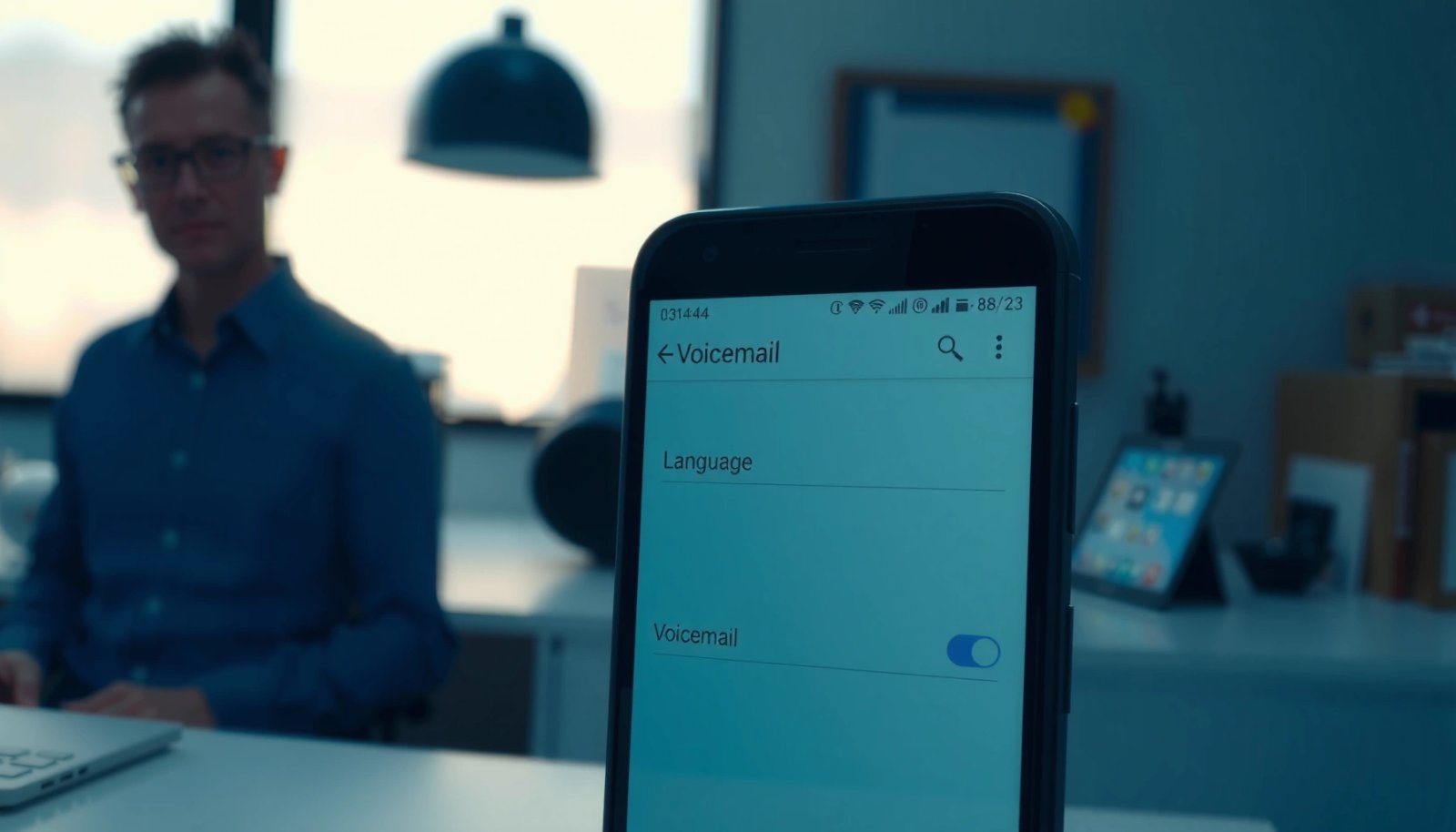
How to Change Voicemail Language on Android

You can change your Android voicemail language fast—but the exact steps depend on whether your carrier controls voicemail settings or your phone does. This guide tells you where to find the language option (or the workaround) for the voicemail app and carrier panel, so you don’t guess or get stuck. If your carrier locks language...

How to Send Calls to Voicemail on Android: Easy Steps

Want to send calls to voicemail on Android? This guide walks you through the quickest, most reliable way to divert incoming calls straight to voicemail in a few taps, using the call settings on your phone. If you’re trying to silence calls without missing important messages, follow these steps and you’ll have it set up...

How to Check Voicemail on Android: Quick Steps

Need to check voicemail on Android fast? This guide walks you through the quickest ways to view and listen to your voicemail—using your phone app or carrier voicemail number—so you can get answers immediately. If you want the fastest path with the fewest taps, follow the steps for your device, then confirm your voicemail playback...

How Do I Get to Voicemail on Android: Quick Steps

Getting to voicemail on Android is fastest through your Phone app’s Voicemail tab—open Phone, tap Voicemail (or the keypad/three-dots menu), and select the message inbox. If you don’t see Voicemail, use the dialer to press and hold 1 or check your carrier’s Voicemail number in Settings > Calling. Follow these quick steps to reach your...