Tag

text messages

How to Get Voicemail to Text on Android

Want voicemail to text on Android? The fastest path is to turn on Google Voice Transcription (or your carrier’s voicemail-to-text) so your voicemails automatically transcribe into readable messages. If you’re on a supported carrier or already use Google Voice, you can have it working in minutes. If not, you’ll need a specific setup—this guide tells...
How to Email Texts from Android: Quick Steps to Send Messages

You can email texts from Android quickly and reliably by forwarding messages from your messaging app to your email address using the phone’s share or forward options. If your messages are in Google Messages, the fastest path is to open the conversation, long-press the text, tap Share, and choose Email. This method is the quickest...

How to Delete All Messages at Once on Android

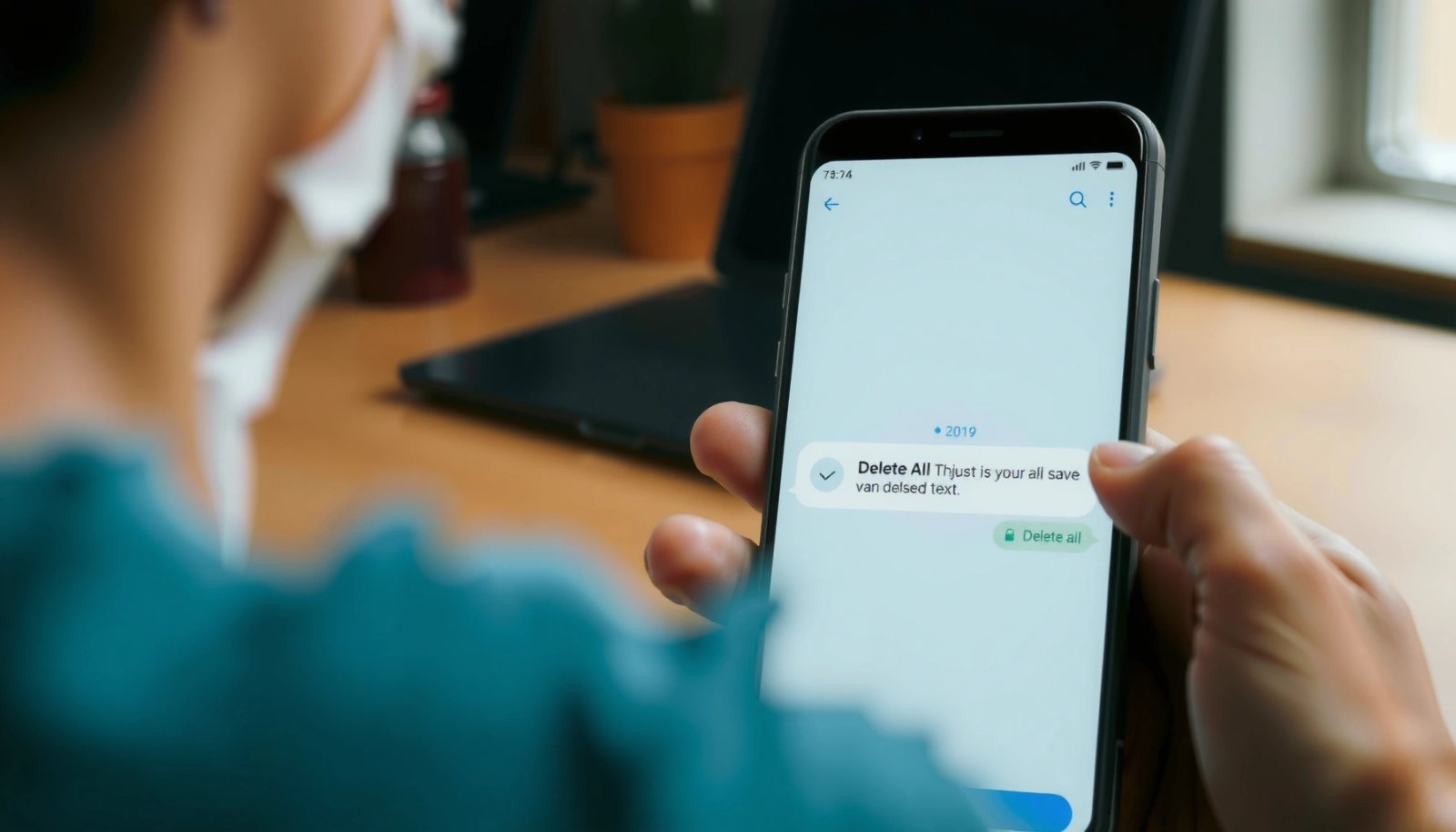
Want to delete all messages at once on Android? This guide gives you the fastest, most reliable method to wipe your entire message thread list in one sweep—without missing conversations. Follow the steps for your exact Android messaging app to confirm the deletion and avoid leaving old threads behind. To delete all messages at once...

How to Know If You’re Blocked on an Android

Want to know how to know if you’re blocked on an Android? You can usually tell fast: missed calls that never ring through, texts that won’t deliver, and social apps that stop showing updates. This guide walks you through the clearest signs of being blocked on Android—and what to check before you assume the worst....

How to Know If Android Blocked You

Wondering how to know if Android blocked you—there’s a clear way to tell fast: check for signs like delivery status, message behavior, and whether calls or chats consistently fail in the same way. This guide shows the specific indicators that most reliably confirm a block on Android, so you’re not left guessing. By the end,...

How Do You Save Pictures From Text Messages on Android?

Want to save pictures from text messages on Android? You’ll learn the quickest, most reliable way to download and keep those images using your messaging app and Photos app, so the picture isn’t lost after the thread updates or clears. Follow the steps that match your Android and messaging app, and you’ll have the file...