Tag

text message

How Do I Forward a Text on My Android Phone?

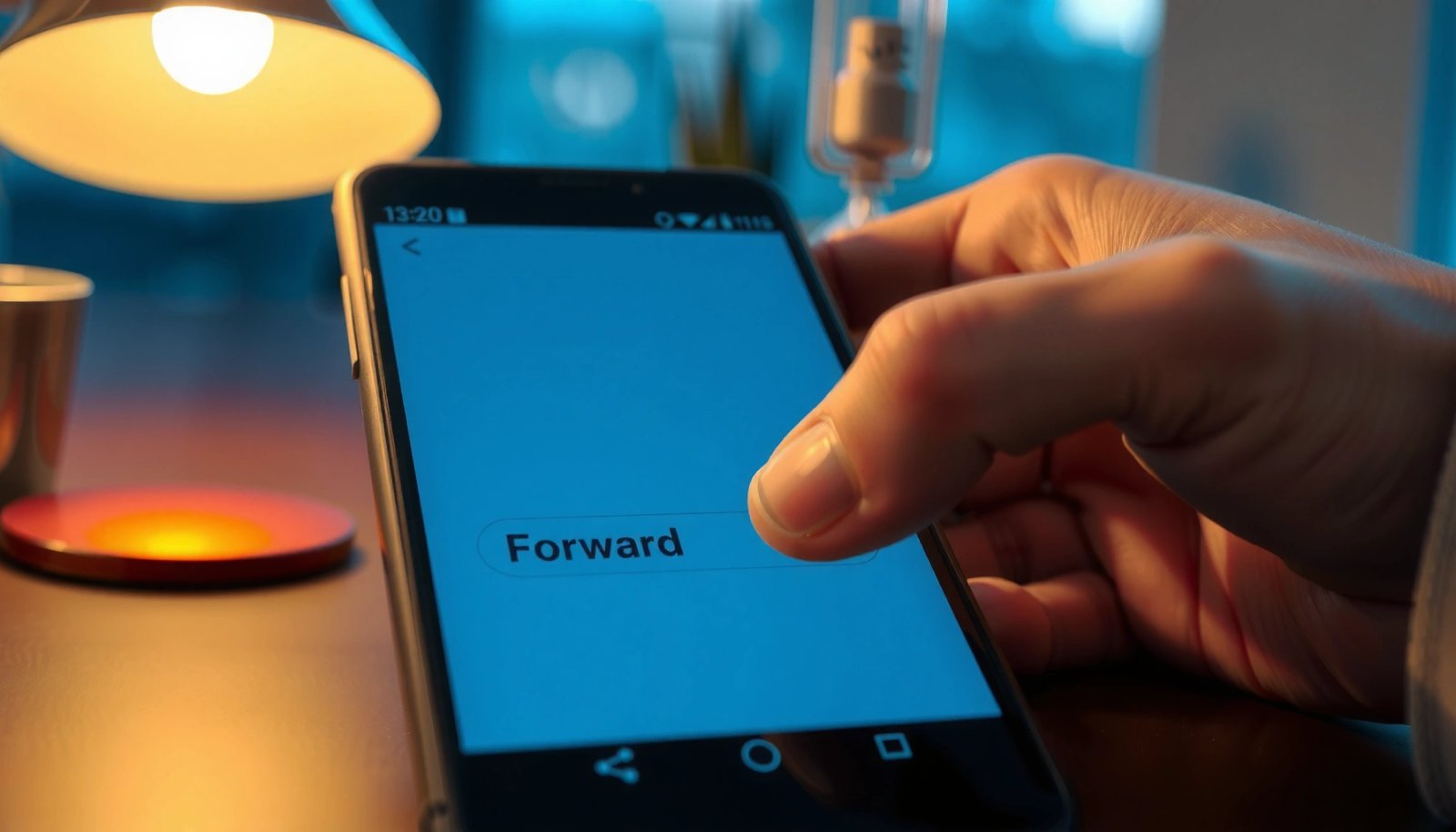
Want to forward a text on your Android phone? The fastest, most reliable method is to open the message thread, tap and hold the specific text (or message bubble), choose Forward, then select the contact and press Send. If you don’t see Forward, use the Copy option to paste the text into a new message—this...

How to Send Picture in Text Message on Android

Sending a picture in a text message on Android is easiest when you use your messaging app’s built-in attachment button rather than trying to copy-paste images. This guide shows the fastest way to attach a photo from your gallery or camera, send it in a single text thread, and troubleshoot the most common failures. By...

How to Send Text Message From iPhone to Android

Wondering how to send text message from iPhone to Android? The fastest, most reliable method is using a standard SMS/MMS plan so your messages deliver just like any other phone-to-phone text. If you don’t have cellular coverage or want richer features like read receipts, the winning alternative is iMessage-to-Android isn’t possible—so you’ll switch to third-party...

How Do You Like a Text on Android: Quick Steps

To like a text on Android, you’ll get the quickest, most reliable results by using the chat app’s built-in reactions (tap and hold the message, then choose Like/Reaction). If you’re in Google Messages, Facebook Messenger, WhatsApp, or similar apps, this is typically the fastest way to show approval without extra steps. This guide answers exactly...