Tag

text message settings

How to Stop Pop Up Text Messages on Android

Want to stop pop up text messages on Android? This guide gives you the fastest, most effective fix—turn off notifications for the right app, disable message pop-ups from your default messaging app, and silence chat heads or floating alerts where they’re coming from. You’ll be able to shut down those interruptions without missing important SMS...

How to Silence a Group Text on Android

Silence a group text on Android fast by muting the conversation in your Messages app—this is the clearest, most reliable way to stop alerts while keeping the chat intact. If you want the notification off entirely (not just fewer pings), the article walks you through the exact steps to disable message notifications for that specific...

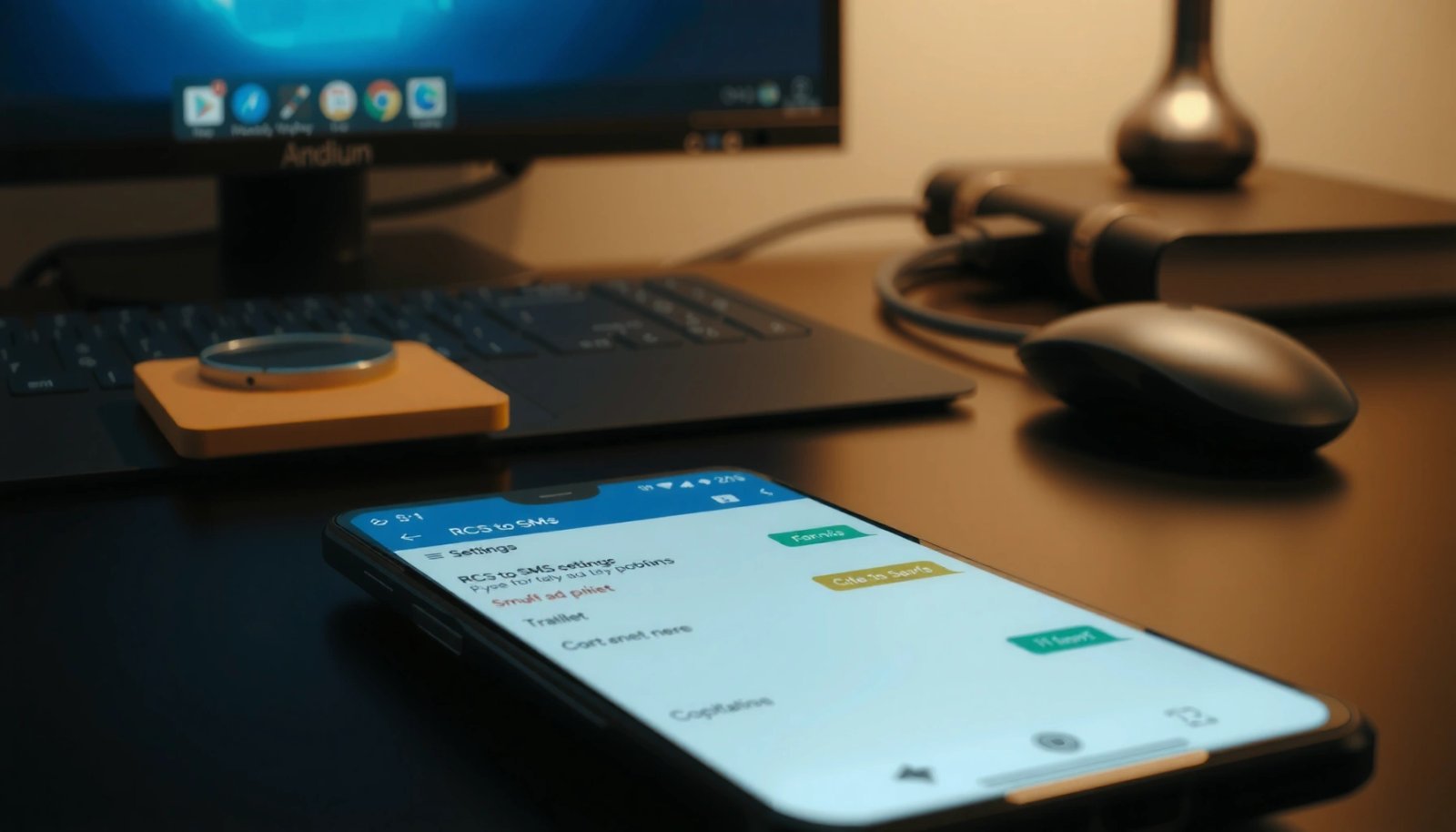
How to Change from RCS to SMS on Android

Changing from RCS to SMS on Android is usually fastest when you disable RCS messaging in your Google Messages settings. Follow the steps to force your phone to fall back to standard SMS so you can send texts to everyone reliably. If you’re stuck with RCS messages you can’t send or receive, this will tell...

How Do You Leave a Group Text Message on Android?

Need to know how to leave a group text message on Android? The fastest route is to stop the thread from taking your notifications—and, in many apps, to remove yourself from the conversation entirely. This guide shows exactly what to tap in the most common Android messaging apps so you can get out cleanly, without...