Tag

spell check

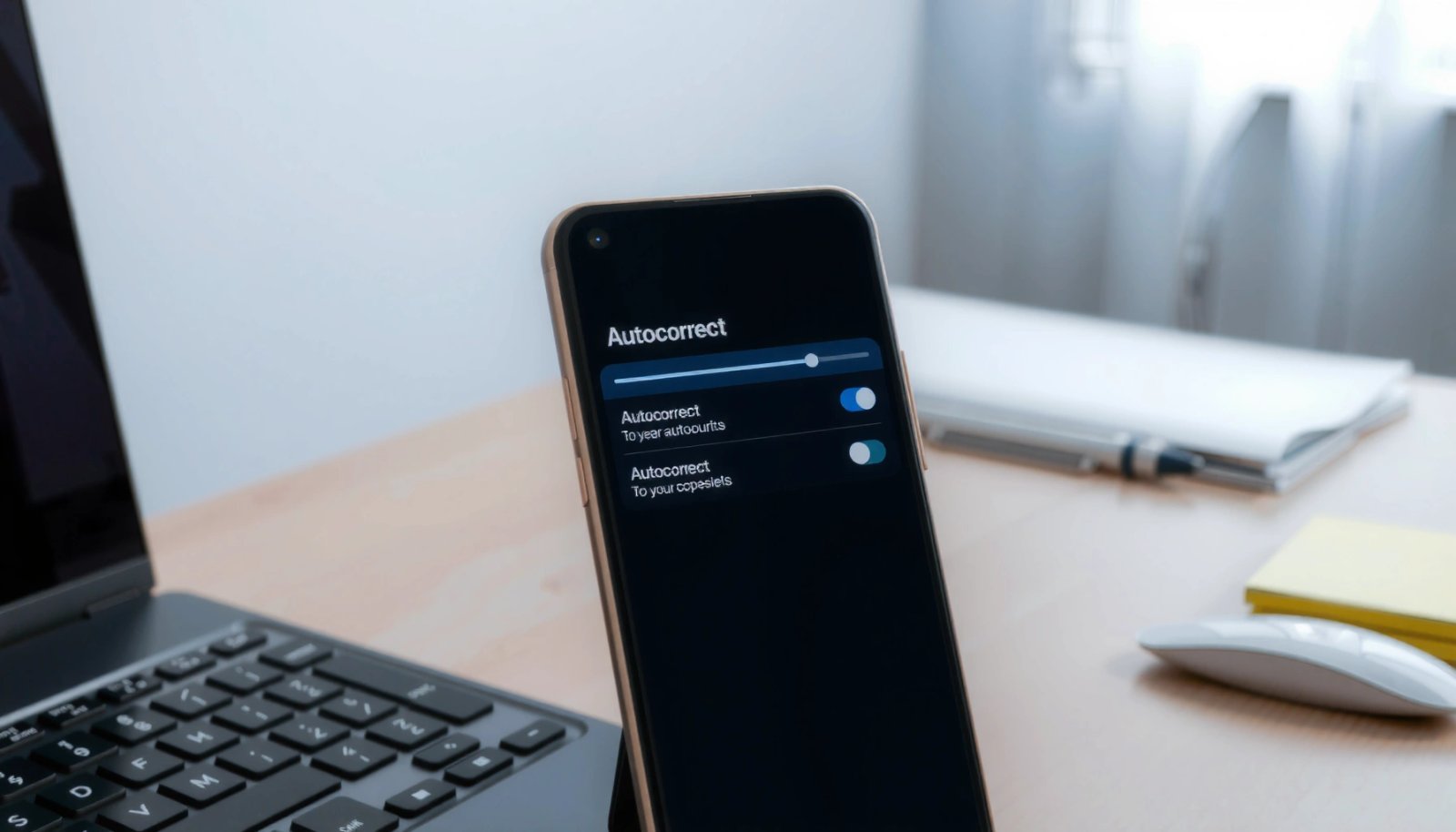
How to Turn On Autocorrect on Android

Want to know how to turn on autocorrect on Android? You can enable it quickly by switching the right settings inside your keyboard app (like Gboard or Samsung Keyboard) and adjusting the spelling or “Text correction” options. Follow the steps that match your keyboard for instant typo fixes as you type. Turn on autocorrect on...
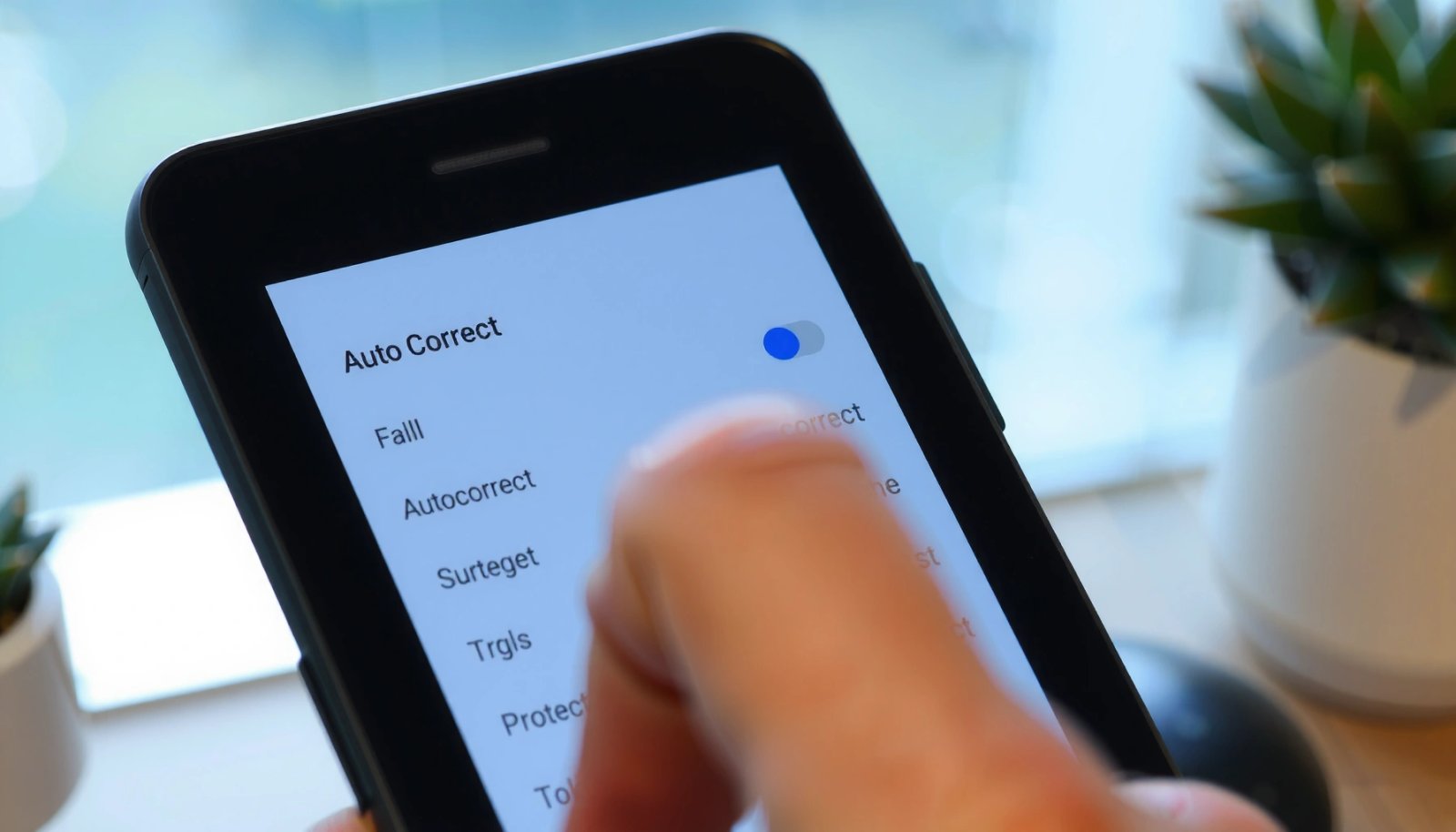
How to Turn Autocorrect On Android

Turn autocorrect on Android in minutes by following the quickest path to the right keyboard settings for your device and preferred keyboard. This guide walks you directly to the Autocorrect toggle in Gboard and other common keyboards, so you know exactly what to tap. By the end, you’ll have autocorrect enabled and working the way...

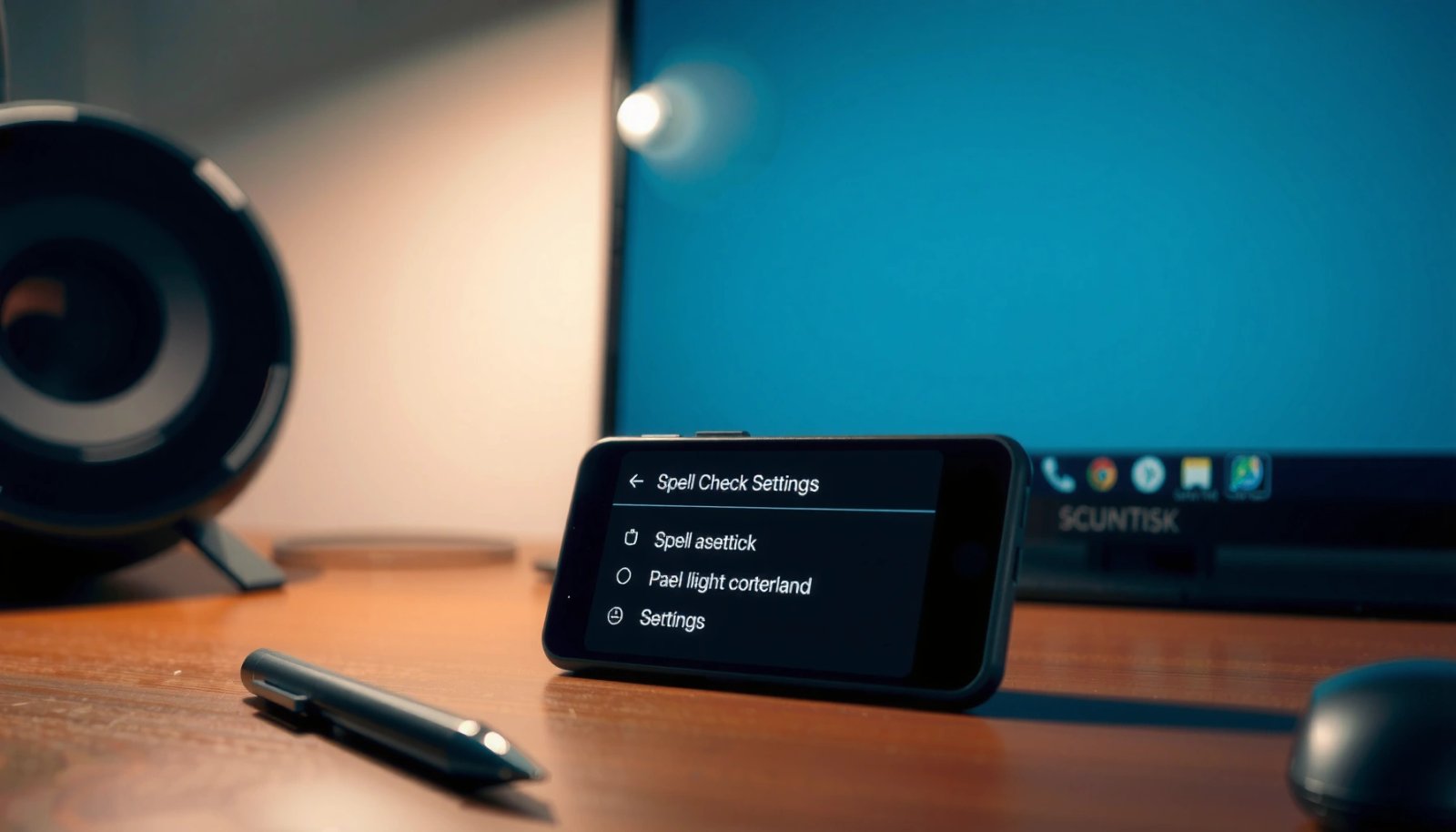
How to Turn on Spell Check on Android Phone

Need to turn on spell check on your Android phone? In most cases, you can enable it in your keyboard settings (Gboard or Samsung Keyboard) and get instant underlines for misspellings right away. Follow these steps to switch spell check on and confirm it’s working when you type. Spell check on Android is usually a...