Tag

speaker settings

How to Boost Volume on Android Phone: Quick Fixes & Settings

If you’re trying to boost volume on your Android phone, start with the quickest wins: raise the media volume (and make sure Volume Limit and Sound settings aren’t capping output). Most low-volume problems are fixed by adjusting the correct audio stream for your app—then disabling any “adaptive” or “protection” limits that reduce loudness. Follow these...
Where Is the Speaker on My Android Phone? Quick Guide

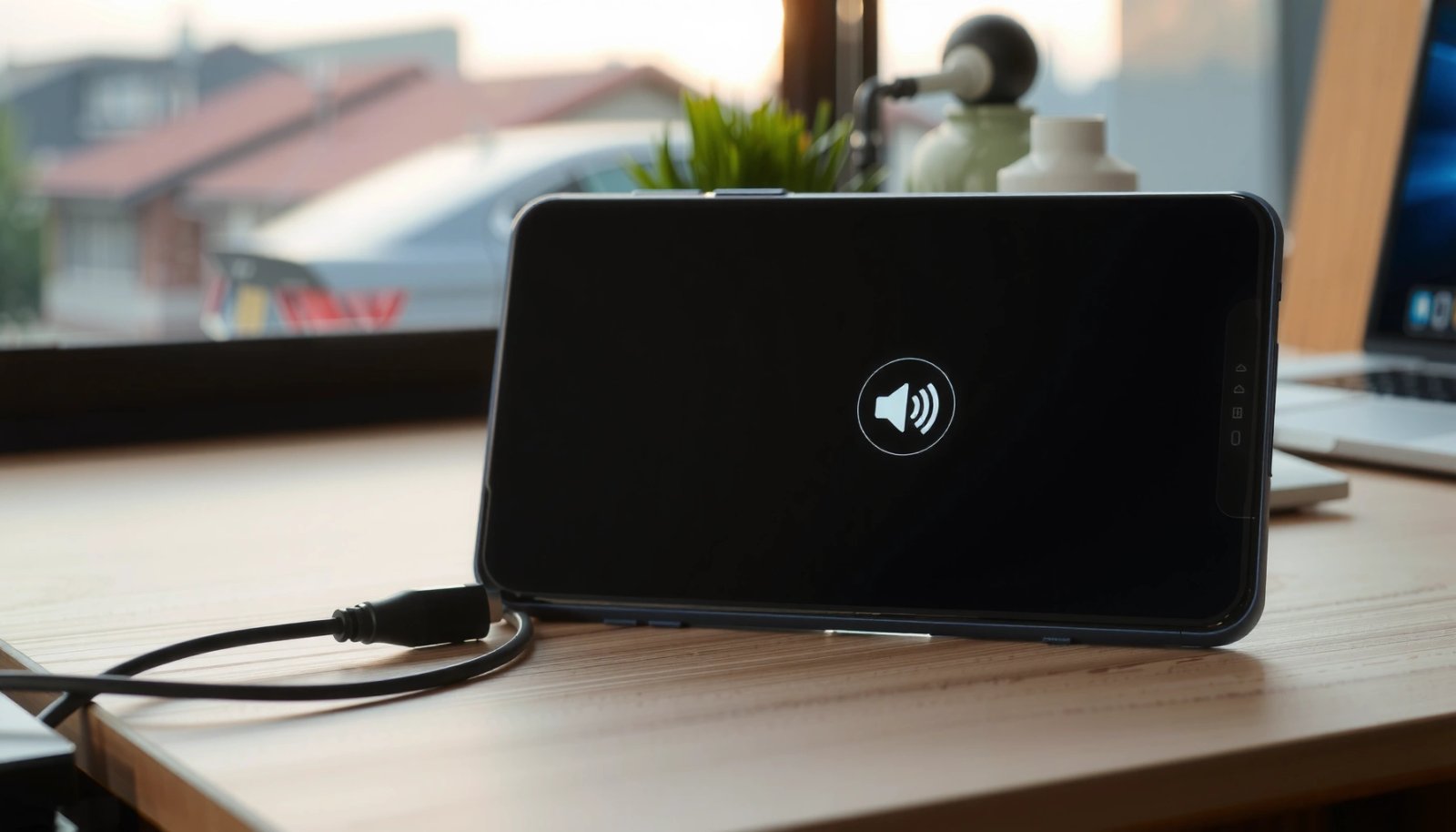
The speaker on your Android phone is almost always the earpiece at the top of the screen, next to the front camera and sensors. If you don’t hear sound there during calls, check the bottom for the main loudspeaker—especially for media playback and calls on speakerphone. This quick guide shows you exactly which one to...

How to Turn Volume Up on Android Phone: Quick Fix Steps

Need to turn volume up on your Android phone fast? This guide walks you through the quickest fix steps to raise your ringer, media, and notification volume without guesswork. If the buttons don’t respond or sound stays muted, you’ll learn exactly where to check and what to change to get audio working again. Turning volume...