Tag

SMS vs RCS

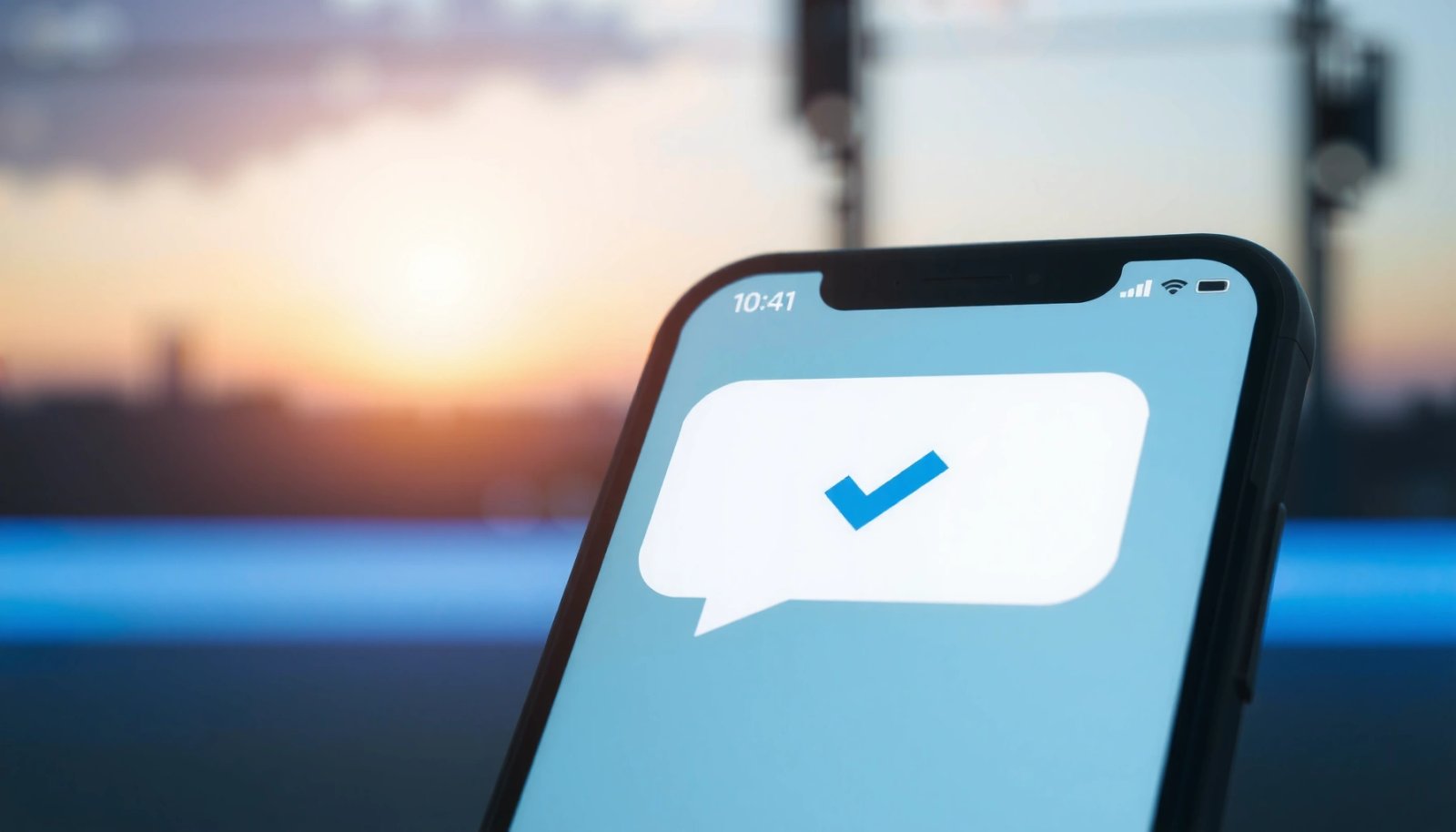
What Does Two Check Marks Mean on Android Text?

Two check marks on Android text most commonly mean your message was delivered to the recipient’s phone, not just sent. If the recipient uses the service’s read receipts, those same ticks typically turn into two blue check marks when the message is actually read. You’ll know which one you’re seeing based on the color and...
What Does “Sent as SMS” Mean on Android?

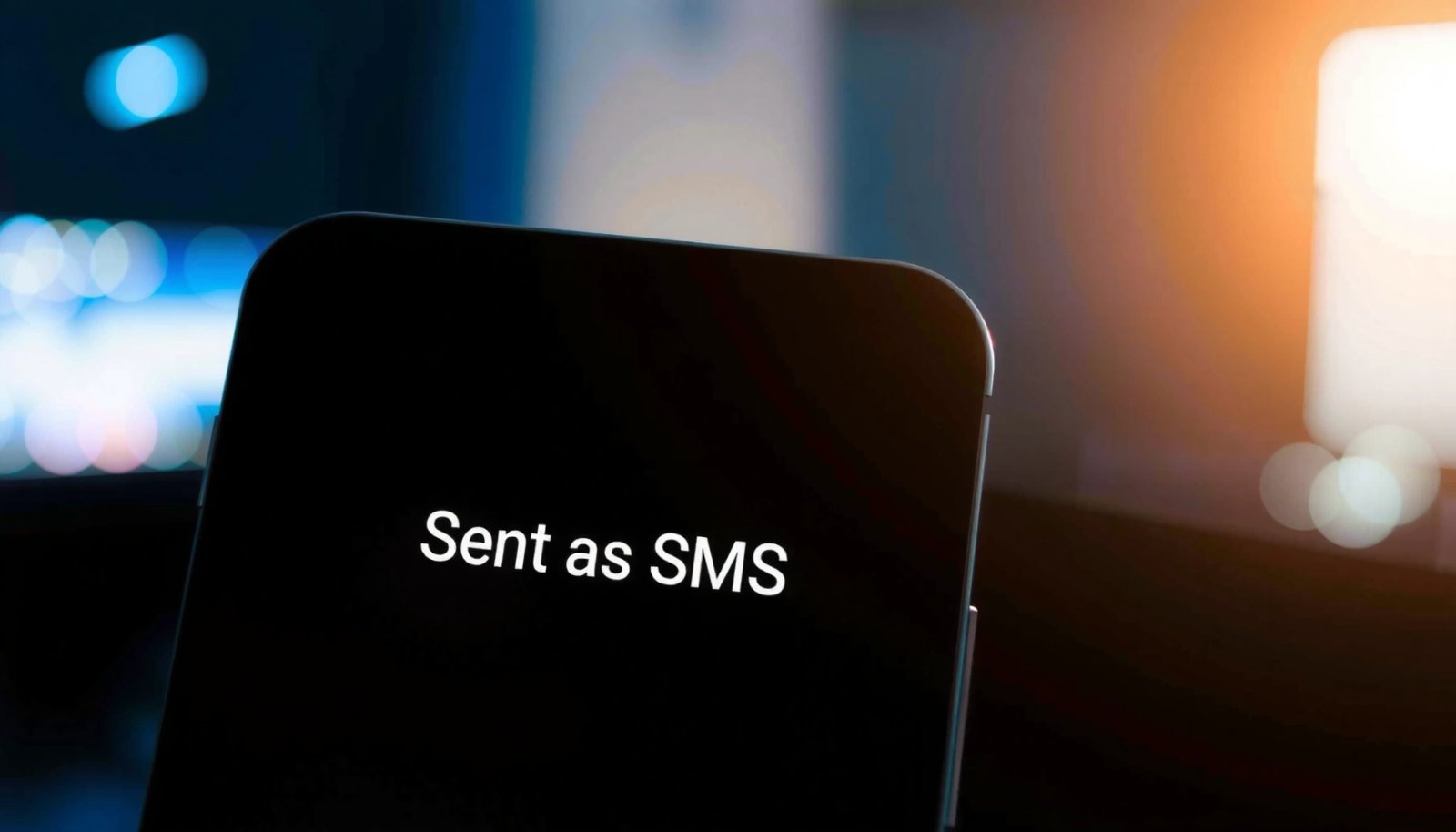
“Sent as SMS” on Android means your message couldn’t go out as a data-based text (like RCS) and the phone automatically fell back to the cellular Short Message Service. If you see it when texting, the message still sends successfully, but it may not include the richer features you’d get with RCS—such as read receipts...

How to Turn Off RCS on Android: Step-by-Step

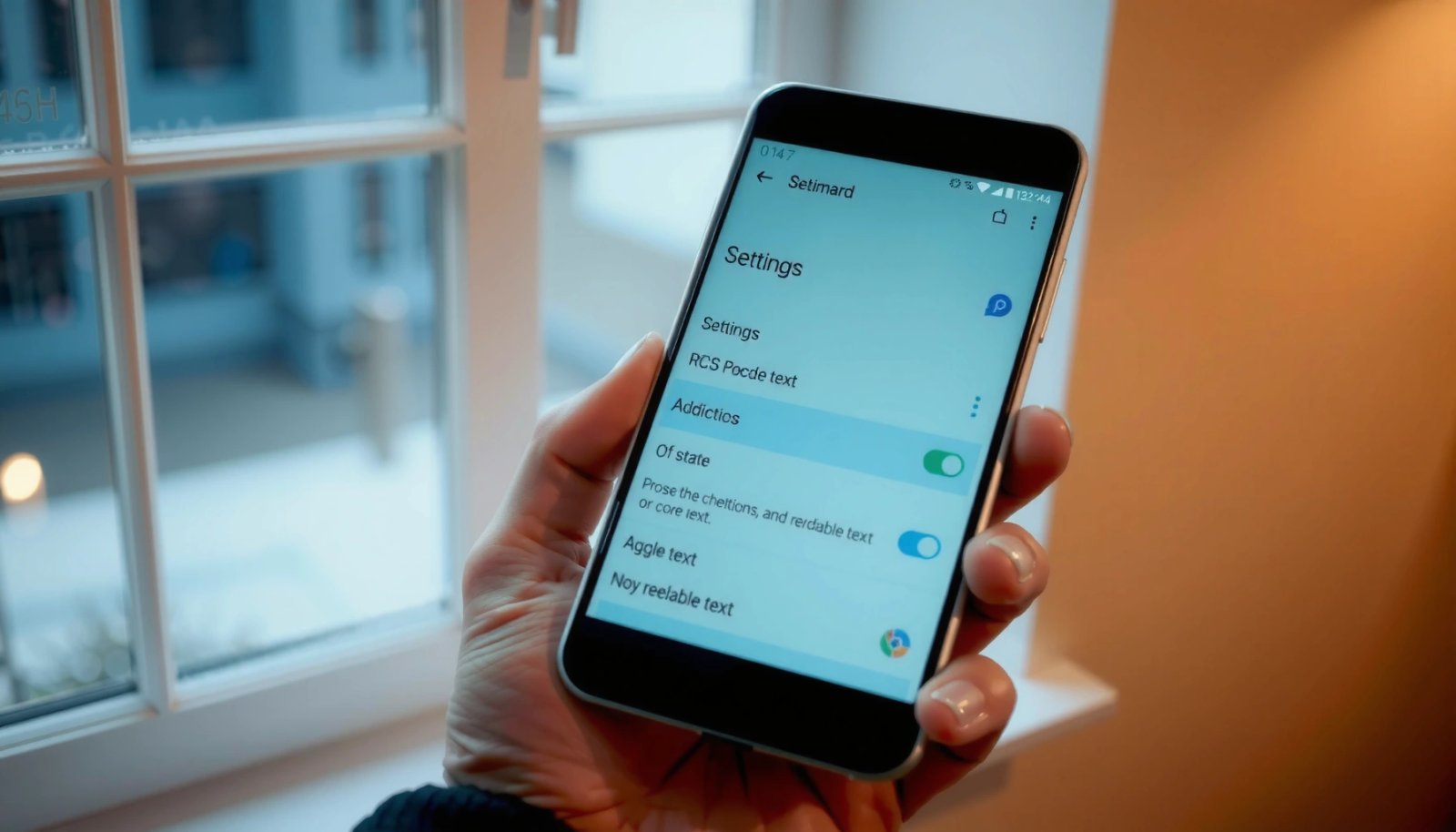
To turn off RCS on Android, you can disable it right in your Messages app settings and stop RCS features immediately. This step-by-step guide shows where the RCS toggle lives, what to tap based on your Android version, and how to confirm it’s fully turned off. If you’re trying to get back to plain SMS/MMS,...

How to Turn Off RCS Messaging on Android

Need to turn off RCS messaging on Android? This guide tells you the fastest way to disable RCS in Google Messages so your texts fall back to standard SMS/MMS immediately. Follow the steps that match your device and carrier, and you’ll stop read receipts, typing indicators, and message features tied to RCS. Turn off RCS...