Tag

screen recording

How to Record Video in Android Phone: Step-by-Step Guide

Want to record video in an Android phone without fumbling through settings? This step-by-step guide walks you through the fastest way to start recording, switch modes like selfie or video quality, and save your clip correctly. You’ll finish with a reliable workflow you can use on any Android model. Recording video on an Android phone...

How to Record Without Holding the Button on Snapchat Android

Want to record on Snapchat for Android without holding the record button? This guide shows the exact fastest method to switch recording to a tap-and-lock workflow so your clip captures hands-free. If you’re trying to film uninterrupted video, follow these steps to get stable, repeatable recording in seconds. You can record hands-free on Snapchat for...

How to Record Internal Sound on Android: Step-by-Step

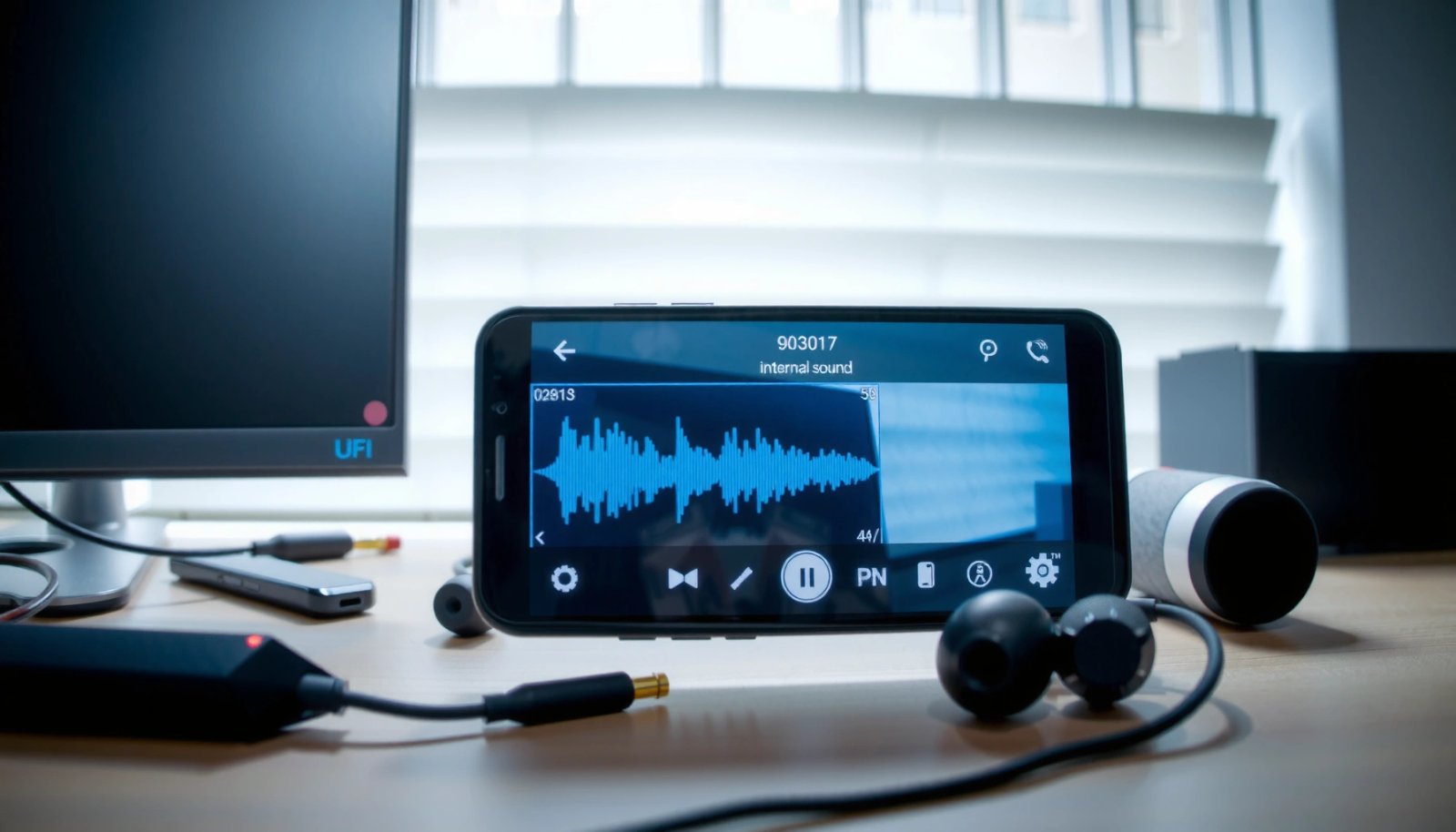
Want to record internal sound on Android, not the microphone—how do you do it? This step-by-step guide shows the fastest working method for capturing what your phone plays, with clear instructions for the setting and app you’ll need. By the end, you’ll know exactly how to record internal audio and where to find the file....

How to Remove Recording Icon From Android Phone

Want to remove the recording icon from your Android phone? If you see it even after you stop using the mic, the fix is usually shutting off the app that’s still recording and clearing its mic permission or background activity. You’ll also learn the quick checks in the status bar and privacy indicators that pinpoint...

How to Record Audio From YouTube on Android

Recording audio from YouTube on Android is fastest and most reliable when you use a dedicated audio-recording app plus Android’s built-in audio-capture permissions. This guide tells you exactly how to capture YouTube playback cleanly—whether you need system audio only or microphone + playback—so you get usable audio without constant trial and error. If you want...

How to Screen Record on Android

To screen record on Android, the built-in screen recorder is the best option on most phones because it’s faster, safer, and already integrated into Quick Settings. If your device doesn’t include it or you need advanced controls like higher-quality capture or internal audio options, a third-party app is the better choice. This guide answers exactly...

How to Record WhatsApp Calls on Android (Step-by-Step)

Want to record WhatsApp calls on Android step by step? For most people, the fastest reliable route is using built-in Android screen recording or call-recording apps configured correctly—then saving the audio file in a usable format. This guide walks you through the exact settings and workflow to capture the call without guesswork. To record WhatsApp...

How to Record Screen With Android: Step-by-Step Guide

You can record screen with Android fast using the built-in Screen Recorder or, if you need more control, a reliable third-party app—either way, you’ll know exactly what to tap and where. This step-by-step guide walks you through setting up audio, choosing what’s captured, and saving the recording in the right format. By the end, you’ll...