Tag

samsung internet

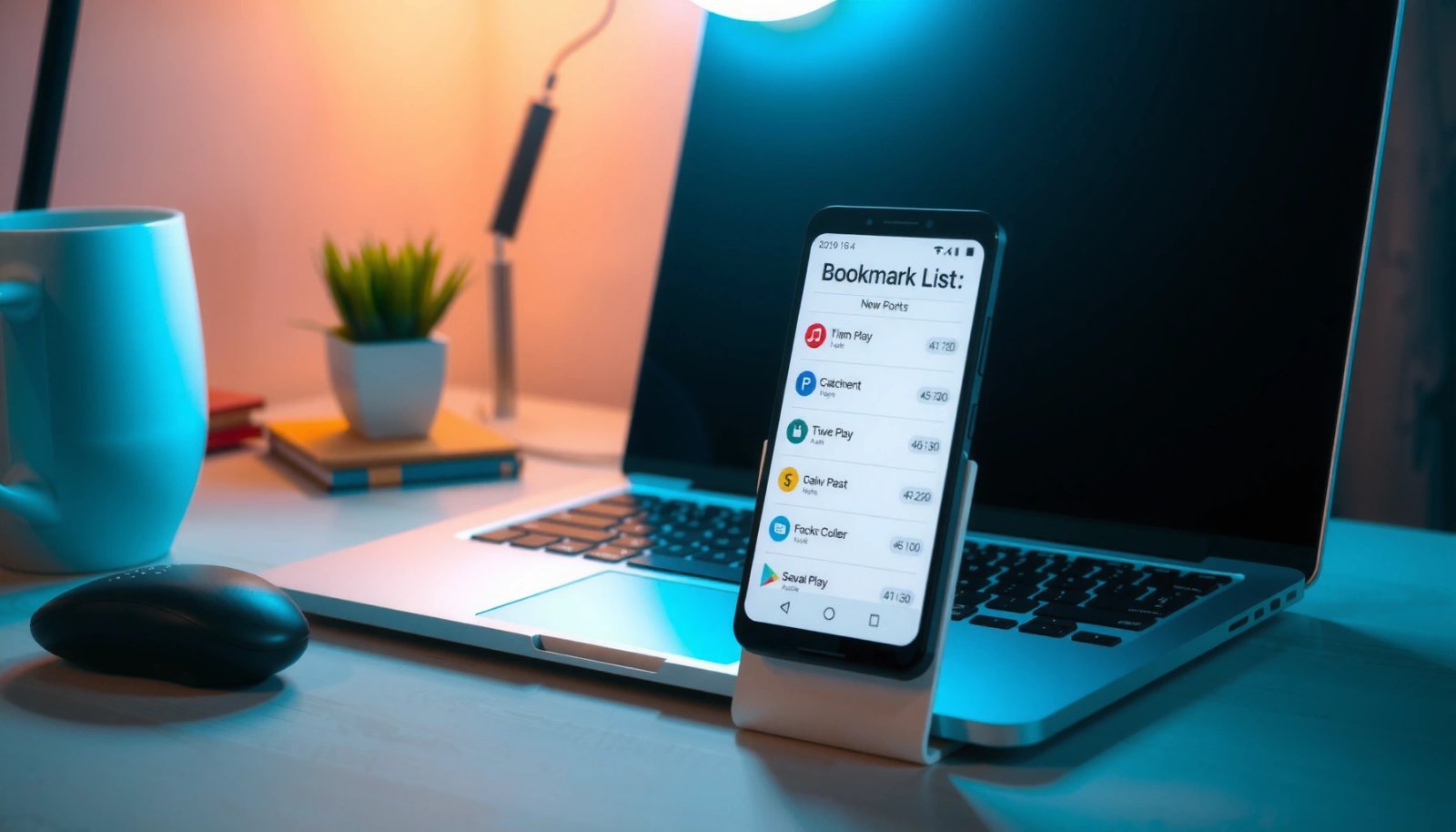
How to Find Bookmarks on Android: Easy Steps

Find your bookmarks on Android fast by opening the right browser menu and tapping the Bookmark or Favorites tab—the quickest path depends on whether you use Chrome, Samsung Internet, Firefox, or another browser. This guide shows exactly where bookmarks live, how to view your saved pages, and what to do when they don’t appear. You’ll...
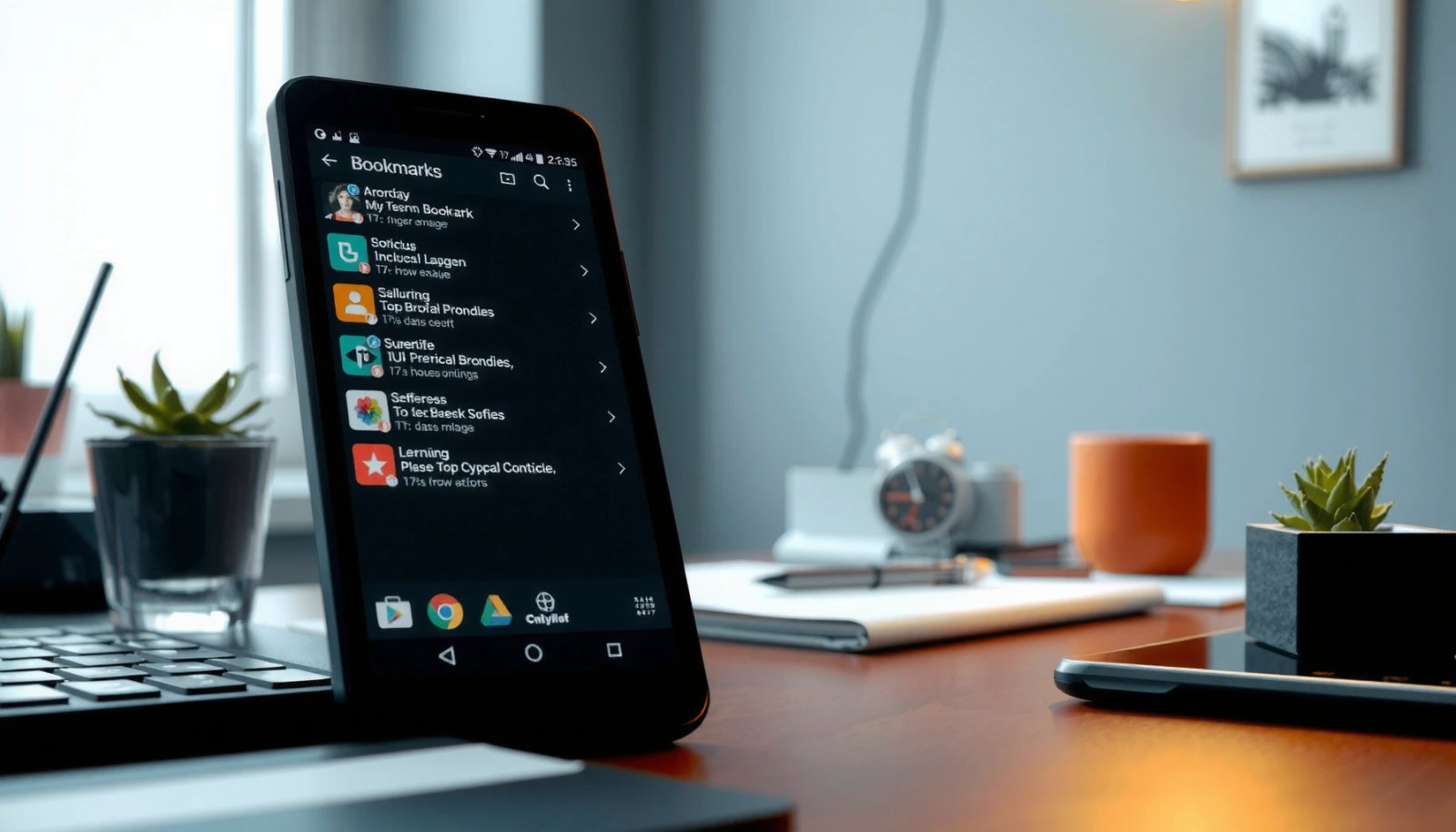
Where Do I Find Bookmarks on My Android? Quick Locations

Find your Android bookmarks fast by checking Chrome’s Bookmark Manager first—it's usually the quickest place. On Chrome, tap the three dots, choose Bookmarks, and your saved pages appear instantly. If you used another browser, the bookmark location shifts, so you’ll want the exact steps for your app to be sure you’re looking in the right...

How Can I Close Tabs on My Android Phone?

Want to close tabs on your Android phone? The quickest method is to use your browser’s tab switcher to swipe away all open tabs or tap the close (X) on each one, which immediately clears them. If you want the fastest single action, look for “Clear all” in the tab overview and confirm to shut...