Tag

read receipts

How to Turn Read Receipts Off on Android

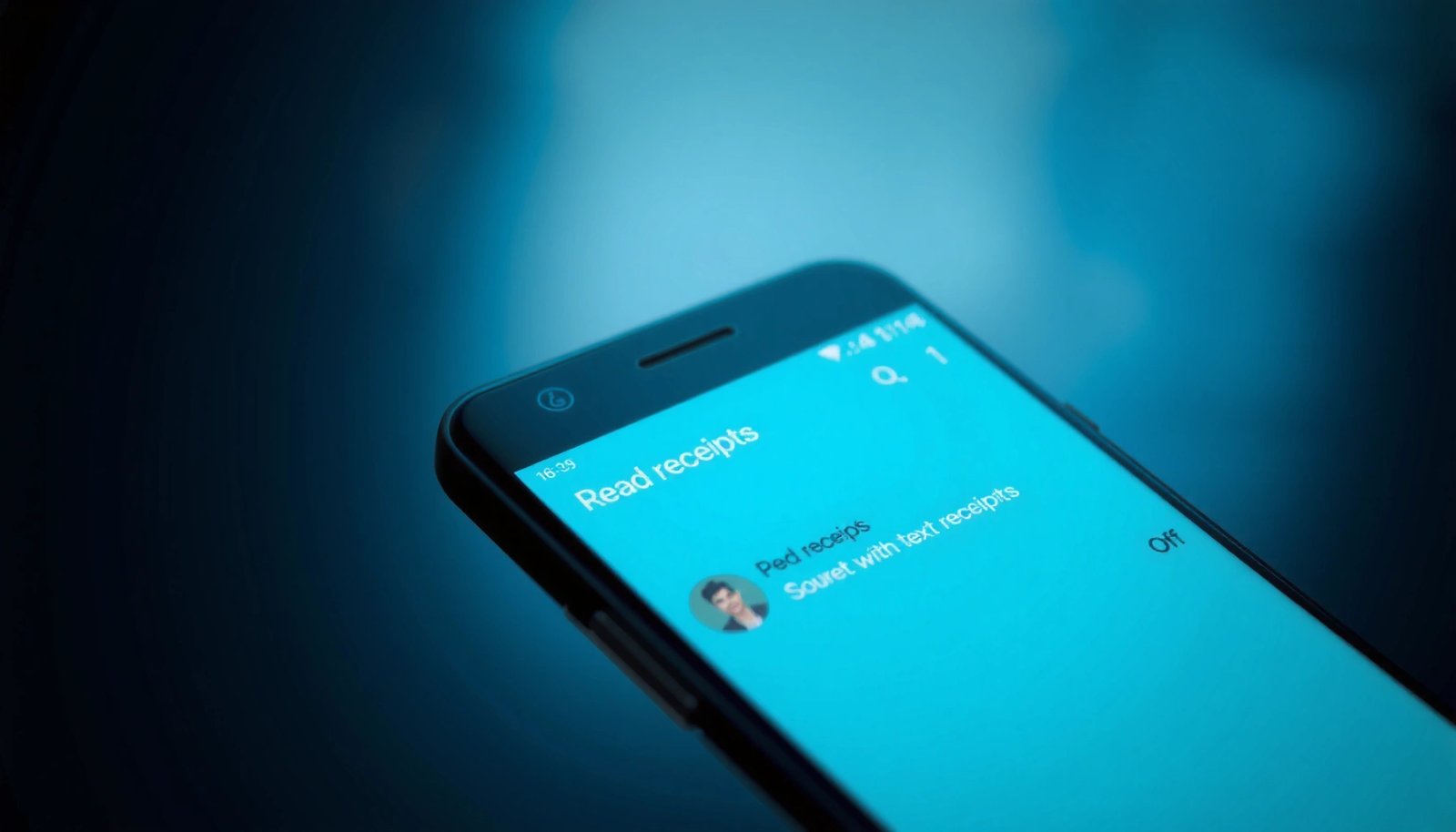
Need to turn read receipts off on Android? This guide gives you the fastest path to stop message read notifications on the apps that actually support them. Follow the exact steps for your messaging service, and you’ll regain control over whether others can see when you’ve read their messages. You can turn read receipts off...

What Does the Double Check Mean on Android Messages?

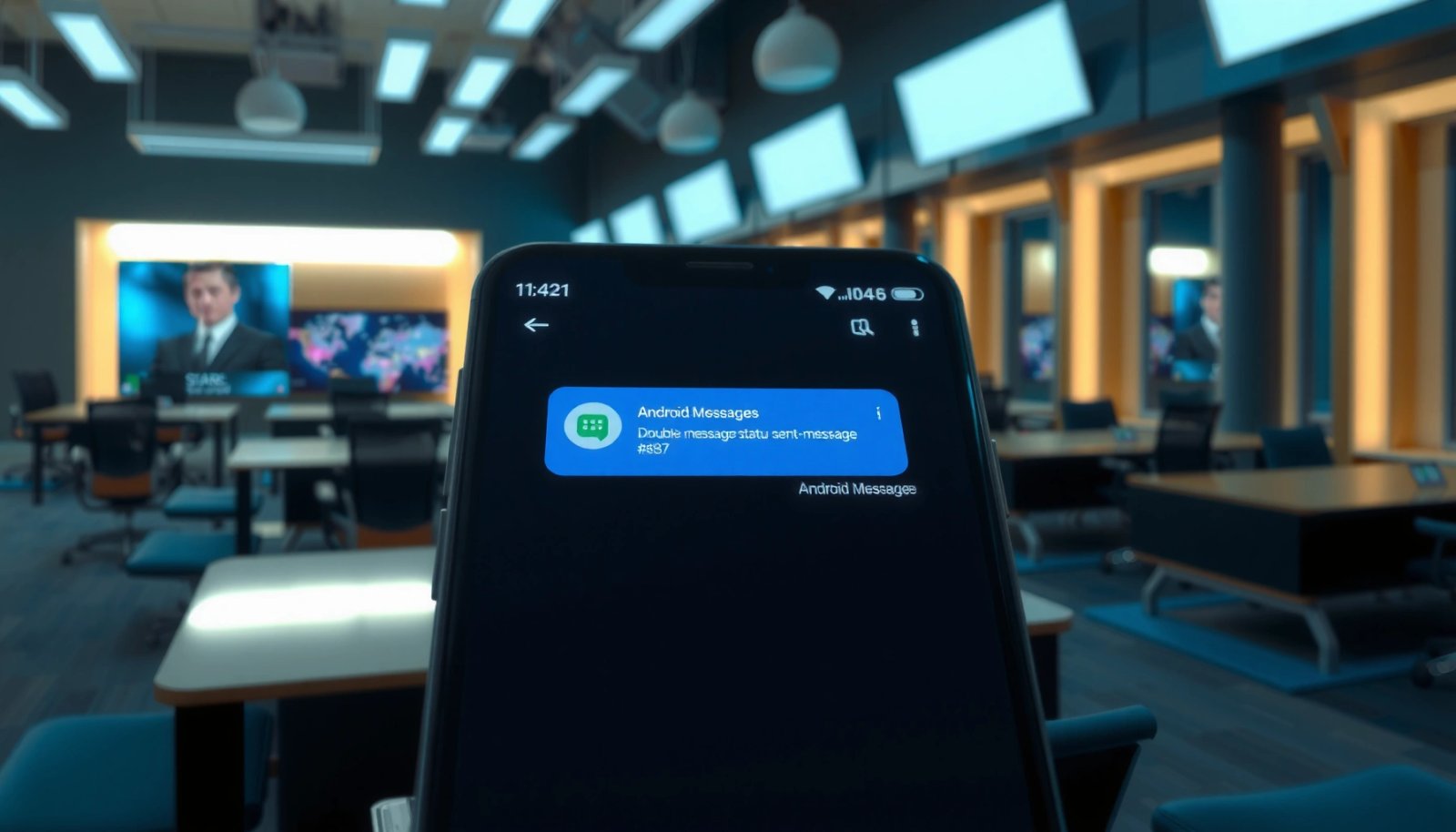
The double check on Android Messages means your text has been sent and delivered to the recipient’s phone—showing that it reached their device, not just your carrier. If you also see a second check that turns from empty to filled, delivery is confirmed; if it stays as a single check, it hasn’t been delivered yet....

How to Tell If Text Message Was Delivered on Android

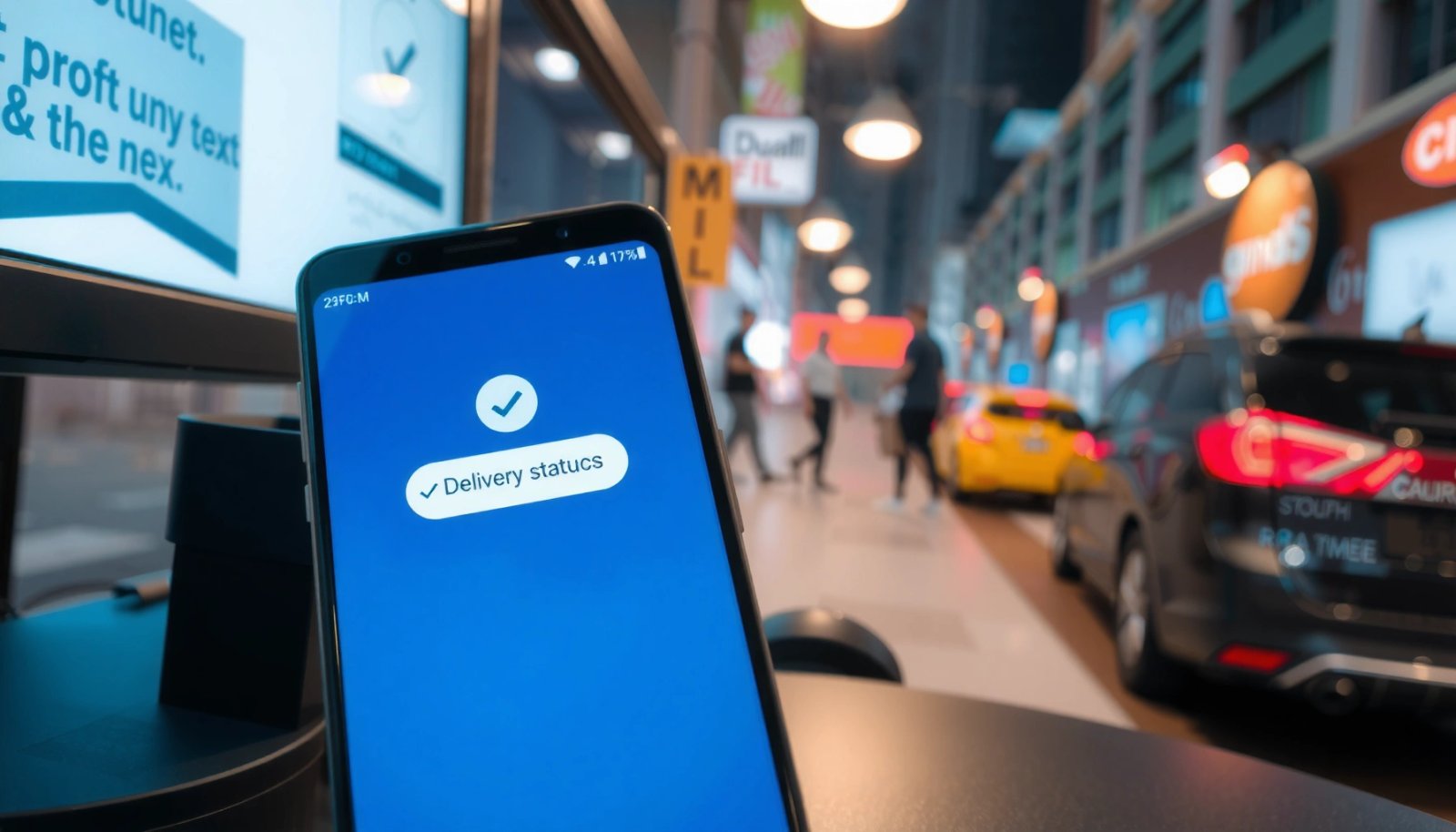
Wondering how to tell if a text message was delivered on Android? If you want the quickest, most reliable answer, check the message status indicators in your default messaging app: Delivered means it reached the recipient’s phone, while Sent (with no Delivered) means it hasn’t. If you don’t see a Delivered update, the message may...

How to Tell if Someone Read Your Text on Android

You can tell if someone read your text on Android, but only when your messaging app supports delivery and read receipts. If you’re using Google Messages or a chat service like WhatsApp/Telegram (with read receipts enabled), you’ll see the “Read”/“Seen” status that confirms the message was opened. Without those receipts, Android can only show delivered—not...

What Does the Double Check Mark Mean on Android?

The double check mark on Android means your message has been delivered to the recipient’s device—specifically, it has reached the chat, not just left your phone. If you also see the second check (the “delivered” state), it confirms the app successfully sent it through the recipient’s network. If you see only one check, the message...