Tag

network troubleshooting

Can’t Send Text Over WiFi on Android: Fixes and Troubleshooting

Can’t send text over WiFi on Android? If your SMS/MMS won’t go through while connected to Wi‑Fi, the fastest fix usually comes from resetting the messaging app and disabling Wi‑Fi calling or chat features that conflict with carrier routing. Then we’ll walk through the most common triggers—data permissions, APN/Wi‑Fi settings, and network cache—so you can...
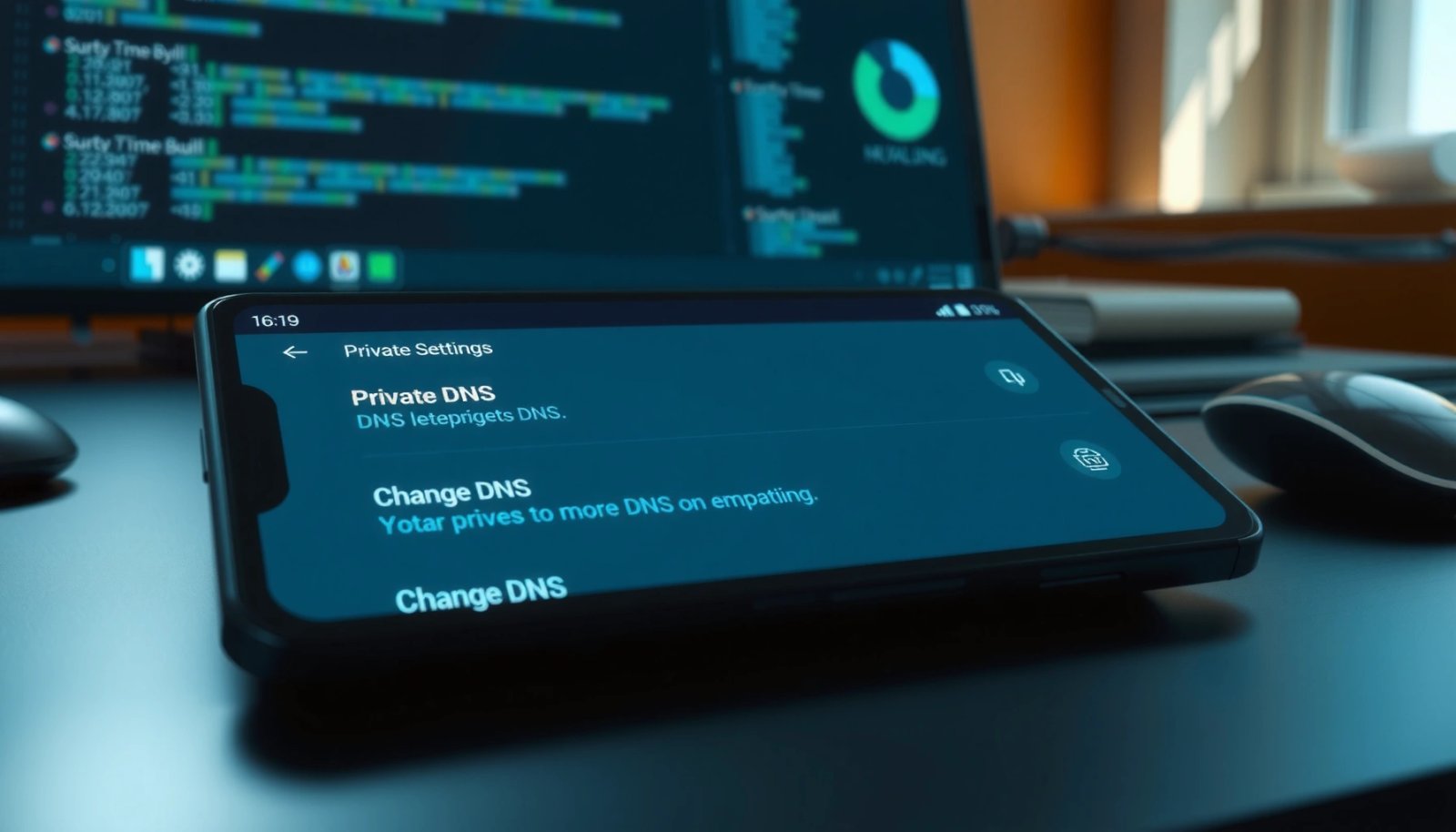
How to Change DNS on Android: Step-by-Step Guide

Want to change DNS on Android and get faster, more reliable browsing? This step-by-step guide walks you through the exact settings to use—on both private DNS and per-network configurations—so you can switch DNS in minutes. Follow it and you’ll have the new DNS applied immediately, with the quickest path to verification and fixes if it...

Can’t Contact Gateway From Android Apps: Fix Connectivity Issues

Can’t contact gateway from Android apps? Here’s the quickest path to diagnose and fix the exact connectivity failures—DNS, TLS/SSL handshake, ports, firewall/NAT, and network security config—that keep your app from reaching the gateway. If you’re blocked by “gateway unreachable” or timeouts, this guide delivers the most likely root cause first and the fastest correct fix....

Why Is My Android Not Receiving Texts From iPhones?

If your Android isn’t receiving texts from iPhones, the culprit is almost always a missing or misconfigured SMS/MMS path tied to carrier settings or blocked iMessage-based formatting. You’ll get a clear fix sequence that tells you exactly what to check—APN/MMS settings, text message forwarding, and whether iPhone senders are actually using SMS. Follow those steps...

How to Change Android WiFi to 2.4 GHz

Want to change your Android Wi‑Fi to 2.4 GHz? This guide walks you through the exact steps to switch your phone from 5 GHz to 2.4 GHz so you can connect to compatible routers and extend range. Follow it and you’ll be on the 2.4 GHz network in minutes—when 5 GHz isn’t working, this is...

What is Android CaptivePortalLogin? (Explained Simply)

Android CaptivePortalLogin is Android’s mechanism for detecting and handling captive portals—those login pages hotels, airports, and Wi‑Fi networks force you to accept—so your device can reach the internet after authentication. If you’re trying to understand why it appears, what it does, and when it triggers, this is the straightforward explanation. You’ll leave knowing exactly what...

How to Ping from Android: Step-by-Step Guide

Learn how to ping from Android with a step-by-step method that works reliably on most devices—no guesswork, no fragile workarounds. This guide walks you through choosing the right app or built-in tool, running the ping command, and interpreting the results so you can confirm whether a host is reachable. If your goal is to test...

Should Wi‑Fi Calling Be On or Off on Android? Best Settings

Should Wi‑Fi calling be on or off on Android? Turn Wi‑Fi calling on when you make calls or text over spotty cellular coverage, because it can deliver more reliable connections and better voice quality. Keep it off if your Wi‑Fi is unstable, you frequently switch networks, or your carrier support for Wi‑Fi calling is limited....