Tag

mute notifications

Can I Leave a Group Chat on Android? (Yes, Here’s How)

Yes—you can leave a group chat on Android, and the steps are straightforward once you know which app you’re using. If you’re on Google Messages, WhatsApp, or Facebook Messenger, you’ll find the “Leave/Exit group” option in the group info menu. Keep reading to get the exact taps to step out without guessing. Yes—you can usually...

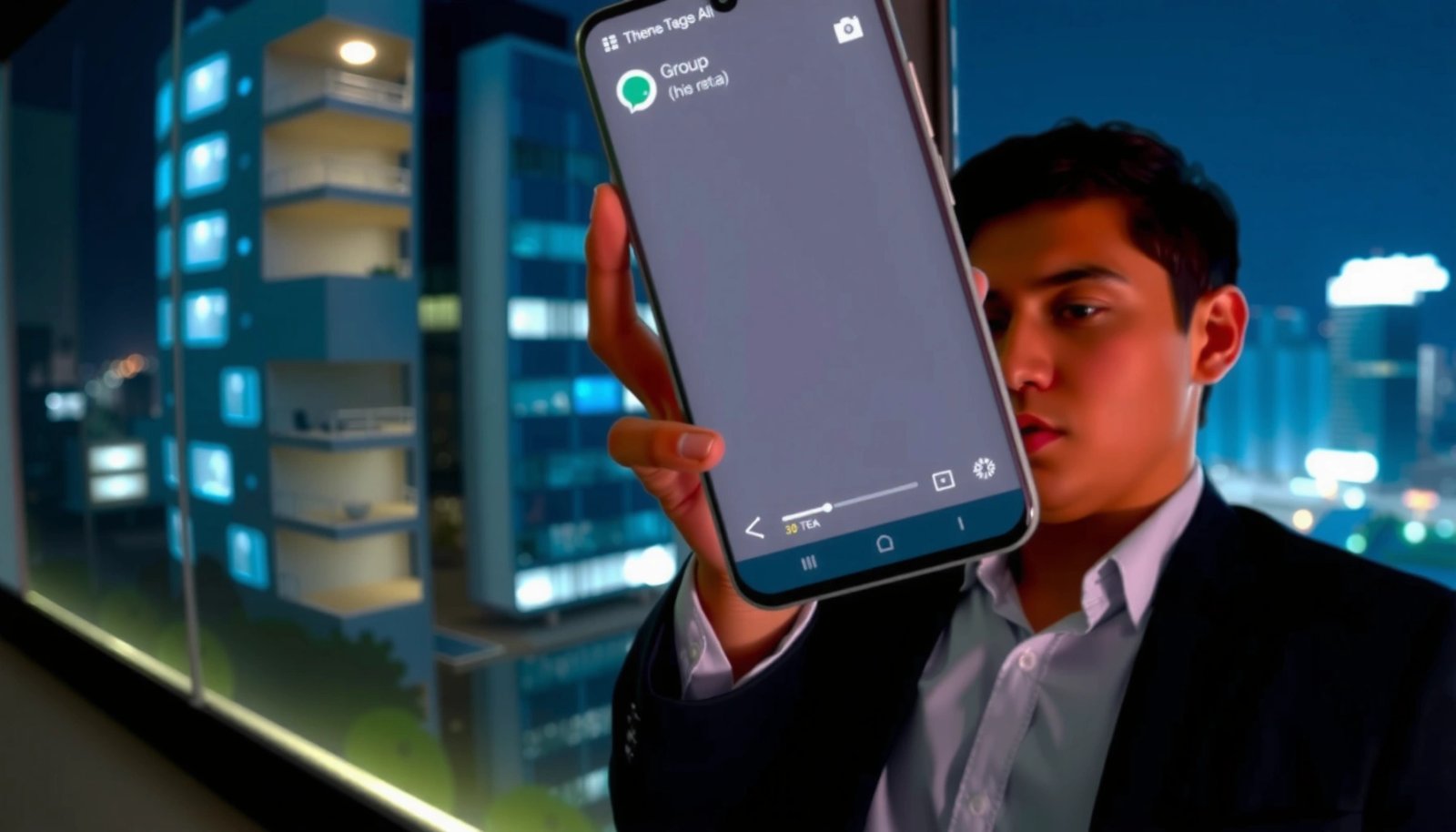
How to Get Out of a Group Text on Android

Want to get out of a group text on Android? If you’re on Android’s default Messages app, this guide shows the fastest way to leave a group conversation—without guessing menus or settings. For group chats you can’t leave, it explains the practical workaround so your phone stops buzzing immediately. Leaving a group text on Android...

How to Delete Yourself from a Group Text on Android

Want to delete yourself from a group text on Android? If you’re on Google Messages or Samsung Messages, you can remove yourself quickly by opening the conversation, tapping the group details, and choosing Leave/Remove from the menu. This guide shows the exact taps that apply to your phone and what to do when Android limits...

How to Turn Off Sounds on Android Phone: Quick Steps

Want to turn off sounds on your Android phone fast? This guide walks you through the quickest reliable settings—silent mode, media volume, and notification controls—so your phone stops ringing and alerting immediately. You’ll get the exact taps to mute sounds without breaking alarms or calls, depending on what you’re trying to silence. Silencing sounds on...

How to Silence a Group Text on Android

Silence a group text on Android fast by muting the conversation in your Messages app—this is the clearest, most reliable way to stop alerts while keeping the chat intact. If you want the notification off entirely (not just fewer pings), the article walks you through the exact steps to disable message notifications for that specific...

How Do You Turn Pandora Off on Android?

Want to turn Pandora off on Android? The fastest way is to close the app and stop background playback from Settings, not just pause the track. Follow the steps that match how you’re listening—through the app, via Bluetooth, or with screen off—to fully silence Pandora and prevent it from restarting. To turn Pandora off on...